
Mitsubishi GS2107-WTBD HMI | 7-Inch Touch Screen 24VDC SEO Title 2 (≤65 chars):
Introduction:
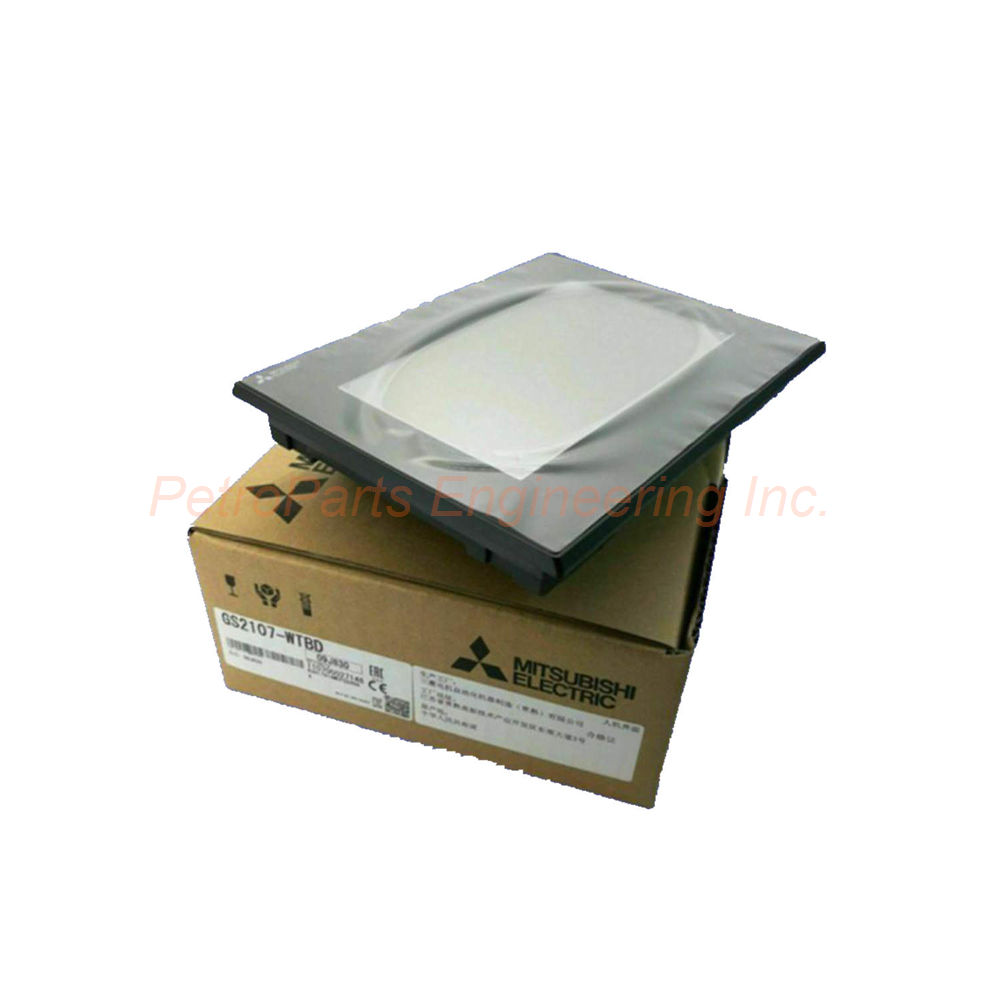
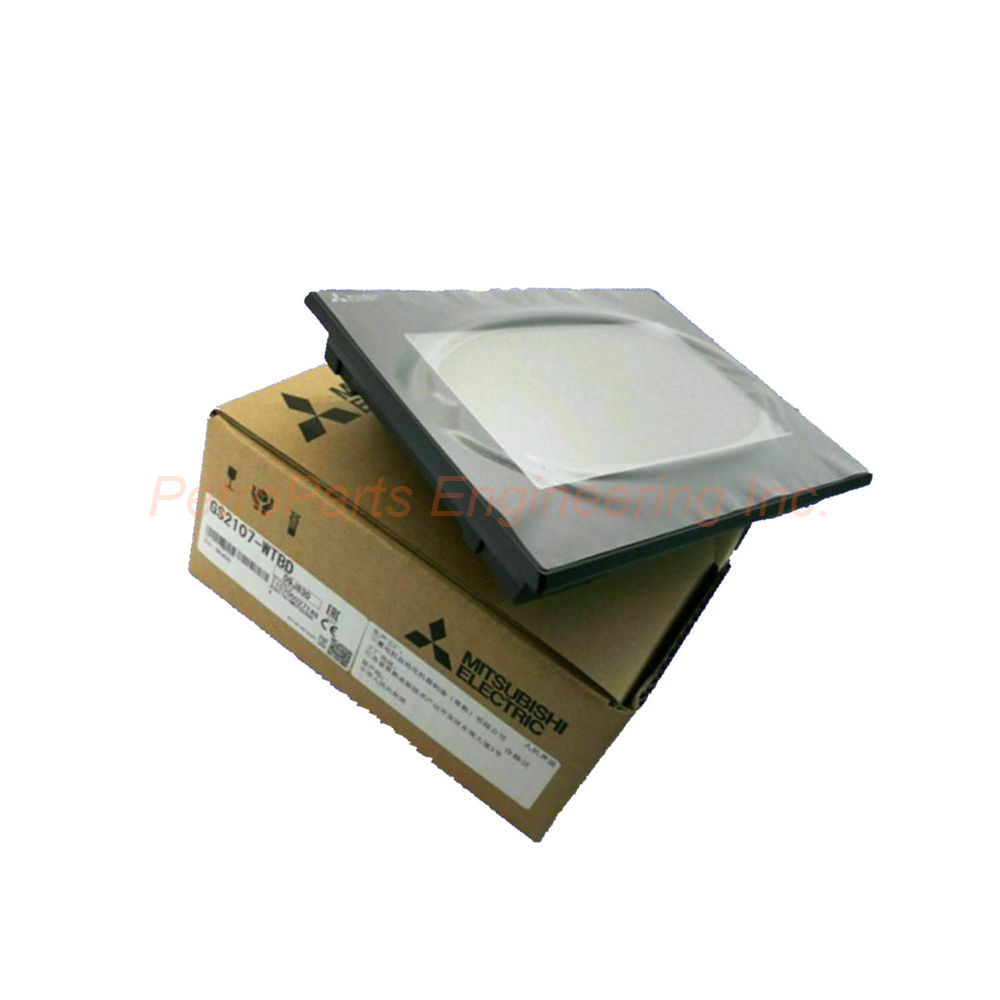
The Mitsubishi GS2107-WTBD is a high-performance graphic operation terminal. It features a 7-inch TFT color display with touchscreen control. This HMI is perfect for machine control and process monitoring.
 Customer Reviews
UBEST Automation – Trusted Global Automation Parts Supplier
We offer a wide range of in-stock industrial automation spare parts. All products come with a 12-month warranty and a 30-day refund for quality issues.
Product Attributes:
Notice: For real-time prices and inventory, please click the button below to contact us.
Product Overview
The Mitsubishi GS2107-WTBD is a high-performance graphic operation terminal. It serves machine control, process monitoring, and data collection tasks. This HMI features a bright 7-inch TFT color display. The Mitsubishi GS2107-WTBD uses analog resistive film touch technology. It delivers precise and responsive user input for industrial environments. Users trust this terminal for reliable human-machine interface applications worldwide.
Technical Specifications
The GS2107-WTBD offers comprehensive HMI capabilities. Below are the complete technical details.
Display Specifications
Display Device: TFT color LCD for vivid visuals.
Screen Size: 7 inches diagonally for comfortable viewing.
Resolution: 800 x 480 pixels (WVGA) for sharp images.
Display Size (Width x Height): 154 mm x 85.9 mm (6.06 x 3.38 inches).
Display Format: Horizontal orientation for wide viewing.
Color Support: Displays 65536 colors for rich graphics.
Backlight Type: LED backlight for uniform brightness.
Backlight Replaceability: Not replaceable (integrated LED).
Touch Panel Specifications
Touch Panel Type: Analog resistive film technology.
Touch Sensitivity: Responds to finger or stylus input.
Durability: Resistive film withstands industrial use.
Precision: Offers accurate touch registration across the screen.
Memory and Storage
Memory Capacity: 9 MB of ROM for project and system storage.
Storage Expansion: SD card slot for additional memory.
Data Retention: Flash memory retains data without power.
Project Storage: Stores HMI projects and operating system files.
Power Specifications
Supply Voltage: 24 VDC nominal input.
Power Consumption: 6.5 watts maximum during operation.
Power Efficiency: Draws 6.5W or less from the 24VDC source.
Energy Performance: Remarkably efficient for a 7-inch color display.
Connectivity and Interfaces
Serial Interface 1: RS-422 for long distance communication.
Serial Interface 2: RS-232 for legacy device connections.
Ethernet Port: Standard RJ45 for network connectivity.
USB Port: For fast data transfer and programming.
SD Card Slot: Accepts SD cards for storage expansion.
Connectivity Purpose: Fosters seamless data exchange with controllers and PCs.
Physical Dimensions
Width: 206 mm for standard panel cutouts.
Height: 155 mm for compact installation.
Depth: 50 mm for shallow enclosure mounting.
Weight (without brackets): 0.9 kg (approximately).
Weight (with brackets): 1.50 lbs (0.68 kg).
Environmental Protection
Mounting Mode: Flush mounting for panel integration.
Degree of Protection (Front): IP67 rated for dust and water resistance.
Front Protective Framework: IP65F rated for rugged environments.
Ingress Protection: Resilient against dust and water ingress.
Operating Environment: Suited for harsh industrial conditions.
Additional Features
Integrated Buzzer: Provides customizable alert tones.
Programming Compatibility: Works with specific Mitsubishi software tools.
Data Visualization: Transforms data into stunning imagery.
Project Management: Streamlines project handling and data transmission.
Installation Guide
Follow these steps to install the Mitsubishi GS2107-WTBD correctly.
Prepare Panel Cutout: Cut a hole matching the terminal dimensions.
Insert the Terminal: Place the HMI through the panel opening from the front.
Secure Mounting Brackets: Attach the provided brackets from the rear side.
Connect Power Supply: Wire 24 VDC to the power terminals correctly.
Connect Communication Cables: Attach RS-422, RS-232, or Ethernet as needed.
Insert SD Card (Optional): Add an SD card for expanded storage.
Power On the Unit: Apply 24VDC and wait for the system to boot.
Download Project: Transfer your HMI project via USB or Ethernet.
Installation Notes
Ensure the panel cutout edges are smooth and burr-free.
Do not overtighten the mounting brackets.
Keep the terminal away from direct sunlight or heat sources.
Leave adequate space behind the unit for cables.
Packaging List
This unit ships as a new and original product.
Mitsubishi GS2107-WTBD Graphic Operation Terminal
Mounting brackets for panel installation
Power connector plug
Product quick start guide
Factory sealed anti-static packaging
Frequently Asked Questions (FAQ)
1. Can I replace the LED backlight on the GS2107-WTBD?
No, the Mitsubishi GS2107-WTBD has an integrated LED backlight that is not replaceable. The entire unit requires replacement if the backlight fails.
2. What communication protocols does this HMI support?
The GS2107-WTBD supports RS-422, RS-232, and Ethernet connections. It communicates with Mitsubishi PLCs and many third-party controllers.
3. Is the front panel resistant to water and dust?
Yes, the front panel carries an IP67 rating for water and dust resistance. It also meets IP65F standards for rugged industrial environments.
4. How much memory is available for my HMI project?
The Mitsubishi GS2107-WTBD provides 9 MB of ROM for project storage. You can also expand storage using an SD card.
5. What software do I need to program this terminal?
You need Mitsubishi's GT Designer3 or compatible programming software. Contact Mitsubishi technical support for specific version requirements.