
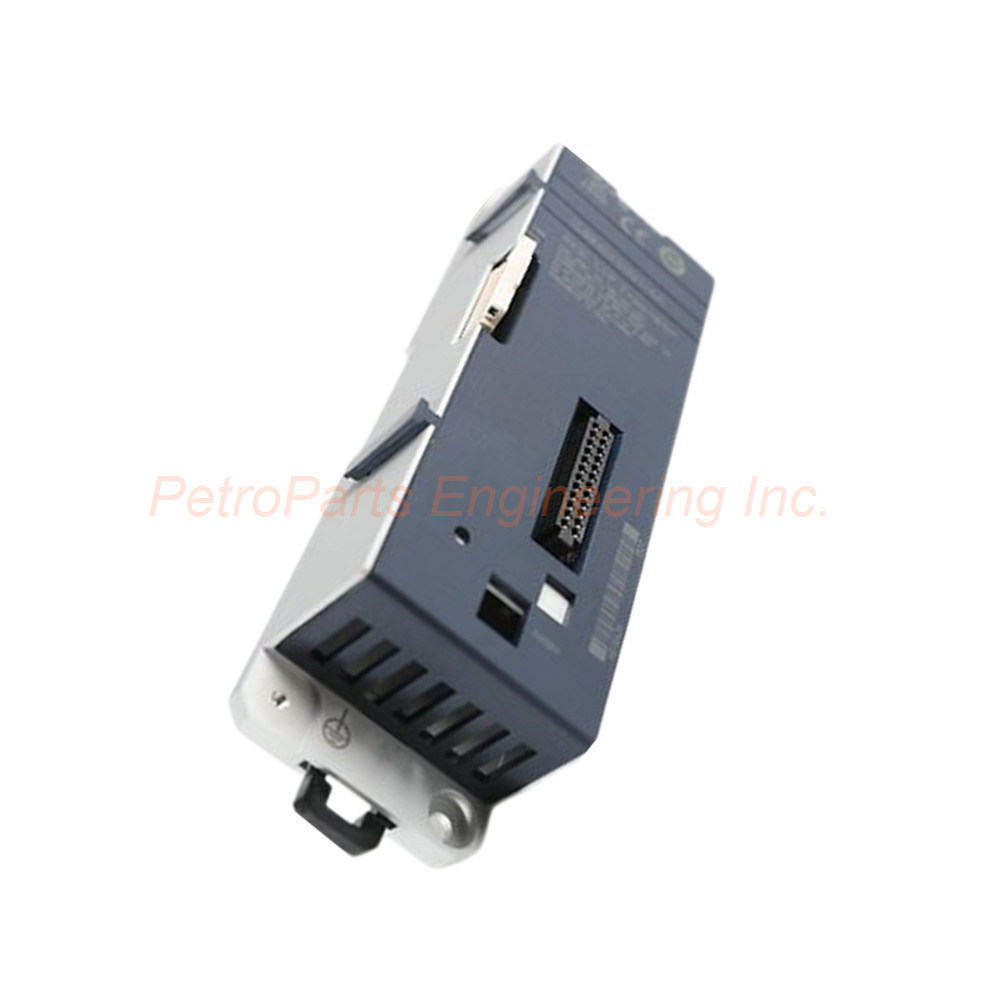
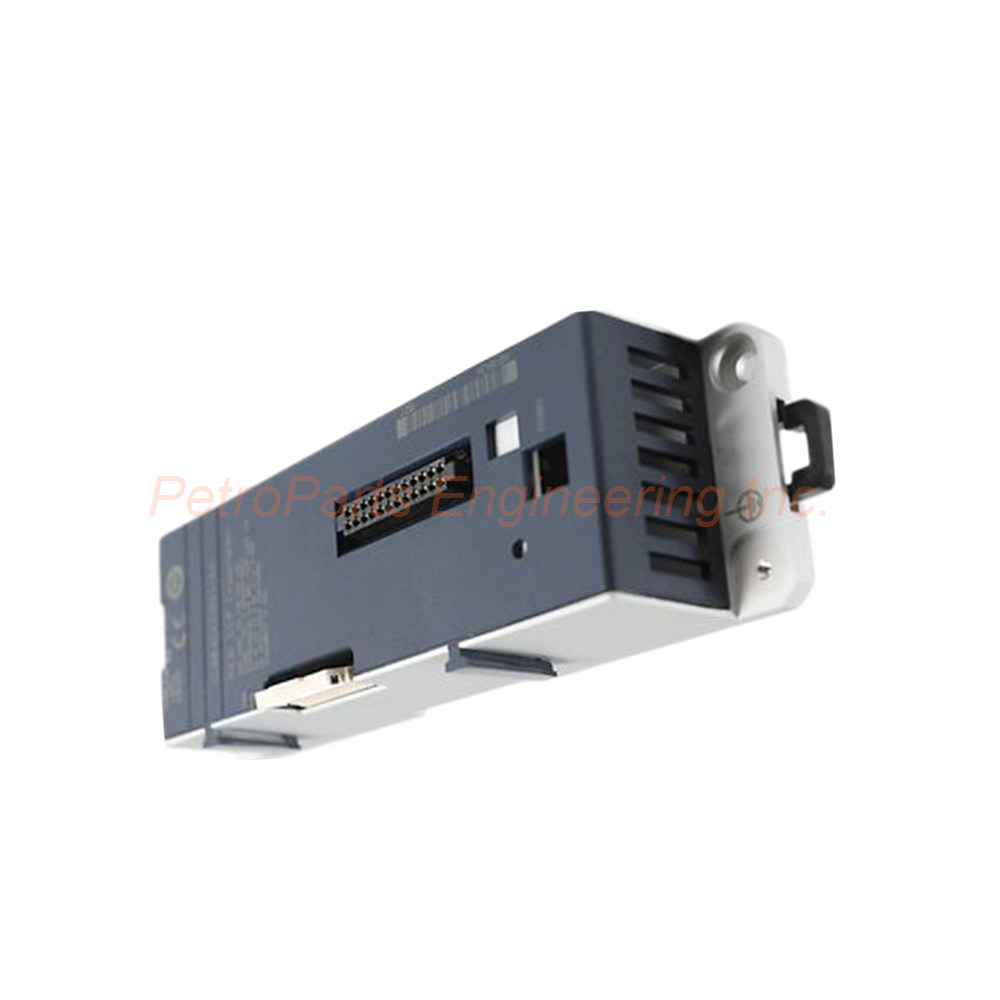
IC694CEE001 GE RX3i PacSystems Expansion Carrier Module

Introduction:
CEP expansion carrier for RX3i PacSystems. Interfaces remote nodes with PROFINET I/O LAN. Powered by host CEP001 carrier.
 Customer Reviews
UBEST Automation – Trusted Global Automation Parts Supplier
We offer a wide range of in-stock industrial automation spare parts. All products come with a 12-month warranty and a 30-day refund for quality issues.
Product Attributes:
Notice: For real-time prices and inventory, please click the button below to contact us.
Product Overview
Carrier Design and Application
The GE Fanuc IC694CEE001 is a CEP expansion carrier designed for RX3i PacSystems PLCs. This module serves as an accessory for expanding I/O capabilities. It interfaces a remote node with a PROFINET I/O LAN. Consequently, the IC694CEE001 enables distributed I/O architectures within the RX3i platform. The carrier attaches directly to a host CEP001 carrier in the controller system.
Remote Node Expansion
Installing the IC694CEE001 expansion carrier makes it possible to add an additional RX3i IC694 I/O module to a remote node. Therefore, a single remote node supports more field devices. The expansion carrier works with a remote node consisting of a single RX3i I/O module. Consequently, system scalability improves without replacing existing hardware. This design suits applications requiring incremental I/O expansion.
Power and Mounting Options
The IC694CEE001 receives its power from the host CEP001 carrier in the PLC system. Therefore, no separate power supply is required for the expansion carrier itself. Both the expansion carrier and its host can mount on a panel or DIN rail. Consequently, installation flexibility is maintained across different cabinet styles. Adequate space must be provided for communication cables, power wiring, and DIN latch operation.
Technical Specifications
General Specifications
Manufacturer: GE Fanuc
Series: RX3i PacSystems
Part Number: IC694CEE001
Product Type: CEP Expansion Carrier Module
Compatible Host Devices: RX3i CEP001 Carriers
Interface Network: PROFINET I/O LAN
Power Source: Host CEP001 Carrier
DIN Rail Mounting: Supported
Panel Mounting: Supported
LED Indicator Specifications
The GE Fanuc IC694CEE001 uses a single power LED for status indication.
| LED Color | Meaning |
|---|---|
| Green | Power level is in the correct range |
| Amber | Power level is too low |
| Off | No power present |
Software Requirements
Configuration Software: Proficy Machine Edition
Minimum Version: 8.6 or later with SIM 3 or later
Connector Information
USB Connector: Not present (no firmware upgrade port)
Ethernet Port: Not present
Mounting Requirements
The IC694CEE001 requires adequate space for proper installation.
Communication Port Cables: Sufficient clearance for connections
Power Wiring: Adequate space for wiring access
DIN Latch Operation: Room to operate latch when DIN rail mounted
Heat Dissipation: Free space for thermal management
Installation Guide
Follow these steps to install the GE Fanuc IC694CEE001 correctly.
Power Down System: First, disconnect power from the RX3i PacSystems controller completely.
Attach to Host: Next, connect the IC694CEE001 to the CEP001 carrier.
Mount Assembly: Then, secure the combined assembly to panel or DIN rail.
Verify Spacing: After that, ensure adequate clearance for cables and heat dissipation.
Connect PROFINET: Meanwhile, attach the PROFINET I/O LAN cable to the interface.
Apply Power: Finally, restore power and verify the LED shows green.
The IC694CEE001 requires no separate power connection. Therefore, ensure the host CEP001 carrier provides adequate power. In addition, maintain sufficient free space around the carrier for cooling. Consequently, proper installation ensures reliable expansion carrier operation.
Package List
The package includes the following physical items.
GE Fanuc IC694CEE001 CEP expansion carrier module (1 piece)
Mounting hardware for panel or DIN rail installation
Product label with part number and revision
Anti-static protective bag for safe transport
Note: The host CEP001 carrier is not included. PROFINET cables are sold separately. Proficy Machine Edition software is not provided with this carrier.
Frequently Asked Questions (FAQ)
1. What is the purpose of the IC694CEE001 carrier?
The GE Fanuc IC694CEE001 expands I/O capabilities for RX3i PacSystems PLCs. Therefore, it interfaces a remote node with a PROFINET I/O LAN. The carrier attaches to a host CEP001 carrier. Consequently, distributed I/O architectures become possible within the RX3i platform.
2. How does the IC694CEE001 receive power?
The GE Fanuc IC694CEE001 receives power from the host CEP001 carrier. Therefore, no separate power supply connection is required. The power LED indicates correct operation with green, low power with amber, or no power when off. Consequently, power monitoring is straightforward through the LED indicator.
3. What software configures the IC694CEE001?
The GE Fanuc IC694CEE001 configures using Proficy Machine Edition software. Specifically, version 8.6 or later with SIM 3 or later is required. Therefore, ensure your software version meets this requirement. Consequently, proper configuration enables PROFINET I/O LAN communication.
4. Does the IC694CEE001 have Ethernet or USB ports?
No, the GE Fanuc IC694CEE001 does not have Ethernet port connectors. It also lacks a USB connector for firmware upgrades. Therefore, all communication occurs through the PROFINET I/O LAN interface. Consequently, firmware updates are not performed directly on this carrier.
5. What mounting methods are supported by the IC694CEE001?
The GE Fanuc IC694CEE001 supports both DIN rail mounting and panel mounting. Therefore, you can choose the best method for your cabinet layout. Adequate space must be provided for cable connections and DIN latch operation. Consequently, installation flexibility is maintained across different enclosure styles.
6. How many I/O modules can a remote node support with the IC694CEE001?
The GE Fanuc IC694CEE001 enables one additional RX3i IC694 I/O module per remote node. Therefore, each expansion carrier adds a single I/O module capacity. The remote node consists of a single RX3i I/O module plus the expansion. Consequently, incremental I/O expansion is achieved without wholesale system replacement.
7. What does the amber LED indicate on the IC694CEE001?
The amber LED on the GE Fanuc IC694CEE001 indicates that the power level is too low. Therefore, the host CEP001 carrier may not be supplying sufficient power. Green indicates correct power, while off means no power present. Consequently, check the host carrier and power supply if amber appears.
Related Accessories
Enhance your RX3i PacSystems I/O expansion with these compatible parts.
Host Carrier: GE Fanuc CEP001 carrier for mounting IC694CEE001
I/O Module: GE Fanuc IC694 series module for remote node expansion
Configuration Software: GE Fanuc Proficy Machine Edition version 8.6 or later
PROFINET Cable: Shielded Ethernet cable for I/O LAN connection
DIN Rail: Standard 35mm DIN rail for carrier mounting
Always use genuine GE Fanuc components with the IC694CEE001. Therefore, third-party carriers may not provide proper power or mechanical fit. In addition, verify Proficy Machine Edition version before configuration. Consequently, using authentic parts ensures optimal expansion carrier performance and system reliability.