
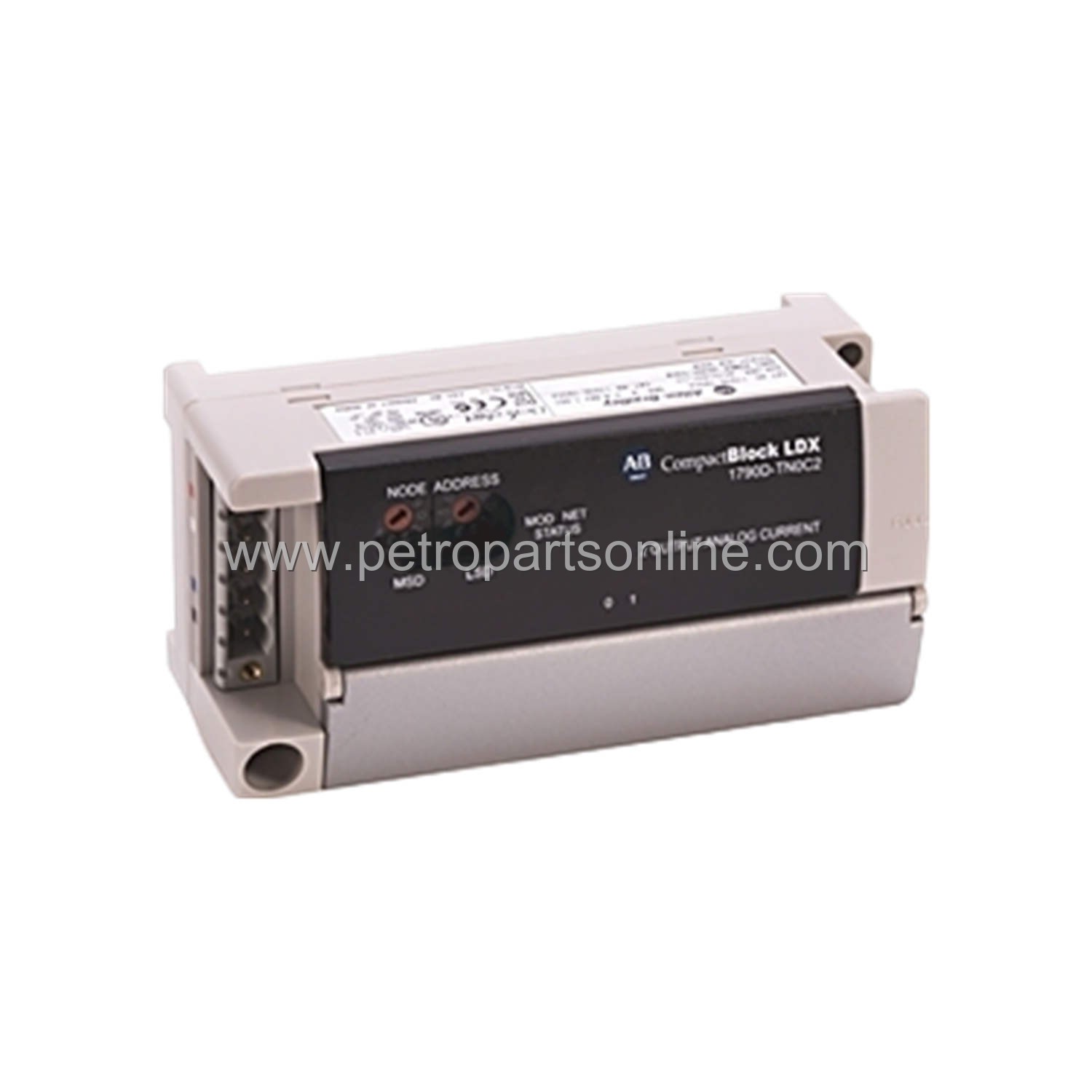
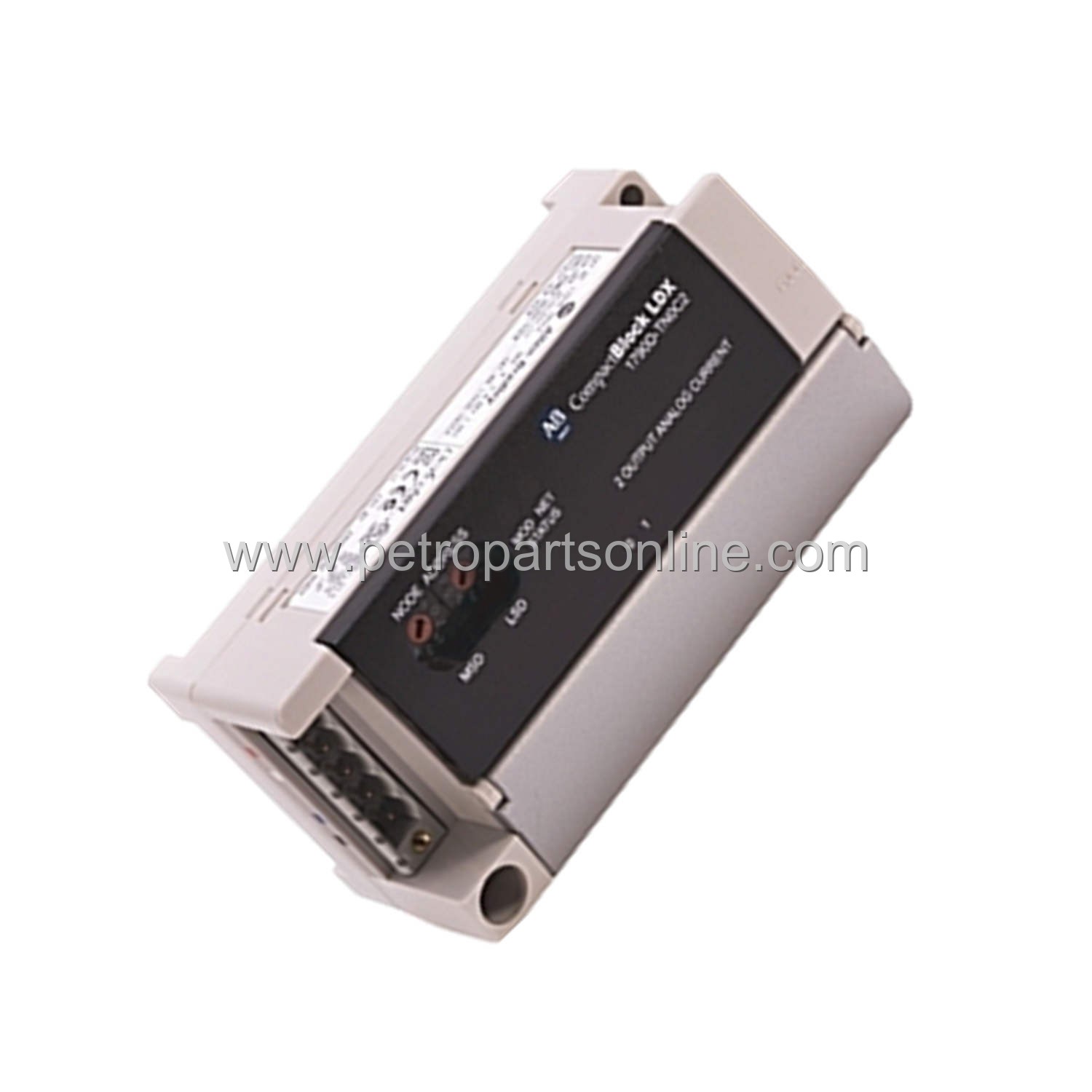
1790D-T4T0 | Allen-Bradley CompactBlock LD4 I/O Module
Introduction:
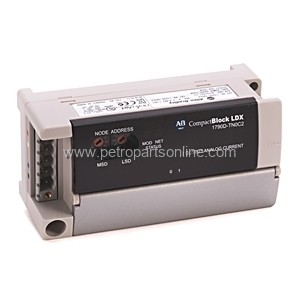
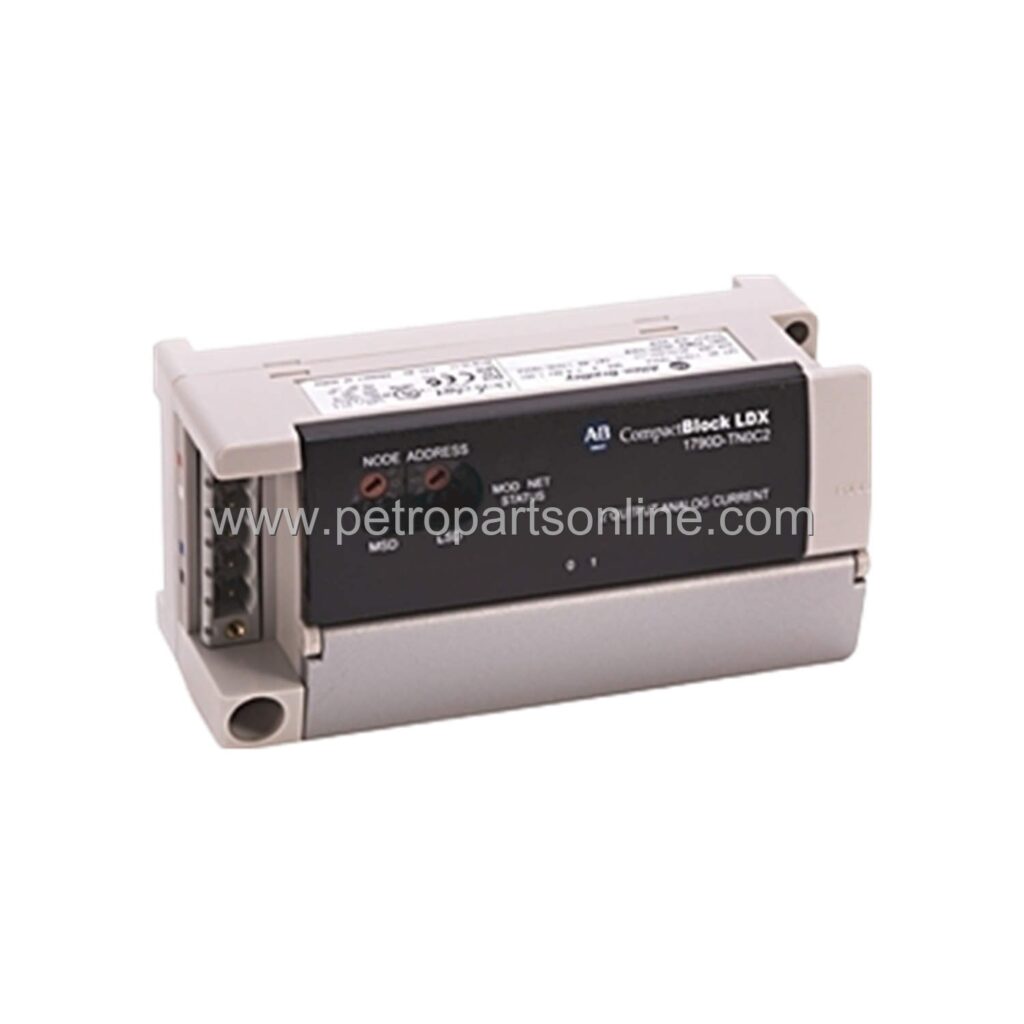
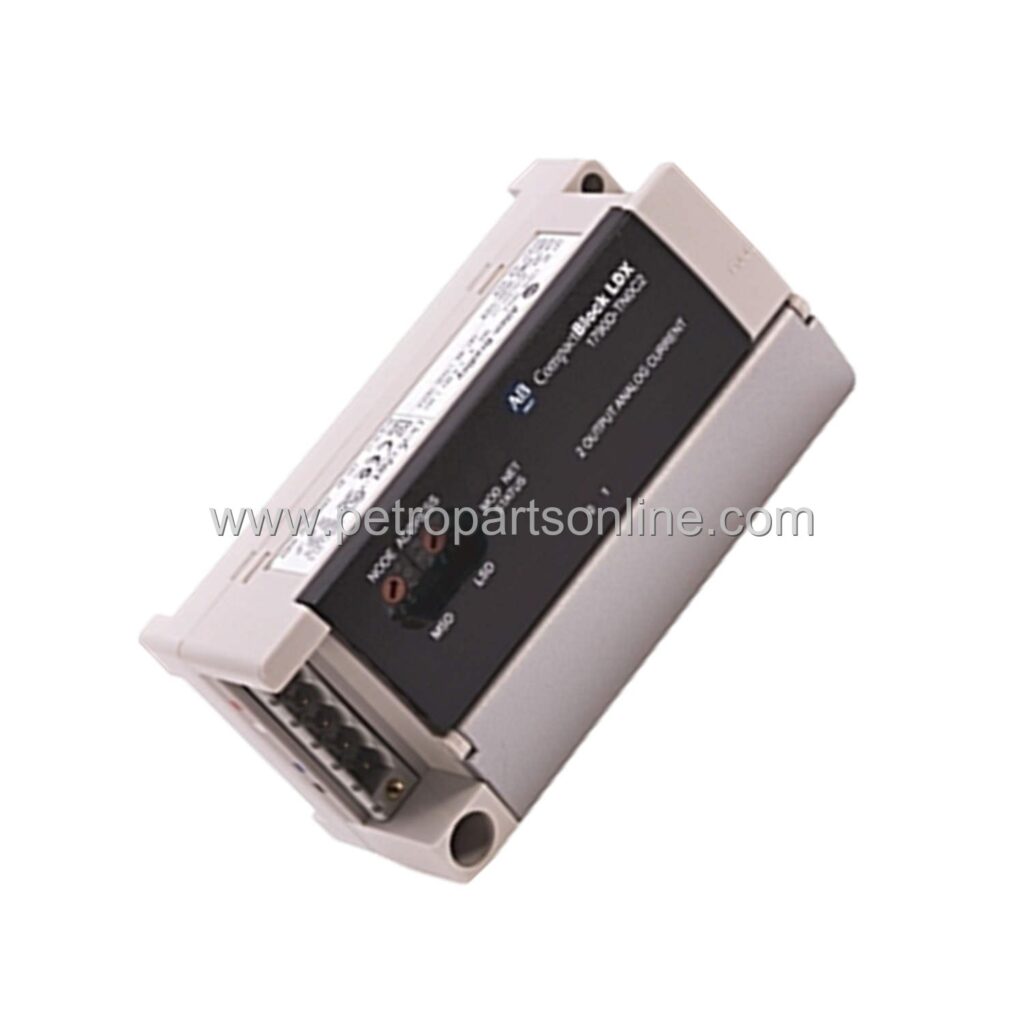
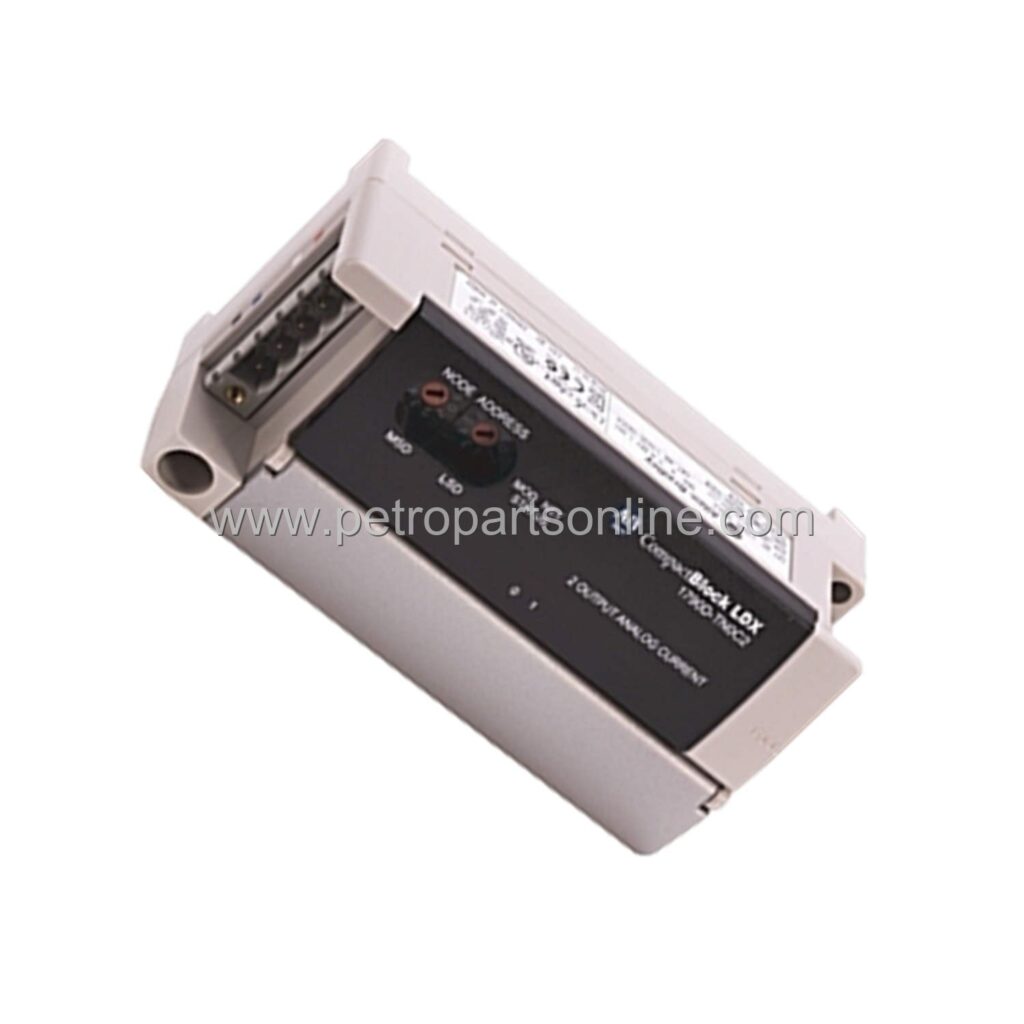
CompactBlock LD4 I/O module with 4 digital inputs and 4 outputs. DeviceNet interface. 24V DC, 2A per output. IP20. New original in stock.
 Customer Reviews
UBEST Automation – Trusted Global Automation Parts Supplier
We offer a wide range of in-stock industrial automation spare parts. All products come with a 12-month warranty and a 30-day refund for quality issues.
Product Attributes:
Notice: For real-time prices and inventory, please click the button below to contact us.
Product Overview
The 1790D-T4T0 is a CompactBlock LD4 I/O module from Allen-Bradley. It provides four digital input and four digital output points in a compact form factor. This module supports 24V DC operation and is designed for distributed I/O applications.
The module features a removable terminal block for easy wiring. It communicates via a DeviceNet network interface. This allows seamless integration with a Rockwell Automation control system.
The 1790D-T4T0 is a cost-effective solution for small-scale automation tasks. It reduces wiring and cabinet space. The module is ideal for applications requiring local I/O points near sensors and actuators.
Each output can handle up to 2 amps. The inputs are compatible with standard 24V DC sensors. The module includes LED indicators for power, network status, and I/O point status.
This CompactBlock module is built for industrial environments. It has an IP20 rating for protection against solid objects. The module operates in temperatures from 0 to 60 degrees Celsius.
Application Scenarios
The 1790D-T4T0 is used in material handling systems. It controls conveyor sections and diverters. The module monitors photo-eye sensors and activates solenoids.
In packaging machinery, the module manages wrapper and label applicator functions. It reads limit switches and triggers pneumatic actuators. The compact design fits within machine frames.
For assembly stations, the module handles pushbutton inputs and indicator outputs. It interfaces with operator panels and status lights. The DeviceNet connection simplifies wiring to a central controller.
The module works in warehouse automation. It controls sortation chutes and bin indicators. The I/O points manage photo-eyes and zone release gates.
In water treatment plants, the module monitors valve positions and pump run signals. It outputs commands to motor starters and alarms. The rugged design suits damp and dusty environments.
The 1790D-T4T0 fits in automotive assembly lines. It reads proximity sensors and controls nutrunners. The module reduces cabling complexity near robot cells.
Technical Specifications
- Input points: 4 digital inputs, sinking/sourcing, 24V DC
- Output points: 4 digital outputs, sourcing, 24V DC, 2A per point
- Power supply: 24V DC nominal, 19.2-31.2V DC range
- Network interface: DeviceNet, 125/250/500 kbps
- Enclosure rating: IP20
- Operating temperature: 0 to 60 degrees Celsius
- Storage temperature: -40 to 85 degrees Celsius
- Humidity: 5 to 95% non-condensing
- Vibration: 5g at 10-500 Hz
- Shock: 30g
- Dimensions: 85 x 80 x 70 mm
- Weight: 0.3 kg
- Terminal type: Removable screw terminal block
- Indicators: Power, Module Status, Network Status, Point Status
- Isolation: 50V continuous between I/O and logic
Installation & Maintenance Guide
Mount the module on a DIN rail in a clean, dry enclosure. Ensure proper grounding per local electrical codes. Connect the 24V DC power supply to the module terminals.
Set the DeviceNet node address using the rotary switches. Configure the data rate via the baud rate switch. Connect the DeviceNet trunk cable to the open-style connector.
Wire digital inputs to the input terminals. Use shielded cable for long runs. Terminate the shield at the cabinet ground bar.
Wire digital outputs to the output terminals. Add external fuses for each output circuit. Use appropriate wire gauge for 2A loads (minimum 18 AWG).
Verify LED indicators after power-up. The Module Status LED should be solid green. The Network Status LED should indicate an established connection.
Perform periodic inspections. Clean the module with a dry cloth. Check terminal connections for tightness. Replace the module if internal faults are detected.
Store spare modules in an anti-static bag. Keep storage temperature within -40 to 85 degrees Celsius. Do not expose to corrosive gases or liquids.
Frequently Asked Questions (FAQ)
What is the primary function of the 1790D-T4T0?
The module provides four digital inputs and four digital outputs for distributed I/O applications. It communicates via DeviceNet to a Rockwell Automation controller.
What is the maximum output current per point?
Each output can deliver up to 2 amps at 24V DC. The total current should not exceed the module's power supply rating.
What network protocol does the 1790D-T4T0 use?
It uses DeviceNet, a CAN-based network for industrial automation. The module supports data rates of 125, 250, and 500 kbps.
What is the operating temperature range?
The module operates from 0 to 60 degrees Celsius. It can be stored from -40 to 85 degrees Celsius.
Does the module include a terminal block?
Yes, the module comes with a removable screw terminal block for field wiring. This simplifies installation and replacement.