
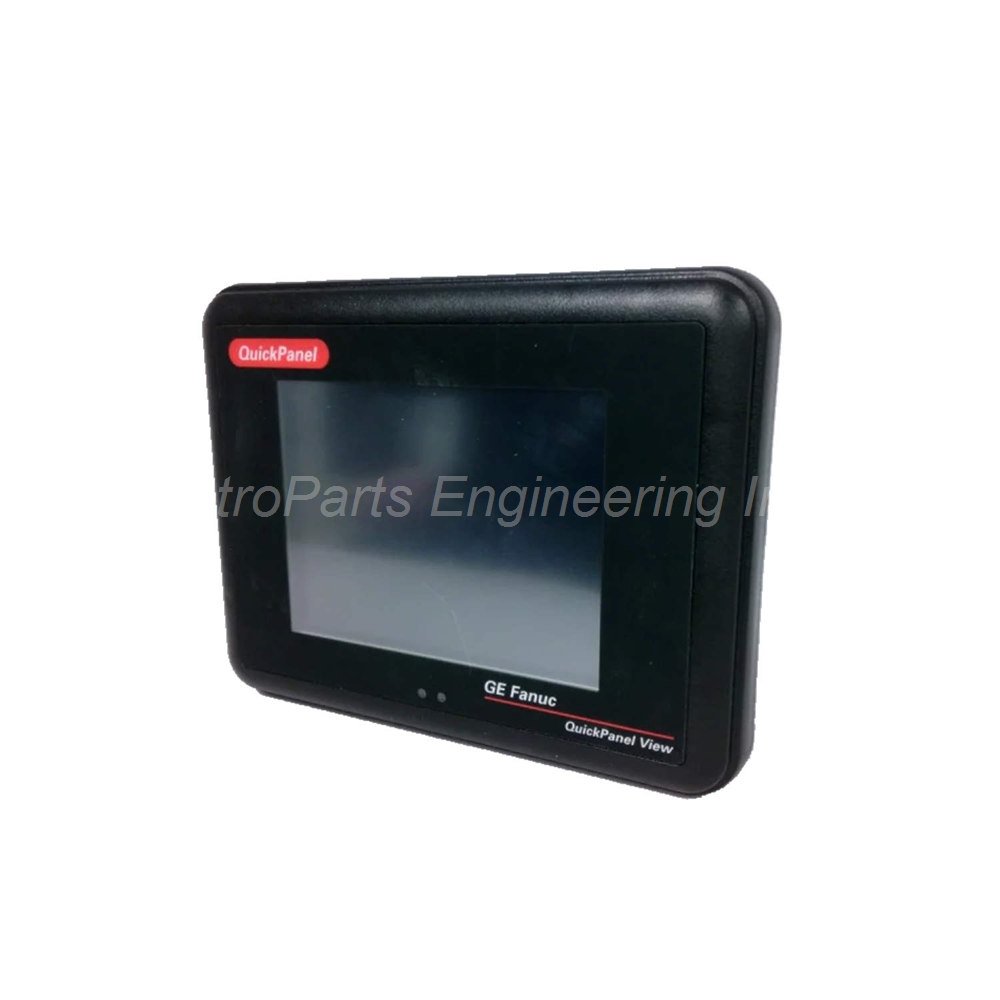
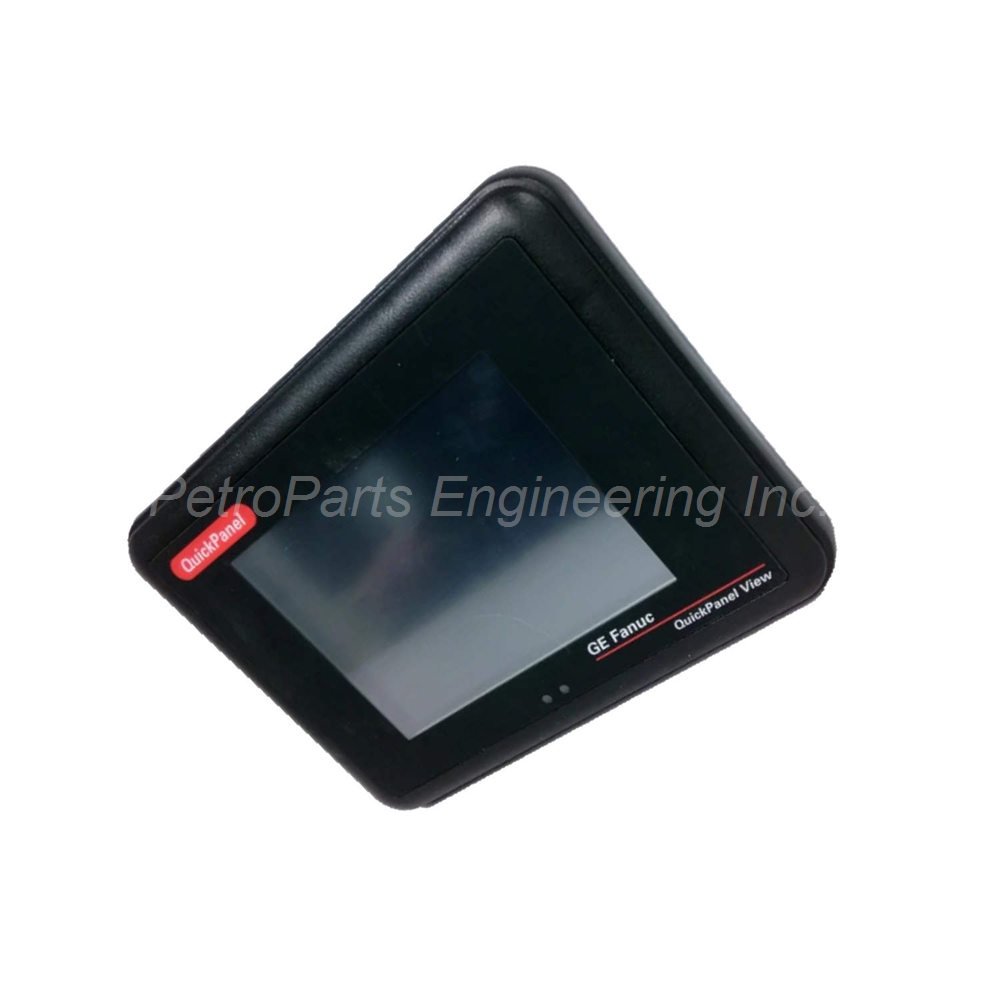
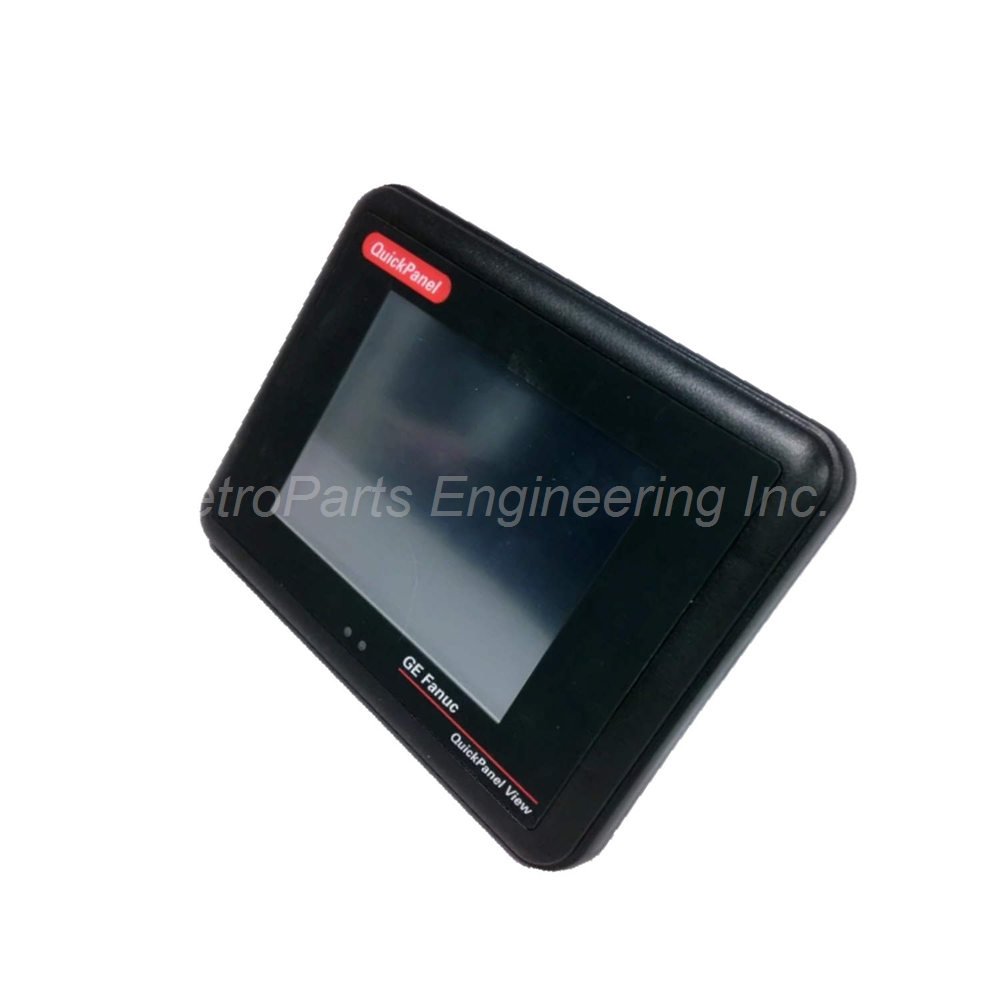
GE Fanuc IC754VSI06MTD 6″ Monochrome HMI
Introduction:
GE Fanuc IC754VSI06MTD QuickPanel HMI. Features a 6" monochrome touchscreen, 32 MB memory, RS232/RS485 ports, and Proficy View Machine Edition software.
 Customer Reviews
UBEST Automation – Trusted Global Automation Parts Supplier
We offer a wide range of in-stock industrial automation spare parts. All products come with a 12-month warranty and a 30-day refund for quality issues.
Product Attributes:
Notice: For real-time prices and inventory, please click the button below to contact us.
Product Overview
The GE Fanuc IC754VSI06MTD is a QuickPanel operator terminal with a simple machine interface. This device allows users to interface with their machines through an easy-to-use touchscreen. Operators use the IC754VSI06MTD to input information and data while controlling HMI functions. Its 6-inch monochrome display provides clear text and graphics for basic visualization. This terminal suits applications that need a cost-effective monochrome operator panel.
Technical Specifications
The GE Fanuc IC754VSI06MTD delivers essential HMI features in a compact monochrome package.
- Display Size: 6 inches (5.7 inches diagonal for color models).
- Display Color: Monochrome (passive STN color option available in some models).
- Display Technology: Passive STN with backlight (color models).
- Input Type: Analog resistive touchscreen.
- Touchscreen Activation: Finger or blunt stylus recommended.
- Internal Memory: 32 MB.
- Software: Proficy View Machine Edition.
- Communication Ports: RS232 and RS485.
- Communication Cable: HMI-CAB-C120 (sold separately).
- Input Power Range: 12 to 30 VDC.
- Weight: 2.00 lbs (0.91 kg).
Display Features and Backlight Management
The GE Fanuc IC754VSI06MTD QuickPanel View terminal can have a monochrome display as standard. Some models feature an integrated flat-panel color display with passive STN technology. The color model measures 5.7 inches diagonally with backlight illumination. A backlight timer allows automatic turn-off to extend the backlight life. This timer feature saves energy and prolongs display component life. The user needs to activate the touchscreen before using it after backlight wake-up. Even though users can activate the IC754VSI06MTD with their fingers, a blunt stylus is the recommended tool. Stylus use provides more precise touch input for small buttons. The backlight management feature is especially useful for applications with long idle periods.
Software Input Panel and Data Entry
The GE Fanuc IC754VSI06MTD can be configured to use a software emulation keyboard. This soft input panel (SIP) serves as an operator data input device. The SIP is a touchscreen version of a standard hardware keyboard. You can use the soft input panel in place of a physical keyboard. An icon on the system tray allows the user to hide or view the SIP. To display the soft input panel icon, follow these steps. Double-tap the input panel in the control panel first. Then select or clear the show input panel in system tray check box. Tap okay to confirm your selection. Finally, run the backup utility to save the settings. This makes the IC754VSI06MTD flexible for applications without external keyboards.
Communication Ports and Connectivity
The GE Fanuc IC754VSI06MTD makes it possible to perform connections using RS485 and RS232 ports. These communication ports connect to PLCs and other industrial devices. Use the HMI-CAB-C120 communication cable for reliable serial connections. The RS232 standard supports point-to-point communication with a single device. The RS485 standard supports multi-drop networks with multiple devices on one port. This flexibility allows the IC754VSI06MTD to work with many PLC brands. The terminal exhibits Proficy View Machine Edition software for application development. This software provides tools for creating operator screens and control logic. The communication setup is configured through the software interface.
Power Requirements and Installation
The GE Fanuc IC754VSI06MTD operates on an input power range of 12 to 30 Volts DC. This wide range allows use with 12 VDC or 24 VDC industrial power supplies. The unit has 32 MB of internal memory for applications and data storage. Mount the terminal into a panel with proper support for its 0.91 kg weight. Provide a clean DC power source within the specified voltage range. Do not exceed 30 VDC input to prevent internal circuit damage. The IC754VSI06MTD has an open enclosure design requiring panel installation. Keep communication cables separated from high-voltage AC power lines. Calibrate the touchscreen after installation for the best touch accuracy. The compact 6-inch size fits into small panel spaces.
Software and Programming Environment
The GE Fanuc IC754VSI06MTD runs Proficy View Machine Edition software. This software provides an integrated environment for HMI development. You can create operator screens with buttons, data displays, and trend graphs. The software supports communication drivers for many PLC protocols. The IC754VSI06MTD stores applications in its 32 MB internal memory. Program downloads happen through the serial or Ethernet port. The monochrome display shows text and graphics clearly for basic applications. Color model versions offer better visualization for complex processes. The soft input panel reduces the need for external input devices. This makes the IC754VSI06MTD a self-contained operator interface.
Package Contents
When you unbox the GE Fanuc IC754VSI06MTD, you will find these items:
- 1 x GE Fanuc IC754VSI06MTD QuickPanel operator terminal.
- 1 x Power connector plug (Phoenix Contact type).
- 1 x Panel mounting gasket for environmental seal.
- 1 x Quick start installation guide.
- 4 x Mounting clips with retaining screws.
Frequently Asked Questions (FAQ)
What is the display size of the IC754VSI06MTD?
The **IC754VSI06MTD** has a 6-inch display. Color models measure 5.7 inches diagonally with passive STN technology.
What communication cable works with this QuickPanel terminal?
Use the HMI-CAB-C120 communication cable for RS232 and RS485 connections. This cable ensures reliable serial communication with PLCs.
Does the IC754VSI06MTD have a backlight timer feature?
Yes, the color model version includes a backlight timer. This feature extends backlight life by turning it off automatically during idle periods.
What software does the IC754VSI06MTD use?
The **IC754VSI06MTD** exhibits Proficy View Machine Edition software. This provides HMI development and runtime execution capabilities.
What is the recommended tool for touchscreen activation?
A blunt stylus is the most recommended tool for the **IC754VSI06MTD**. Fingers work, but a stylus provides more precise input for small buttons.