
IC754VGI06SKD QuickPanel Operator Interface
Introduction:
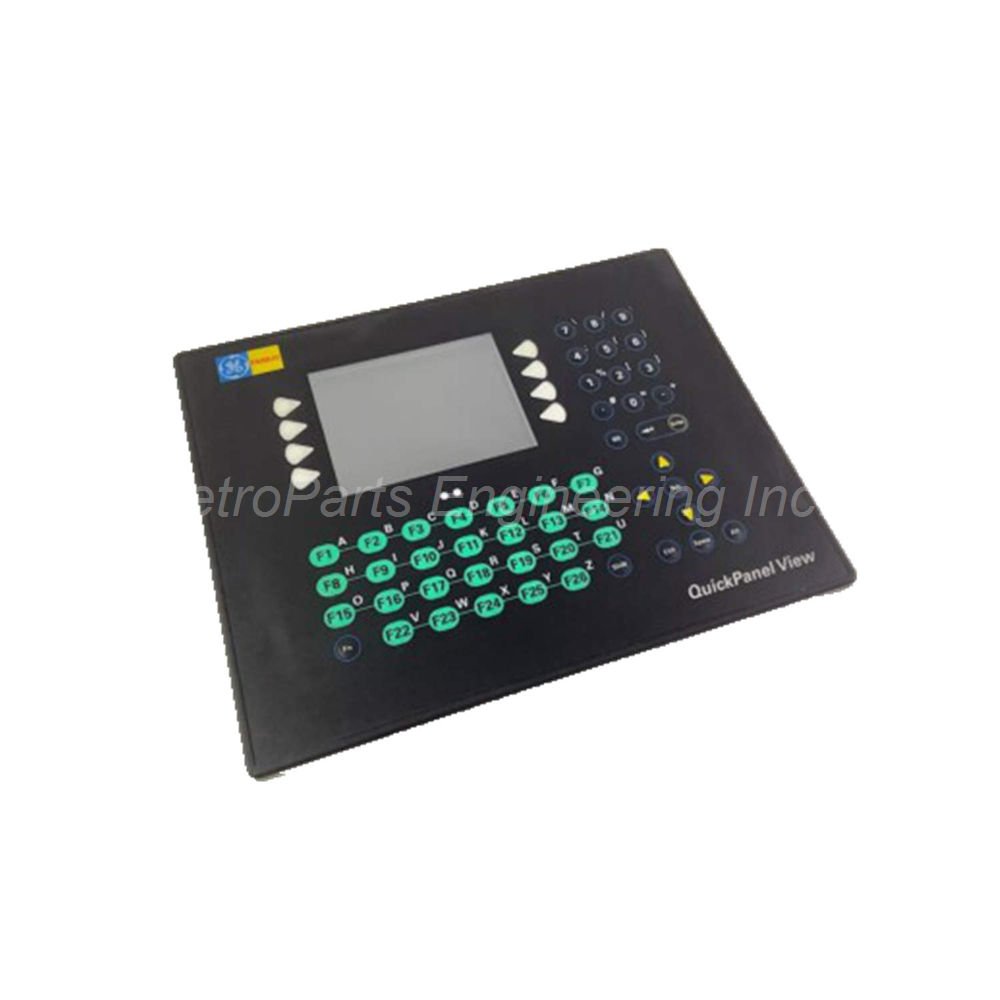
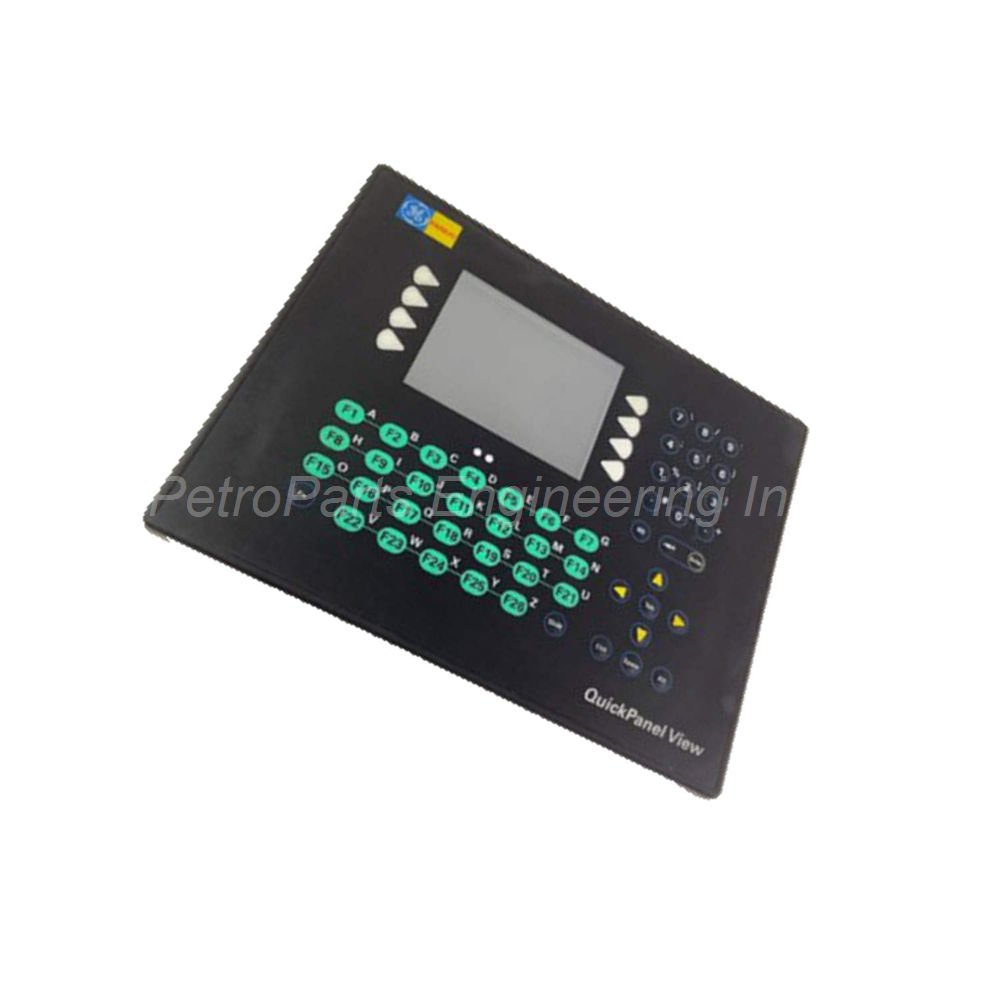
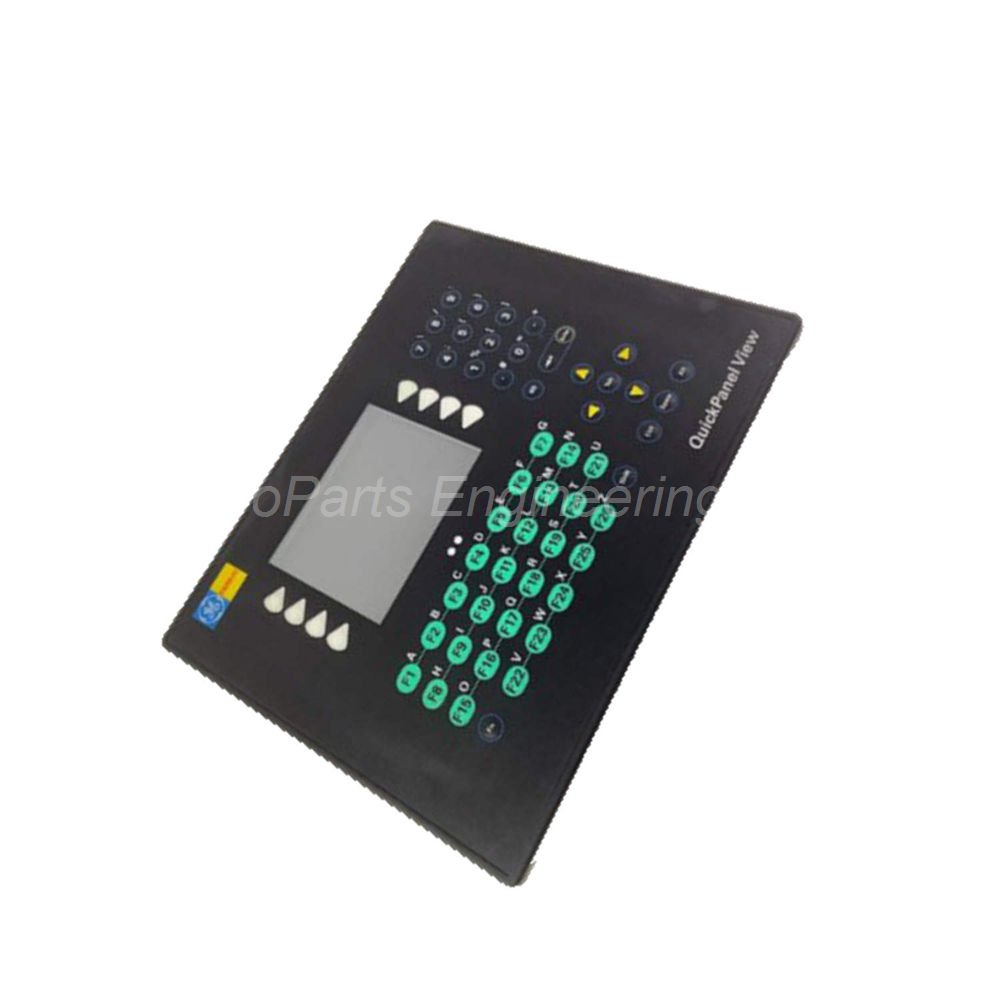
GE Fanuc IC754VGI06SKD 5.7-inch STN keypad HMI. Windows CE.NET, 32MB DRAM, RS232, Ethernet, USB, IP65, 12/24 VDC.
 Customer Reviews
UBEST Automation – Trusted Global Automation Parts Supplier
We offer a wide range of in-stock industrial automation spare parts. All products come with a 12-month warranty and a 30-day refund for quality issues.
Product Attributes:
Notice: For real-time prices and inventory, please click the button below to contact us.
IC754VGI06SKD 5.7-Inch Keypad Operator Interface with STN Display
This IC754VGI06SKD module combines a keypad with a touchscreen. The IC754VGI06SKD belongs to the GE Fanuc QuickPanel series. It runs on Microsoft Windows CE.NET operating system. The OS stores in a 16 MB block of flash memory. A copy executes from DRAM for fast performance. This unit fits applications needing physical buttons for operator input.
Technical Specifications
The IC754VGI06SKD features a 5.7-inch diagonal STN display. Display resolution reaches 320 x 240 pixels. The screen supports up to 65,536 colors for graphics. Input type uses a resistive touchscreen with 12-bit resolution. The unit also includes a durable keypad for manual input. Keypad material uses AutoFlex EBA10 polyester. A gasket behind the keypad bezel prevents liquid damage.
Processor and Memory:
Base Memory (DRAM): 32 MB
Expandable Memory: Up to 96 MB total
Operating System Storage: 16 MB flash memory
Microprocessor: XScale based
Communication Ports:
Serial: COM1 general-purpose bidirectional channel
Ethernet: Full or half-duplex port
USB: Standard USB ports
Expansion Bus: For additional communication modules
CF Port: Compact Flash port for storage
Communication Expansions (Optional):
GE Genius
Data Highway
DeviceNet
PROFIBUS
Power Specifications:
Input Voltage: 12 VDC or 24 VDC
Power Consumption: Greater than 24 watts at 24 VDC
LED Indicators:
Bi-color LED (PWR): Power status indication
Tri-color LED (User): Programmable for green, red, or amber
Environmental Ratings:
Enclosure Rating: IP65 (front bezel)
Backlight: Non-field-replaceable
The left LED glows amber if both backlights fail. The unit includes 4 dip switches for configuration control. The touchscreen comes pre-calibrated from the factory. Use a blunt stylus for best touch control. Operators can also use their fingers to actuate the screen.
Installation Guide
Follow these steps to install the IC754VGI06SKD properly. Cut a panel opening according to the supplied template. Insert the unit into the panel opening from the front. Ensure the gasket seals evenly against the panel surface. Secure the unit using the provided mounting clips. Connect input power using either 12 VDC or 24 VDC. Do not exceed 24 watts power draw at 24 VDC. Attach your controller using the serial COM1 port. Use a standard Ethernet cable for network connections. Plug USB devices into the USB ports as needed. Insert a Compact Flash card into the CF port for memory expansion. Set the 4 dip switches for your desired configuration. Power on the unit and check the bi-color power LED. Wait for Windows CE.NET to load completely. Test both the keypad and touchscreen for proper operation.
What’s in the Box
Please check the package contents upon delivery.
IC754VGI06SKD Operator Interface Keypad Module (1 unit)
Panel mounting gasket (1 piece, pre-attached)
Mounting clips with screws (1 set)
DC power connector plug (1 piece)
Quick start configuration guide (1 booklet)
Common FAQs
1. What operating system does the IC754VGI06SKD use?
This unit runs on Microsoft Windows CE.NET operating system. The system stores in 16 MB of flash memory and executes from DRAM.
2. Can I expand the memory on this keypad HMI?
Yes, the IC754VGI06SKD supports memory expansion up to 96 MB total. The base DRAM is 32 MB. You can also use the Compact Flash port for additional storage.
3. What communication protocols can I add to this unit?
You can add optional communication expansions. These include GE Genius, Data Highway, DeviceNet, and PROFIBUS. These connect through the expansion bus port.
4. What do the LED indicators show on this module?
The bi-color LED shows power status. The tri-color LED is user-programmable for green, red, or amber. The left side LED glows amber when both backlights fail.
5. Is the backlight replaceable in the IC754VGI06SKD?
No, the backlights are not field-replaceable. The left LED will glow amber to indicate backlight failure. Please contact technical support for service options.