
IC754VBF15CTD GE Fanuc 15 HMI Touch Panel
Introduction:
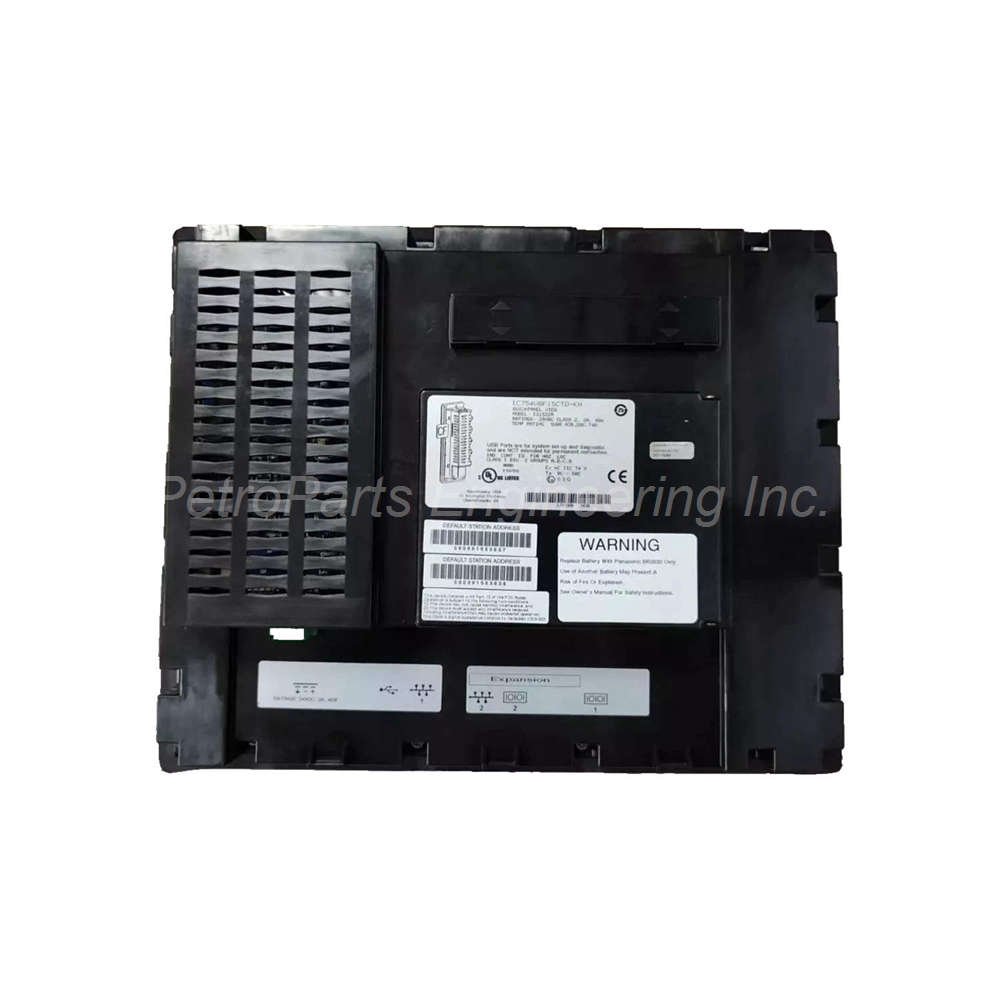
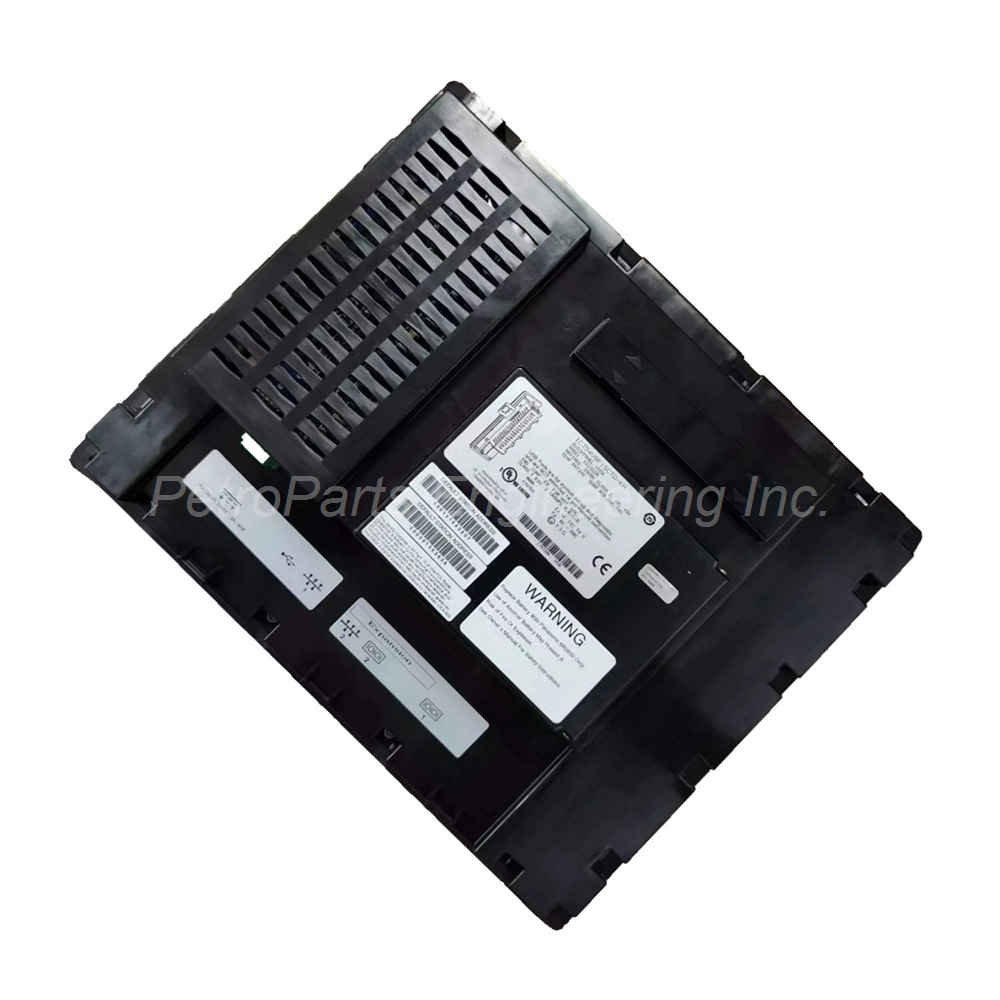
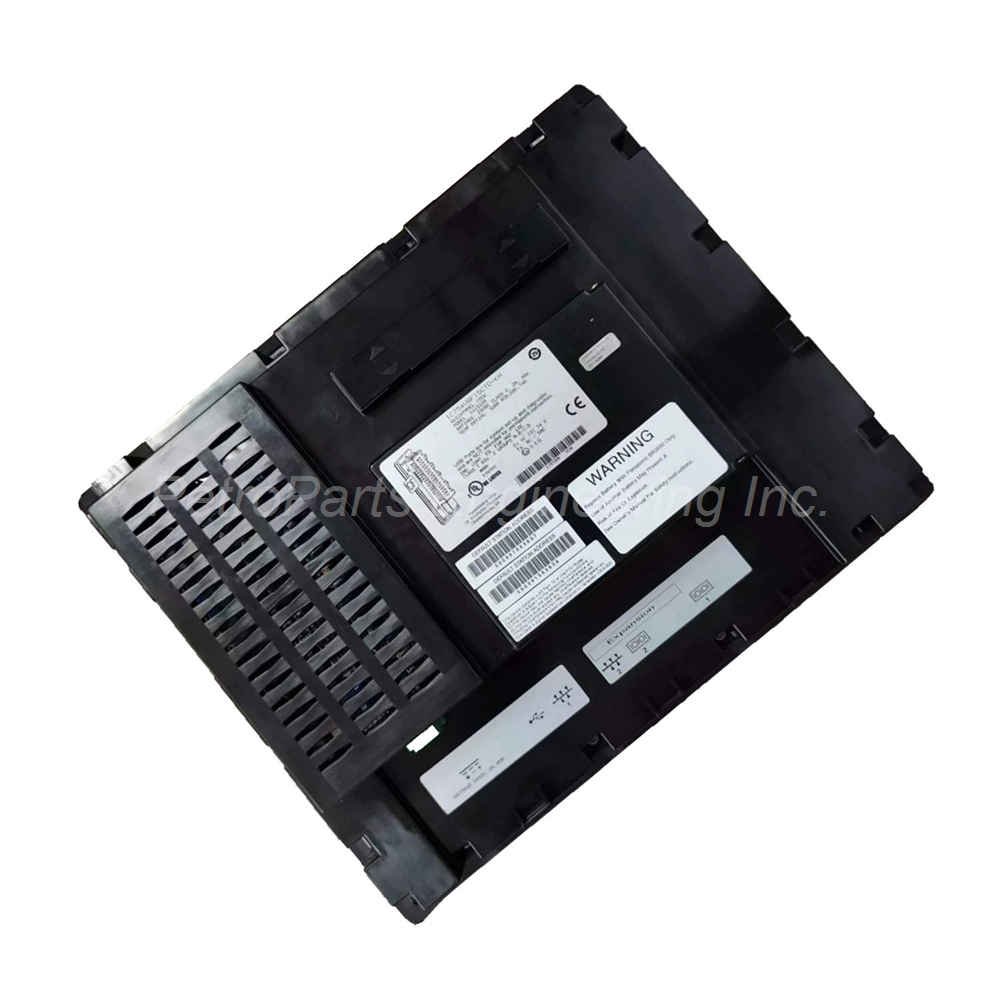
The GE Fanuc IC754VBF15CTD is a 15-inch touchscreen HMI. It runs Windows Embedded Compact 7. This unit offers 64 MB memory and NEMA 4X protection.
 Customer Reviews
UBEST Automation – Trusted Global Automation Parts Supplier
We offer a wide range of in-stock industrial automation spare parts. All products come with a 12-month warranty and a 30-day refund for quality issues.
Product Attributes:
Notice: For real-time prices and inventory, please click the button below to contact us.
Product Overview
The GE Fanuc IC754VBF15CTD is a large 15-inch all-in-one microcomputer HMI terminal. This device belongs to the QuickPanel touchscreen series from GE Automation. Operators use the IC754VBF15CTD to monitor machines and control industrial processes. Its big TFT screen shows complex graphics and data clearly. This model suits harsh factory environments thanks to its rugged enclosure.
Technical Specifications
The GE Fanuc IC754VBF15CTD delivers high performance for demanding visualization tasks.
- Display Size & Type: 15-inch colored Thin Film Transistor (TFT) screen.
- Display Resolution: Standard XGA (1024 x 768 pixels) typically.
- Input Type: Analog resistive touchscreen for gloved-hand operation.
- Enclosure Rating: NEMA 4X/12 for harsh and wet environments.
- Memory: 64 MB Flash and 64 MB DRAM (additional memory details below).
- Operating System: Microsoft Windows Embedded Compact 7 (32-bit).
- Power Supply: 12 or 24 VDC (24 VDC nominal).
- Communication Cable: HMI-CABC93 (sold separately).
Memory Architecture and Software Execution
The GE Fanuc IC754VBF15CTD stores its operating system and software in Flash memory. The system copies this software to DRAM for actual execution during operation. This design allows fast screen updates and smooth touch response. The device does not rely on a battery for Registry or Desktop changes. Instead, the IC754VBF15CTD automatically backs up all user changes to Flash memory. This ensures your settings survive power cycles without any battery replacement worries.
System Status Indicators and Audio Alerts
This QuickPanel HMI includes a tri-color LED and an onboard buzzer for notifications.
The LED shows the system status at a glance without opening the enclosure.
A steady amber LED means the system is starting up.
A steady green LED indicates the system is ready and running normally.
lass="yoast-text-mark" />>A blinking green LED tells you the backlight is turned off but the system works.
A blinking red LED signals a backlight failure that needs attention.
>If the LED remains off, there is no power to the IC754VBF15CTD.
The onboard buzzer provides audible alerts for alarms or touch feedback.
Communication Ports and Ethernet Details
The GE Fanuc IC754VBF15CTD includes multiple communication options for PLC connectivity.
It has an Ethernet port for high-speed network integration.
This Ethernet port features two built-in LEDs for network status.
One LED shows connection speed (10/100 Mbps detection).
The other LED indicates link activity and data transmission.
>The terminal also supports RS232 and RS485 communication standards.
For RS485 networks, you may need a suitable adapter or cable.
Use the HMI-CABC93 communication cable for serial connections.
These ports allow the IC754VBF15CTD to connect with different PLC brands and networks.
Environmental and Installation Guidelines
The NEMA 4X/12 enclosure makes this HMI suitable for wet and dusty areas.
Mount the GE Fanuc IC754VBF15CTD into a panel with proper support for its weight.<br class="yoast-text-mark" />>Provide a clean 24 VDC power source (12 VDC is also acceptable but less common).
Do not exceed the specified voltage range to prevent internal damage.
Keep all communication cables separated from high-voltage AC power lines.
Ensure the rear panel has enough space for the 14.54 kg unit and cable bends.
The touchscreen works with gloved hands, making it safe for industrial operators.
Calibrate the screen after installation for the best touch accuracy.
Package Contents
When you receive the GE Fanuc IC754VBF15CTD, the box includes these items:
- 1 x GE Fanuc IC754VBF15CTD QuickPanel HMI terminal.
- 1 x Power connector plug (Phoenix Contact type).
- 1 x Panel mounting gasket for NEMA 4X seal.
- 1 x Quick reference installation guide.
- 1 x Set of mounting clips with screws.
Frequently Asked Questions (FAQ)
What operating system does the IC754VBF15CTD use?
The **IC754VBF15CTD** runs Microsoft Windows Embedded Compact 7. This is a 32-bit OS with a full graphical user interface.
Is the GE Fanuc IC754VBF15CTD suitable for outdoor or washdown areas?
Yes, the NEMA 4X/12 rating allows use in wet and corrosive environments. The enclosure resists hose-directed water and many industrial chemicals.
Does the IC754VBF15CTD have a battery for memory backup?
No, this model does not use a battery. The **IC754VBF15CTD** saves all system changes directly to non-volatile Flash memory automatically.
What does the amber LED on the IC754VBF15CTD mean?
A steady amber LED indicates the system is booting up. Once booting completes successfully, the LED turns steady green for normal operation.
Can I connect this HMI to multiple PLCs at the same time?
Yes, use the Ethernet port for network connections to many PLCs. The **IC754VBF15CTD** can also use its serial port for a second local device.