
GE Fanuc IC755ACC12GAS Replacement Gasket Quickpanel+ 12-Inch
Introduction:
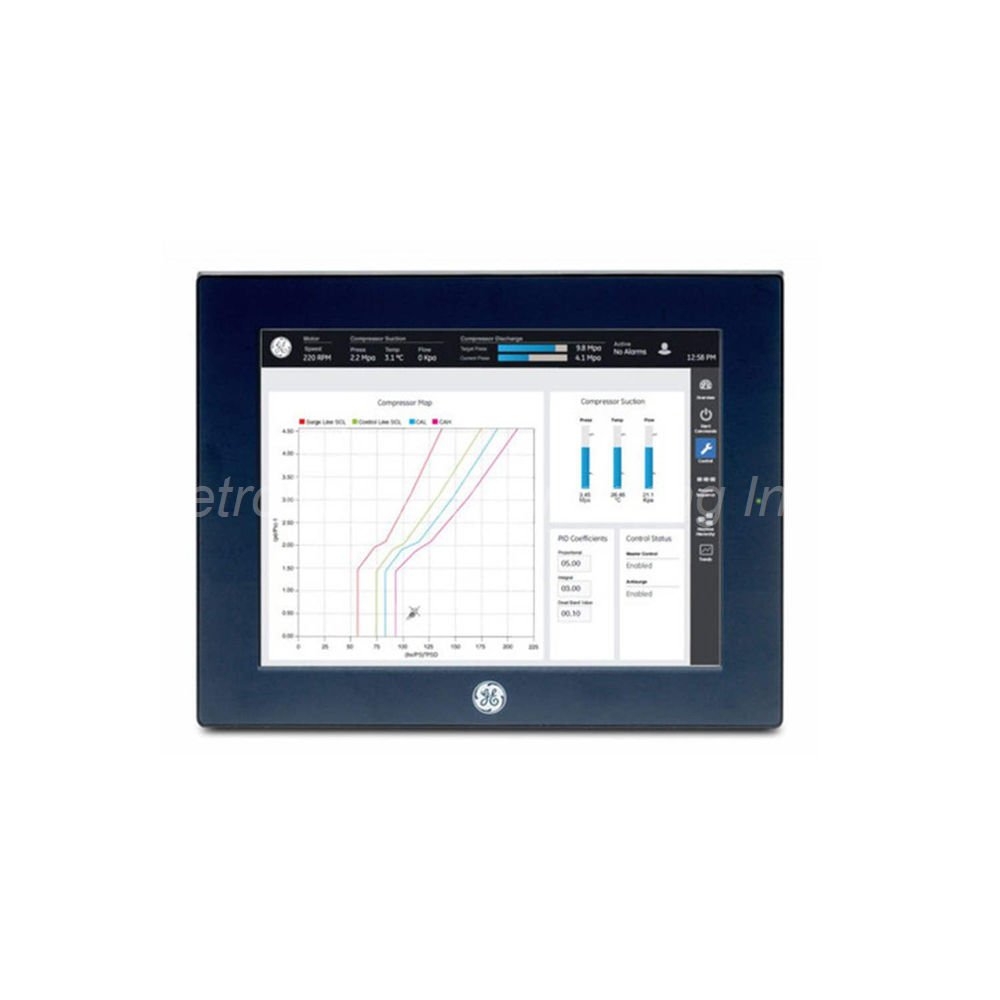
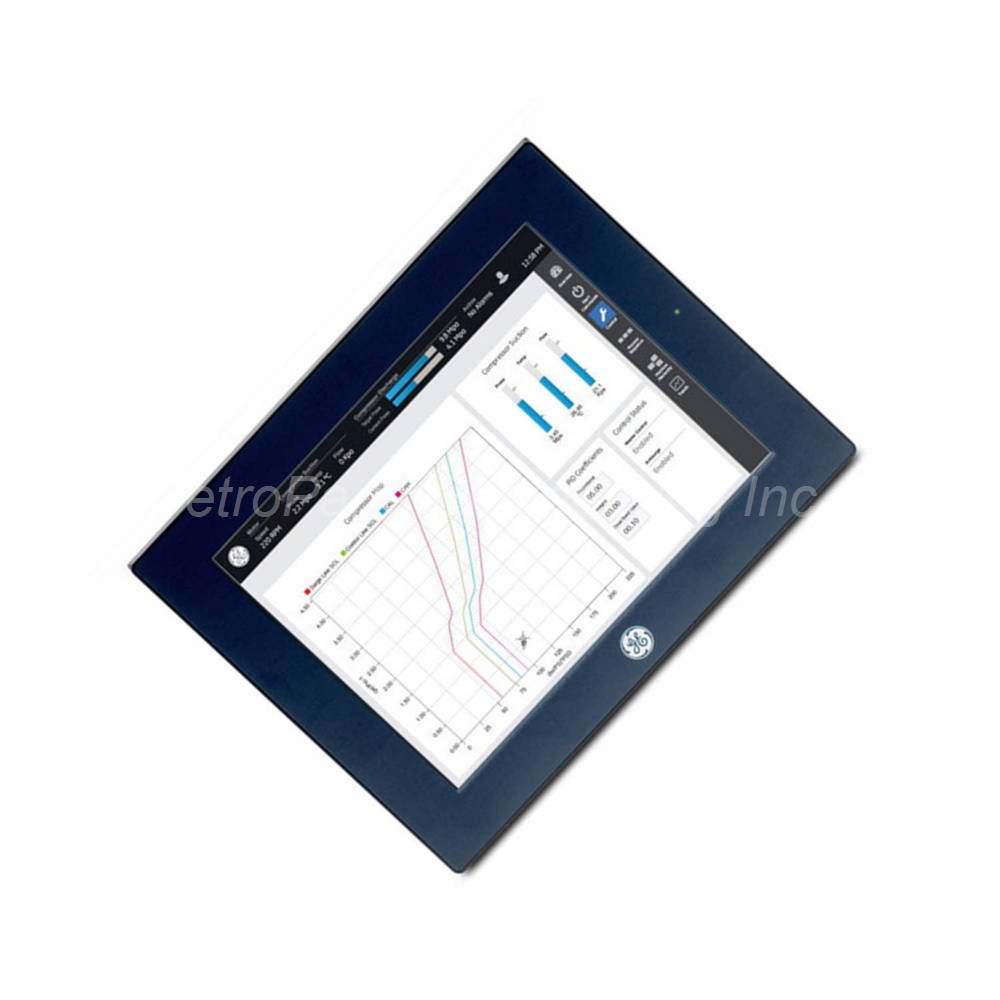
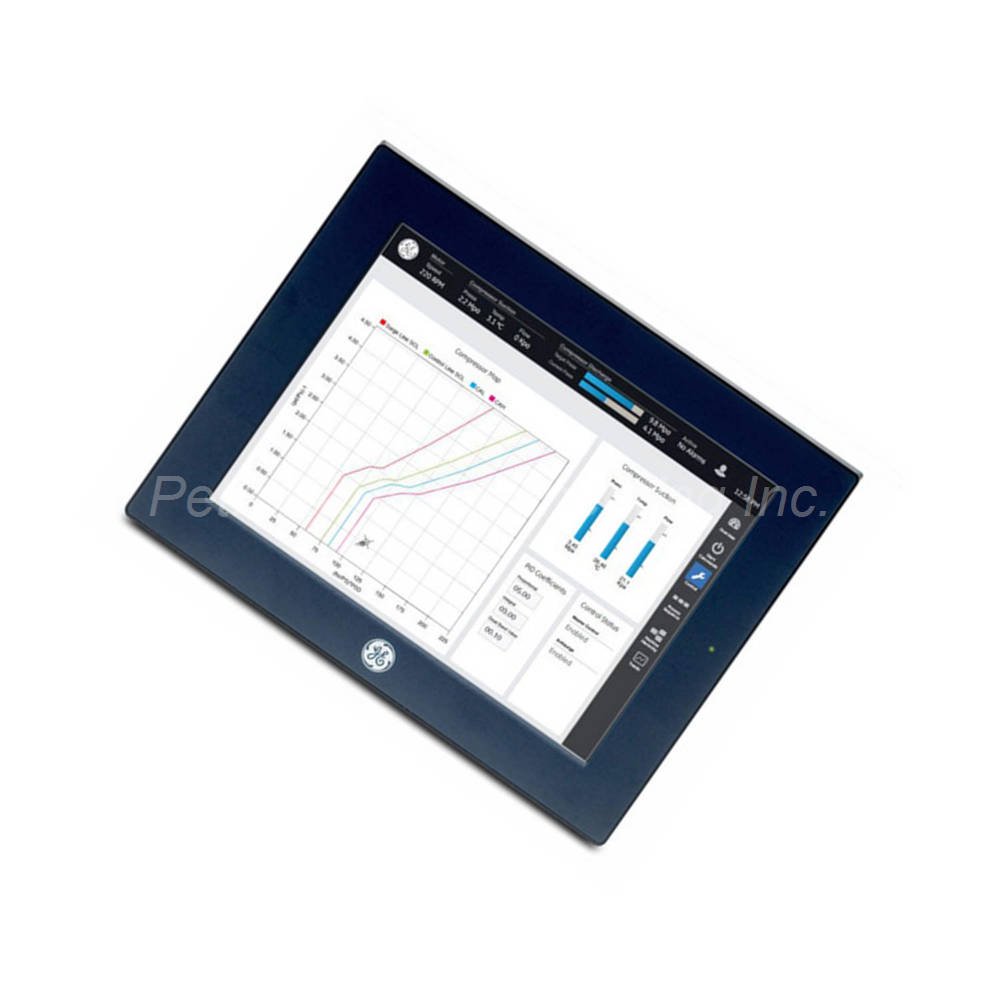
This article covers the GE Fanuc IC755ACC12GAS replacement gasket for 12-inch Quickpanel+ terminals. You will learn its technical specifications, installation steps, and package contents. This gasket provides protection and mounting adaptability for your HMI.
 Customer Reviews
UBEST Automation – Trusted Global Automation Parts Supplier
We offer a wide range of in-stock industrial automation spare parts. All products come with a 12-month warranty and a 30-day refund for quality issues.
Product Attributes:
Notice: For real-time prices and inventory, please click the button below to contact us.
Technical Specifications of GE Fanuc IC755ACC12GAS
Physical & Environmental Data
The GE Fanuc IC755ACC12GAS weighs 1.36 kg (3.00 lbs). This gasket works with 12-inch Quickpanel+ terminals only. The operating temperature range is 0°C to +50°C. Humidity tolerance reaches 85% RH (non-condensing) at 30°C. The cooling method uses natural convection cooling.
Mounting Specifications
The gasket includes mounting brackets for secure installation. Mounting clamps require a torque range of 0.3 N-m. You need a Phillips head screwdriver for installation. The gasket enables mounting on a panel or on a DIN rail. A cutout is required to insert the unit into the gasket.
Compatibility & Application
The GE Fanuc IC755ACC12GAS replaces degraded original gaskets on 12-inch Quickpanel+ terminals. This gasket provides a strong external structure for the module. It allows mounting into different panels and structures. Replace the gasket when installing the module in a new system environment.
Material & Construction
This gasket protects the Quickpanel device from environmental factors. It provides mounting clips for adaptation to different mounting surfaces. The gasket needs a cutout matched to the module measurements. Insert the module without any connections or wiring attached.
Installation Guide for IC755ACC12GAS Gasket
Follow these steps to install the GE Fanuc IC755ACC12GAS replacement gasket correctly.
Remove All Connections: Disconnect all cables and wiring from the terminal. Insert the module with nothing attached.
Create the Cutout: Make one cutout in the gasket for the module. Match the cutout measurements to the module dimensions without connections.
Seat the Gasket: Place the gasket properly around the module. Ensure full coverage for complete protection.
Secure with Screws: Use a Phillips head screwdriver to tighten mounting clamps. Apply torque of 0.3 N-m for proper fit.
Choose Mounting Method: Mount the assembly on a panel or on a DIN rail based on your application.
Avoid Frequent Removals: Insert and remove the panel as infrequently as possible. Frequent removals accelerate gasket degradation.
Maintain Environment: Keep temperature below 50°C. Keep relative humidity below 85% to preserve gasket life.
Packaging List
The original package for GE Fanuc IC755ACC12GAS includes:
1 x Replacement gasket for 12-inch Quickpanel+ terminals
1 x Mounting brackets set
1 x Mounting clamps (0.3 N-m torque rating)
1 x Installation instructions (basic guide)
Frequently Asked Questions (FAQ)
Q1: Which terminals work with the GE Fanuc IC755ACC12GAS?
A1: This replacement gasket works exclusively with 12-inch Quickpanel+ terminals. It does not fit 7-inch or 10-inch screen sizes.
Q2: What mounting options does the IC755ACC12GAS support?
A2: This gasket enables mounting on a panel or on a DIN rail. The mounting clips adapt to different mounting surfaces.
Q3: What tools do I need to install the IC755ACC12GAS gasket?
A3: You need a Phillips head screwdriver for installation. Apply torque of 0.3 N-m to the mounting clamps.
Q4: How do I maintain the GE Fanuc IC755ACC12GAS after installation?
A4: Avoid frequent insertions and removals of the module. Keep temperature below 50°C and humidity below 85% RH. Replace the gasket when installing in a new system.
Q5: What causes degradation of the IC755ACC12GAS gasket?
A5: Frequent insertions and removals of the module cause degradation. Frequent retightening of mounting clips also accelerates wear.