
GE Fanuc IC755ACC12PRO Screen Protector 3-Pack
Introduction:
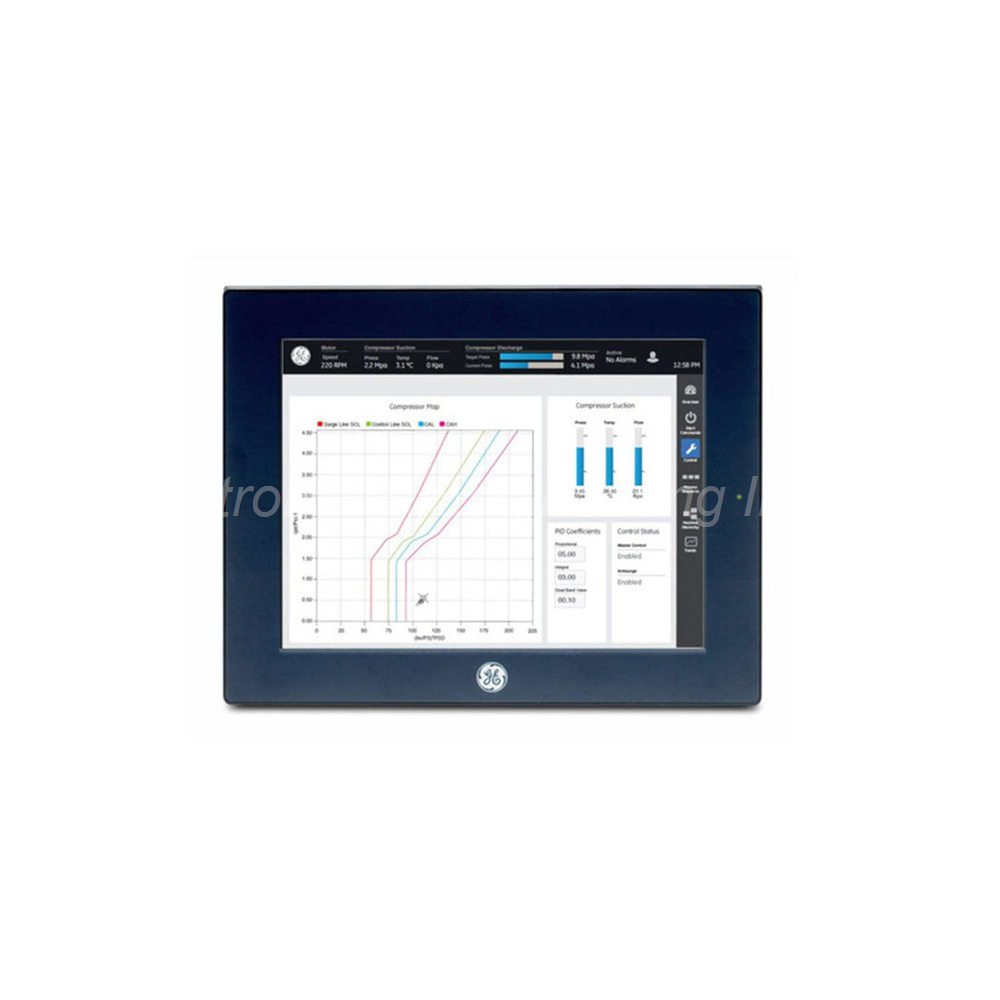
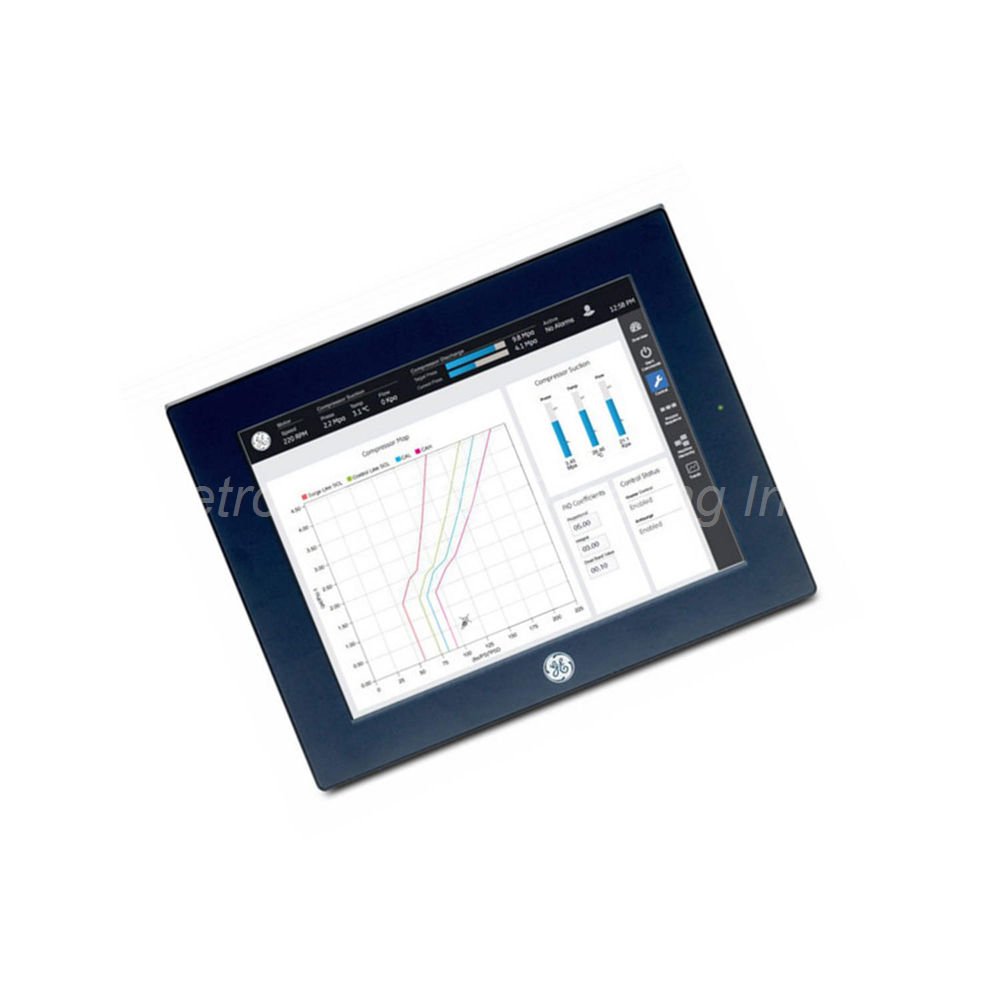
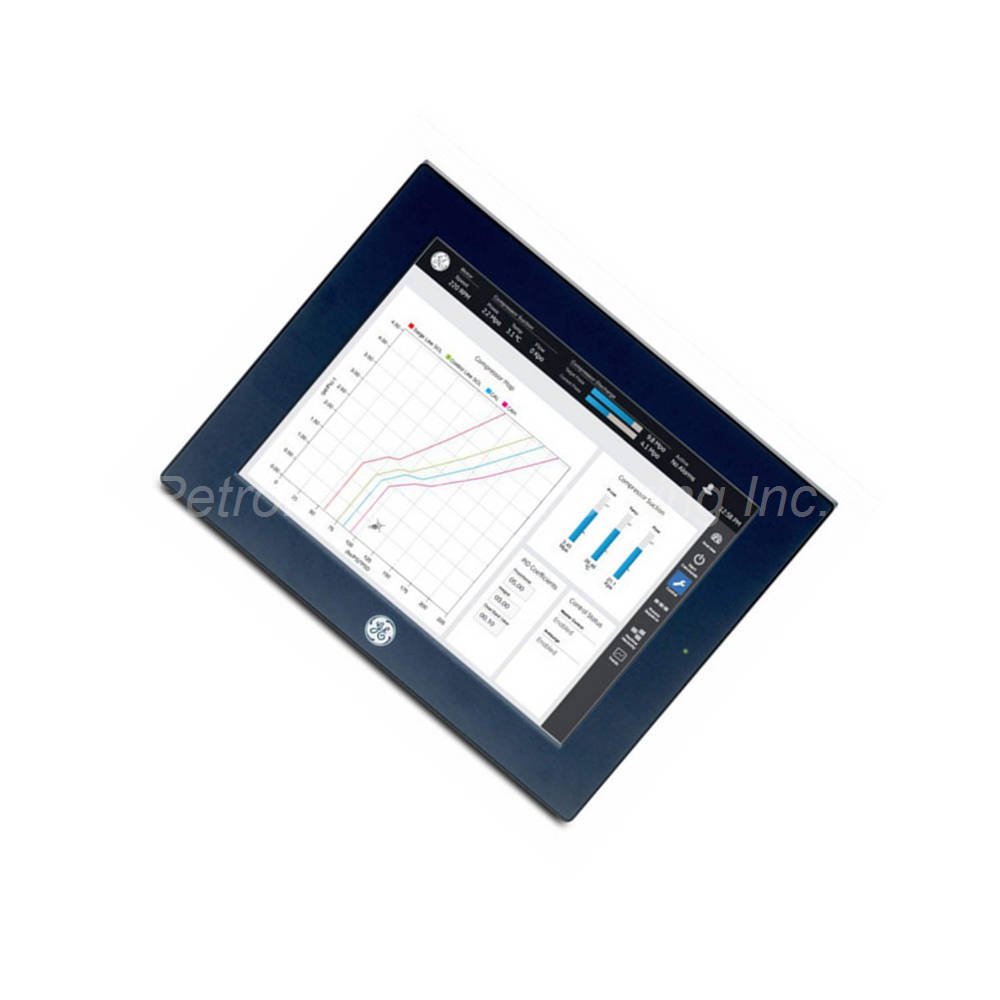
GE Fanuc IC755ACC12PRO set of 3 replacement screen protectors. Compatible with 12-inch QuickPanel+ displays. Protects touchscreen from scratches and wear.
 Customer Reviews
UBEST Automation – Trusted Global Automation Parts Supplier
We offer a wide range of in-stock industrial automation spare parts. All products come with a 12-month warranty and a 30-day refund for quality issues.
Product Attributes:
Notice: For real-time prices and inventory, please click the button below to contact us.
Product Overview
The GE Fanuc IC755ACC12PRO is a set of 3 replacement screen protectors for 12-inch QuickPanel+ displays. These protectors shield the touchscreen from scratches, dust, and日常wear. Engineers use the IC755ACC12PRO to extend the life of QuickPanel+ HMI terminals in industrial environments. The set includes three protectors for multiple replacements over time. This product suits facilities that want to keep their operator interfaces looking new.
Technical Specifications
The GE Fanuc IC755ACC12PRO delivers essential screen protection for 12-inch QuickPanel+ units.
- Product Type: Set of 3 replacement screen protectors.
- Compatibility: 12-inch QuickPanel+ devices.
- Quantity per Set: 3 protectors.
- Voltage Type: DC (device compatibility).
- Operating Temperature: 0 to 55 degrees Celsius.
- Storage Temperature: -10 to 60 degrees Celsius.
- Maximum Relative Humidity: 85%.
- Maximum Altitude: 2000 meters.
- Weight: 3.00 lbs (1.36 kg).
QuickPanel+ Terminal Overview
The QuickPanel+ terminal is an industrial operator interface terminal from GE Fanuc. This device is a microcomputer based on the ARM microprocessor platform. It supports a touchscreen display for intuitive operator interaction. Multiple communication options allow connection to various PLCs and networks. The IC755ACC12PRO screen protectors keep this high-value display safe. The 12-inch QuickPanel+ units measure 314 x 248 x 65 millimeters. Each terminal weighs approximately 3 kilograms. A panel cutout measuring 302 x 228 millimeters is required for installation. The screen protector set maintains the original touch sensitivity of the display.
Installation Instructions
Follow these recommended steps to install one IC755ACC12PRO screen protector. First, remove the protective film from the QuickPanel+ terminal screen. Clean the display thoroughly to remove dust and fingerprints. The display should be spotless before you apply the new protector. Then peel away the backing sheet from the IC755ACC12PRO screen protector. Start the application from one corner of the QuickPanel+ display screen. Gradually apply the rest of the protector while avoiding air bubbles. Smooth out the protector across the entire screen surface. The touchscreen and its protector should not be operated with hard or blunt objects. Hard objects can damage the display even with the protector installed.
Safety Precautions and Power Requirements
To prevent equipment damage and personal injury, follow these safety rules. Ensure the DC power supply to the QuickPanel+ unit is switched off first. Verify that the power leads are not energized before connecting them. Make the connection to the power plug on the QuickPanel+ unit only after power is off. The IC755ACC12PRO protector does not change any electrical characteristics of the terminal. The QuickPanel+ unit operates on DC voltage as specified in its manual. Proper installation of the screen protector does not require any power changes. Always handle the screen protector with clean, dry hands. Store unused protectors in their original packaging to prevent contamination.
Environmental Specifications and Installation Limits
The GE Fanuc IC755ACC12PRO screen protectors share the same environmental limits as the QuickPanel+ terminal. Ambient operating temperature ranges from 0 to 55 degrees Celsius (32 to 131°F). Ambient storage temperature ranges from -10 to 60 degrees Celsius (14 to 140°F). Maximum relative humidity level is 85% non-condensing. Do not install QuickPanel+ units at altitudes exceeding 2000 meters. The IC755ACC12PRO protector maintains optical clarity across this temperature range. The adhesive backing works properly within the specified temperature limits. These environmental ratings ensure reliable protection in factory conditions. The protector does not degrade under normal industrial humidity levels.
Maintenance and Care Guidelines
The GE Fanuc IC755ACC12PRO screen protectors require no special maintenance after installation. Clean the protector surface with a soft, lint-free cloth when needed. Use mild glass cleaner if necessary, but avoid harsh chemicals. Do not use abrasive materials that could scratch the protector surface. Replace the protector if it becomes heavily scratched or damaged. The set of 3 allows two spare protectors for future replacement. The IC755ACC12PRO helps maintain the resale value of your equipment. Regular replacement of worn protectors keeps the display looking new. This is a cost-effective way to protect expensive HMI hardware.
Package Contents
When you unbox the GE Fanuc IC755ACC12PRO, you will find these items:
- 3 x GE Fanuc IC755ACC12PRO replacement screen protectors.
- 1 x Installation instruction sheet.
- 1 x Cleaning cloth recommendation guide.
- 1 x Product identification label.
Frequently Asked Questions (FAQ) (H2)**
How many screen protectors come in the IC755ACC12PRO set?
The **IC755ACC12PRO** set includes three (3) replacement screen protectors. This allows multiple replacements over the life of your QuickPanel+ terminal.
What QuickPanel+ displays work with the IC755ACC12PRO?
This protector set is compatible with 12-inch QuickPanel+ devices only. Do not use it on 6-inch, 8-inch, or 15-inch models.
What is the operating temperature range for the IC755ACC12PRO?
The **IC755ACC12PRO** operates from 0 to 55 degrees Celsius. Storage temperature ranges from -10 to 60 degrees Celsius.
Can I use hard objects on the screen protector?
No, the touchscreen and its protector should not be operated with hard or blunt objects. Hard objects can damage both the protector and the underlying display.
What is the maximum altitude for installing the IC755ACC12PRO?
QuickPanel+ units with the **IC755ACC12PRO** installed should not exceed 2000 meters altitude. This ensures proper cooling and touchscreen function.