
GE Fanuc IC693PIF300 PC Interface Card | Series 90-30 PLC
Introduction:
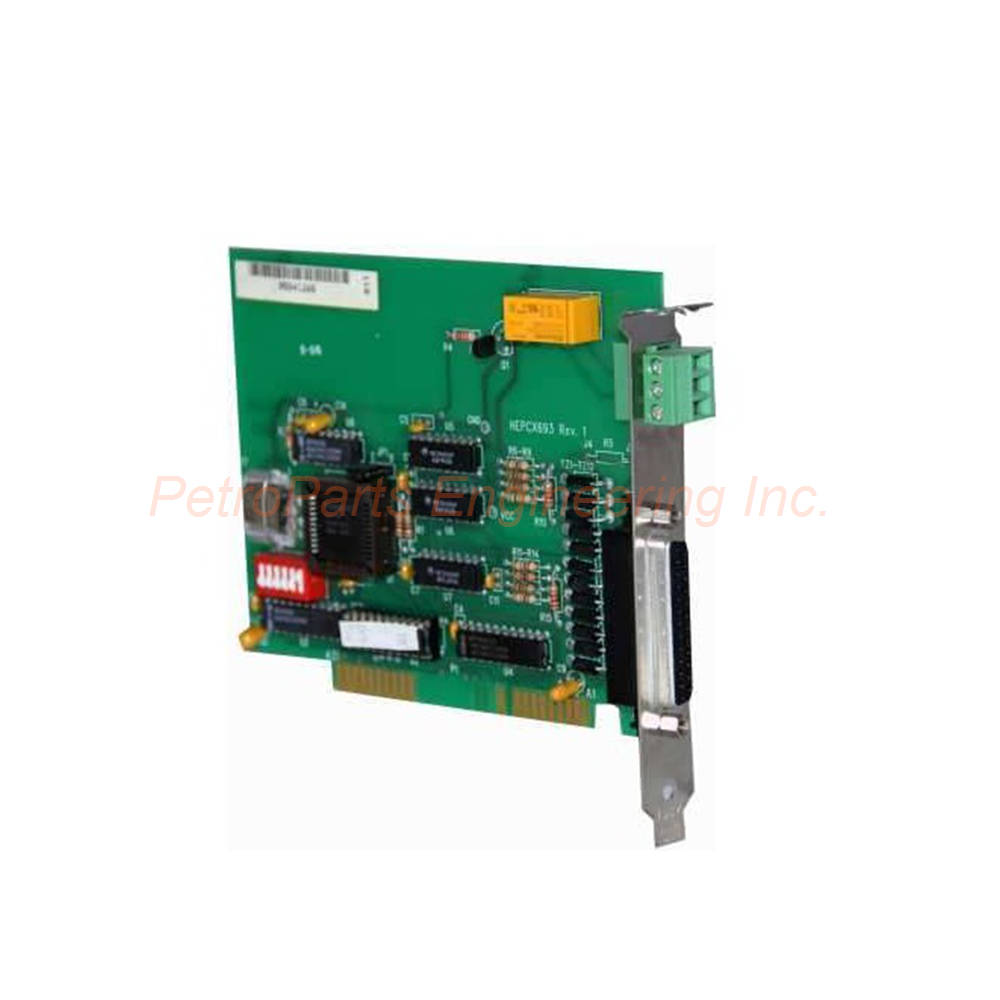
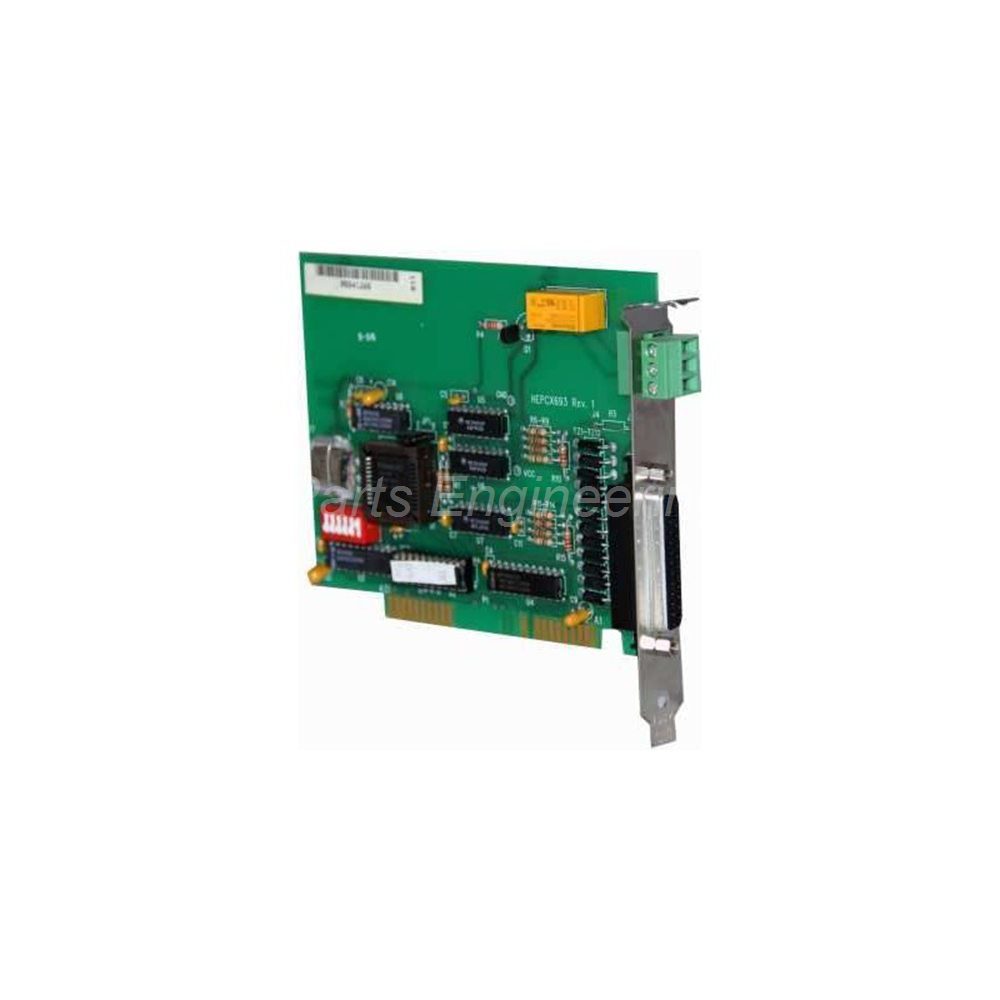
GE Fanuc IC693PIF300 PC Interface Card for Series 90-30 PLC. ISA bus compatible. Connects PC to PLC for monitoring and control.
 Customer Reviews
UBEST Automation – Trusted Global Automation Parts Supplier
We offer a wide range of in-stock industrial automation spare parts. All products come with a 12-month warranty and a 30-day refund for quality issues.
Product Attributes:
Notice: For real-time prices and inventory, please click the button below to contact us.
Product Overview
The GE Fanuc IC693PIF300 is a PC interface card for PLC connectivity. It connects a personal computer to a GE Fanuc Series 90-30 PLC. This module monitors and controls application process variables effectively. The GE Fanuc IC693PIF300 offers a low-cost solution for automation tasks. It inserts easily into any 8-bit computer slot with ISA Bus protocols. Users leverage this card to upgrade legacy control platforms.
Technical Specifications
The IC693PIF300 provides reliable PC-to-PLC communication. Below are the complete technical details.
General Specifications
Component Type: Interface Card (PCIF) Module for PC installation.
Brand: GE Fanuc for industrial automation compatibility.
Series: Part of the Series 90-30 PLC family.
Part Number: IC693PIF300 for precise identification.
Power and Compatibility
Power Supply Voltage: 5 VDC drawn directly from the computer.
Compatible PLCs: GE Fanuc Series 90-30 PLCs only.
Computer Slot Type: Fits any 8-bit slot with ISA Bus protocol.
Slot Compatibility: Also works with PC or AT protocol slots.
Operating Systems: Works with MS-DOS, Microsoft Windows, or Linux.
Third-Party Software: Configuration uses common third-party software tools.
Communication Specifications
Networking Protocols: Supports ISA Bus, PC, or AT protocols.
Maximum Distance From PC: Up to 700 feet (213 meters) to the PLC.
Data Exchange Capacity: Interacts with up to 1280 bytes of data.
Communication Direction: Monitors and controls field inputs and outputs.
Data Flow: Transfers data between PLC processor and personal computer.
Expansion Capabilities
Maximum Expansion Racks: Connects up to 4 expansion racks simultaneously.
Rack Types Supported: Includes standard expansion racks and remote I/O racks.
Connector Type: Uses GE Fanuc female-D 25-pin connectors.
Expansion Wiring: Standard cables available from GE Fanuc.
Custom Cable Lengths: Cables can be cut to specific application needs.
Connector Availability: Corresponding connectors purchased separately.
Physical Specifications
Form Factor: Plug-in card for desktop computer expansion slot.
Installation Method: Slides into an available computer slot.
Bus Width: 8-bit ISA bus compatibility.
Construction: Standard PCB card design.
Additional Features
Legacy Equipment Support: Ideal for automation processes using old equipment.
Control Platform Upgrade: Creates a better interface for existing systems.
Monitoring Capability: Tracks field inputs from PLC processor system.
Control Capability: Sends outputs to PLC from personal computer.
Cost Effectiveness: Low-cost solution for industrial automation.
Installation Guide
Follow these steps to install the GE Fanuc IC693PIF300 correctly.
Power Down Computer: Turn off and unplug the desktop computer completely.
Open Computer Case: Remove the cover to access expansion slots.
Locate Available Slot: Find any empty 8-bit ISA, PC, or AT slot.
Insert the Card: Slide the IC693PIF300 firmly into the slot.
Secure the Card: Fasten the bracket screw to hold the card in place.
Close Computer Case: Replace the cover and reconnect power.
Connect to PLC: Use a female-D 25-pin cable to link to the PLC.
Install Software: Load third-party software compatible with your OS.
Configure Communication: Set up the card parameters through the software.
Connect Expansion Racks: Link up to 4 racks using 25-pin connectors.
Installation Notes
Ensure the computer slot supports ISA Bus, PC, or AT protocols.
Keep the total cable length under 700 feet (213 meters).
Use shielded cables for noisy industrial environments.
Verify the 5 VDC power from the computer is stable.
Packaging List
This unit ships as a new and original product.
GE Fanuc IC693PIF300 PC Interface Card (PCIF Module)
Standard bracket for computer case mounting
Product installation guide
Anti-static factory packaging bag
Frequently Asked Questions (FAQ)
1. Which PLCs are compatible with the IC693PIF300 card?
The GE Fanuc IC693PIF300 works exclusively with GE Fanuc Series 90-30 PLCs. It does not support other PLC families or brands.
2. How far can I place the computer from the Series 90-30 PLC?
The IC693PIF300 supports a maximum distance of 700 feet (213 meters) between the PC and the PLC. Use high-quality cables for this maximum length.
3. Can I use this card with a modern Windows 10 computer?
Most modern computers lack ISA bus slots. The GE Fanuc IC693PIF300 requires an 8-bit ISA, PC, or AT slot. You may need a legacy computer or industrial PC with ISA support.
4. How many expansion racks can connect through one PCIF card?
A single IC693PIF300 connects up to 4 expansion racks simultaneously. This includes both standard expansion racks and remote I/O racks.
5. What software do I need to configure this interface card?
The GE Fanuc IC693PIF300 works with third-party software on MS-DOS, Windows, or Linux. No proprietary GE Fanuc software is required for basic configuration.