
1762-IR4 | Allen-Bradley RTD Input Module
Introduction:
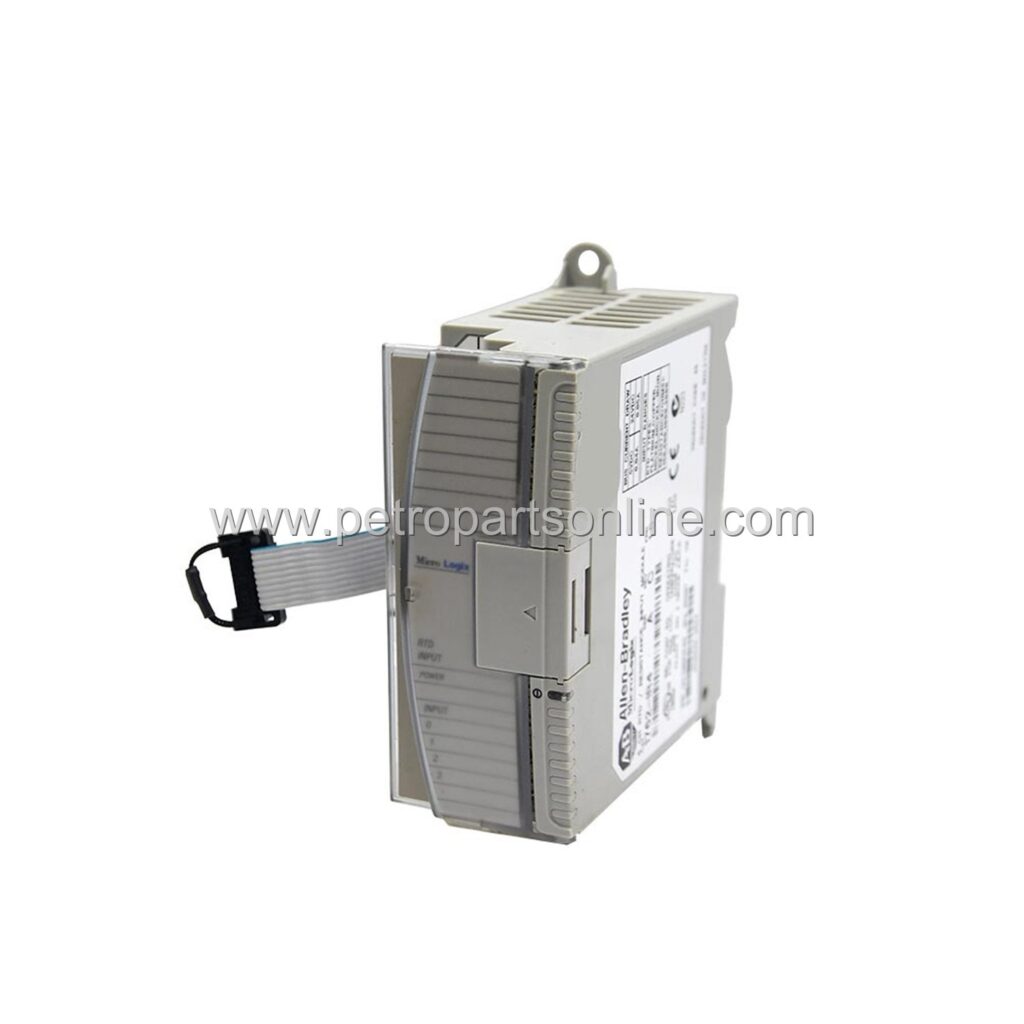
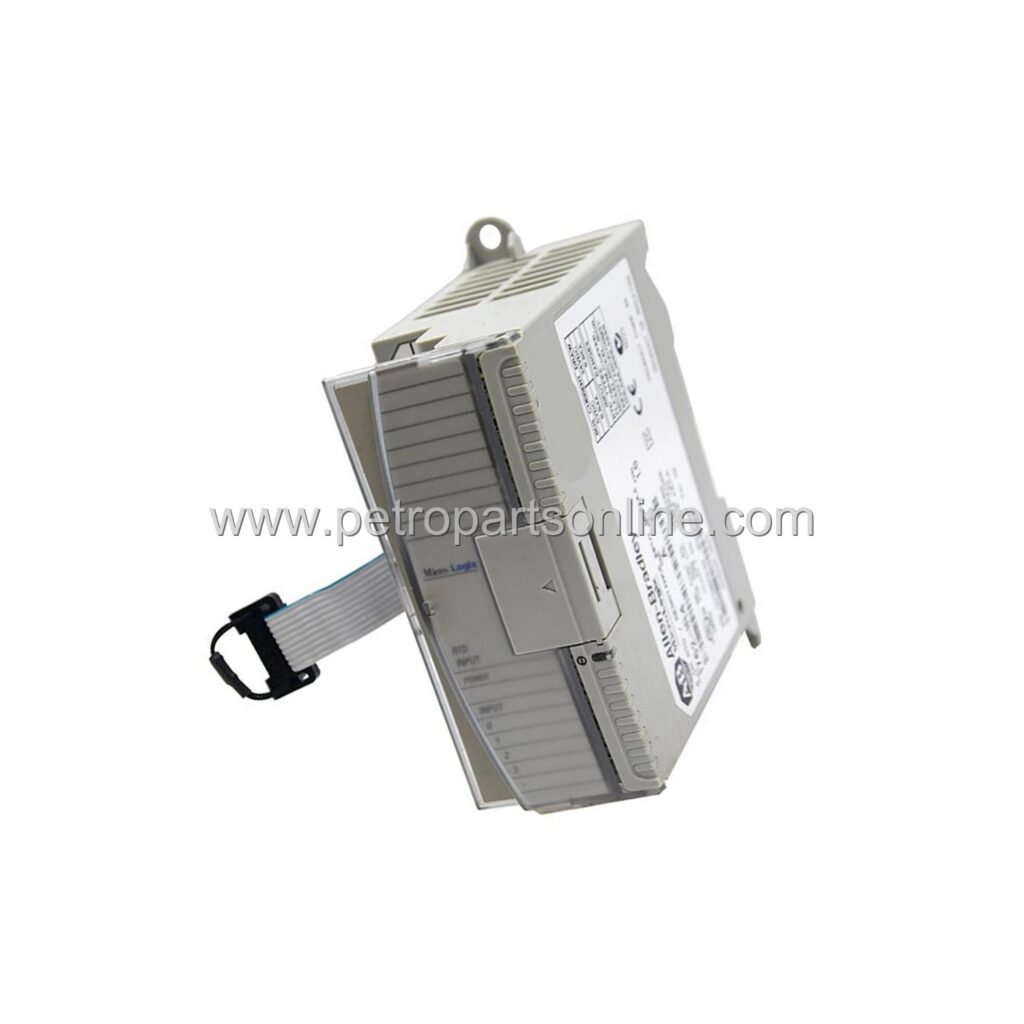
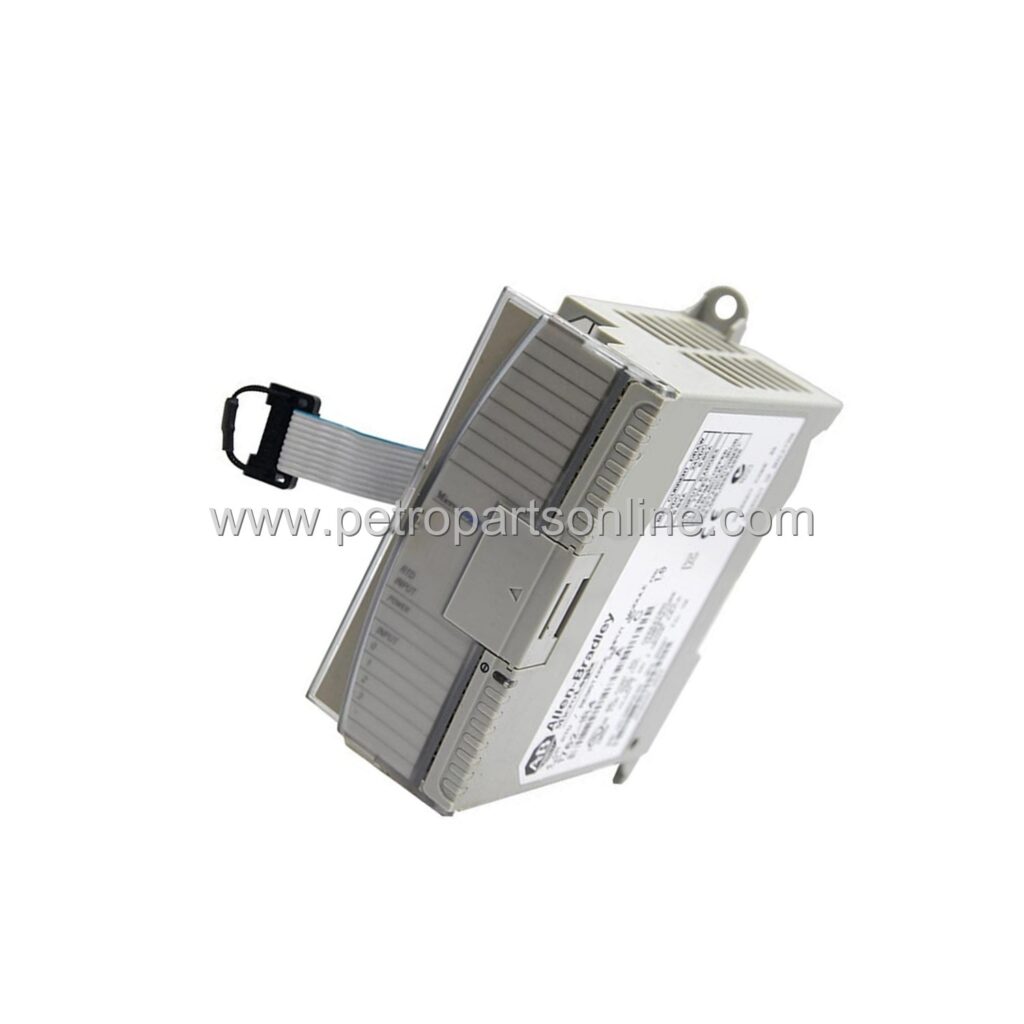
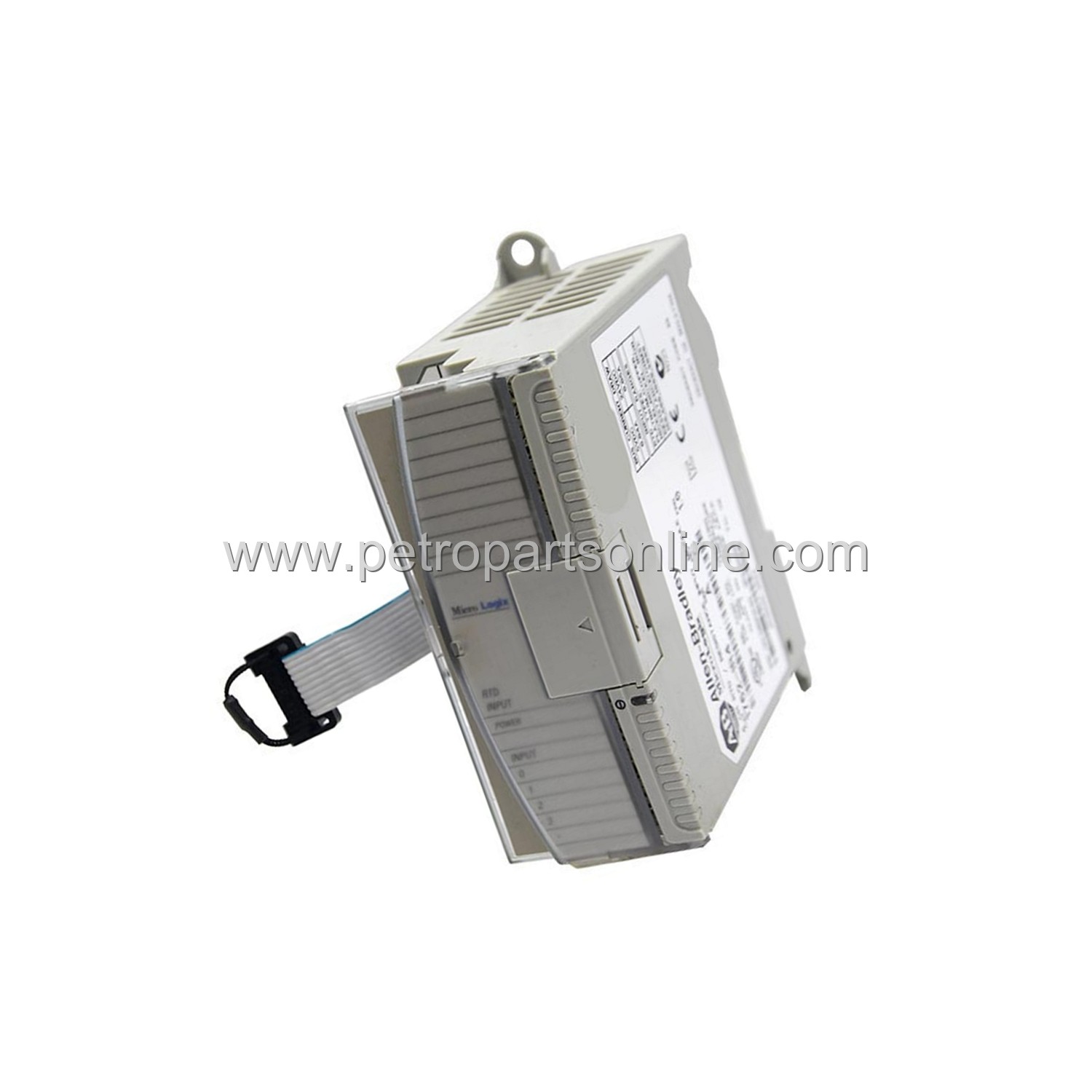
Allen-Bradley 1762-IR4: 4-channel RTD input module for MicroLogix 1200. New original in stock, 12-month warranty.
 Customer Reviews
UBEST Automation – Trusted Global Automation Parts Supplier
We offer a wide range of in-stock industrial automation spare parts. All products come with a 12-month warranty and a 30-day refund for quality issues.
Product Attributes:
Notice: For real-time prices and inventory, please click the button below to contact us.
Product Overview
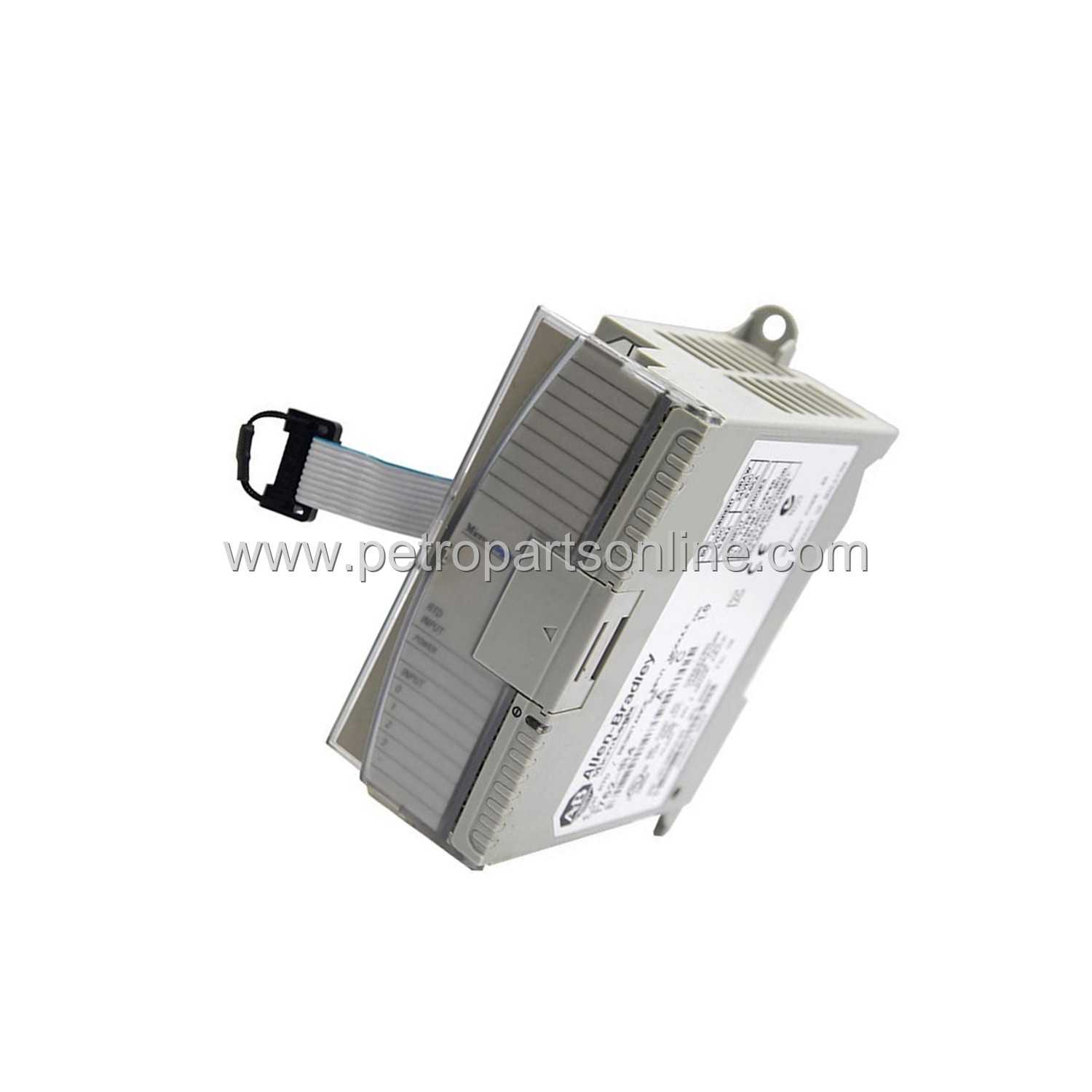
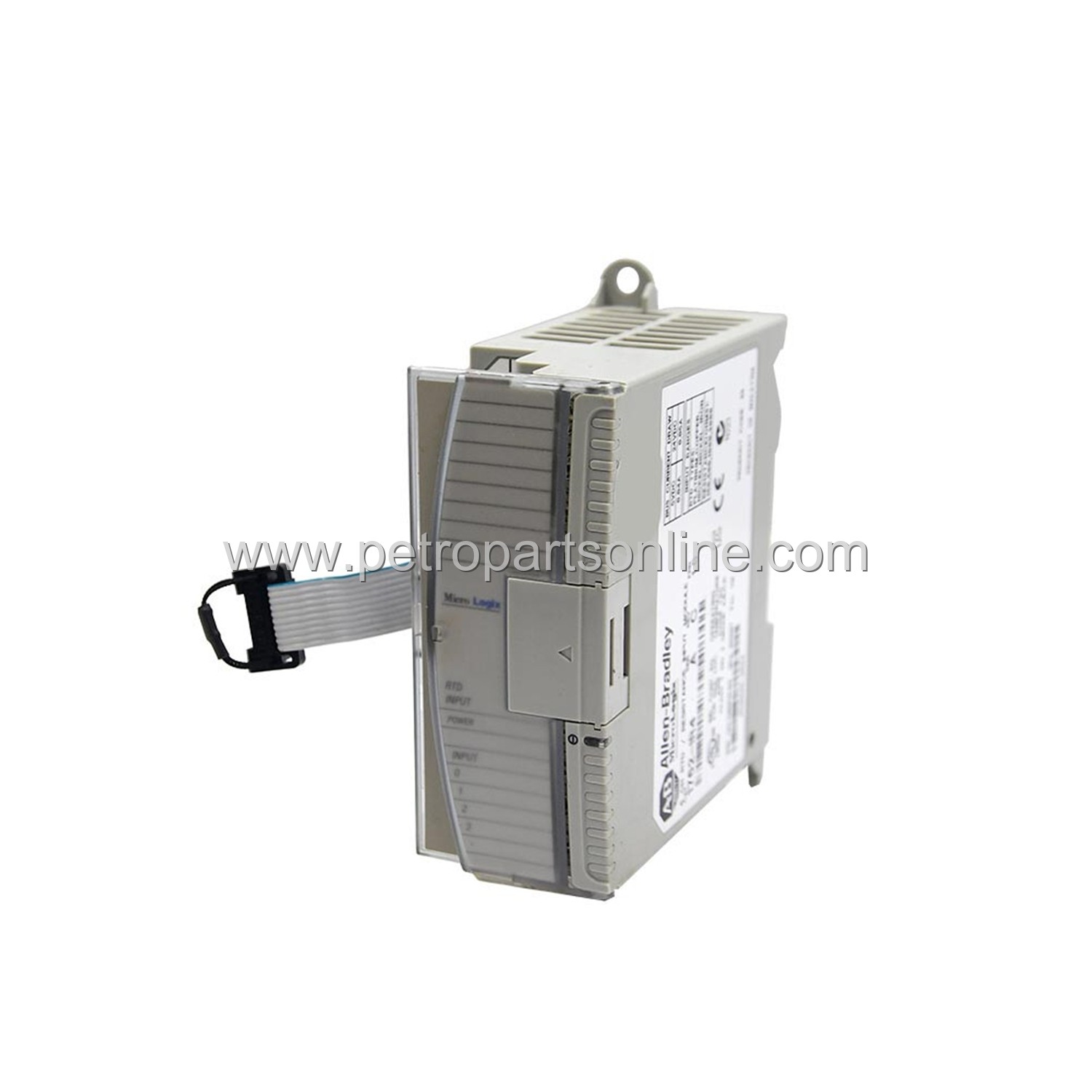
The 1762-IR4 is an RTD input module from Allen-Bradley. It belongs to the MicroLogix 1200 series. This module provides four input channels. Each channel accepts a resistance temperature detector. It converts resistance signals to digital values. The module communicates via the backplane. It supports 2-wire and 3-wire RTD configurations. The 1762-IR4 is a compact solution. It fits into a MicroLogix 1200 system. The module is designed for industrial environments. It offers high accuracy for temperature measurement.
Application Scenarios
This module is used in temperature monitoring systems. It is common in process control applications. Typical industries include food and beverage. It also serves pharmaceutical manufacturing. The 1762-IR4 works in HVAC systems. It is suitable for plastic molding machines. The module monitors bearing temperatures. It is used in chemical processing plants. The module provides reliable data acquisition. It integrates with existing PLC systems.
Technical Specifications
Number of channels: 4. Input type: RTD. Supported RTD types: PT100, PT200, PT500, PT1000. Input range: programmable. Resolution: 16-bit. Update time: 100 ms per channel. Isolation voltage: 500V AC. Power consumption: 2.5W. Operating temperature: 0 to 55 °C. Storage temperature: -40 to 85 °C. Humidity: 5 to 95% non-condensing. Dimensions: 40 x 90 x 87 mm. Weight: 0.3 kg. Wiring: removable terminal block. Backplane current: 80 mA at 5V. Compliance: CE, UL, CUL. The module uses a standard MicroLogix form factor.
Installation & Maintenance Guide
Install the module in a MicroLogix 1200 rack. Ensure power is off before insertion. Align the module with the backplane connector. Press firmly until latched. Connect RTD sensors to the terminal block. Use shielded cable for long runs. Configure the module using RSLogix 500 software. Set input type and range per sensor. Perform routine inspection for dust. Clean with a dry cloth. Do not use solvents. Check connections periodically. Replace module if LED indicates fault. Follow local electrical codes.
Frequently Asked Questions (FAQ)
What is the primary function of 1762-IR4?
The module converts RTD resistance into digital temperature data for a PLC.
How many RTD inputs does 1762-IR4 support?
It supports four independent RTD input channels.
Which RTD types are compatible with 1762-IR4?
Compatible types include PT100, PT200, PT500, and PT1000.
What is the update time for each channel?
Each channel updates at 100 milliseconds.
Can 1762-IR4 be used with MicroLogix 1500?
No, it is designed exclusively for MicroLogix 1200 systems.