
1734-ADN | Allen-Bradley DeviceNet Adapter Module

Introduction:
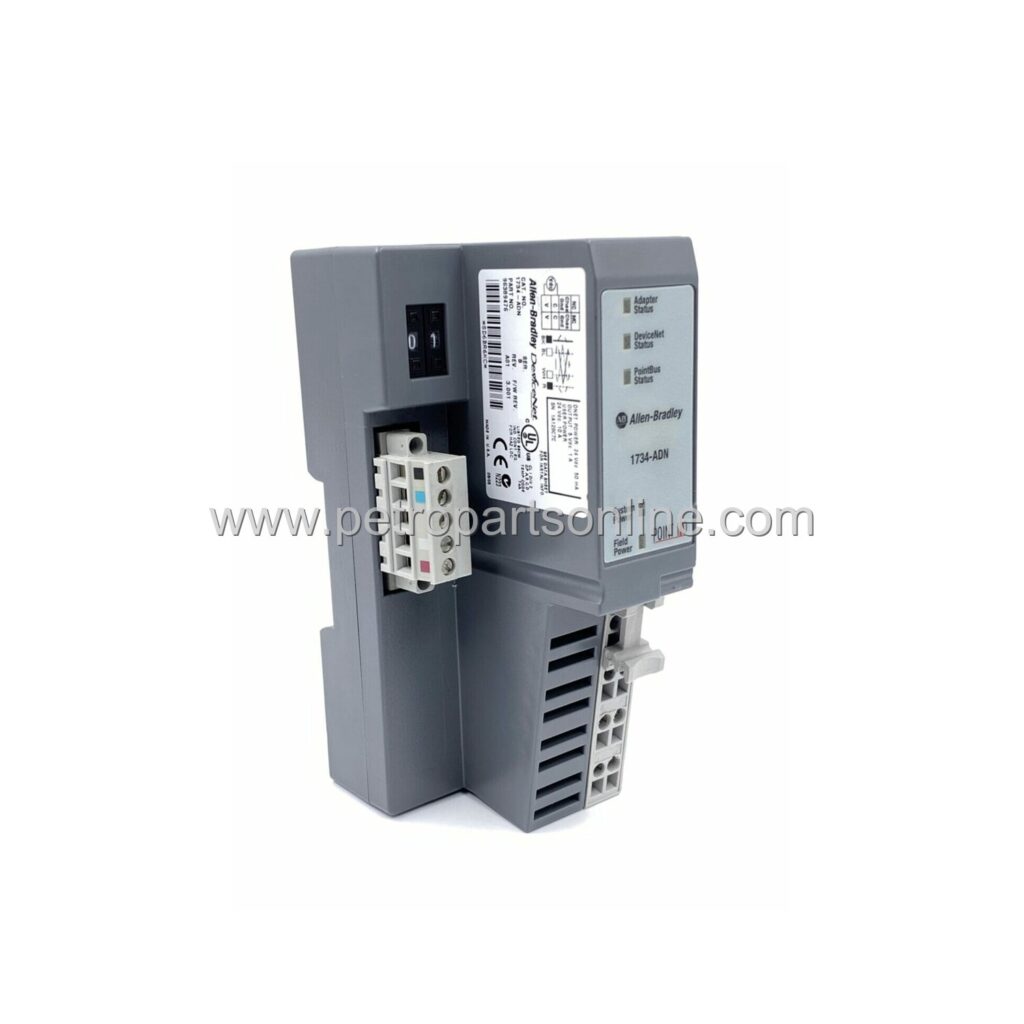
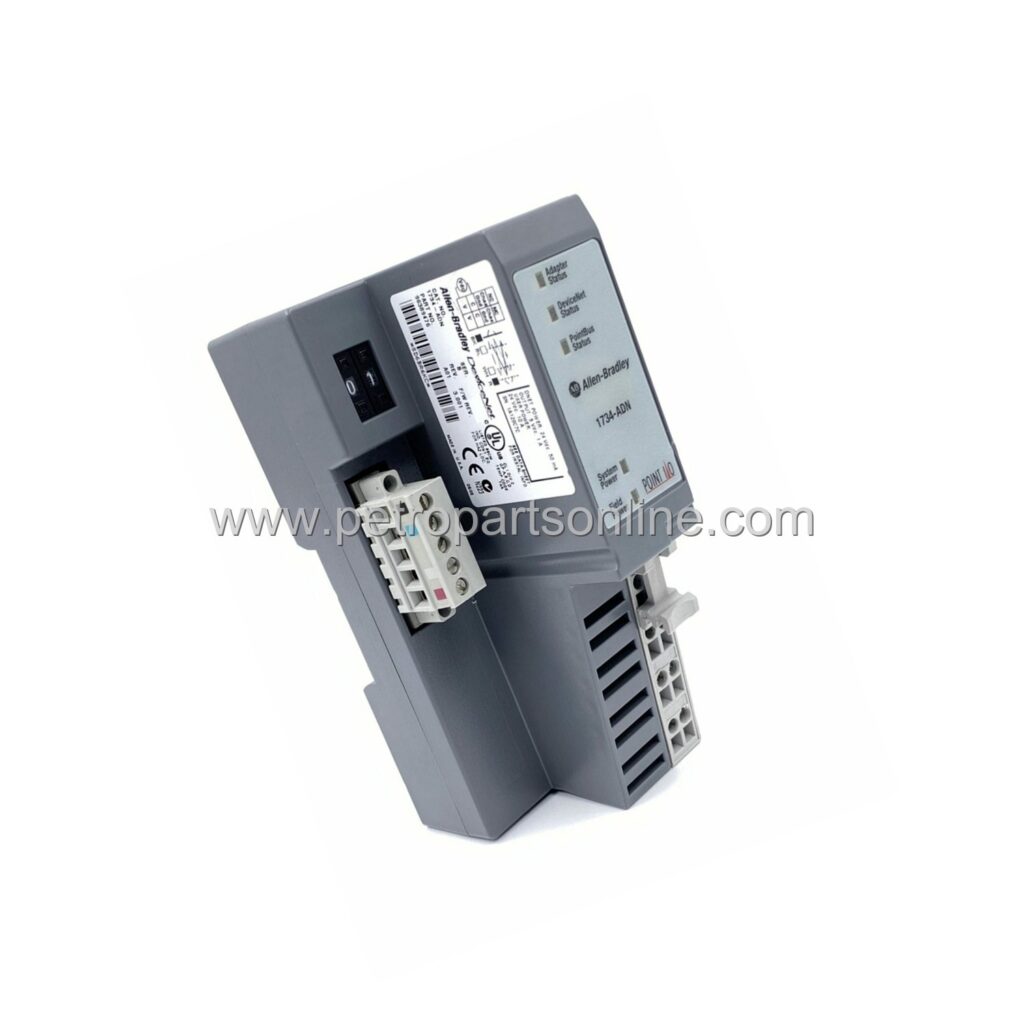
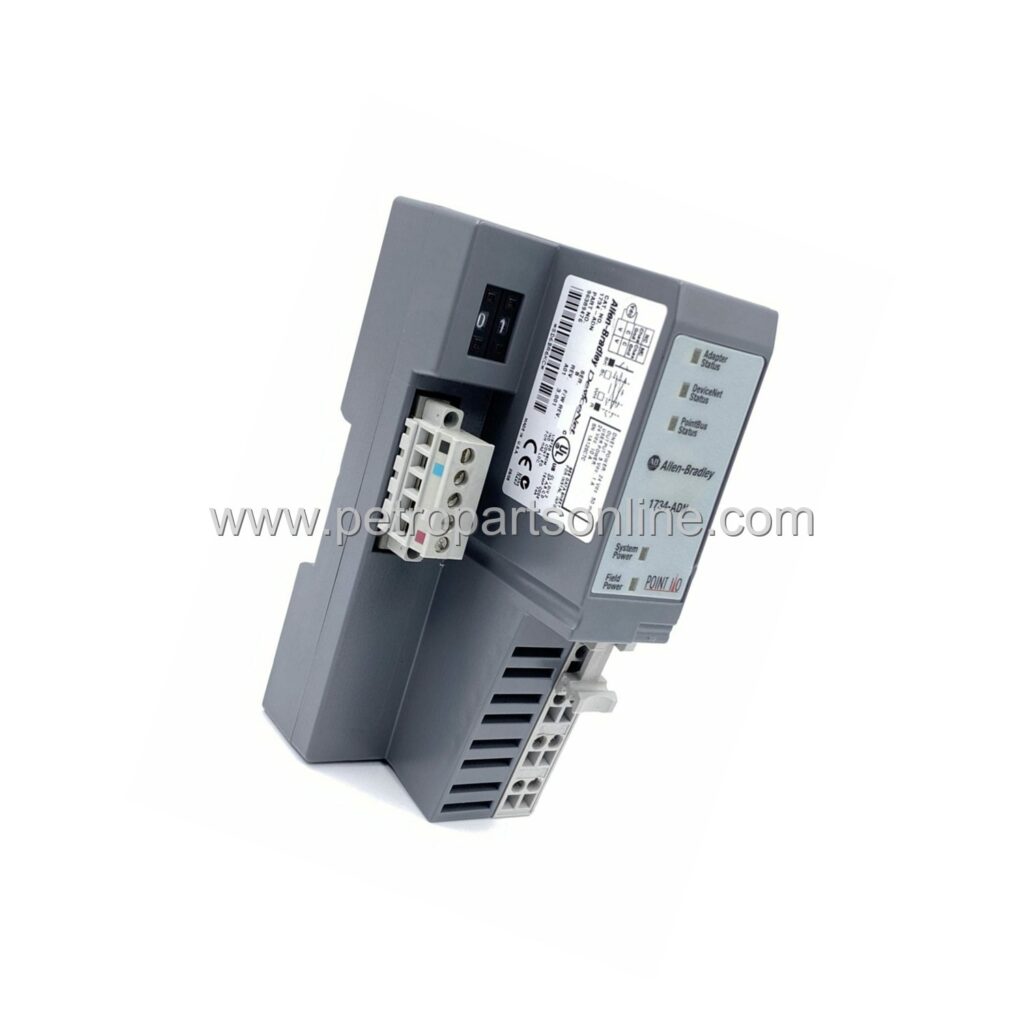
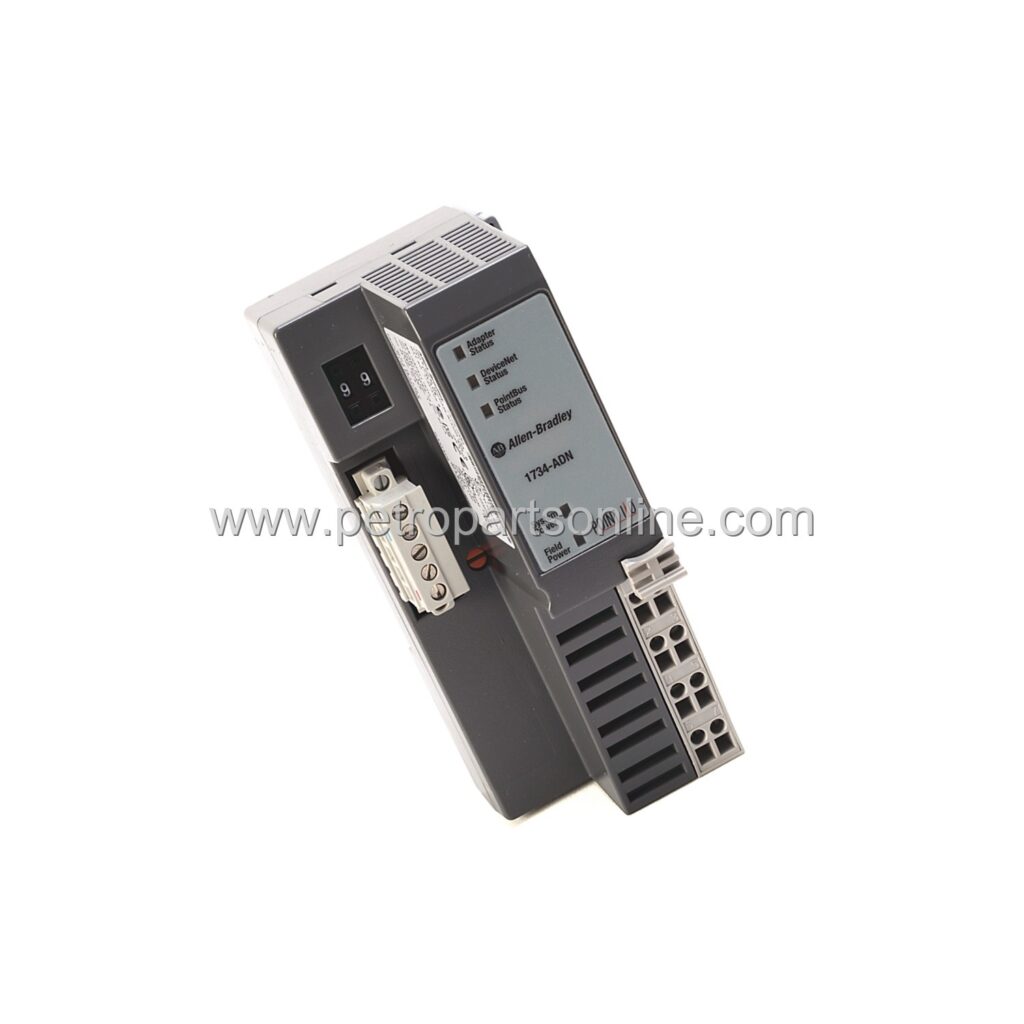
DeviceNet adapter module for POINT I/O, supporting up to 63 nodes, 24V DC, DIN rail mount, with LED indicators and auto-negotiating baud rates.
 Customer Reviews
UBEST Automation – Trusted Global Automation Parts Supplier
We offer a wide range of in-stock industrial automation spare parts. All products come with a 12-month warranty and a 30-day refund for quality issues.
Product Attributes:
Notice: For real-time prices and inventory, please click the button below to contact us.
Product Overview
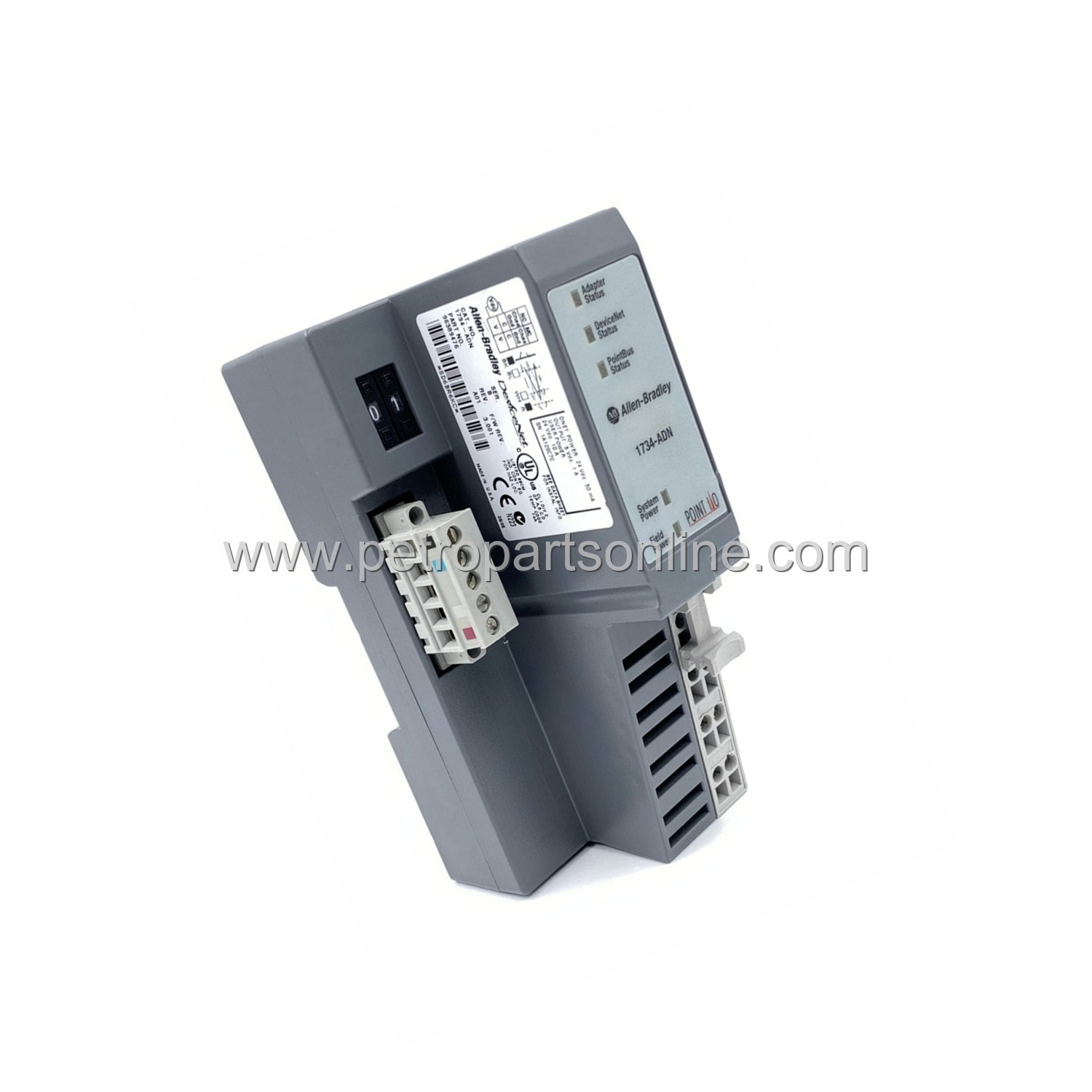
The Allen-Bradley 1734-ADN is a DeviceNet adapter module for the POINT I/O platform. It enables seamless communication between DeviceNet networks and local I/O modules. This module supports up to 63 nodes on a single network.
It acts as a gateway for data exchange. The adapter handles both input and output data efficiently. It is designed for industrial automation environments where reliable network connectivity is critical.
This module is part of the Rockwell Automation POINT I/O family. It provides a compact form factor for space-constrained control panels. The unit supports both polled and change-of-state (COS) data transfer modes.
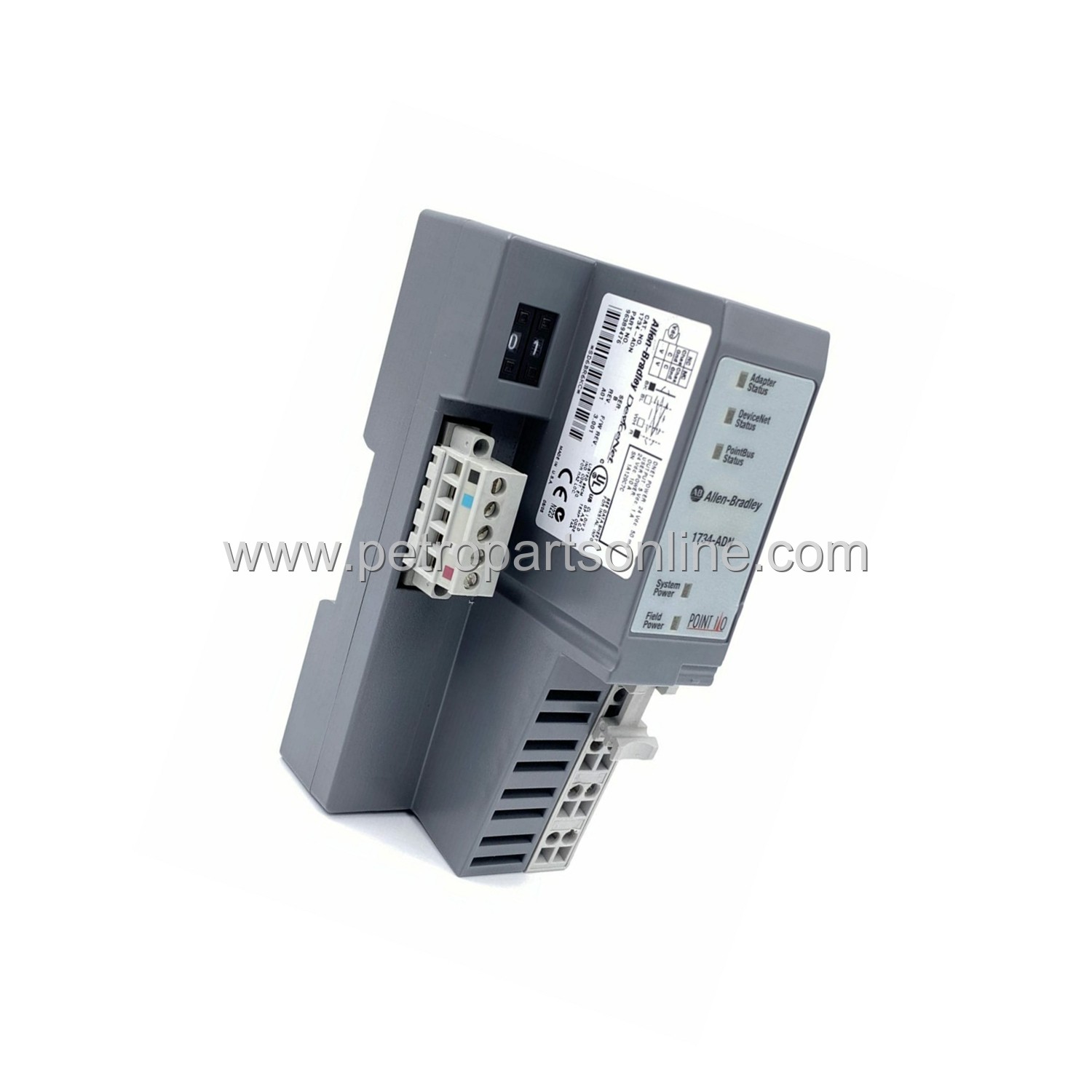
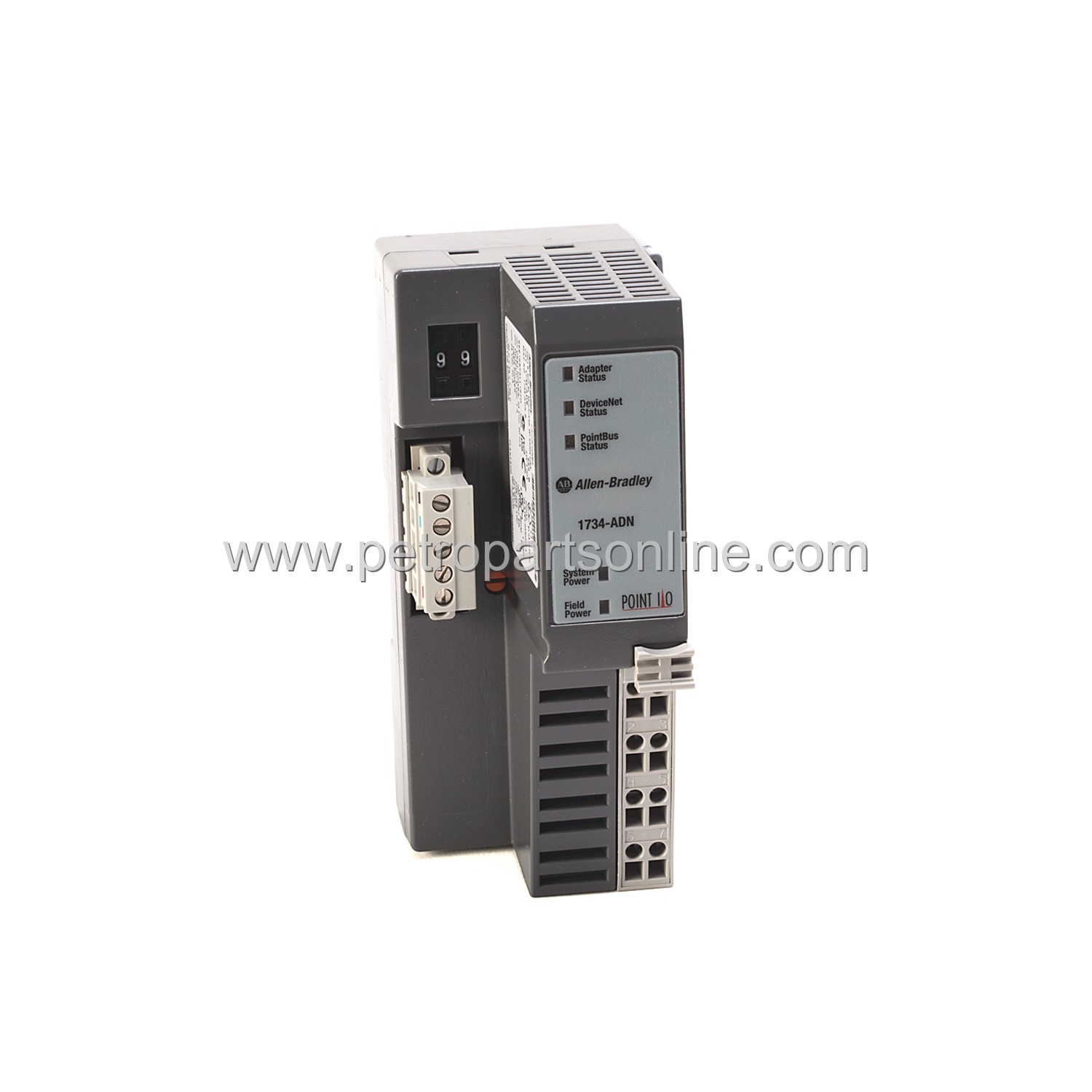
It features a five-pin removable screw terminal block for network connection. The module includes LED indicators for network status, module status, and I/O status. It operates on a 24V DC power supply.
Application Scenarios
This adapter module is used in manufacturing facilities for real-time control. It connects sensors, actuators, and other I/O devices to a DeviceNet network. Common applications include assembly lines, packaging machines, and material handling systems.
It is also deployed in process control environments. The module supports distributed I/O architectures. This reduces wiring costs and simplifies system troubleshooting.
In automotive plants, the module integrates with PLCs for robotic cell control. In food and beverage industries, it manages conveyor systems and filling stations. The adapter is suitable for any application requiring DeviceNet connectivity.
It works with various Allen-Bradley controllers like CompactLogix and ControlLogix. The module supports remote I/O configurations up to 500 meters from the scanner. It is ideal for applications needing high-speed data exchange.
Technical Specifications
General Specifications
- Product Type: DeviceNet Adapter Module
- Series: POINT I/O
- Network Protocol: DeviceNet
- Power Supply: 24V DC nominal (18-32V DC range)
- Power Consumption: 1.5W typical
- Nodes Supported: Up to 63
- Communication Rate: 125 kbps, 250 kbps, 500 kbps (auto-negotiating)
- Connection Type: 5-pin removable screw terminal block
- LED Indicators: Module Status (MS), Network Status (NS), I/O Status
- Dimensions: 46mm x 75mm x 55mm (H x W x D)
- Weight: 0.12 kg
- Mounting: DIN rail
- Operating Temperature: 0°C to 60°C (32°F to 140°F)
- Storage Temperature: -40°C to 85°C (-40°F to 185°F)
- Relative Humidity: 5% to 95% non-condensing
- Certifications: CE, UL, CSA, ATEX (for hazardous locations)
Communication Specifications
- Data Transfer Modes: Polled, Change of State (COS), Cyclic
- Input Data Size: Up to 128 bytes per node
- Output Data Size: Up to 128 bytes per node
- Total I/O Data: Up to 504 bytes input, 504 bytes output
- Baud Rate Auto-negotiation: Supported
- MAC ID: Set via rotary switches (0-63)
- Termination Resistor: Built-in 121 ohm (selectable via jumper)
Installation & Maintenance Guide
Installation Steps
- Mount the module on a standard 35mm DIN rail. Ensure proper alignment with adjacent I/O modules.
- Set the MAC ID using the two rotary switches on the front panel. Use a small flat-head screwdriver to rotate the switches to the desired address.
- Connect the DeviceNet trunk cable to the 5-pin terminal block. Wire according to the DeviceNet standard: V+, CAN_H, CAN_L, V-, and Drain.
- Apply 24V DC power to the module via the terminal block. Verify the module status LED turns solid green.
- Configure the network scanner (e.g., 1756-DNB) to recognize the adapter. Set the baud rate to match the network.
- Verify communication by checking the network status LED. A solid green LED indicates successful connection.
Maintenance Tips
- Periodically inspect the terminal block for loose connections. Tighten screws to 0.5 Nm torque.
- Keep the module free of dust and debris. Use compressed air for cleaning if necessary.
- Monitor LED indicators during operation. Red or flashing LEDs indicate faults requiring investigation.
- Replace the module only when power is disconnected. Follow ESD precautions during handling.
- Update firmware using Rockwell Automation's ControlFLASH software if needed.
Frequently Asked Questions (FAQ)
What is the primary function of 1734-ADN?
The module serves as a DeviceNet adapter for POINT I/O systems. It connects local I/O modules to a DeviceNet network, enabling data exchange with a master scanner.
How many I/O modules can be connected to a single 1734-ADN?
A single adapter supports up to 63 nodes. However, the total number of I/O modules depends on the system configuration and power budget.
What is the maximum cable length for DeviceNet with this module?
The maximum trunk cable length depends on the baud rate. At 125 kbps, it is 500 meters. At 250 kbps, 250 meters. At 500 kbps, 100 meters.
Can the 1734-ADN be used with non-Rockwell controllers?
It is designed for Rockwell Automation systems. Interfacing with other DeviceNet masters is possible but not officially supported.
Does the module support hot-swapping of I/O modules?
Yes, POINT I/O modules can be removed and inserted while power is applied. The adapter automatically detects configuration changes.