
GE Fanuc IC754CSF15CTD Quickpanel | 15-Inch HMI
Introduction:
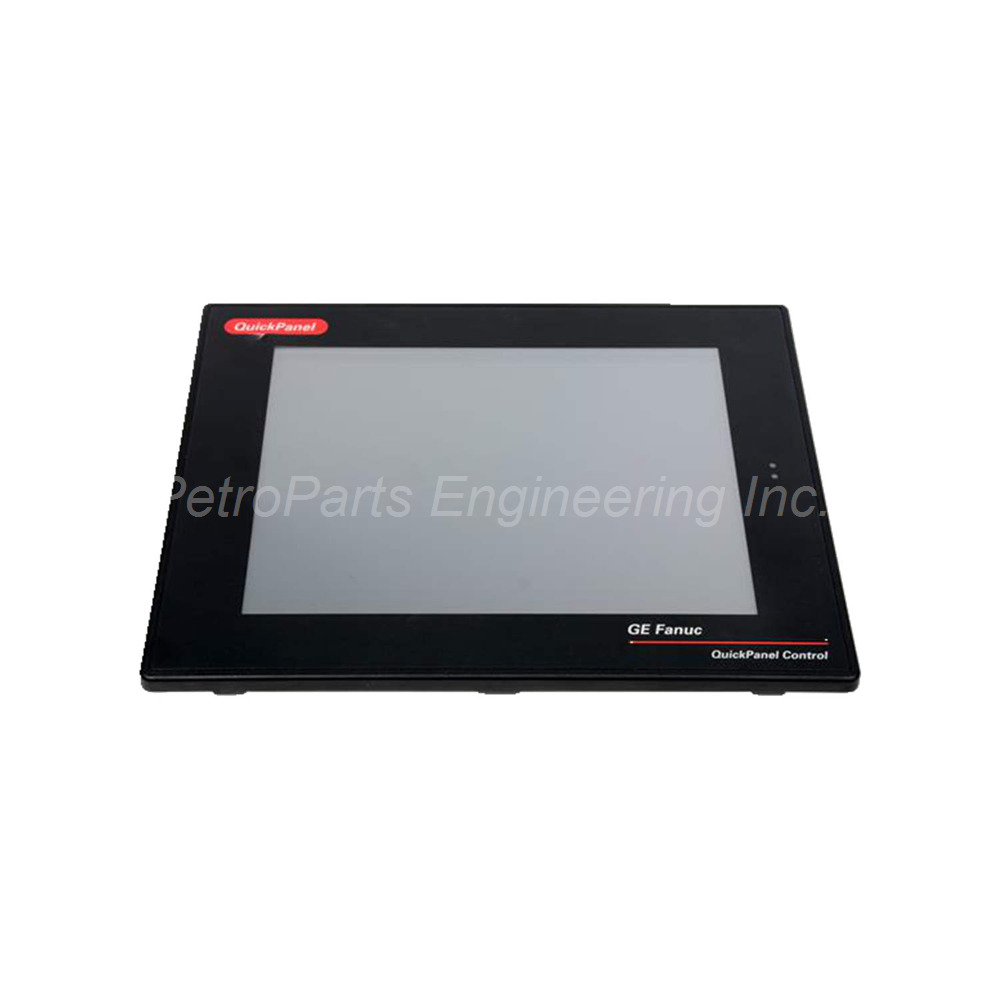
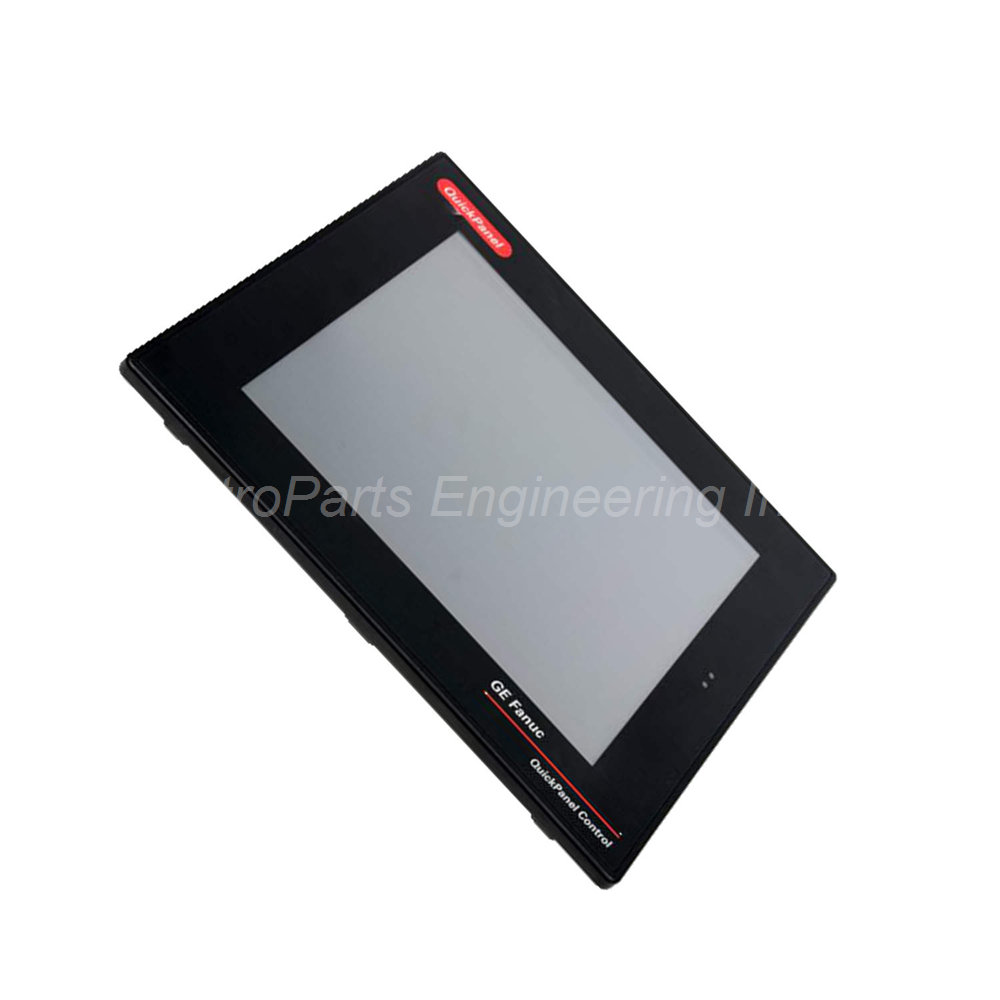
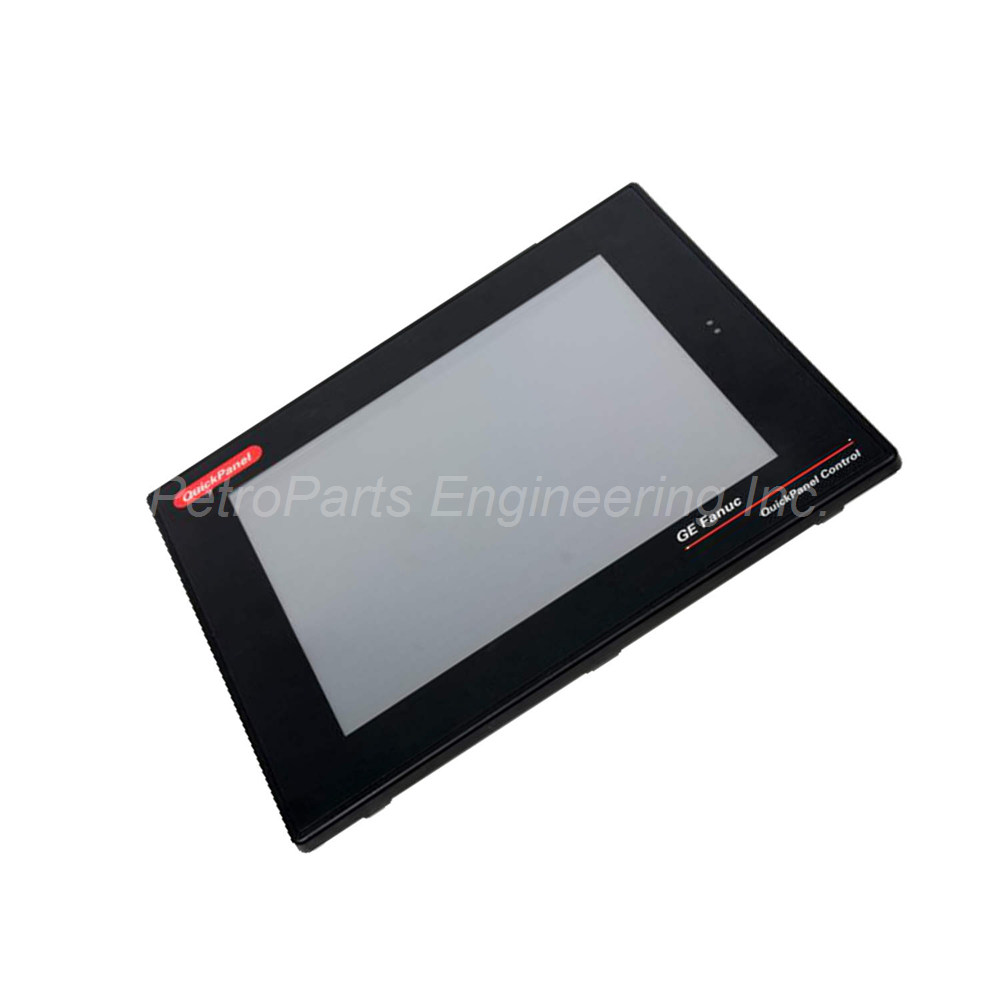
GE Fanuc 15-inch Quickpanel HMI terminal. Color TFT display. Touchscreen input. RS232 and RS485 communication.
 Customer Reviews
UBEST Automation – Trusted Global Automation Parts Supplier
We offer a wide range of in-stock industrial automation spare parts. All products come with a 12-month warranty and a 30-day refund for quality issues.
Product Attributes:
Notice: For real-time prices and inventory, please click the button below to contact us.
Overview
The GE Fanuc IC754CSF15CTD is a Quickpanel terminal with a 15-inch color display. This unit belongs to the GE Fanuc Quickpanel family. It provides a large HMI for industrial machine interfacing. The IC754CSF15CTD features a color TFT display with touchscreen input. Operators use this terminal for easy interaction with industrial machines.
This Quickpanel terminal has a black digital design. The appearance fits contemporary industrial settings. The device runs the Microsoft Windows Compact 7 operating system. Industrial users trust this terminal for reliable machine control.
Technical Specifications
The IC754CSF15CTD is a fully loaded 15-inch color display device. The terminal uses a TFT LCD screen technology. The Quick Panel is fitted into a microcomputer for flexibility.
Display Specifications
-
Display Size: 15 inches
-
Display Color: Color
-
Display Type: TFT
-
Input Type: Touchscreen
Memory and Storage
-
Memory: 64 MB
-
Flash Memory: Saves utility software transformations
Processor and Operating System
-
Operating System: Microsoft Windows Compact 7 (CE 7)
-
Software: Proficy View-Machine Edition
Communication and I/O Ports
The IC754CSF15CTD offers compatible communication options for industrial connectivity.
Communication Ports
-
RS232: Supported
-
RS485: Supported
-
Communication Cable: HMI-CAB-C120
Power Specifications
-
Input Power: 12 or 24 VDC
-
Power Supply: Dual voltage capability
Physical Specifications
Dimensions and Weight
-
Dimensions (H x W x D): 16 x 14 x 8 inches
-
Unit Weight: 3.01 kg (6.63 lbs)
-
Shipping Weight: 10 pounds (approx.)
Key Features
The IC754CSF15CTD provides a large 15-inch color TFT display. The touchscreen input allows easy data entry. Operators can interact directly with the HMI interface. The digital black design suits modern industrial environments.
The Quickpanel terminal uses Proficy View-Machine Edition software. This software runs on the Windows Compact 7 operating system. The operating system hooks up essential software and hardware. Programs run effectively on this reliable platform.
The communication system is highly compatible with industrial machines. The RS232 and RS485 ports enable convenient linking. The HMI-CAB-C120 communication cable connects the terminal to other devices. The Quick Panel design ensures flexible usage.
The storage manager has a default setting for data correction. Wrong data entries are interpreted and corrected automatically. Any transformations made via flash memory are saved. The operating panel allows brightness adjustment for the display layout.
The device includes diverse communication ports beyond the touchscreen input. Hardware components work together with the software. The 64 MB storage memory supports effective application functionality.
Installation Guidelines
Install the IC754CSF15CTD in a suitable industrial enclosure. Ensure the device is mounted securely. Connect 12 or 24 VDC power to the terminal. Verify correct voltage polarity before power-up.
Connect the RS232 or RS485 communication ports to industrial machines. Use the HMI-CAB-C120 communication cable for proper connectivity. Install Proficy View-Machine Edition software for configuration.
Adjust the display brightness using the operating panel. Set the storage manager default settings as needed. Transformations made via flash memory will save automatically.
Package Contents
-
GE Fanuc IC754CSF15CTD Quickpanel Terminal (1 unit)
-
Power connector
-
Communication cable (HMI-CAB-C120)
-
Mounting hardware
-
Quick start guide
Frequently Asked Questions (FAQ)
1. What is the display size of the GE Fanuc IC754CSF15CTD?
The IC754CSF15CTD has a 15-inch color TFT display. The display uses touchscreen input technology. The unit has a black digital design for contemporary settings.
2. What operating system does this Quickpanel terminal use?
The IC754CSF15CTD runs the Microsoft Windows Compact 7 operating system. The device uses Proficy View-Machine Edition software for HMI applications.
3. What communication ports are available on the IC754CSF15CTD?
The terminal includes RS232 and RS485 communication ports. It uses the HMI-CAB-C120 communication cable. The communication system is highly compatible with industrial machines.
4. What power supply does the IC754CSF15CTD require?
The GE Fanuc IC754CSF15CTD accepts 12 or 24 VDC input power. The dual voltage capability provides installation flexibility.
5. How much memory does this Quickpanel terminal have?
The IC754CSF15CTD has 64 MB of storage memory. Transformations made via flash memory are saved in the utility software. The storage manager can interpret and correct wrong data entries.