
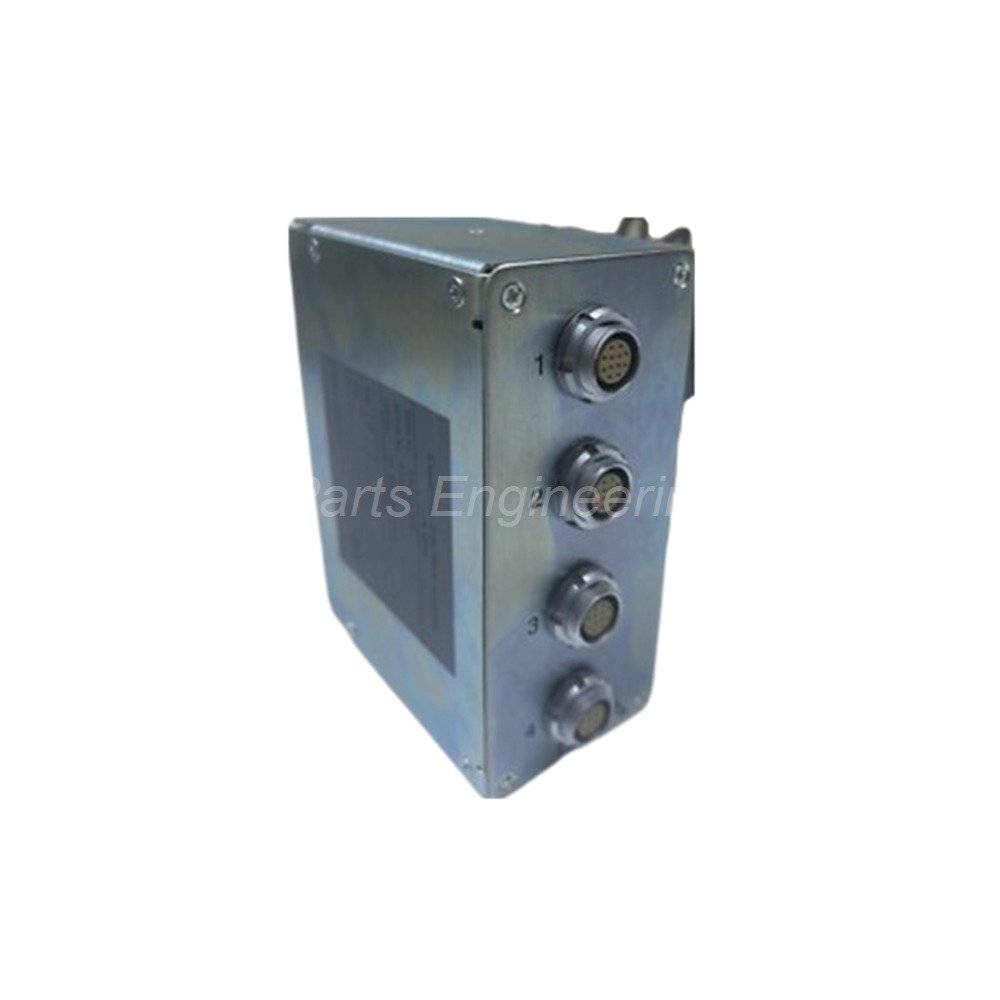
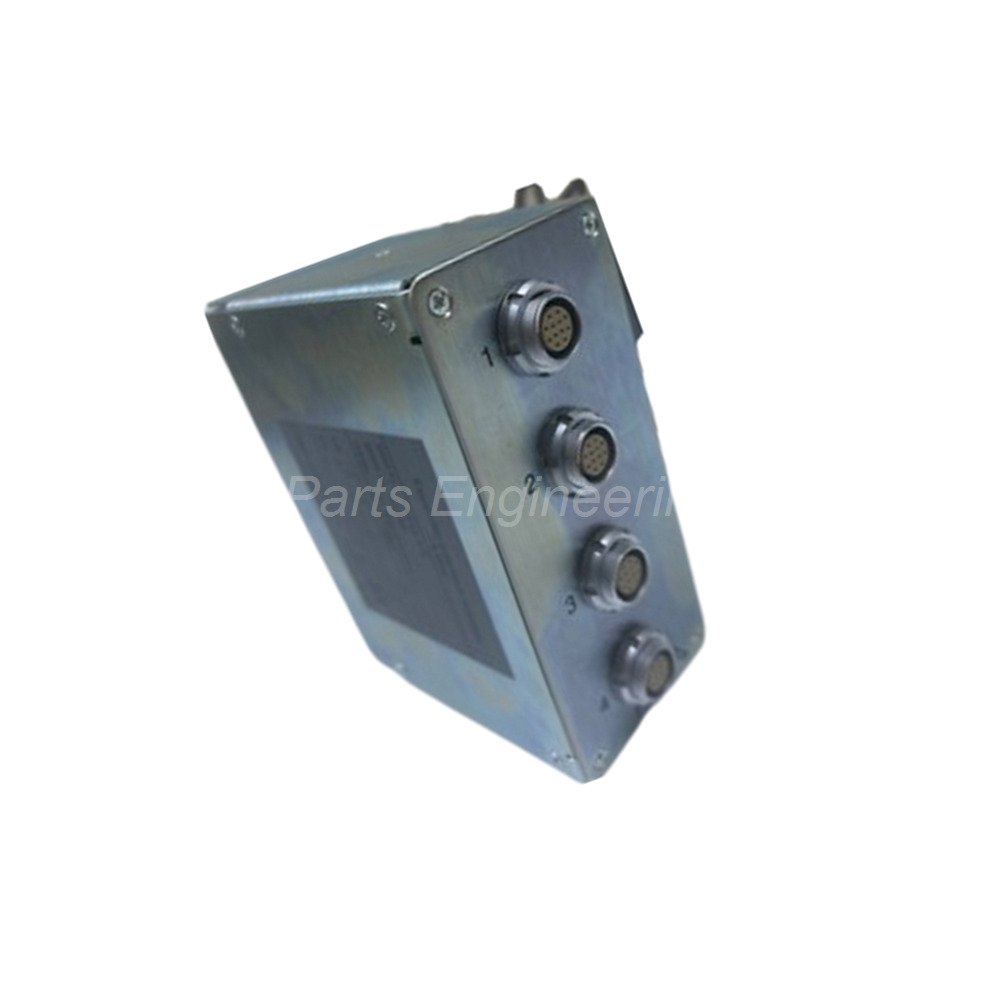
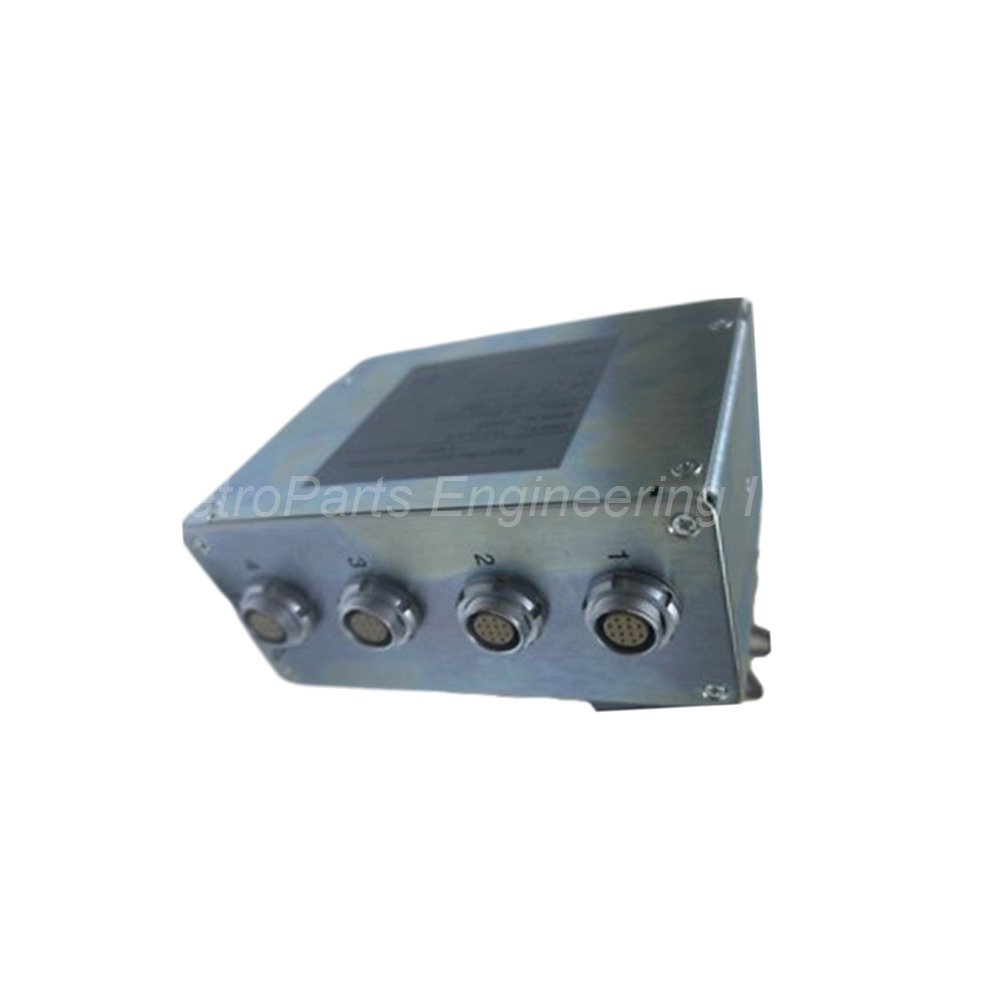
ICS Triplex Expander Interface Adapter Trusted T8312/4 T8312/7
Introduction:
The ICS Triplex T8312 is a dedicated expander interface adapter. It belongs to the Trusted system family. This adapter connects expander interface modules to processor interface modules. The T8312 links the main controller chassis with remote expander chassis. This device allows you to build large, distributed control systems.
 Customer Reviews
UBEST Automation – Trusted Global Automation Parts Supplier
We offer a wide range of in-stock industrial automation spare parts. All products come with a 12-month warranty and a 30-day refund for quality issues.
Product Attributes:
Notice: For real-time prices and inventory, please click the button below to contact us.
Technical Specifications of T8312
Manufacturer: ICS Triplex (part of Rockwell Automation).
Part Number: T8312 Expander Interface Adapter.
Function: Connects controller chassis to expander chassis modules.
T8312/4 Variant: Connects up to four expander chassis to one controller.
T8312/7 Variant: Connects up to seven expander chassis to one controller.
Weight: Weighs 0.65 kg (1.43 lbs) for easy handling.
Certifications: Certified for Ordinary locations, Hazardous locations (HazLoc), ATEX, and IECEx.
Supply Ratings: Not applicable (N/A) - the adapter draws power from the backplane.
DIP Switch Setup and Configuration
Set the DIP switches correctly for proper system operation. The controller chassis ID must be set to #1. For expander chassis, set IDs from 2 to 8 for the first seven units. Need more than seven expander chassis? Add another T8312 adapter for additional chassis. Then set IDs from 2 to 8 again. The system software will designate these as 9 to 15. Always configure the T8312 in your Trusted system software after hardware setup.
Installation and Compatibility Guide
Mount the T8312 directly into the Trusted controller chassis. Place it in the dedicated expander interface slot. Connect it to processor interface modules in each expander chassis. Use the correct variant based on your system size. Choose T8312/4 for systems with up to four expander chassis. Choose T8312/7 for systems with up to seven expander chassis. The adapter automatically negotiates communication with connected chassis. Verify all DIP switch settings before powering on the system. Check the software configuration to confirm all chassis are recognized.
Package Contents
One ICS Triplex T8312 expander interface adapter.
Product documentation and quick start guide.
Frequently Asked Questions (FAQ)
Q: What is the difference between T8312/4 and T8312/7?
A: The T8312/4 supports up to four expander chassis. The T8312/7 supports up to seven expander chassis.
Q: Can I use two T8312 adapters in one controller chassis?
A: Yes, you can use two adapters to support up to 14 expander chassis (7 + 7). The software assigns IDs 2-8 and 9-15.
Q: Do I need special cables for the T8312 connection?
A: Yes, use ICS Triplex certified expander interface cables. Standard Ethernet cables will not work.
Q: Is the T8312 suitable for hazardous area installations?
A: Yes, the T8312 holds ATEX and IECEx certifications for hazardous locations.
Q: What happens if I set an incorrect DIP switch ID?
A: The Trusted system will not recognize the expander chassis. You will see communication faults in the software.
Copyright © 2026 Powergear X Automation Limited. All rights reserved.
Original Source: https://www.powergearx.com/