
Honeywell 2MLB-M12A Main CPU Base 12 Module Mounting Rack
Introduction:
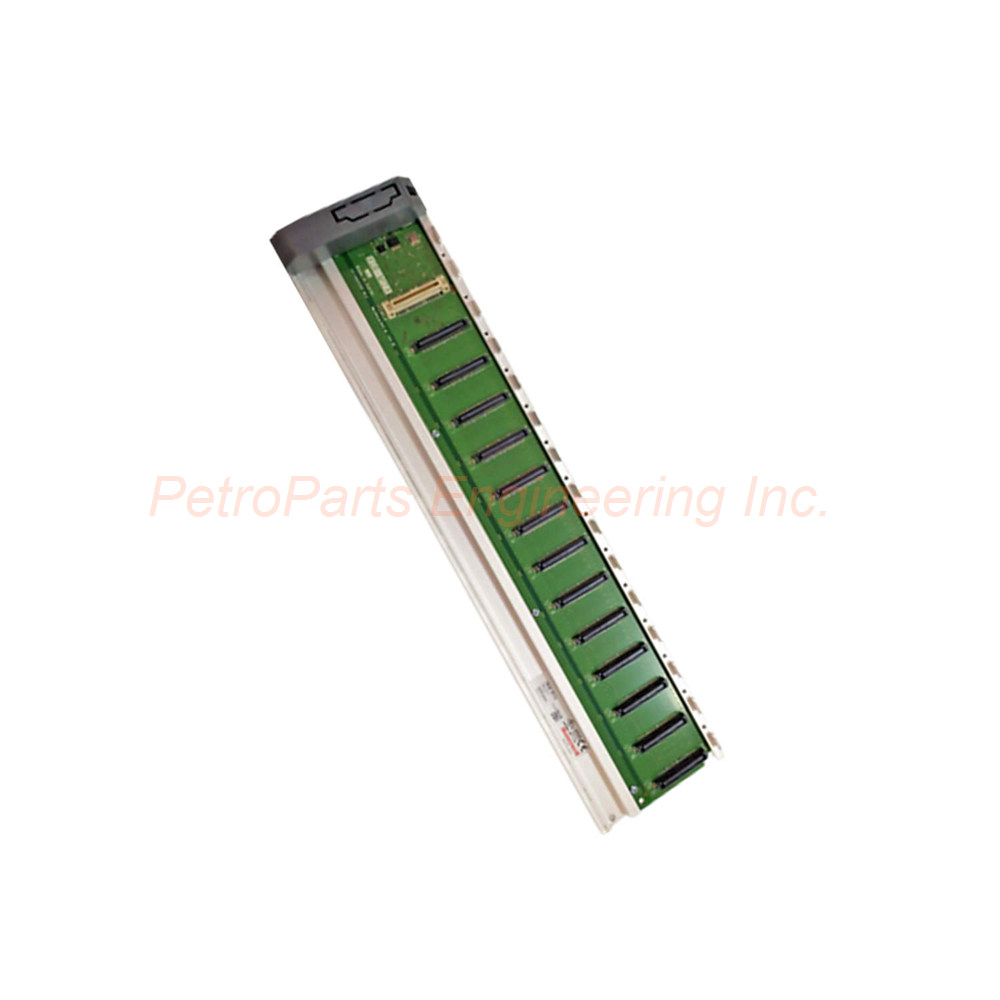
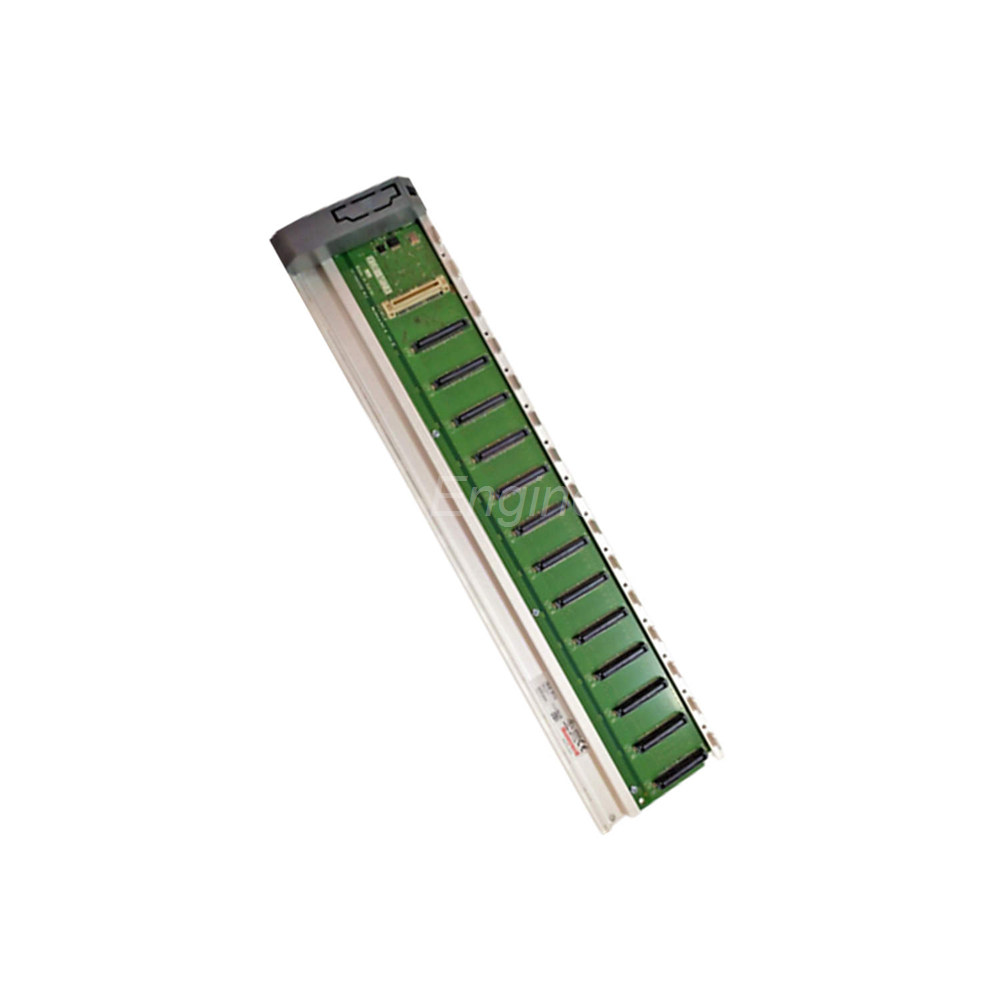
The Honeywell 2MLB-M12A is a Main CPU Base designed for 12 modules. This chassis provides reliable mounting for your control system. It supports CPU and I/O modules in one compact assembly.
 Customer Reviews
UBEST Automation – Trusted Global Automation Parts Supplier
We offer a wide range of in-stock industrial automation spare parts. All products come with a 12-month warranty and a 30-day refund for quality issues.
Product Attributes:
Notice: For real-time prices and inventory, please click the button below to contact us.
Honeywell 2MLB-M12A Main CPU Base For 12 Module Installation
Technical Specifications
The Honeywell 2MLB-M12A serves as the backbone for your automation system. This main CPU base accommodates up to 12 modules. You can install both the CPU and I/O modules on this single base. The design simplifies system configuration and wiring.
Physical dimensions measure 426 mm in width. The height stands at 98 mm. The depth is only 19 mm. This slim profile fits easily into standard control cabinets. The base weighs 0.54 kg without any modules installed.
Module Capacity and Layout
This base supports a total of 12 module slots. The first slot typically holds the main CPU. The remaining 11 slots accept various I/O modules. You can mix digital and analog modules freely. The 2MLB-M12A ensures proper communication between all installed modules.
Each slot provides mechanical support and electrical connections. The backplane integrates power distribution and data buses. This design reduces external wiring requirements significantly.
Installation Guide
Follow these steps for proper installation. First, mount the Honeywell 2MLB-M12A onto a flat panel. Use M4 screws for secure attachment. Second, verify the mounting surface is clean and grounded. Third, install the CPU module into slot one. Fourth, insert I/O modules into the remaining slots. Push each module until it clicks firmly.
Always leave one empty slot for ventilation if needed. Do not overtighten mounting screws. Keep the base away from high heat sources. Allow 50mm clearance on all sides for airflow.
Mechanical Drawing and Dimensions
The 2MLB-M12A has a rectangular form factor. Width of 426 mm fits standard 19-inch racks. Height of 98 mm matches other Series 2MLB components. Depth of 19 mm allows shallow cabinet mounting. Mounting holes are located at both ends. Distance between mounting holes is 400 mm center to center.
Environmental Specifications
The base operates from 0°C to 55°C ambient temperature. Storage temperature ranges from -40°C to 85°C. Humidity tolerance goes up to 95% non-condensing. The Honeywell 2MLB-M12A resists vibration up to 2G. It withstands shock up to 15G for 11ms.
Electrical Characteristics
The backplane provides passive signal routing. It does not draw any active power. Power passes through from the CPU module. Maximum current capacity follows the CPU specifications. The 900G32-0101 and other I/O modules connect through this base.
Package List
One Honeywell 2MLB-M12A Main CPU Base
One set of mounting screws (4 pieces)
One grounding wire with terminal
One protective end cover for last slot
Frequently Asked Questions (FAQ)
1. Can I use this base without a CPU in slot one?
No, the 2MLB-M12A requires a CPU module in slot one. The CPU controls all backplane communications. Without a CPU, no I/O modules will function.
2. Is this base compatible with other Honeywell series?
The Honeywell 2MLB-M12A works only with Series 2MLB modules. Do not mix with Series 900 or other families. Check module compatibility before installation.
3. What happens if I install only 8 modules on this 12-slot base?
The base functions normally with fewer modules. Just leave empty slots uncovered. Use blank covers to protect unused slots from dust.
4. How do I expand beyond 12 modules?
You need an expansion base for additional modules. The Honeywell 2MLB-M12A supports one expansion base. Use the dedicated expansion cable for connection.
5. Does the base provide module hot-swap support?
No, the 2MLB-M12A does not support hot-swapping. Always power down the system before removing or inserting any module. This prevents damage to both base and modules.