
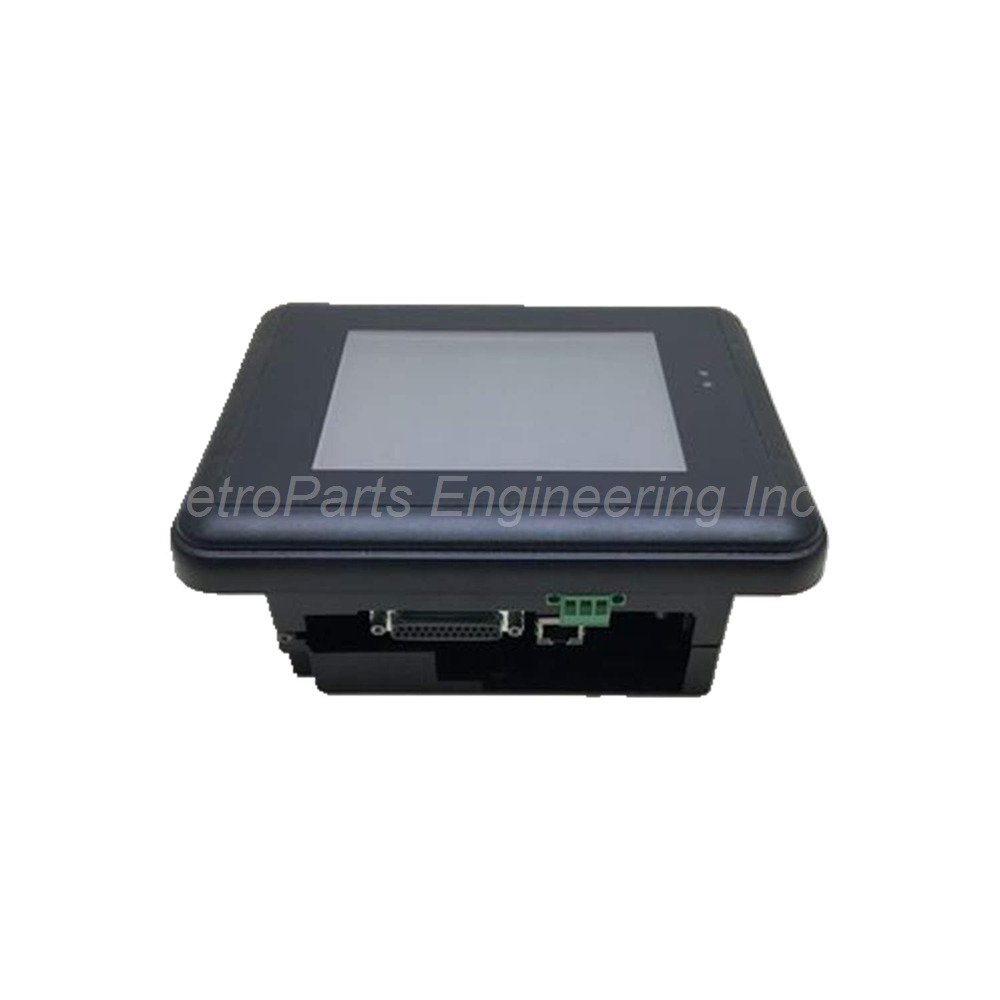
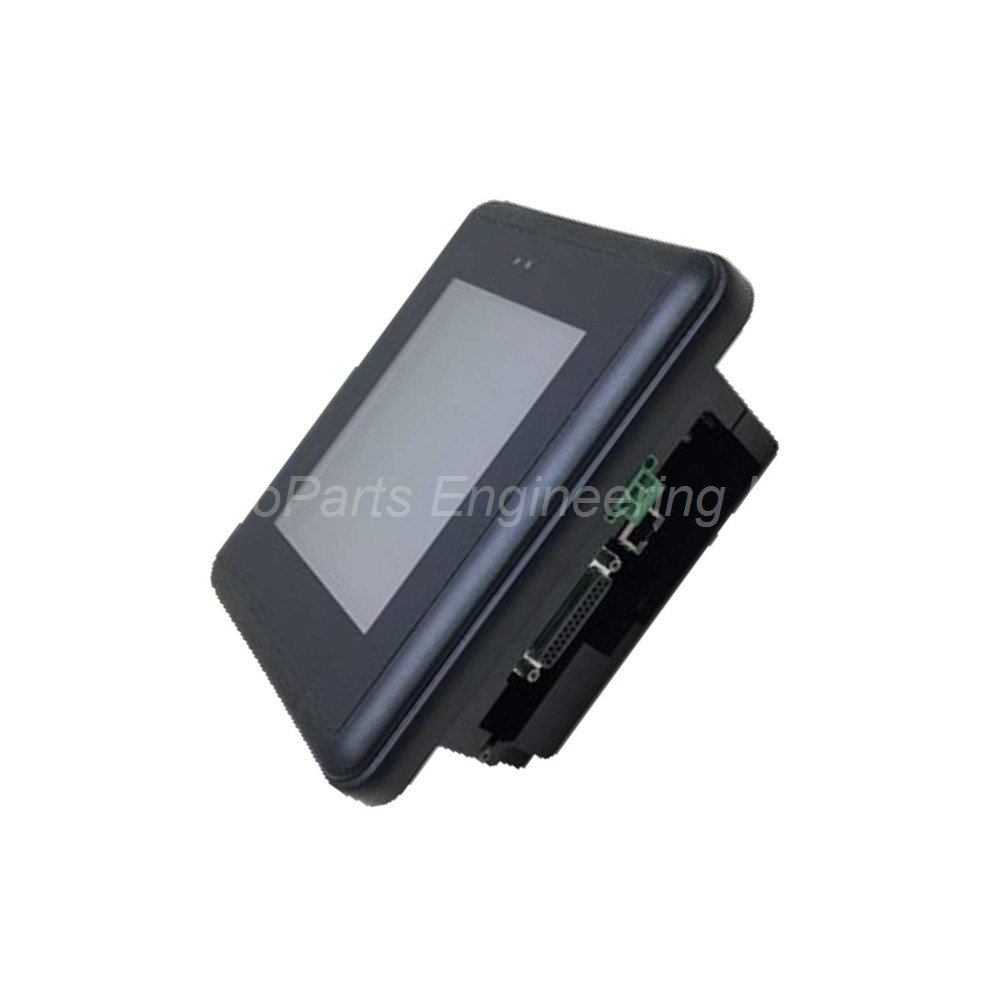
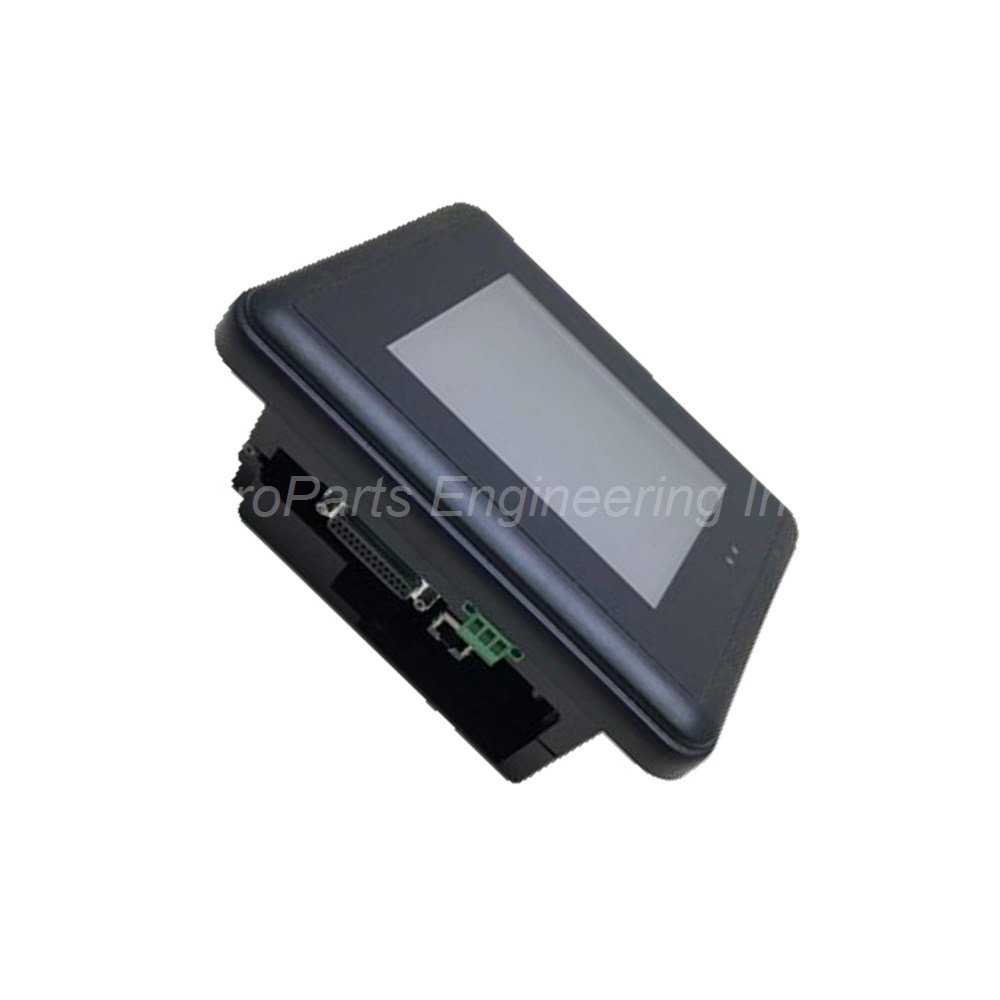
GE Fanuc IC754VBI06STD 6in Color Touch HMI
Introduction:
GE Fanuc Emerson IC754VBI06STD 6-inch color touchscreen HMI. Features 32 MB memory, RS232/485, and 12-30 VDC power for industrial control.
 Customer Reviews
UBEST Automation – Trusted Global Automation Parts Supplier
We offer a wide range of in-stock industrial automation spare parts. All products come with a 12-month warranty and a 30-day refund for quality issues.
Product Attributes:
Notice: For real-time prices and inventory, please click the button below to contact us.
IC754VBI06STD 6-Inch Color Touchscreen HMI
This IC754VBI06STD unit delivers reliable operator interface for factory automation. The IC754VBI06STD belongs to the GE Fanuc Emerson QuickPanel+ family. It combines a 6-inch color display with an intuitive touchscreen. This model supports flexible communication via RS232 and RS485 ports. It operates on a 12-30 VDC power supply. The unit handles heavy-duty industrial systems with ease.
Technical Specifications
The IC754VBI06STD features a 6-inch color display for clear visuals. Input type uses a responsive touchscreen for operator commands. Communication options include both RS232 and RS485 protocols. Memory configuration includes 32 MB of standard memory. It also contains 256 MB of nonvolatile flash storage. This flash memory acts like a hard drive. The unit includes a battery-powered SRAM with 512 KB capacity. This retentive memory protects critical data during power loss.
Key Technical Parameters:
Display Size: 6 inches (Color)
Input Type: Analog Resistive Touchscreen
Processor: Advanced ARM Microprocessor
Communication Ports: RS232, RS485
Input Power Range: 12 to 30 VDC
Standard Memory: 32 MB
Flash Memory: 256 MB (Nonvolatile)
Backup Memory (SRAM): 512 KB (Battery-backed)
Pollution Degree Rating: Degree 2 (Controlled Environment)
Environmental Sensitivity: Protect from flames, dust, moisture, gases, and corrosion
The unit requires good ventilation for reliable operation. It is sensitive to industrial residue and light. The device works best in Pollution Degree 2 environments. Avoid using it in high-pollution manufacturing sites.
Installation Guide
Follow these steps to install the IC754VBI06STD properly. Mount the unit on a flat, stable panel surface. Ensure proper ventilation around the entire housing. Apply 12-30 VDC power to the designated terminals. Connect your PLC or controller using the RS232 or RS485 ports. Use a shielded communication cable for best results. The recommended cable is HMI-CAB-C110. Secure all wiring to prevent loose connections. Power on the unit and calibrate the touchscreen. Verify the display shows the correct operation screen.
What’s in the Box
Please check the package contents upon delivery.
IC754VBI06STD Operator Interface Unit (1 unit)
Touchscreen stylus (1 piece)
Panel mounting gasket (1 piece)
Mounting clips and screws (1 set)
Quick start guide (1 booklet)
Common FAQs
1. What power supply does the IC754VBI06STD require?
This unit needs a DC power source between 12 and 30 volts. Do not use AC power or higher voltages to avoid damage.
2. Can I use this HMI in a dusty factory environment?
The unit has a Pollution Degree 2 rating only. It is not ideal for very dusty or dirty areas. Keep it away from flames, moisture, and corrosive gases.
3. Which communication cable works with this model?
You should use the HMI-CAB-C110 cable for reliable connections. This cable supports both RS232 and RS485 protocols for industrial equipment.
4. How does the unit protect data during a power outage?
The IC754VBI06STD includes a battery-backed SRAM with 512 KB capacity. This memory saves essential system information if power fails unexpectedly.
5. Is the touchscreen easy to calibrate after installation?
Yes, you can calibrate the touchscreen through the system menu. The process takes only a few minutes and ensures accurate touch response.