
GE Fanuc IC695SPF010 Scanner Module RX3i PacSystem 1000 Mbps Fiber
Introduction:
The IC695SPF010 is a scanner module for the RX3i PacSystem platform. It supports 1000 Mbps communication over single-mode fiber. The module reaches distances up to 10 kilometers.
 Customer Reviews
UBEST Automation – Trusted Global Automation Parts Supplier
We offer a wide range of in-stock industrial automation spare parts. All products come with a 12-month warranty and a 30-day refund for quality issues.
Product Attributes:
Notice: For real-time prices and inventory, please click the button below to contact us.
Product Overview
The IC695SPF010 belongs to the RX3i PacSystem Series. Its product type is a Scanner Module. The product classification is I/O Modules. The current price for this item is ¥9,850 RMB. The product gross weight is 0.65 kg.
This IC695SPF010 scanner module works with the RX3i I/O rack. It is compatible with the Series 90-30 product line. The module also works with RX3i controllers and modules. GE Fanuc Automation designed this scanner for high-speed fiber optic communication. You can program and monitor this Scanner Module using Proficy Machine Edition software. The module supports SD cards for data transfers without physical cable connections.
Technical Specifications
Communication Speed and Media
The communication speed reaches 1000 Mbps (1 Gbps). The module uses single-mode fiber (SMF) as its transmission medium. The maximum transmission distance is 10 kilometers. This long distance makes the IC695SPF010 ideal for distributed installations. The module supports daisy chain connections for flexible network layouts.
Ports and Connectors
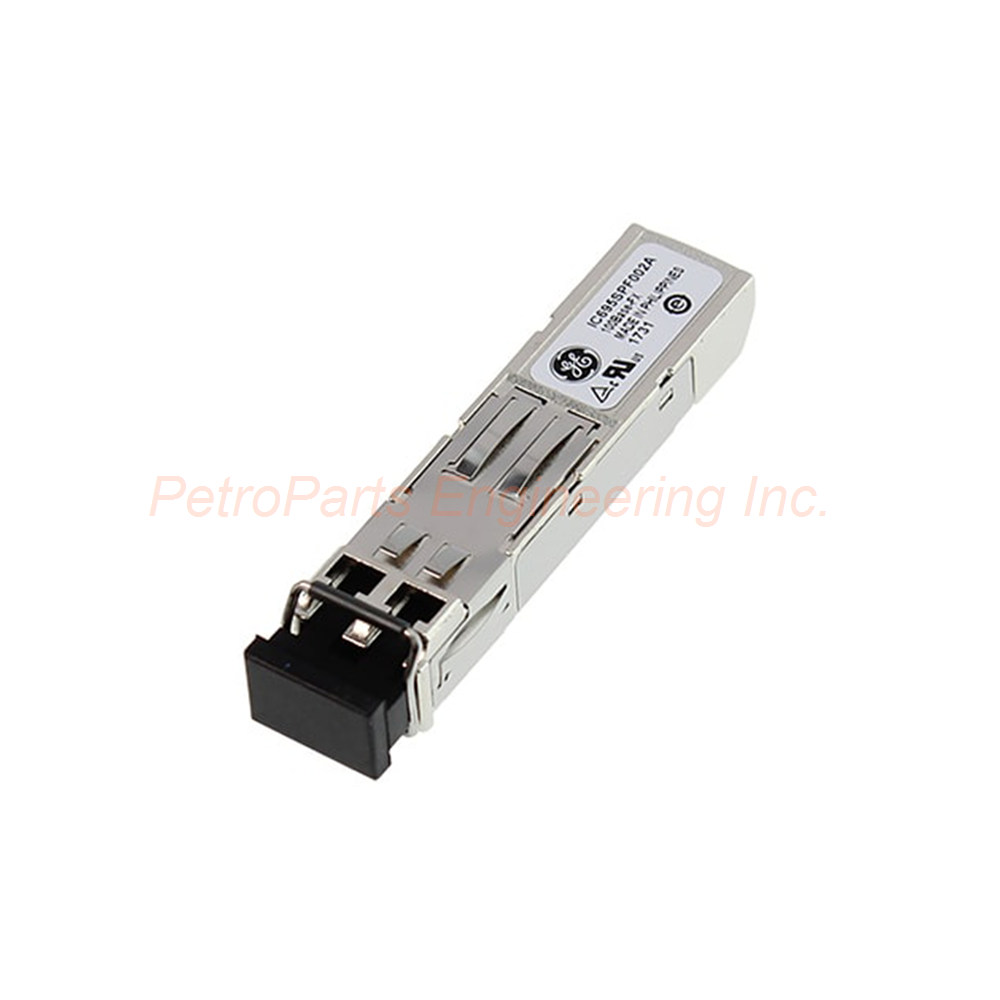
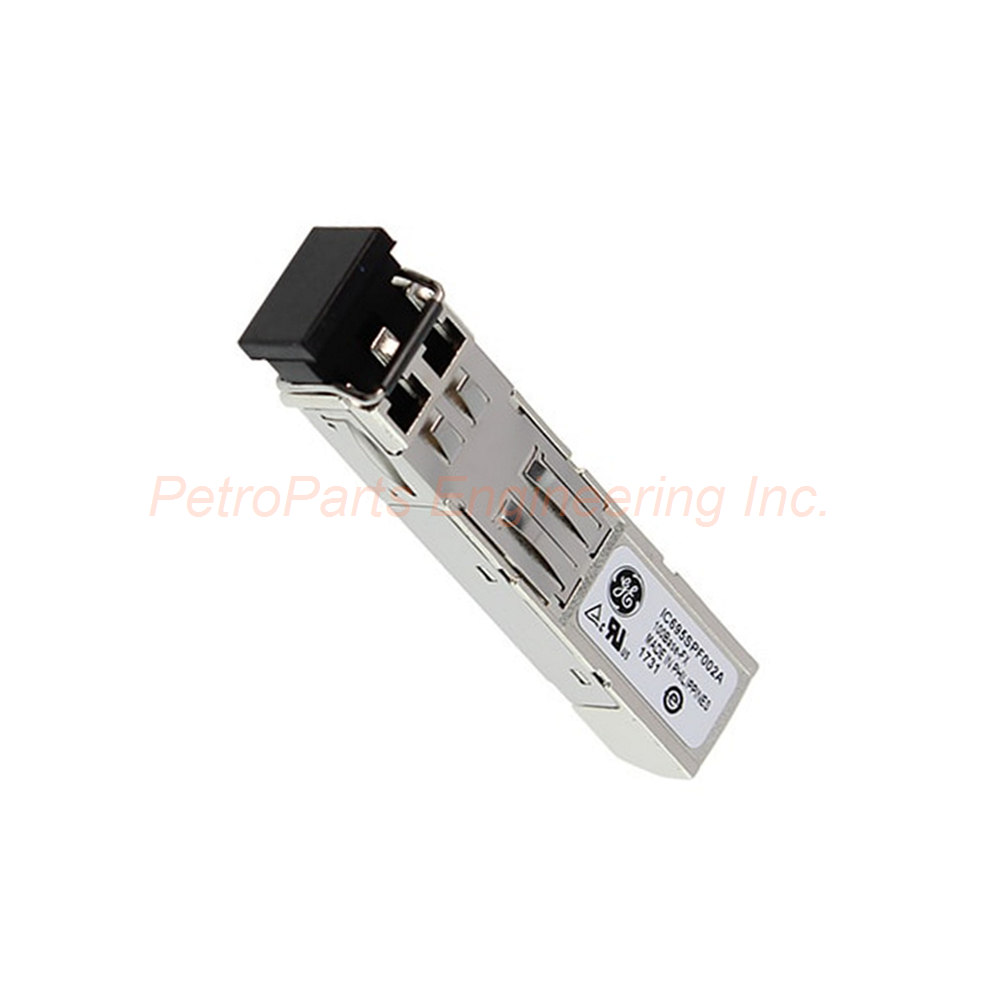
The module includes two RJ-45 ports for copper connections. It also includes two SFP cages for fiber optic transceivers. The media interfaces are not a specific type. You can choose appropriate SFP modules for your application. A USB port is included for firmware upgrades only. This USB port is not meant for permanent use. It does not enable different connections beyond firmware and software upgrades.
Power Requirements
The IC695SPF010 operates at 3.3 to 5 Volts. With no SFP devices installed, the current draw is 1.2 Amps at 3.3 Volts. With two SFP devices installed, the current draw is 1.9 Amps at 3.3 Volts. At 5 Volts, the maximum current draw is 1.1 Amps. These power ratings ensure stable operation under different configurations.
Network Topologies
The IC695SPF010 supports multiple network topologies. You can use line, star, or ring configurations. This flexibility allows optimal network design for your facility. The scanner module works seamlessly with Proficy Machine Edition software. Configuration settings come included in a file with the software.
LED Indicators
The module includes LED indicators for status monitoring. These LEDs show communication activity and module health. You can quickly diagnose network issues using these indicators. The LEDs provide real-time feedback on module operation.
Temperature Range
The operating temperature range is 0 to 60 degrees Celsius. This range ensures reliable performance in industrial environments. The module should be kept within this range for optimal operation.
SD Card Support
The IC695SPF010 supports SD cards for data transfers. You can transfer data without needing a physical cable connection. This feature simplifies firmware updates and data logging. The SD card slot provides convenient offline storage capability.
Enclosure Requirements
The IC695SPF010 is an open-style device. It contains hazardous electrical equipment that is accessible to users. You must install this scanner module in an enclosure. Proper precautions prevent injury or damage from electrical hazards. The enclosure also protects the module from dust and moisture.
Installation Guide
Follow these steps to install your IC695SPF010 correctly.
Power Down the System: Disconnect power from the RX3i rack. This prevents electrical damage during installation.
Select a Slot: Choose an available slot in the RX3i I/O rack. The IC695SPF010 fits in any standard RX3i slot.
Insert the Module: Align the IC695SPF010 with the slot guides. Push firmly until the module seats into the backplane connector.
Secure the Module: Tighten the retaining screws at the top and bottom. This secures the Scanner Module in place.
Install SFP Modules: Insert your SFP transceivers into the two SFP cages. Ensure they click into position securely.
Connect Fiber Cables: Attach your single-mode fiber cables to the SFP ports. The maximum distance is 10 kilometers.
Connect Copper Cables: Attach Ethernet cables to the RJ-45 ports if needed. These support 1000 Mbps communication.
Apply Power: Restore power to the RX3i rack. Verify the LED indicators show normal operation.
Configure Software: Use Proficy Machine Edition software to program the IC695SPF010. Load the configuration file for your settings.
Package List
1 x IC695SPF010 Scanner Module (RX3i PacSystem)
1 x USB port dust cover
2 x Retaining screws (pre-installed)
1 x Quick start reference guide
Note: SFP transceivers and fiber cables are sold separately.
Frequently Asked Questions (FAQ)
1. Can I use the USB port on the IC695SPF010 for permanent communication?
No, the USB port is for firmware upgrades only. It is not designed for permanent use or general communication.
2. What is the maximum distance for fiber communication with this module?
The IC695SPF010 supports up to 10 kilometers using single-mode fiber. This makes it ideal for large distributed facilities.
3. Does the IC695SPF010 require an enclosure for installation?
Yes, this is an open-style device with hazardous electrical components. You must install it in a protective enclosure for safety.
4. What software do I need to program the IC695SPF010?
You need Proficy Machine Edition software. The configuration settings come included in a file with the software.
5. What network topologies does the IC695SPF010 support?
This scanner module supports line, star, and ring topologies. It also supports daisy chain connections for flexible network design.
Welcome to learn about our business. We are a leading global provider of automation equipment and will provide you with complete and cost-effective product solutions. You are welcome to choose us, and our services will make you a long-term partner like our other customers.
Now please let us know your needs and suggestions.
About Ubest
Ubest Automation is a leading global provider of automation products, with deep partnerships with major automation manufacturers to provide customers with customized business solutions, cost-effective products, and comprehensive services.
Product Center
Contact Us
Phone:+86 180 3000 5825
Address:Room 7A, No. 59 Hubin North Road, Siming District Xiamen City China
Email: [email protected]
Contact: Klaus
Industry Links
© 2026, Ubest Automation Limited All Rights Reserved. sitemap