
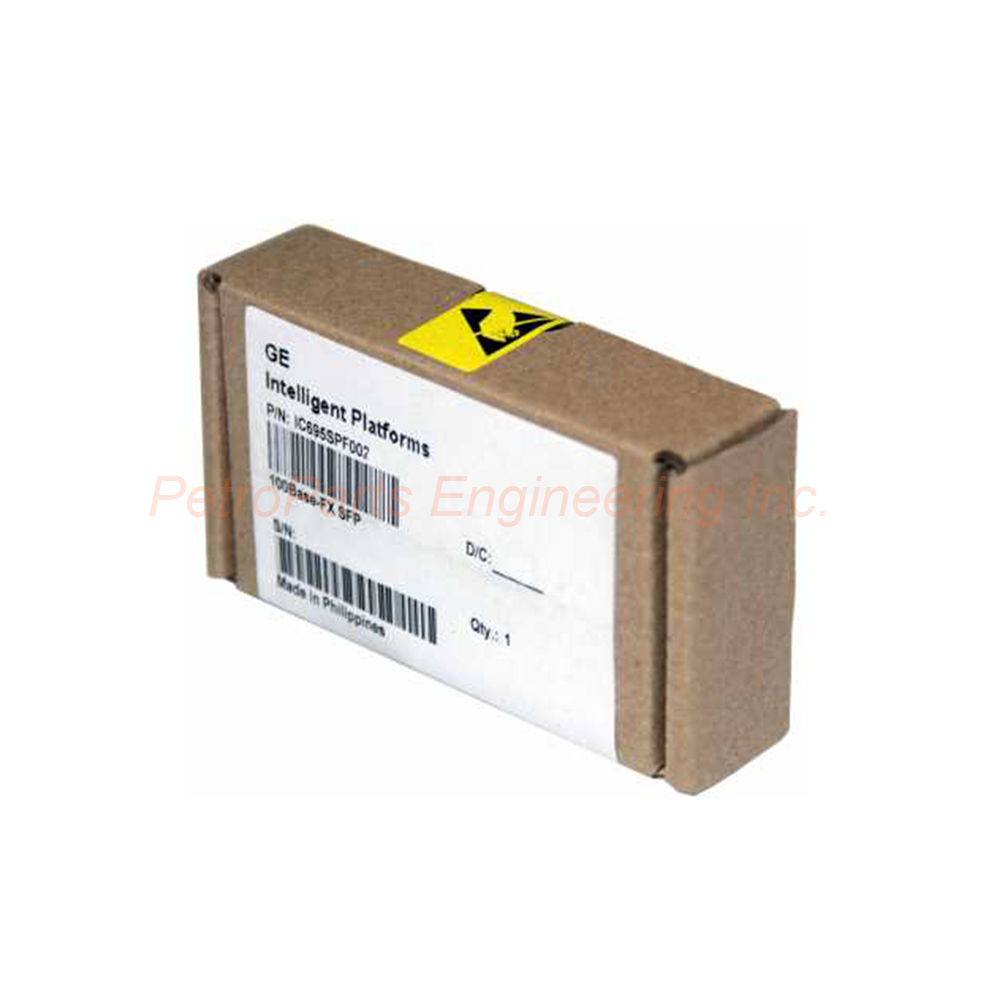
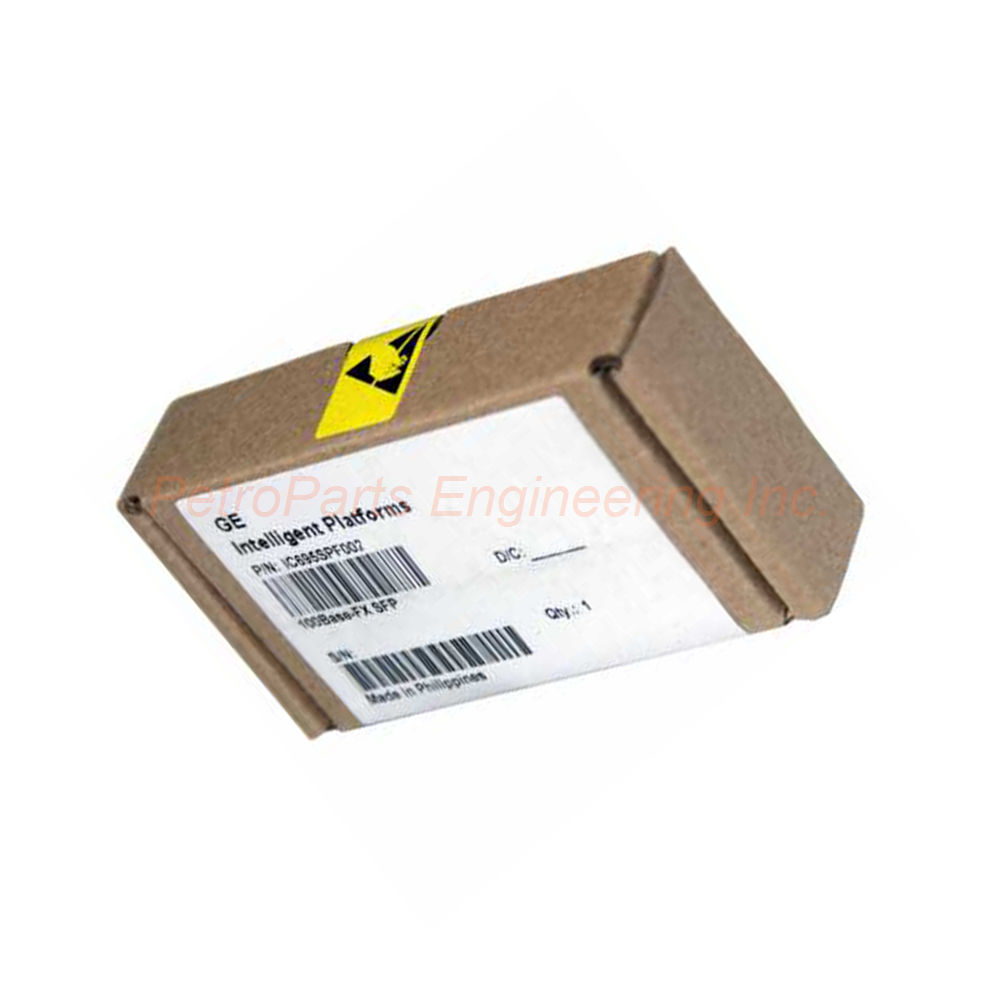
GE Fanuc IC695SPF002 PROFINET Scanner Module RX3i
Introduction:
The IC695SPF002 is a small form-factor pluggable scanner module for RX3i PacSystems. It connects remote I/O racks to a PROFINET controller at 100 Mbps.
 Customer Reviews
UBEST Automation – Trusted Global Automation Parts Supplier
We offer a wide range of in-stock industrial automation spare parts. All products come with a 12-month warranty and a 30-day refund for quality issues.
Product Attributes:
Notice: For real-time prices and inventory, please click the button below to contact us.
Product Overview
The GE Fanuc Automation IC695SPF002 is a small form-factor pluggable scanner module. It belongs to the RX3i PacSystem series.
This module connects a remote RX3i I/O rack to a PROFINET controller. It provides programming and configuration services for all I/O modules from GE Series 90-30. Furthermore, it supports daisy-chain, star, or ring network connections.
General Specifications
The IC695SPF002 delivers reliable PROFINET scanning with multiple interfaces.
Brand: GE Fanuc.
Series: RX3i PacSystem.
Part Number: IC695SPF002.
Type: Scanner module (PROFINET).
Speed: 100 Mbps (supports up to 1000 Mbps).
Material: Multi-mode fiber (MMF).
Length: 2 Kilometers (maximum fiber distance).
SD Card Supported: Yes.
LED Indicators: Yes.
Port Connectors:
Two RJ-45 ports.
Two SFP cages.
Power Requirements:
3.3 to 5 Volts.
Environmental Specifications
The IC695SPF002 operates within defined temperature limits.
Standard Operating Temperature: 0 to 60°C.
Derated Operating Temperature: Maximum 57°C when operating at 100 Mbps.
Communication Ports
The IC695SPF002 offers four Ethernet ports for flexible connectivity.
Two RJ-45 Ports:
Each port has 8 conductors. These support standard copper Ethernet connections. Therefore, they connect to local devices within the control cabinet.
Two SFP Cages:
These accept small form-factor pluggable transceivers. The module uses multi-mode fiber (MMF) for extended distances. Consequently, fiber connections reach up to 2 kilometers.
PROFINET Scanner Functionality
The IC695SPF002 operates as a PROFINET scanner on the network.
It scans the data on its rack and retrieves input data. It also provides output data to the remote I/O rack. Therefore, the RX3i CPU can control distributed I/O points.
The module supports daisy-chain, star, or ring topologies. This flexibility suits various plant layouts.
USB Port for Firmware Upgrades
The IC695SPF002 includes a USB port for firmware maintenance.
Important Note: This port is used for firmware upgrades only. It is not meant to be used permanently.
All upgrades are performed through WinLoader software. Consequently, the module stays current with the latest features and fixes.
SD Card Support
The IC695SPF002 supports I/O device name transfer via SD card.
This feature eliminates the need to connect devices directly when replacing a module. The SD card stores device names and configuration data. Therefore, replacement modules can be commissioned quickly without a programming computer.
Media Interface Flexibility
The IC695SPF002 can include different media interfaces. It is not limited to a single type.
Copper RJ-45 and fiber SFP connections can coexist. This allows mixed media in the same network segment.
Temperature Derating Information
The maximum recommended temperature rating is 60°C. However, a derating factor applies at higher speeds.
If the IC695SPF002 operates at 100 Mbps, the maximum operating temperature might need to be derated to 57°C. Consider this when installing in high-temperature environments.
Typical Applications
The IC695SPF002 suits various PROFINET scanning applications.
Connecting remote RX3i I/O racks to a PROFINET controller.
Expanding I/O capacity in distributed control systems.
Replacing older Series 90-30 I/O with RX3i architecture.
Building redundant or ring-based PROFINET networks.
Extending I/O communication over 2 km fiber optic cables.
Installation Guidelines
Install the IC695SPF002 in an RX3i PacSystem rack. Insert the module into an available slot. Connect power at 3.3 to 5 Volts.
For Copper Connections:
Use standard Ethernet cables with RJ-45 connectors. Connect to the two RJ-45 ports. Maximum cable length is 100 meters.
For Fiber Connections:
Install SFP transceivers in the two SFP cages. Use multi-mode fiber cable. Maximum fiber length is 2 kilometers.
For Firmware Upgrades:
Connect a USB cable to the service port. Use WinLoader software to perform upgrades. Disconnect the USB cable after completion.
For SD Card Use:
Insert an SD card with device names and configuration. The IC695SPF002 will read the card automatically.
Temperature Considerations:
Keep the ambient temperature below 60°C. For 100 Mbps operation, consider derating to 57°C. Ensure adequate cabinet ventilation.
What is in the Box
Please inspect all items upon delivery.
GE Fanuc IC695SPF002 PROFINET scanner module.
Anti-static protective bag.
Installation instruction manual.
Frequently Asked Questions (FAQ)
1. What is the maximum fiber distance for the IC695SPF002?
The IC695SPF002 supports multi-mode fiber connections up to 2 kilometers. This uses the SFP cages with appropriate transceivers.
2. What is the operating temperature range of this module?
The IC695SPF002 operates from 0 to 60°C. However, at 100 Mbps, the maximum temperature may need derating to 57°C.
3. What types of network topologies does this module support?
The IC695SPF002 supports daisy-chain, star, or ring connections. Therefore, it suits various PROFINET network architectures.
4. Can I replace a failed module without reprogramming?
Yes. The IC695SPF002 supports SD card transfer of I/O device names. This eliminates the need to connect devices directly when replacing a module.
5. What is the USB port used for on this module?
The USB port is for firmware upgrades only. It is not meant for permanent connection. All upgrades are performed through WinLoader software.