
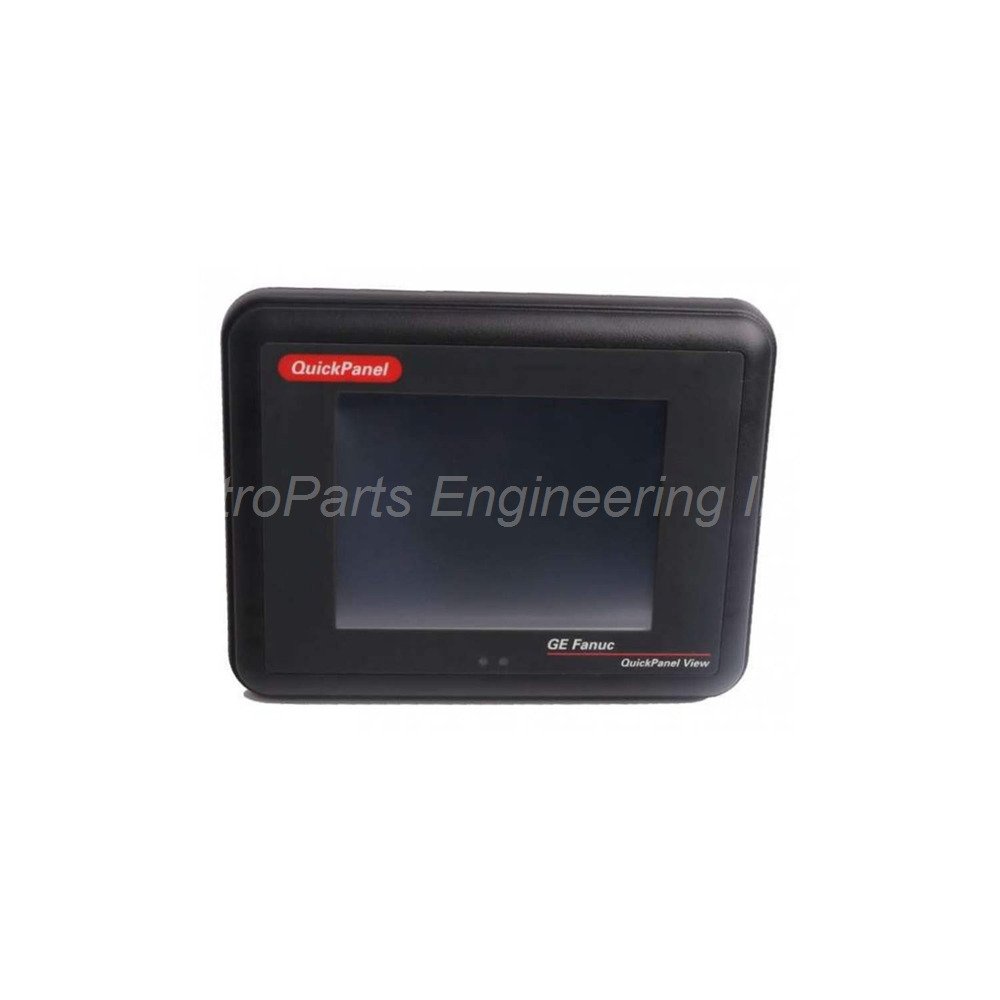
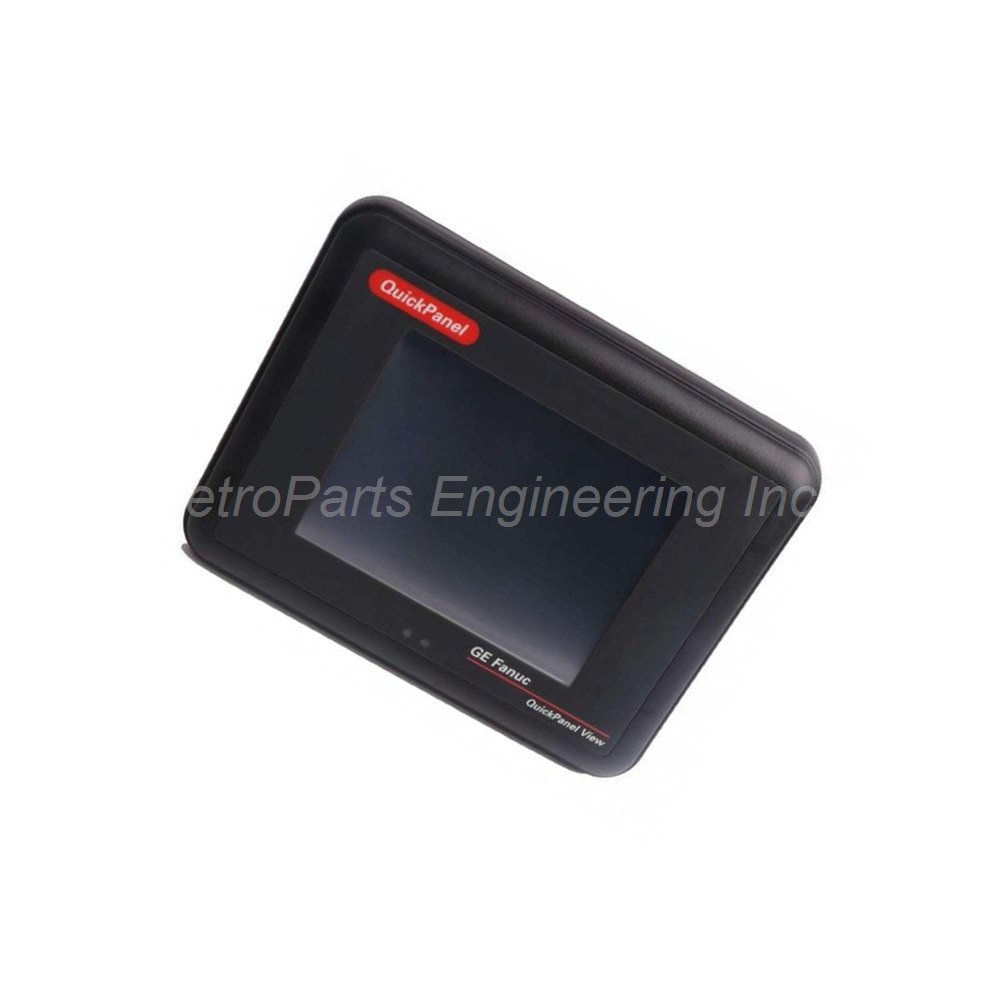
GE Fanuc IC754VSL06MTD 6in Monochrome HMI

Introduction:
GE Fanuc IC754VSL06MTD 6-inch monochrome touchscreen HMI. Windows CE.NET, 300 MHz XScale, 32 MB memory, Ethernet, RS232/485, 12-30 VDC.
 Customer Reviews
UBEST Automation – Trusted Global Automation Parts Supplier
We offer a wide range of in-stock industrial automation spare parts. All products come with a 12-month warranty and a 30-day refund for quality issues.
Product Attributes:
Notice: For real-time prices and inventory, please click the button below to contact us.
IC754VSL06MTD 6-Inch Monochrome Touchscreen HMI for Compact Control
This IC754VSL06MTD terminal offers a compact monochrome display solution. The IC754VSL06MTD belongs to the GE QuickPanel View Series. It ranks as one of the most advanced compact HMI control computers from GE. This unit functions as a single standalone device. It also operates as a networked component in various industrial environments.
Technical Specifications
The IC754VSL06MTD uses an Intel XScale PXA255 processor. The processor runs at a clock speed of 300 MHz. It comes with Proficy View Machine Edition software pre-installed. The unit also runs on 32-bit Windows CE.NET operating system. Windows CE.NET is widely used for handheld PCs and embedded controllers.
Processor and Memory:
Processor: Intel XScale PXA255 at 300 MHz
Memory: 32 MB (inbuilt)
Operating System: 32-bit Windows CE.NET
Display Specifications:
Display Size: 6 inches
Display Color: Monochrome
Input Type: Resistive touchscreen
Stylus: Optional pointing device (not required for function)
Communication Ports:
Serial Ports: RS232 and RS485
Ethernet Port: One 10Base-T / 100Base-TX port
USB Ports: USB 1.1 compatible
Compact Flash: One Type 2 CF card port
Recommended Cable: HMI-CAB-CS2
Power Specifications:
Input Voltage: 12 to 30 VDC
Maximum Rated Voltage: 30 VDC
Maximum Power Consumption: 15 Watts
LED Indicators:
Tri-color LED: Provides visual status updates
Environmental Specifications:
Operating Temperature: 0 to 50 °C
Storage Temperature: -20 to 60 °C
Ambient Humidity: 85% maximum (non-condensing)
Installation Area: Well-ventilated location required
Protection Needs: No exposure to dust, corrosive gases, liquids, or rain
The IC754VSL06MTD supports an optional USB keyboard for data entry. The tri-color LED indicator gives operators visual status updates. For optimal efficiency, a stylus is optional and not necessary for basic function.
Installation Guide
Follow these steps to install the IC754VSL06MTD properly. Choose a well-ventilated location away from dust and moisture. Avoid exposure to corrosive gases, liquids, or rain. Cut a panel opening according to the user manual specifications. Insert the unit into the panel opening from the front. Secure the unit using the provided mounting clips. Connect 12 to 30 VDC power to the input terminals. Maximum power consumption is 15 Watts during operation. Do not exceed 30 VDC maximum rated voltage. Attach your controller using RS232 or RS485 serial ports. Use the recommended HMI-CAB-CS2 communication cable. Connect Ethernet for 10/100 Mbps network access using the 10Base-T/100Base-TX port. Plug USB devices into the USB 1.1 ports as needed. Insert a Type 2 Compact Flash card for additional storage. Power on the unit and wait for Windows CE.NET to load. Observe the tri-color LED for initial status. Calibrate the touchscreen through the system menu.
What’s in the Box
Please check the package contents upon delivery.
IC754VSL06MTD HMI terminal (1 unit)
Panel mounting gasket (1 piece)
Mounting clips with screws (1 set)
DC power connector plug (1 piece)
Quick start installation guide (1 booklet)
Common FAQs
1. What operating system does the IC754VSL06MTD use?
This unit runs on 32-bit Windows CE.NET operating system. It also comes pre-loaded with Proficy View Machine Edition software.
2. How much memory does this HMI have?
The IC754VSL06MTD has 32 MB of inbuilt memory. It also supports a Type 2 Compact Flash card port for external storage expansion.
3. What is the maximum power consumption of this terminal?
The unit consumes a maximum of 15 Watts of power. Input voltage range is 12 to 30 VDC with a maximum rated voltage of 30 VDC.
4. Does this HMI require a stylus for operation?
No, the stylus is optional and not necessary for the device to function. You can operate the touchscreen with your finger. The unit also supports an optional USB keyboard.
5. What environmental conditions does the IC754VSL06MTD need?
Install the unit in a well-ventilated area away from dust, corrosive gases, liquids, and rain. Operating temperature range is 0 to 50 °C. Storage temperature range is -20 to 60 °C. Ambient humidity should stay at 85% maximum non-condensing.