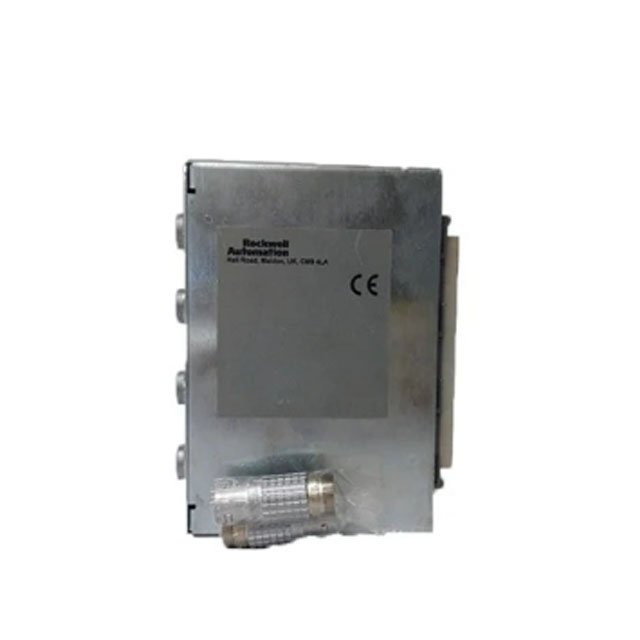
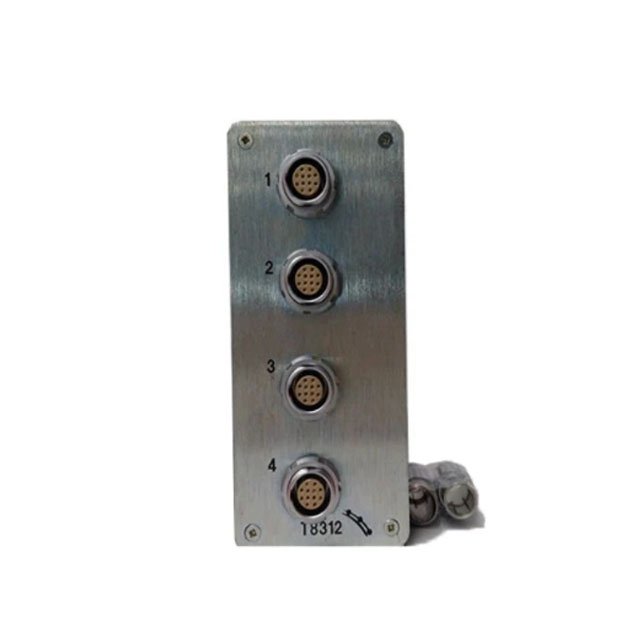
Allen-Bradley ICS Triplex T8312 Expander Interface Adapter
Introduction:
This technical document outlines the functional and installation requirements for the T8312 adapter within the Trusted TMR system.
 Customer Reviews
UBEST Automation – Trusted Global Automation Parts Supplier
We offer a wide range of in-stock industrial automation spare parts. All products come with a 12-month warranty and a 30-day refund for quality issues.
Product Attributes:
Notice: For real-time prices and inventory, please click the button below to contact us.
Technical Specifications and Features
Core Interface Functionality
The T8312 serves as the primary bridge that connects expander interface modules in the main controller chassis to processor interface modules. This adapter is essential for users who need to scale their automation network beyond a single rack. Two main versions exist: the T8312/4, which supports up to four expander chassis, and the T8312/7, which manages up to seven. The hardware maintains signal integrity across all connected points, ensuring that the Triple Modular Redundancy (TMR) benefits extend throughout the expanded system.
Configuration and DIP Switch Logic
System addressing for the T8312 relies on a precise DIP switch setup to identify each chassis within the network. The main controller chassis must always be set to ID #1 to establish it as the primary node. For the first set of expansion units, IDs are assigned sequentially from 2 to 8. If the application requires more than eight units, a second T8312 adapter manages IDs 9 through 15. This logical separation prevents data collisions and allows the system software to accurately route signals to the correct hardware location.
Hardware Durability and Software Integration
This adapter requires specific configuration within the Trusted system software to recognize the expanded I/O architecture effectively. The T8312 design emphasizes low power consumption and high anti-interference capability, which are vital for maintaining safety-critical operations. Because it weighs only 0.65 kg, the unit places minimal mechanical stress on the chassis backplane. Its robust construction ensures reliable performance in harsh environments, supporting the long-term stability of the overall industrial control system.
Installation and Maintenance Guide
System Setup Procedures
Identify the required number of expander chassis to determine if you need a T8312/4 or T8312/7 model.
Set the DIP switches on the T8312 rear panel according to the designated chassis ID (e.g., ID #1 for the controller).
Insert the adapter into the dedicated slot on the Trusted controller chassis backplane.
Connect the high-speed expansion cables between the T8312 and the corresponding processor interface modules in the expander racks.
Open the system configuration software to register the new hardware IDs and verify the communication link.
Packing List
1 x ICS Triplex T8312 Expander Interface Adapter
1 x Protective Anti-Static Packaging
Shipping Options: Fedex, UPS, DHL (Standard 3-5 day delivery)
Frequently Asked Questions (FAQ)
What is the difference between the T8312/4 and the T8312/7 models? The T8312/4 supports a maximum of four expander chassis, while the T8312/7 allows for the connection of up to seven units.
How do I set the ID for a second set of expansion chassis? You must set the physical DIP switches from 2 to 8, but you designate them as IDs 9 to 15 within the software.
Does the T8312 require an external power supply? No, the T8312 receives its required operating power directly from the chassis backplane and does not need external supply ratings.
Is it possible to hot-swap this adapter during system operation? We recommend following the official ICS Triplex safety procedures, as changing interface adapters can interrupt communication between chassis during runtime.
About Ubest
Ubest Automation is a leading global provider of automation products, with deep partnerships with major automation manufacturers to provide customers with customized business solutions, cost-effective products, and comprehensive services.
Product Center
Contact Us
Phone:+86 180 3000 5825
Address:Room 7A, No. 59 Hubin North Road, Siming District Xiamen City China
Email: sales@ubestplc.com
Contact: Klaus
Scan the QR code