Product Overview of the Allen-Bradley 1794-ACN15
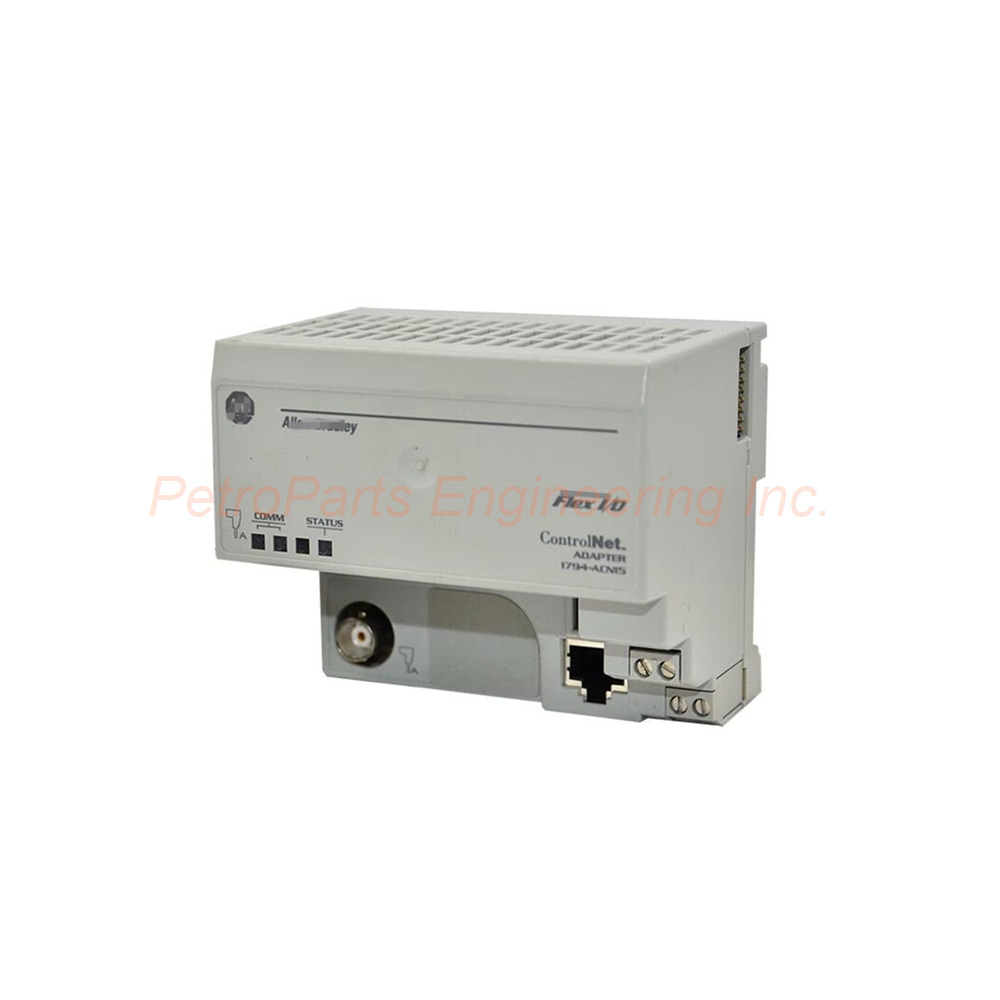
The Allen-Bradley 1794-ACN15 is a dedicated communication adapter. It belongs to the versatile 1794 Flex I/O platform. This module facilitates seamless data transfer between I/O modules and a ControlNet network. You can achieve a deterministic communication rate of up to 5 Mbps. The 1794-ACN15 also converts incoming power for the backplane. This ensures all adjacent Flex I/O modules receive stable power.
Key Technical Specifications
The 1794-ACN15 operates with a 24 Volts DC nominal voltage. Its input voltage range is 19.2 to 31.2 Volts DC. This adapter provides a Flexbus output current of 640 mA maximum. The module has a maximum power dissipation of 4.6 W at 19.2 Volts DC. It can handle an inrush current of 23A for 2 milliseconds.
The communication rate is fixed at 5 Mbps. The 1794-ACN15 uses one ControlNet port. This port requires a Belden RG-6/U or equivalent cable. The module supports up to Eight (8) Flex I/O modules in a single network node.
Environmental and Physical Attributes
You can operate the 1794-ACN15 between 0 to 55 °C (32 to 131 °F) . Its storage temperature range is -40 to 85 °C (-40 to 185 °F) . The module withstands vibration of 5 g @ 10-500Hz per IEC 68-2-6. It also tolerates an operating shock of 30 g peak acceleration. The unit has an IP20 protection rating. This prevents contact with hazardous parts. You must mount the adapter in an enclosure suitable for the environment.
The 1794-ACN15 uses a DIN rail mounting method. You can also use panel mounting. Proper grounding requires a zinc-plated yellow-chromate steel DIN rail. The total size of this module is 3.6 x 3.7 x 3.44 inches (87 x 94 x 69 mm) .
Installation Guidelines for the 1794-ACN15
You must follow specific wire sizes for the 1794-ACN15. For a single wire connection, use 0.33 to 2.5 mm² (22...12 AWG) copper wire. The insulation must be rated at 75 °C or greater. For a double wire connection, use 0.33 to 1.3 mm² (22...16 AWG) . Do not intermix solid and stranded wires. The power wiring length must not exceed 32.8 feet (10 meters) . Always disconnect power before installing the 1794-ACN15.
Status Indicators and Diagnostics
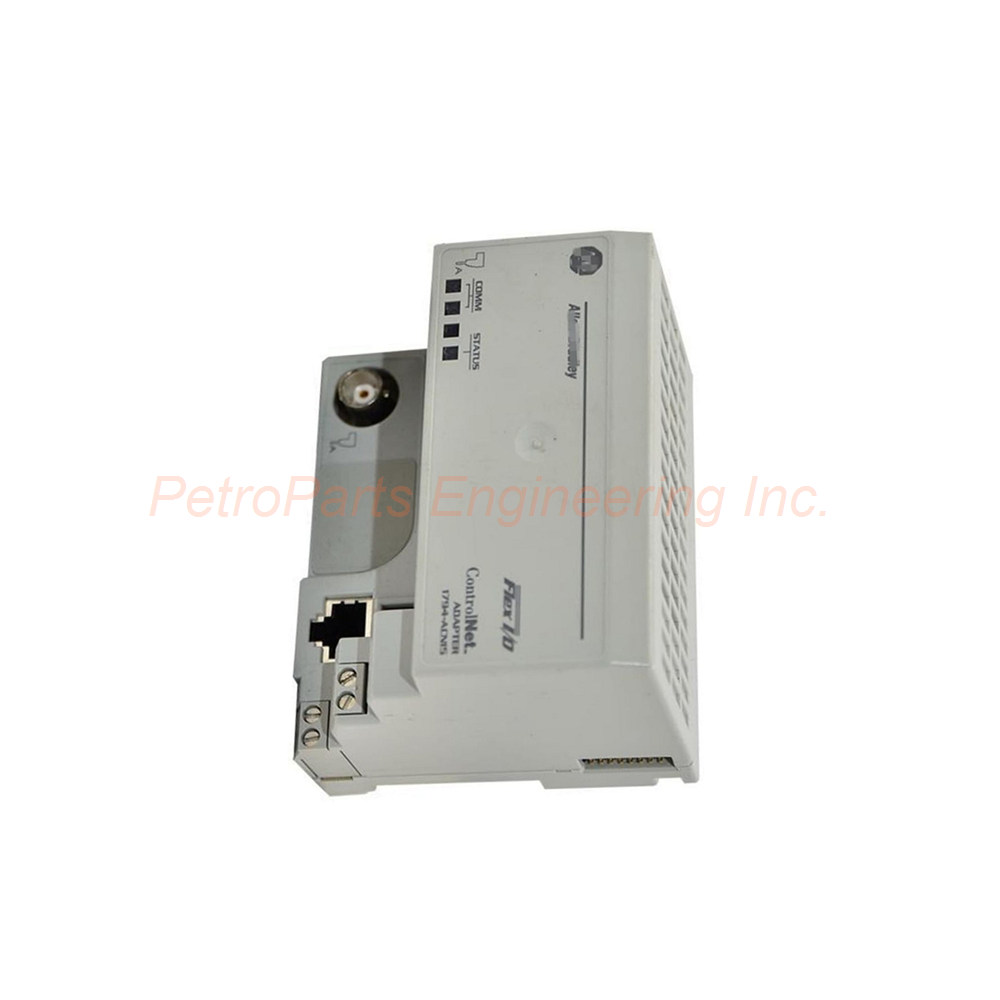
The front panel of the 1794-ACN15 features three dual-color status indicators. The Comm A LED shows red or green for Channel A status. The Comm B LED shows red or green for Channel B status. The I/O Status LED indicates red or green for the Flexbus status. These indicators help you quickly diagnose network issues.
Package Contents
One Allen-Bradley 1794-ACN15 ControlNet Adapter Module
One user manual for installation instructions
One set of terminal blocks for wiring connections
Four mounting screws for optional panel mounting
Frequently Asked Questions (FAQ)
Q1: How many I/O modules can the 1794-ACN15 support?
A: The 1794-ACN15 supports up to eight Flex I/O modules. This allows a compact yet powerful control solution.
Q2: What cable type is required for the 1794-ACN15?
A: This module requires a Belden RG-6/U cable or an equivalent coaxial cable. This ensures proper signal integrity at 5 Mbps.
Q3: Can I hot-swap modules with the 1794-ACN15 adapter?
A: Yes, the 1794 Flex I/O system supports hot-swapping. You can remove or insert I/O modules without powering down the 1794-ACN15.
Q4: What does the red I/O status LED indicate on the 1794-ACN15?
A: A red I/O Status LED means a backplane power fault exists. You should check the power supply and adjacent module connections.
Q5: Is the 1794-ACN15 suitable for hazardous locations?
A: Yes, the 1794-ACN15 is approved for European Zone 2 and North American Hazardous Locations. Always verify your local safety regulations.

 Customer Reviews