
1784-U2DN | Allen-Bradley USB-to-DeviceNet Cable
Introduction:
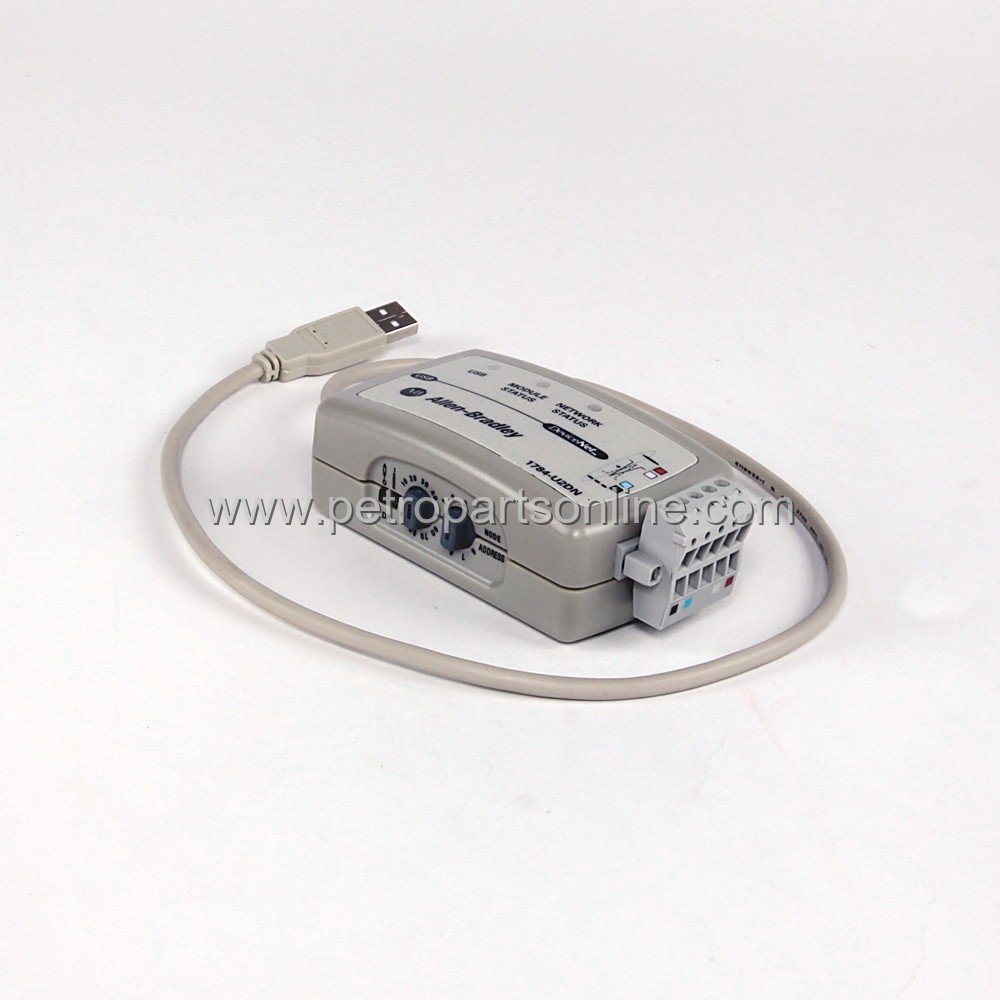
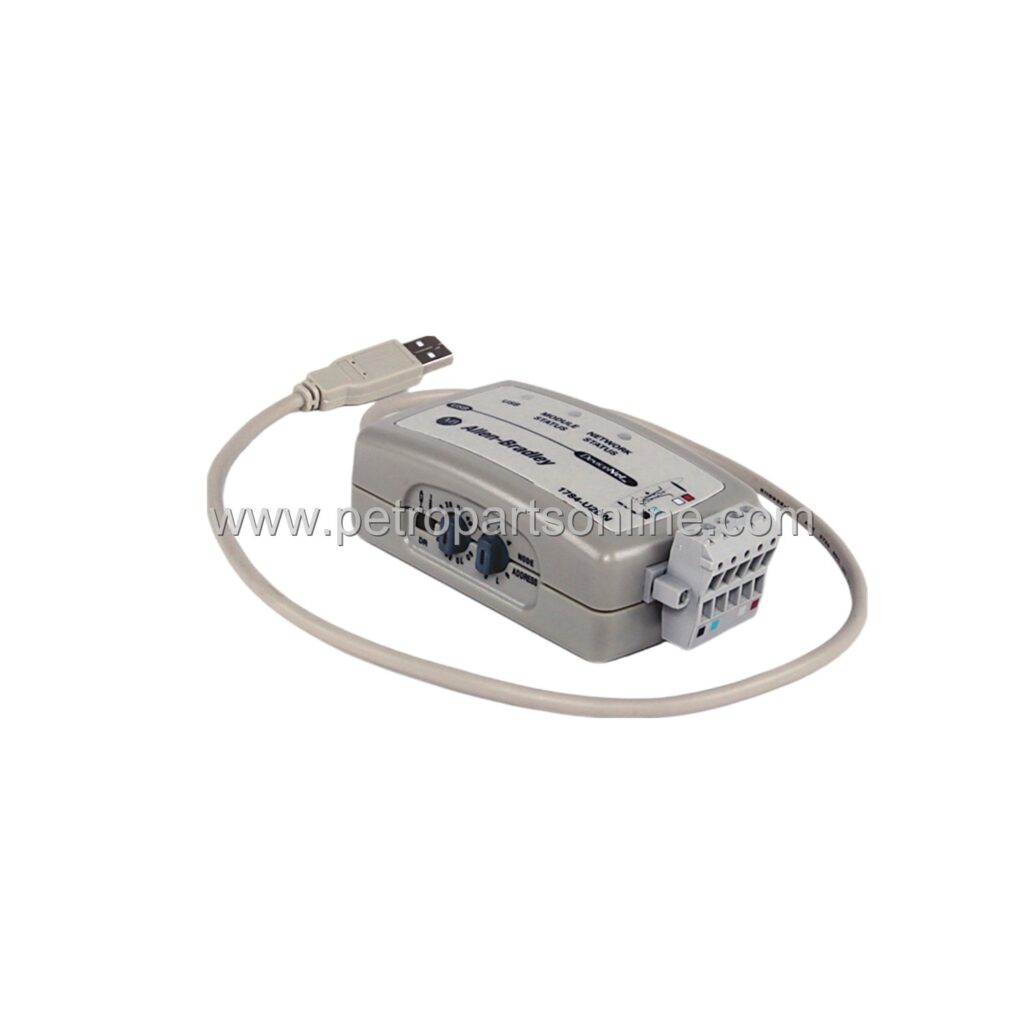
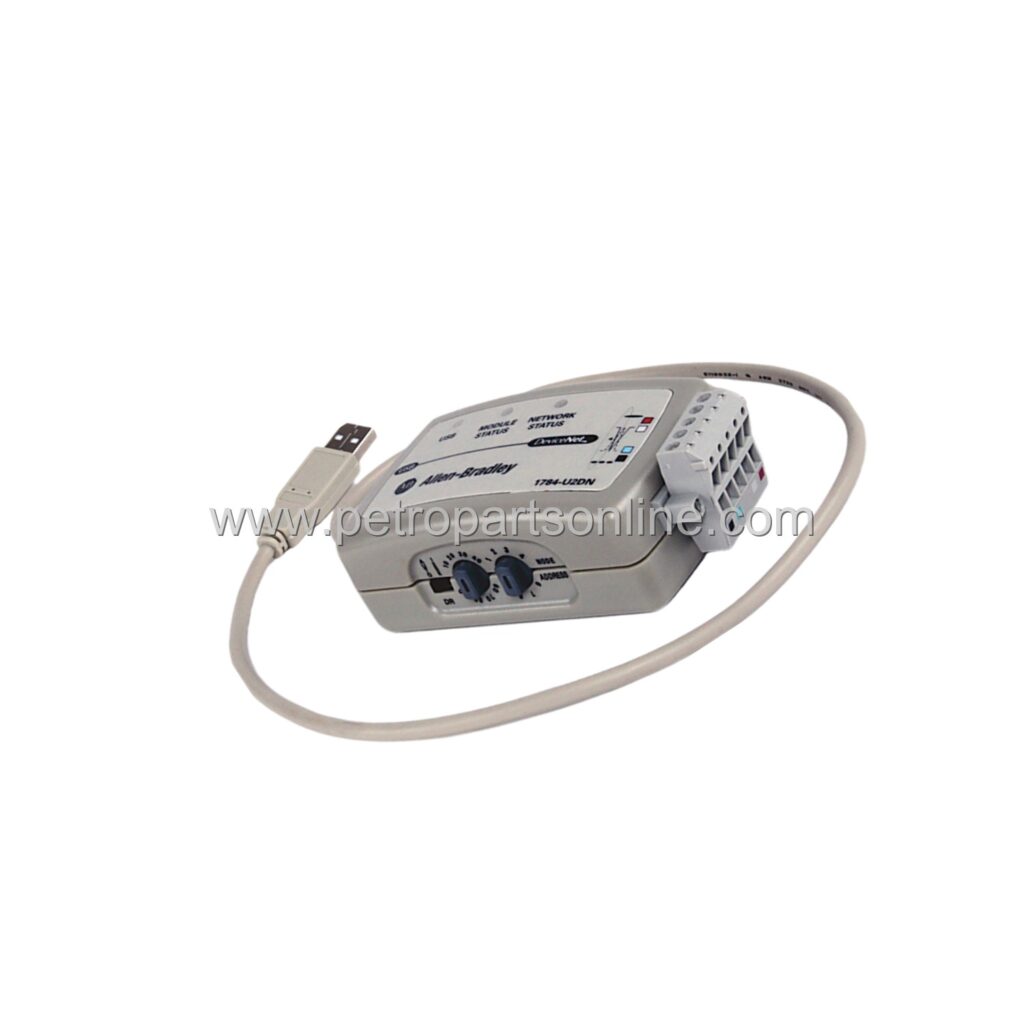
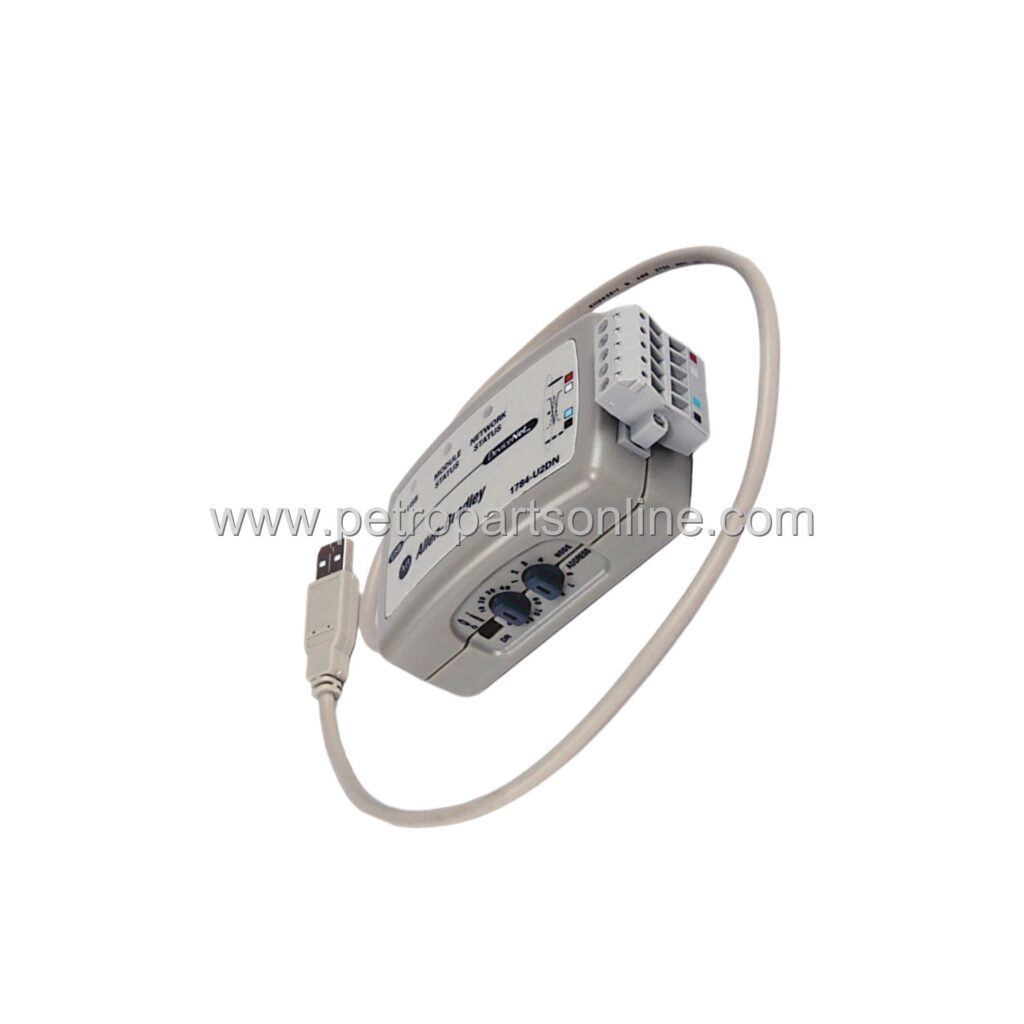
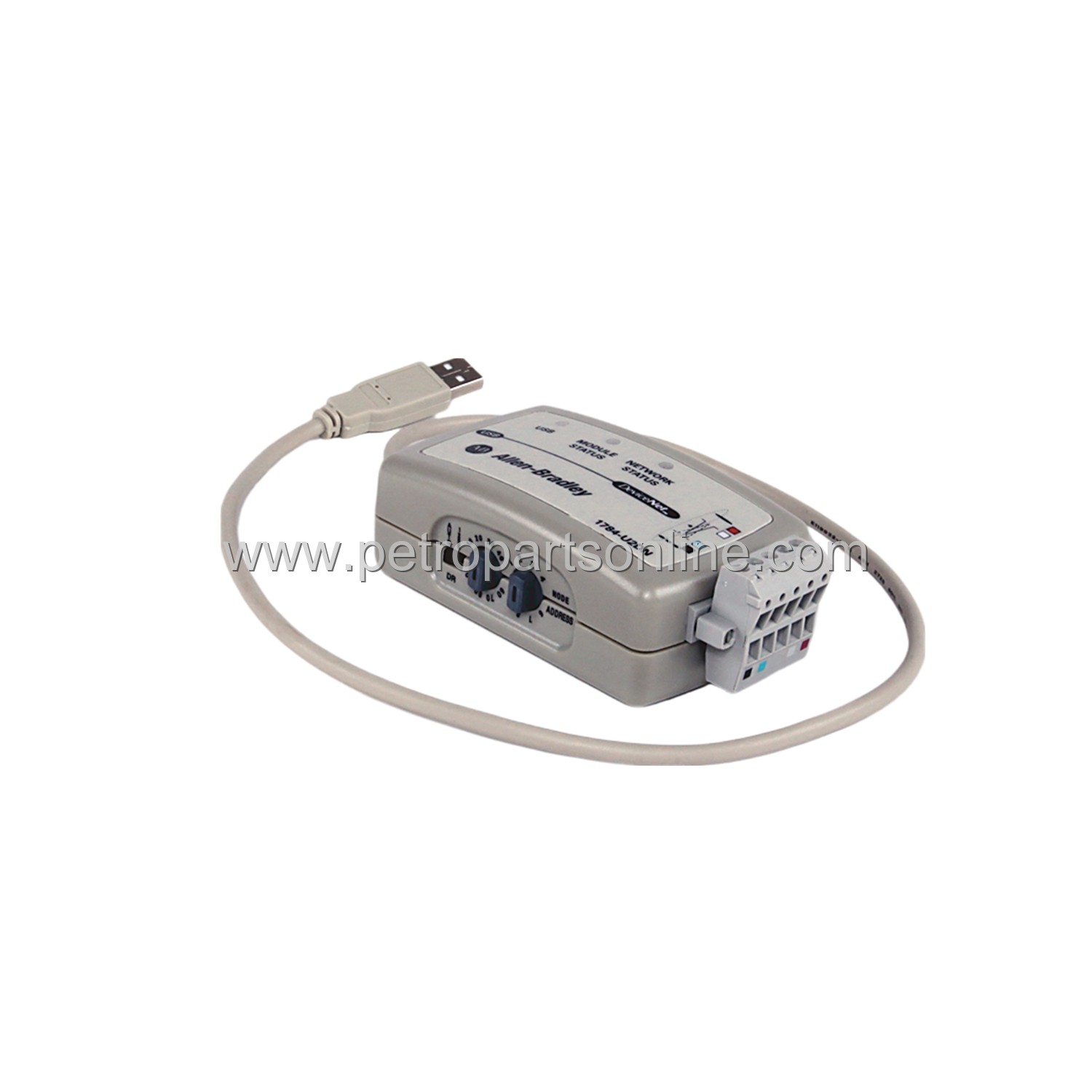
Allen-Bradley 1784-U2DN USB-to-DeviceNet cable. New original in stock. Supports full DeviceNet protocol. Ideal for programming and configuration.
 Customer Reviews
UBEST Automation – Trusted Global Automation Parts Supplier
We offer a wide range of in-stock industrial automation spare parts. All products come with a 12-month warranty and a 30-day refund for quality issues.
Product Attributes:
Notice: For real-time prices and inventory, please click the button below to contact us.
Product Overview
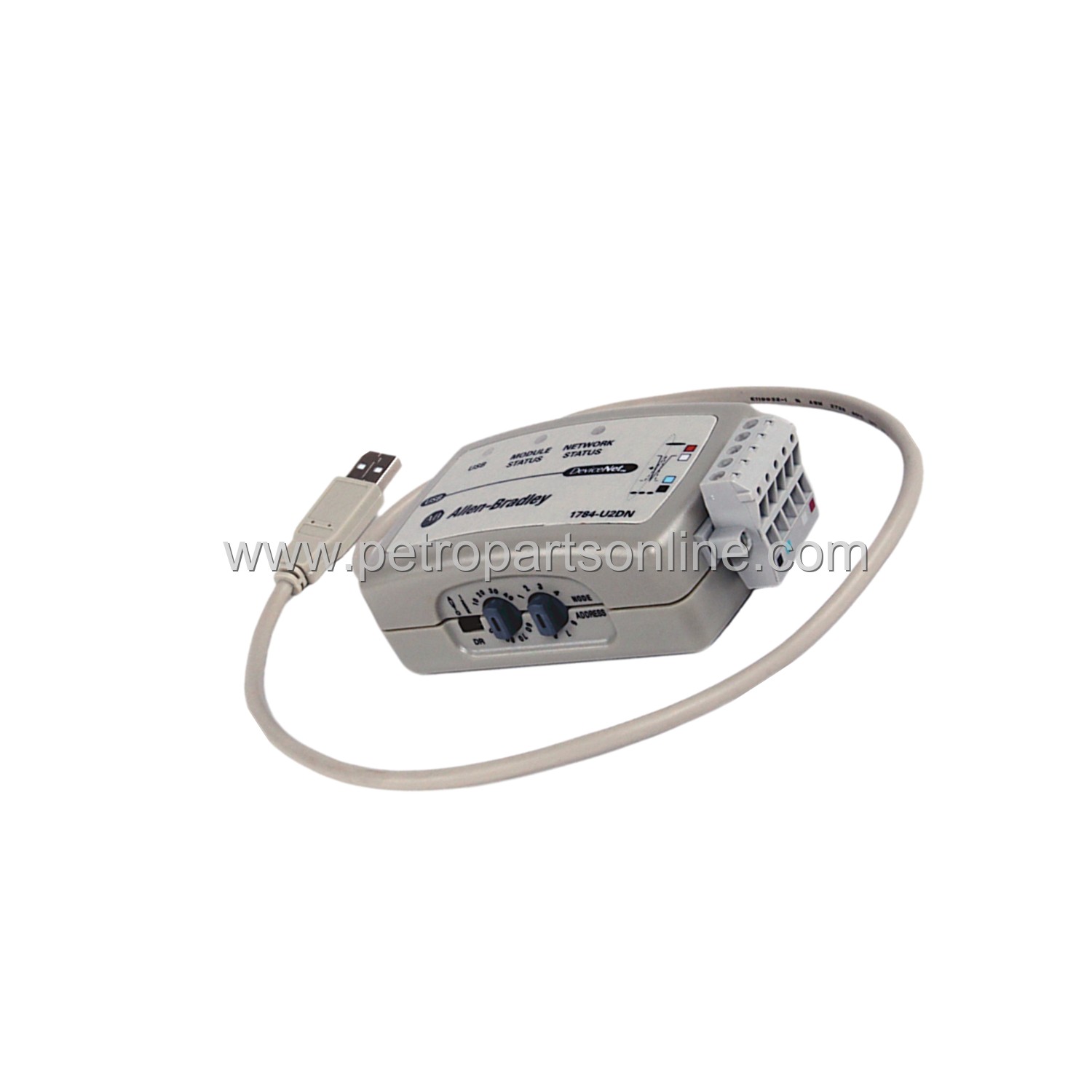
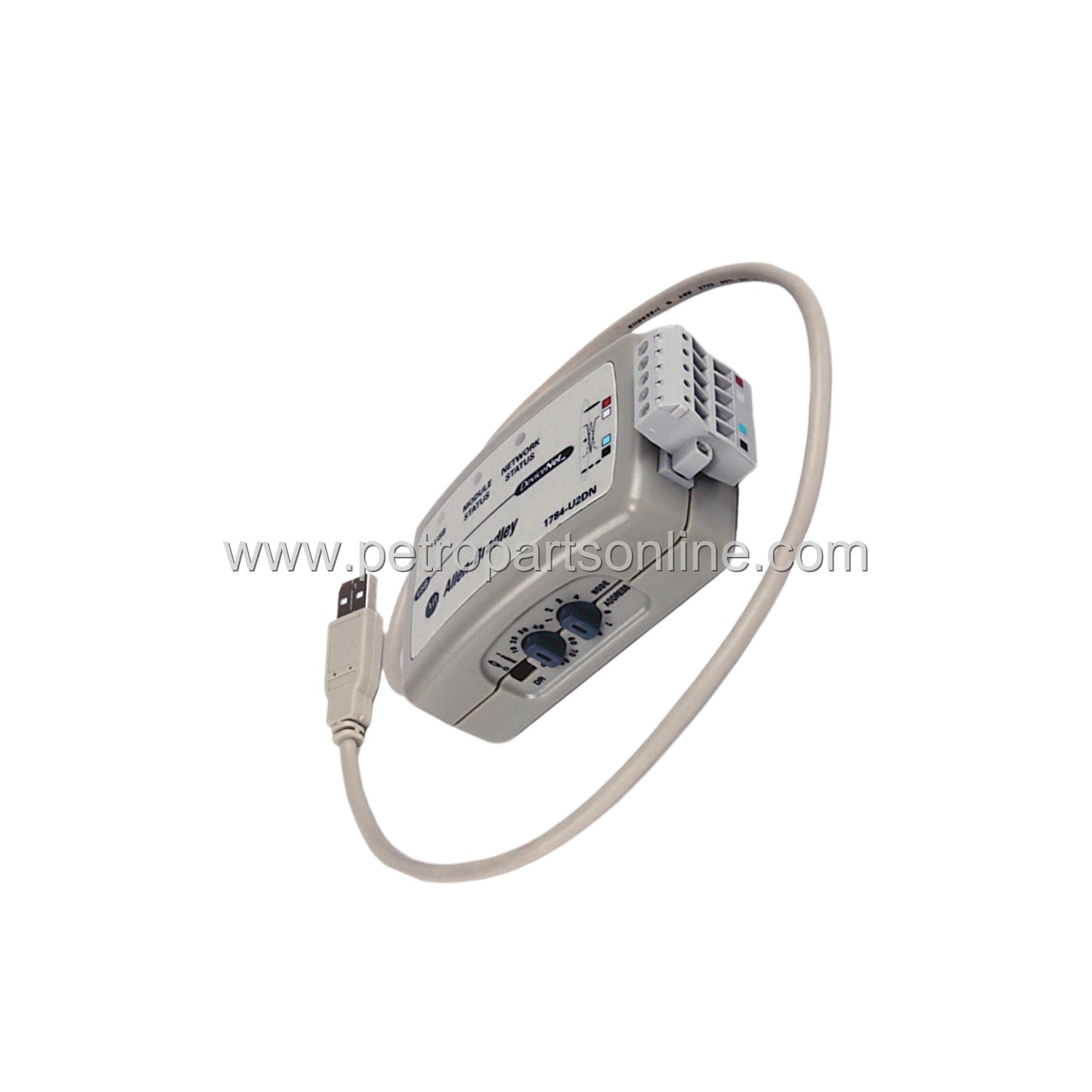
The 1784-U2DN is a USB-to-DeviceNet communication cable. This cable connects a standard USB port to a DeviceNet network. It enables programming and configuration of DeviceNet devices. The cable is a passive accessory. It does not require external power. The cable length is optimized for industrial use. It supports full DeviceNet protocol speeds. The cable is fully compatible with RSNetWorx software. It is a genuine Allen-Bradley product. The cable is new and original. It is in stock and ready to ship.
Application Scenarios
This cable is used in industrial automation environments. It connects a laptop to a DeviceNet network. Technicians use it for device configuration. It is ideal for commissioning new machines. It supports troubleshooting of existing networks. The cable works with PLCs and I/O modules. It is also used with drives and sensors. The cable is portable for on-site service. It is a standard tool for control engineers. The cable is suitable for factory floor use.
Technical Specifications
- Connector Type: USB Type A to DeviceNet open-style connector
- Protocol: DeviceNet
- Power: Bus-powered from USB port
- LED Indicators: Power and network status
- Compatibility: Windows operating systems
- Software: RSNetWorx for DeviceNet
- Operating Temperature: 0 to 60 degrees Celsius
- Weight: 0.2 kg
Installation & Maintenance Guide
Install the cable by connecting the USB end to a computer. Connect the DeviceNet end to the network. Ensure the DeviceNet connector is fully seated. The computer will detect the cable automatically. Install the required driver from the Rockwell Automation website. Use RSNetWorx software to configure the network. No maintenance is required. Keep the cable clean and dry. Store in a protective case when not in use. Avoid bending the cable sharply.
Frequently Asked Questions (FAQ)
What is the primary function of 1784-U2DN?
The primary function is to connect a USB port to a DeviceNet network for programming and configuration.
Does 1784-U2DN require external power?
No, the cable is bus-powered directly from the USB port of the computer.
What software is compatible with 1784-U2DN?
The cable is fully compatible with RSNetWorx for DeviceNet software.
What is the maximum cable length for 1784-U2DN?
The cable length is approximately 3 meters, suitable for standard industrial use.
Is 1784-U2DN compatible with all DeviceNet networks?
Yes, it is designed for standard DeviceNet networks and supports all DeviceNet baud rates.