
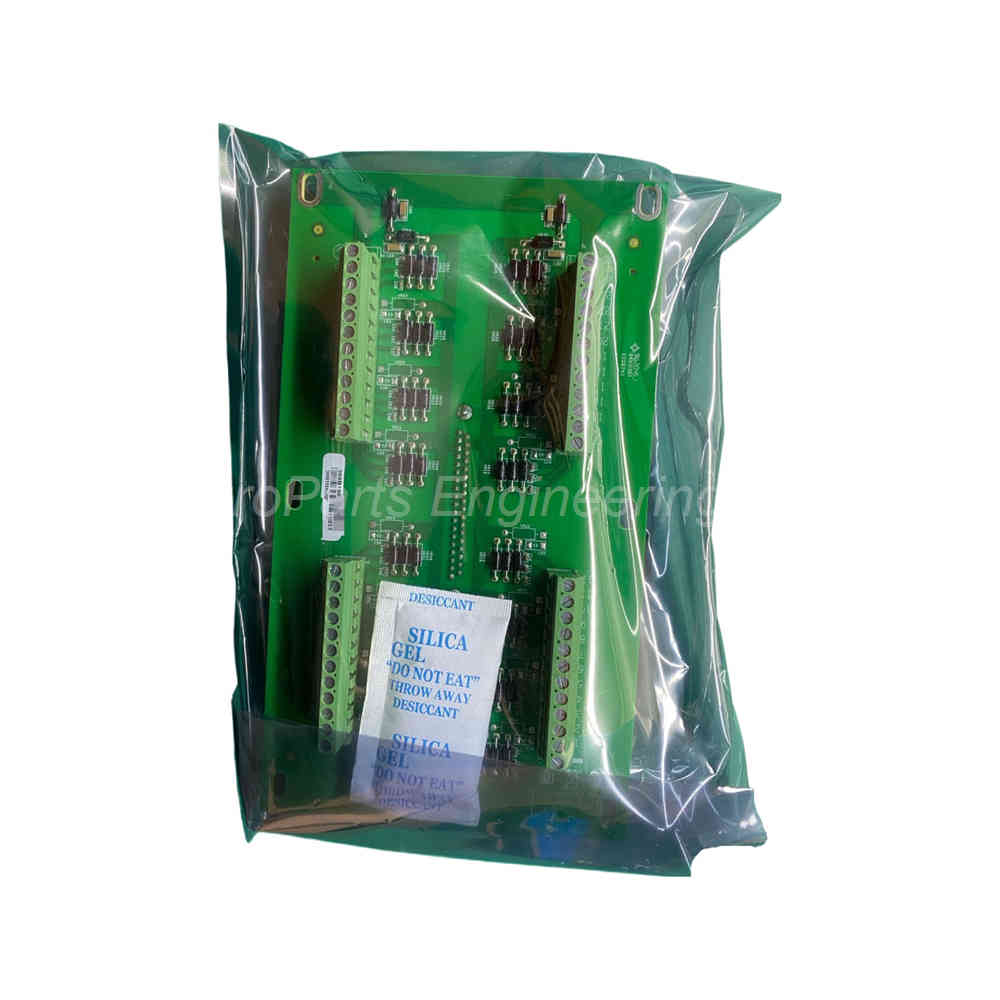
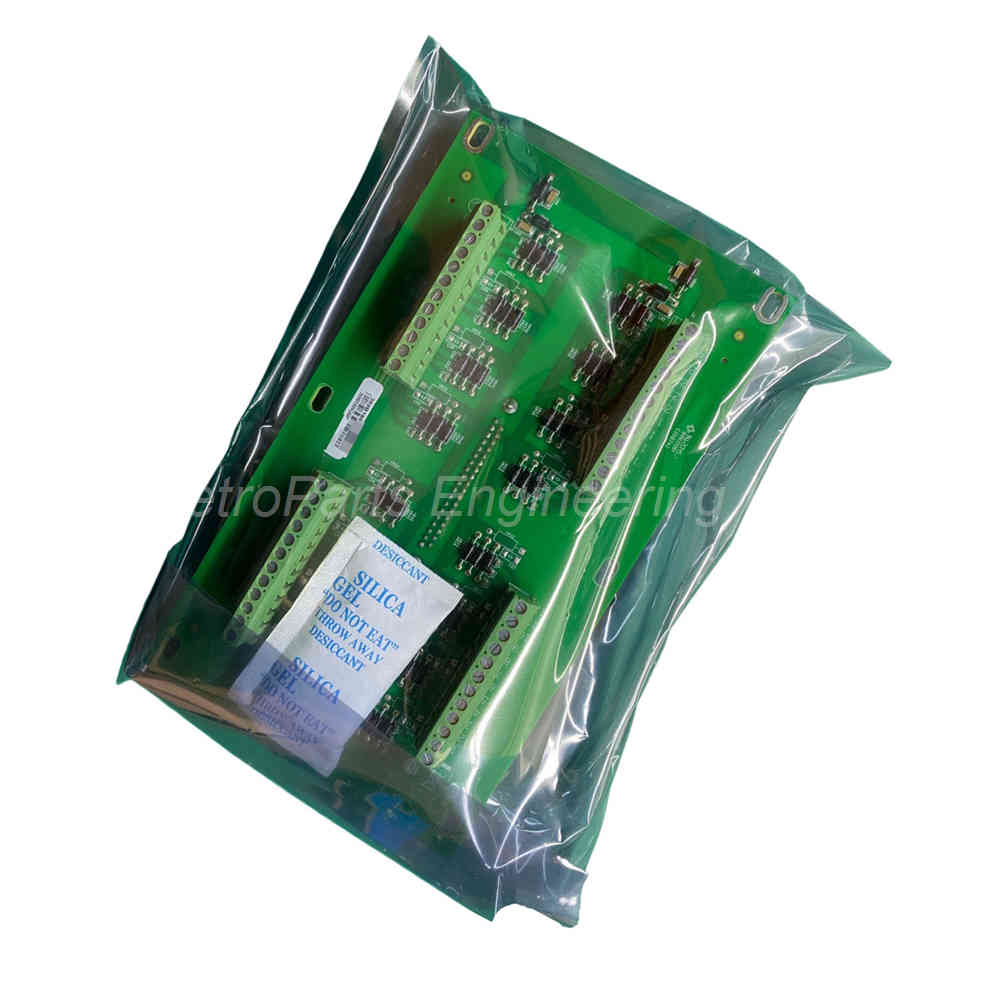
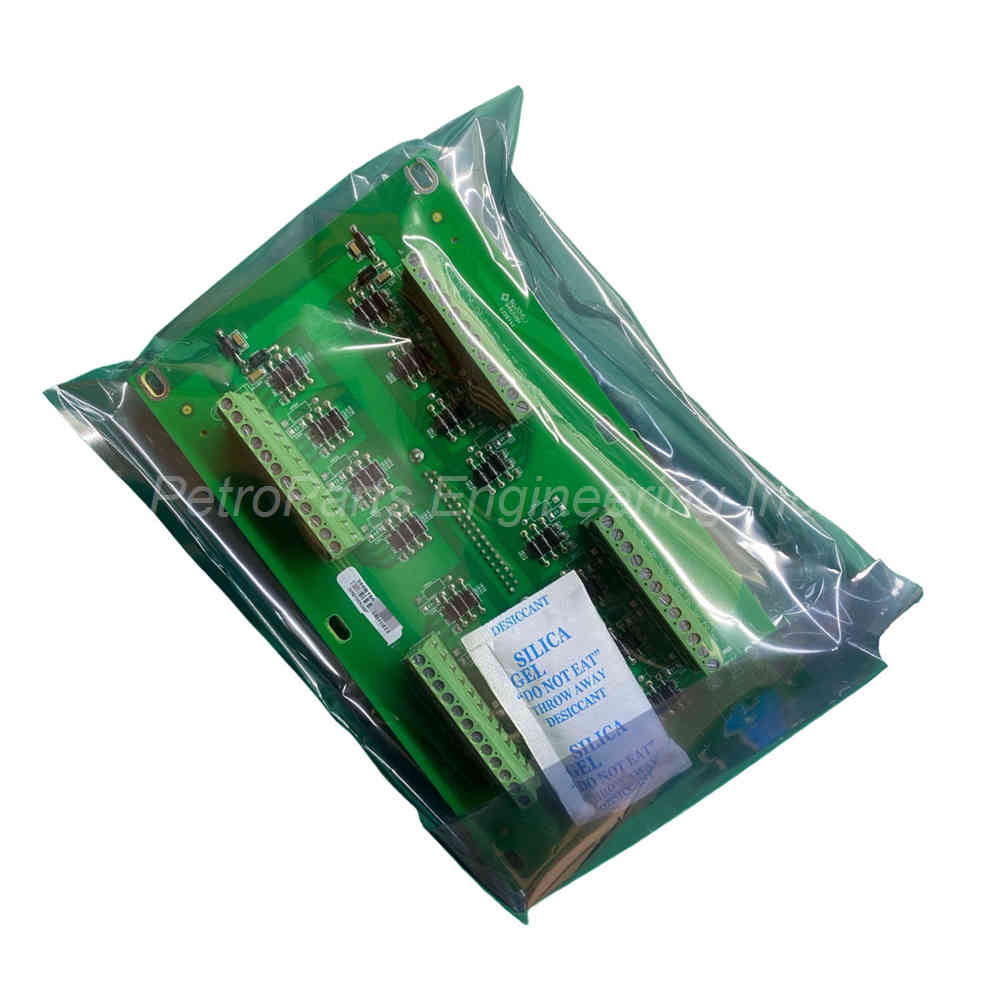
GE Nexus 369B1871G0007 Analog Output Board 4-20mA 0-10V
Introduction:
This article covers the GE Nexus 369B1871G0007 analog output terminal board. It details technical specs, configuration software integration, and FAQs. This AO unit displays field data on HMI screens.
 Customer Reviews
UBEST Automation – Trusted Global Automation Parts Supplier
We offer a wide range of in-stock industrial automation spare parts. All products come with a 12-month warranty and a 30-day refund for quality issues.
Product Attributes:
Notice: For real-time prices and inventory, please click the button below to contact us.
Product Overview
The 369B1871G0007 is an analog output terminal board from GE Nexus series. This AO unit sends analog signals to field devices. It works seamlessly with configuration software packages. The board helps display real-time process data on operator screens. Users can monitor field conditions and data changes easily.
Technical Specifications
The 369B1871G0007 functions as a terminal board for analog outputs. It connects PLC digital processing to analog actuators. The board supports multiple output signal types. Voltage output options include 0 to 10V DC. Current output is available as 4 to 20 mA. This flexibility suits many industrial control applications.
The 369B1871G0007 uses high-quality D/A conversion components. An optical coupler provides electrical isolation for safety. The signal conversion stage ensures stable analog outputs. The board mounts directly into GE Nexus rack systems. It communicates with the main PLC via the backplane bus.
Configuration Software Integration
The 369B1871G0007 works with popular configuration software packages. Configuration software typically has two modes of operation. The first mode is development mode for creating projects. The second mode is run mode for live operation.
In development mode, you create graphical HMI screens. You select communication protocols based on your PLC connection. You establish variables and link them to field devices. The 369B1871G0007 appears as an I/O device in the software.
I/O Point Limitations
Configuration software often limits the number of I/O points. The same software brand offers multiple versions. Each version has different point counts for different prices. The 369B1871G0007 consumes analog output points in your license. Choose a software version that supports your total I/O count.
Common point count tiers include 64, 128, 256, and 512 points. Some high-end versions offer unlimited I/O points. Check your configuration software license before installation. The 369B1871G0007 requires at least one analog output point per channel.
Run Mode Operation
In run mode, the configuration software communicates with your PLC. The PLC sends data to the 369B1871G0007 for analog output. The software displays animated graphics on the HMI screen. These graphics show field conditions and data changes in real time. Operators can see valve positions, motor speeds, and process variables.
The 369B1871G0007 converts digital values from the PLC to analog signals. These signals control actuators like servo valves and VFDs. The configuration software logs all data for later analysis. It can store data in databases and generate reports. The software also completes print jobs for record keeping.
Applications for 369B1871G0007
The 369B1871G0007 serves many industrial automation tasks. Use it to control electro-hydraulic servo valves precisely. Use it to manage variable frequency drives for pumps and fans. The AO unit provides continuous signals for process control loops. It works with SCADA systems for remote monitoring.
This terminal board supports data logging and trend analysis. Operators can view historical data on the HMI screen. The configuration software generates daily, weekly, or monthly reports. The 369B1871G0007 ensures accurate signal conversion for all these tasks.
Installation Guidelines
Mount the 369B1871G0007 securely in your GE Nexus rack. Align the backplane connector carefully with the slot. Tighten all mounting screws to hold the board firmly. Connect field wiring to the terminal blocks with proper tools. Match the output signal type to your actuator requirements. Use shielded twisted pair cables for all analog wiring. Connect the shield drain wire to ground at one end only. Keep analog wiring separated from high-voltage AC cables. Verify the output range matches your configuration software settings. Test each output channel before connecting to expensive devices.
Package List
-
1 x GE Nexus 369B1871G0007 Analog Output Terminal Board
-
1 x Terminal block connector for field wiring
-
4 x Mounting screws for rack installation
-
1 x Quick start wiring guide
-
1 x Configuration software reference card
Frequently Asked Questions (FAQ)
Q1: Does the 369B1871G0007 work with all configuration software?
This board works with GE-compatible configuration software. Third-party software may require additional drivers for the 369B1871G0007.
Q2: How many analog output channels does this board have?
The 369B1871G0007 typically provides multiple analog output channels. Refer to your GE Nexus documentation for exact channel count.
Q3: Can I use this board for both voltage and current outputs?
Yes, each channel can be configured for either 0-10V or 4-20mA. The 369B1871G0007 supports both signal types on different channels.
Q4: What happens if my configuration software runs out of I/O points?
The software will not recognize additional I/O devices. Purchase a higher point count version to use the 369B1871G0007 fully.
Q5: How does the board help with data logging?
The 369B1871G0007 provides analog signals to the PLC. The configuration software logs these values into databases for reporting.