170ENT11000 Schneider Modicon Momentum Ethernet Adapter | 10/100 Mbps
Introduction:
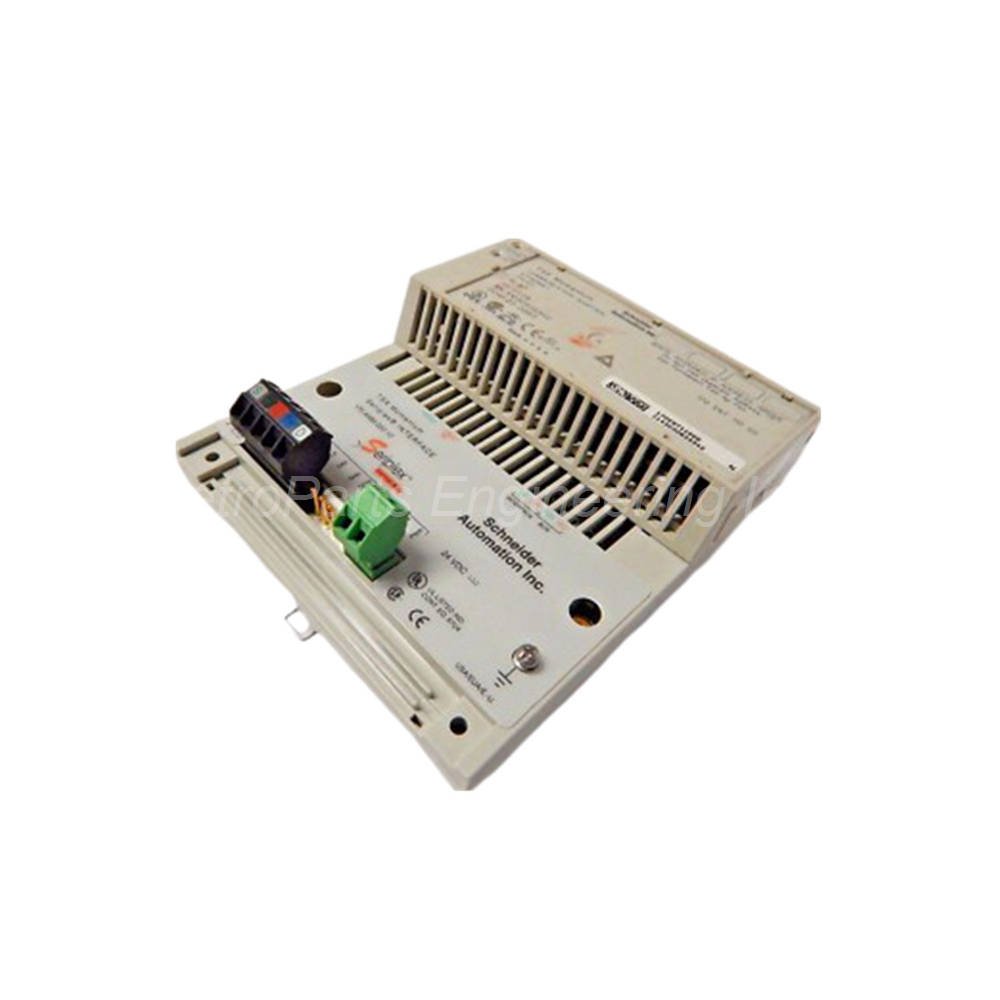
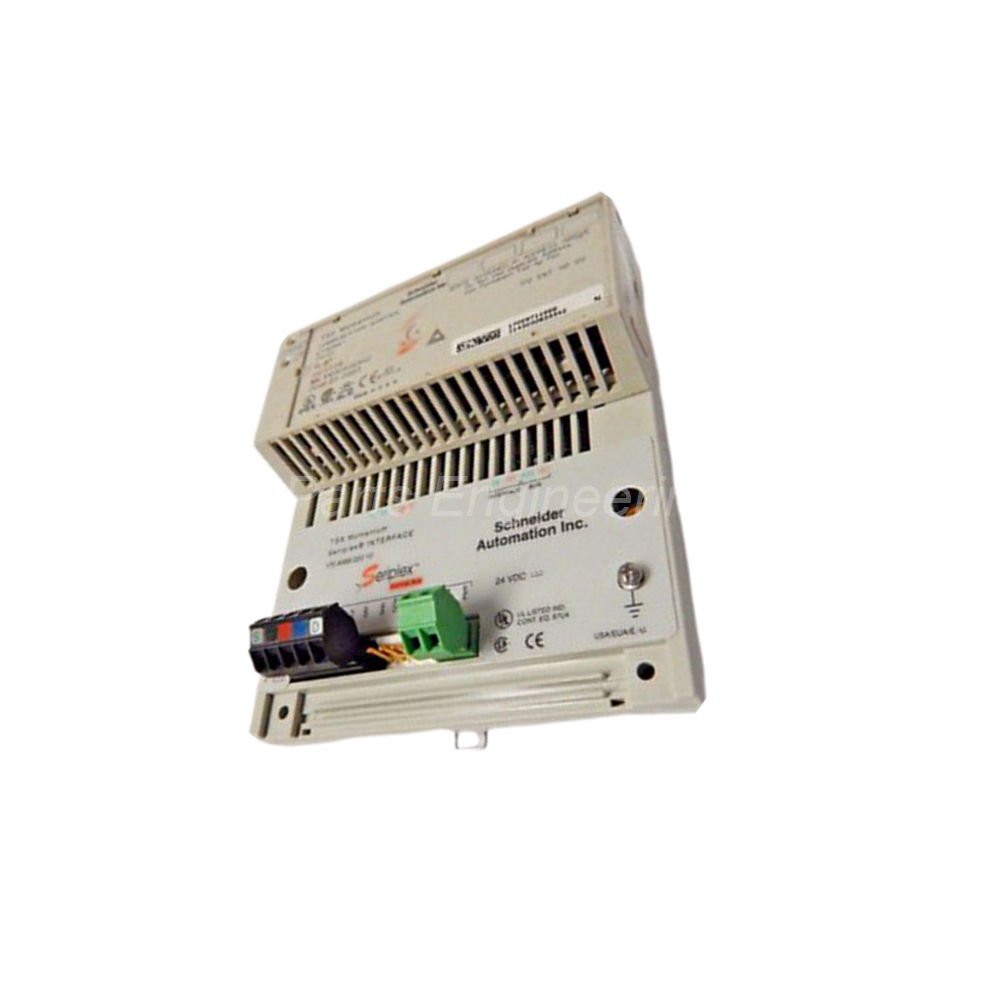
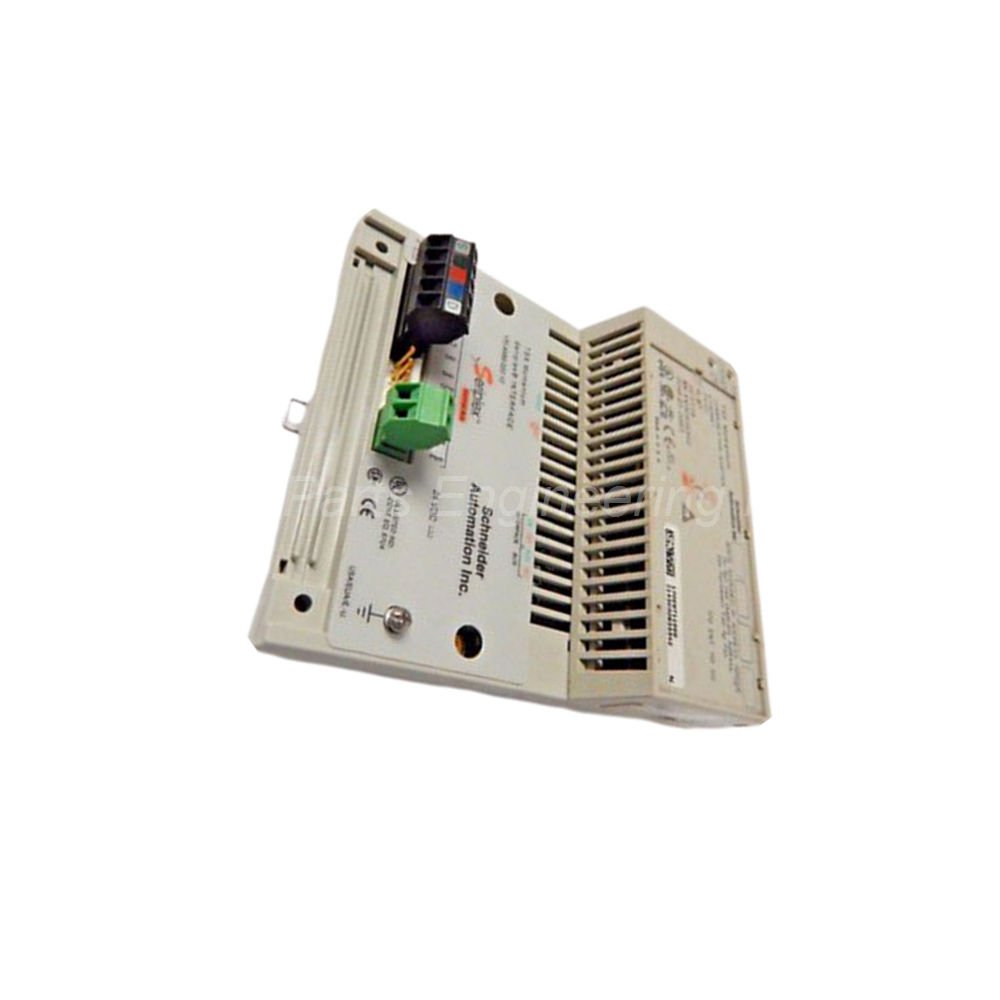
Schneider Electric 170ENT11000 is a dedicated Ethernet network adapter. It belongs to the reliable Modicon Momentum series. This adapter connects your PLC system directly to an Ethernet TCP/IP network. The 170ENT11000 supports two flexible communication modes: peer-to-peer and master/slave. It delivers stable data transfer at either 10 Mbps or 100 Mbps speeds.
 Customer Reviews
UBEST Automation – Trusted Global Automation Parts Supplier
We offer a wide range of in-stock industrial automation spare parts. All products come with a 12-month warranty and a 30-day refund for quality issues.
Product Attributes:
Notice: For real-time prices and inventory, please click the button below to contact us.
Technical Specifications of 170ENT11000
Communication Protocol: Uses standard Ethernet TCP/IP for broad compatibility.
Data Transfer Speed: Supports 10/100 Mbps auto-negotiation.
Communication Modes: Offers both peer-to-peer and master/slave methods.
Transmission Medium: Requires shielded twisted pair wiring for noise reduction.
Network Structures: Works with star and multidrop configurations.
Maximum Devices: Connects up to 32 units per network segment.
Maximum Cable Length: Reaches up to 1000 meters per segment.
Addressing: Uses a unique IEEE-assigned MAC address. You can also configure an IP address.
Error Detection: Includes CRC-32 verification for data integrity.
Safety Mode: Features an automatic fail-safe response on communication loss.
Status Indicators: Provides LED signals for link speed (10/100 Mbps), activity, and system health.
Connection Type: Includes a standard RJ45 port for 100BASE-TX interfaces.
Installation and Compatibility Guide
Mount the 170ENT11000 directly onto a Modicon Momentum CPU or I/O base. The module snaps into place without any tools. It occupies one slot on the bus. Use a standard RJ45 connector to attach your Ethernet cable. Always use shielded twisted pair cable (Cat5e or better) for industrial environments. Keep Ethernet cables away from high-power lines to avoid interference. You can configure the IP address using your PLC software or a web browser. The adapter supports both DHCP and static IP assignment.
Package Contents
One Schneider Electric 170ENT11000 Ethernet adapter.
A quick start guide for basic setup.
Frequently Asked Questions (FAQ)
Q: Can I use the 170ENT11000 with non-Schneider PLCs?
A: Yes, it works with any device that supports the Ethernet TCP/IP protocol and Modbus TCP.
Q: How many 170ENT11000 adapters can I put on one network?
A: You can connect up to 32 adapters on a single segment. Use an Ethernet switch to connect more segments.
Q: How do I know if the adapter is communicating properly?
A: Check the LED status indicators. A green LED means 100 Mbps link. A yellow LED means 10 Mbps link. A blinking LED shows network activity.
Q: What is the maximum cable length I can use?
A: You can run a cable up to 1000 meters per segment. For longer distances, use fiber optic media converters.
Q: Does the 170ENT11000 require an external power supply?
A: No, the adapter draws all its power directly from the Momentum backplane.
About Ubest
Ubest Automation is a leading global provider of automation products, with deep partnerships with major automation manufacturers to provide customers with customized business solutions, cost-effective products, and comprehensive services.
Product Center
Contact Us
Phone:+86 180 3000 5825
Address:Room 7A, No. 59 Hubin North Road, Siming District Xiamen City China
Email: sales@ubestplc.com
Contact: Klaus
Scan the QR code