
Schneider ABFM08S201 Connector | Modicon Quantum 8-Channel Analogue
Introduction:
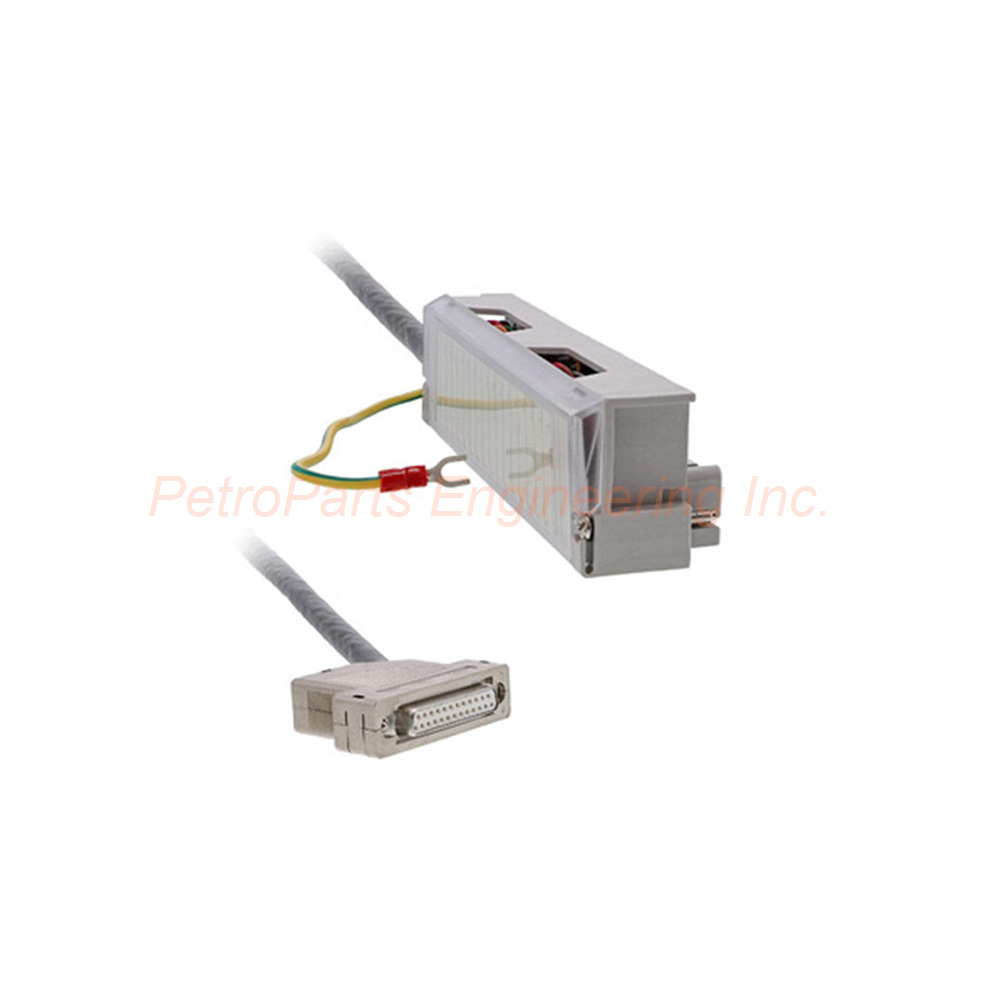
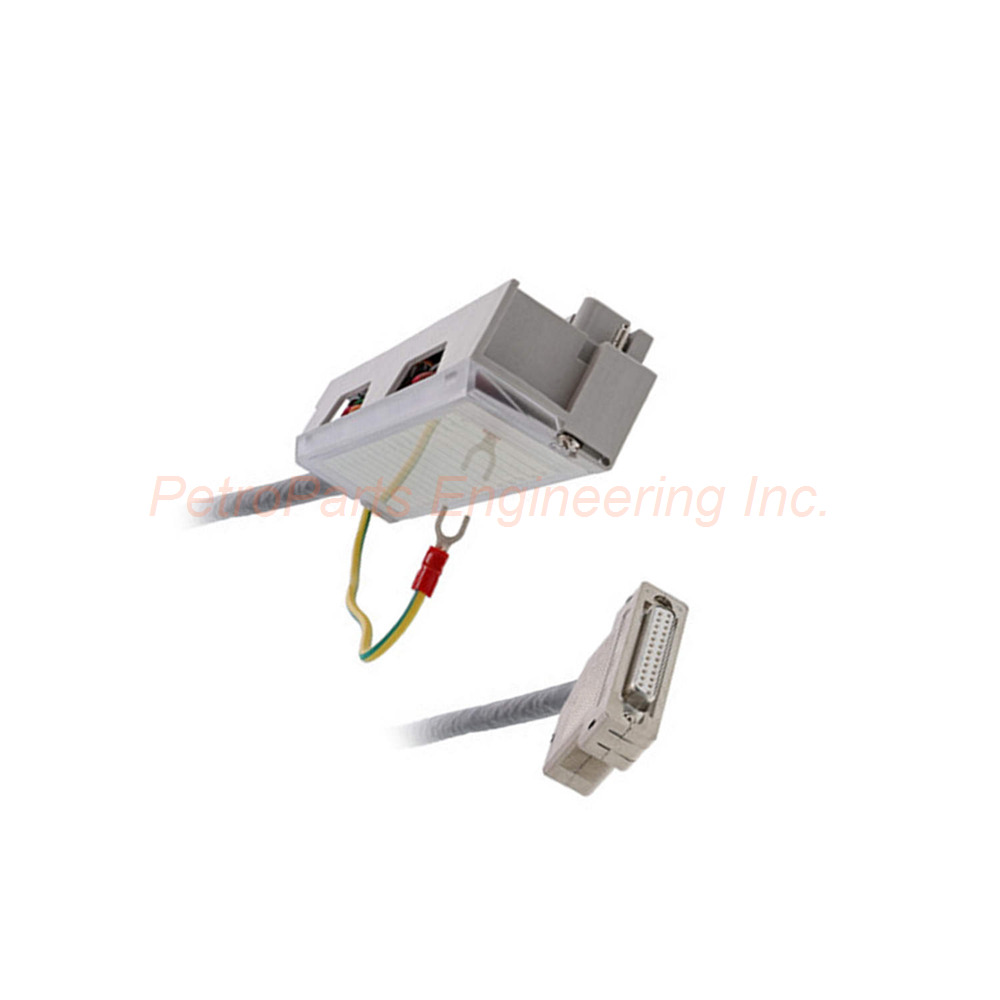
Schneider Electric ABFM08S201 cabled connector for Quantum analogue inputs. 8 channels, 2 metre cable, 25-pin SUB-D connector. -20 to +60°C operation.
 Customer Reviews
UBEST Automation – Trusted Global Automation Parts Supplier
We offer a wide range of in-stock industrial automation spare parts. All products come with a 12-month warranty and a 30-day refund for quality issues.
Product Attributes:
Notice: For real-time prices and inventory, please click the button below to contact us.
Product Overview
The Schneider Electric ABFM08S201 connects analogue field devices to Quantum input modules. This cabled connector belongs to the Modicon Quantum series. It provides 8 analogue input channels on a single cable assembly. The ABFM08S201 features a 2 metre cable length for flexible panel routing. You can connect sensors, transmitters, and signal conditioners directly to your PLC. This pre-assembled cable saves panel wiring time significantly.
Key Features
Number of channels: 8 analogue inputs
Cable length: 2 metres (6.6 feet)
Connector type: 25-way SUB-D (female or male as required)
Signal type: Analogue input only
Wire gauge: AWG 24 (0.22 mm²)
Current rating: 1A maximum
Voltage rating: 250V maximum
Insulation material: PVC
Cable construction: Multi-conductor, ribbon style
Operating temperature: -20°C to +60°C
Technical Specifications
Electrical Ratings
| Parameter | Value |
|---|---|
| Current rating | 1 A |
| Voltage rating | 250 V |
| Wire gauge | AWG 24 |
| Wire section | 0.22 mm² |
| Number of ways | 25 |
| Signal type | Analogue input |
Physical Characteristics
| Parameter | Value |
|---|---|
| Cable length | 2 m (6.6 ft) |
| Connector type | SUB-D (25-pin) |
| Cable construction | Multi-conductor ribbon |
| Insulation material | PVC |
| Net weight | 0.6 kg (1.32 lb) |
| Package weight | 0.477 kg (16.8 oz) |
Environmental Ratings
| Parameter | Value |
|---|---|
| Minimum operating temperature | -20°C (-4°F) |
| Maximum operating temperature | +60°C (140°F) |
| Suitable environment | Industrial control panels |
Compatible Modules
The ABFM08S201 works with these Modicon Quantum analogue input modules:
| Module Number | Module Type | Description |
|---|---|---|
| 140AVI03000 | Analogue input | 8-channel voltage input |
| 140ACI03000 | Analogue input | 8-channel current input |
Always verify module compatibility before ordering the Schneider Electric ABFM08S201. Using this cable with incompatible modules may damage the connector or the module.
Cable Construction Details
The ABFM08S201 uses a ribbon-style multi-conductor construction:
Conductor material: Stranded copper (flexible)
Conductor count: 25 individual wires
Conductor arrangement: Parallel ribbon (flat cable)
Shielding: None (suitable for clean panel environments)
Outer jacket: PVC, grey or black (typical)
For electrically noisy environments, consider adding external ferrite cores. The ABFM08S201 has no integral shielding. Keep this cable away from variable frequency drive wiring.
Pin Assignment Guide
The Schneider Electric ABFM08S201 follows standard Quantum analogue pin assignments:
| Channel | Signal Positive | Signal Negative | Shield (if used) |
|---|---|---|---|
| Channel 1 | Pin 1 | Pin 14 | Pin 25 |
| Channel 2 | Pin 2 | Pin 15 | Pin 25 |
| Channel 3 | Pin 3 | Pin 16 | Pin 25 |
| Channel 4 | Pin 4 | Pin 17 | Pin 25 |
| Channel 5 | Pin 5 | Pin 18 | Pin 25 |
| Channel 6 | Pin 6 | Pin 19 | Pin 25 |
| Channel 7 | Pin 7 | Pin 20 | Pin 25 |
| Channel 8 | Pin 8 | Pin 21 | Pin 25 |
Pins 9 through 13 and 22 through 24 are not connected (N/C) on the ABFM08S201. Consult the module user manual for specific wiring diagrams.
Installation Guidelines
Follow these steps to install the ABFM08S201 cabled connector:
Turn off power to the Quantum rack and analogue module completely.
Locate the 25-pin SUB-D connector on your analogue input module (140AVI03000 or 140ACI03000).
Align the ABFM08S201 connector with the module connector keying.
Push the connector straight into the module until it clicks or seats fully.
Tighten the thumbscrews on both sides of the SUB-D connector.
Route the 2 metre cable to your field junction box or terminal strip.
Strip the cable end if terminating to a terminal block (field wiring required).
Connect each analogue signal wire to its corresponding field device.
Verify all connections match your wiring diagram.
Apply power and test each channel with a known signal source.
Do not pull the Schneider Electric ABFM08S201 by the cable. Always grasp the connector body when disconnecting. Avoid bending the cable sharply at the connector strain relief.
Panel Routing Recommendations
| Routing Practice | Recommendation |
|---|---|
| Minimum bend radius | 10x cable diameter (approx 50mm) |
| Separation from power | Minimum 200mm from AC power cables |
| Cable tray fill | Do not exceed 50% fill ratio |
| Cable ties | Use finger-tight only (no compression) |
| Labeling | Apply identification label near both ends |
Field Wiring Termination
The ABFM08S201 has an unterminated end at the field side. You will need to:
Remove approximately 50mm of outer jacket from the cable end.
Separate the 25 individual conductors carefully.
Strip 5-7mm of insulation from each conductor to be used.
Terminate each wire to a terminal block or junction box.
Label each wire with its corresponding pin number.
Secure the cable with a strain relief near the termination point.
Use only AWG 24 or 0.22 mm² wire for extensions. The ABFM08S201 conductors are not tinned. Apply ferrule connectors for screw terminal connections.
Packaging List
1 x Schneider Electric ABFM08S201 cabled connector assembly
1 x 25-way SUB-D connector (molded to cable)
2 x thumbscrews (pre-installed on connector)
Storage and Handling
Store the ABFM08S201 under these conditions:
Temperature: -20°C to +60°C (as specified)
Humidity: 5% to 95% non-condensing
Avoid direct UV exposure (store in box)
Keep away from sharp edges that may cut the ribbon cable
Common FAQs
Q1: Can the ABFM08S201 be used with digital input modules?
A1: No, the ABFM08S201 is designed specifically for analogue input modules. For digital modules, use the ABFM09S201 or similar digital cabling accessories.
Q2: Is the ABFM08S201 compatible with 140AVI03000 only?
A2: The Schneider Electric ABFM08S201 works with both 140AVI03000 (voltage) and 140ACI03000 (current) modules. Do not use with other Quantum analogue modules.
Q3: What is the maximum cable extension for the ABFM08S201?
A3: You can extend the ABFM08S201 up to 200 metres total length. Use shielded twisted pair cable for extensions. Keep total resistance below 50 ohms per signal pair.
Q4: Does the ABFM08S201 provide channel-to-channel isolation?
A4: No, the ABFM08S201 is a passive cable assembly. Channel isolation depends on the connected analogue module (140AVI03000 or 140ACI03000), not the cable.
Q5: Can I cut the ABFM08S201 cable to a shorter length?
A5: Yes, you can shorten the ABFM08S201 cable. Terminate the cut ends properly using a suitable connector or terminal block. The shorter length does not affect signal quality.