
GE Fanuc IC754VGF08CTD 8in Multi-Touch HMI

Introduction:
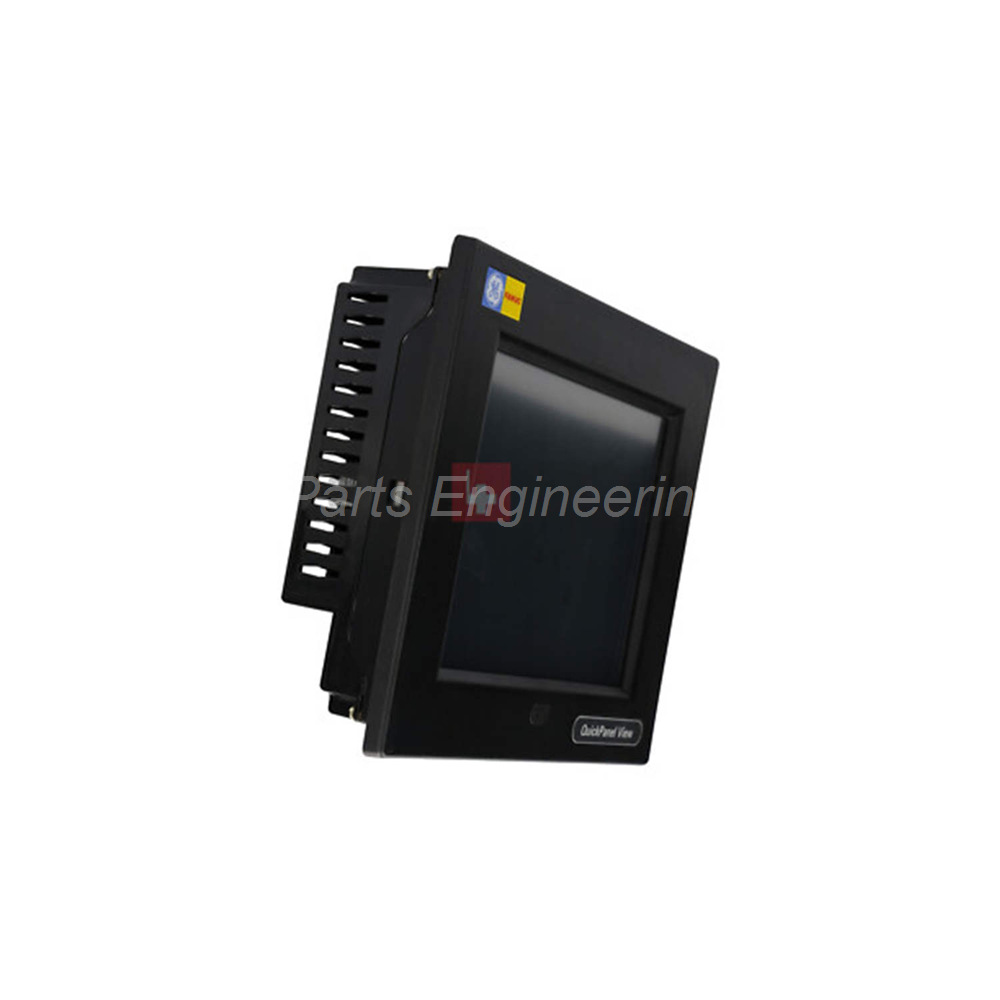
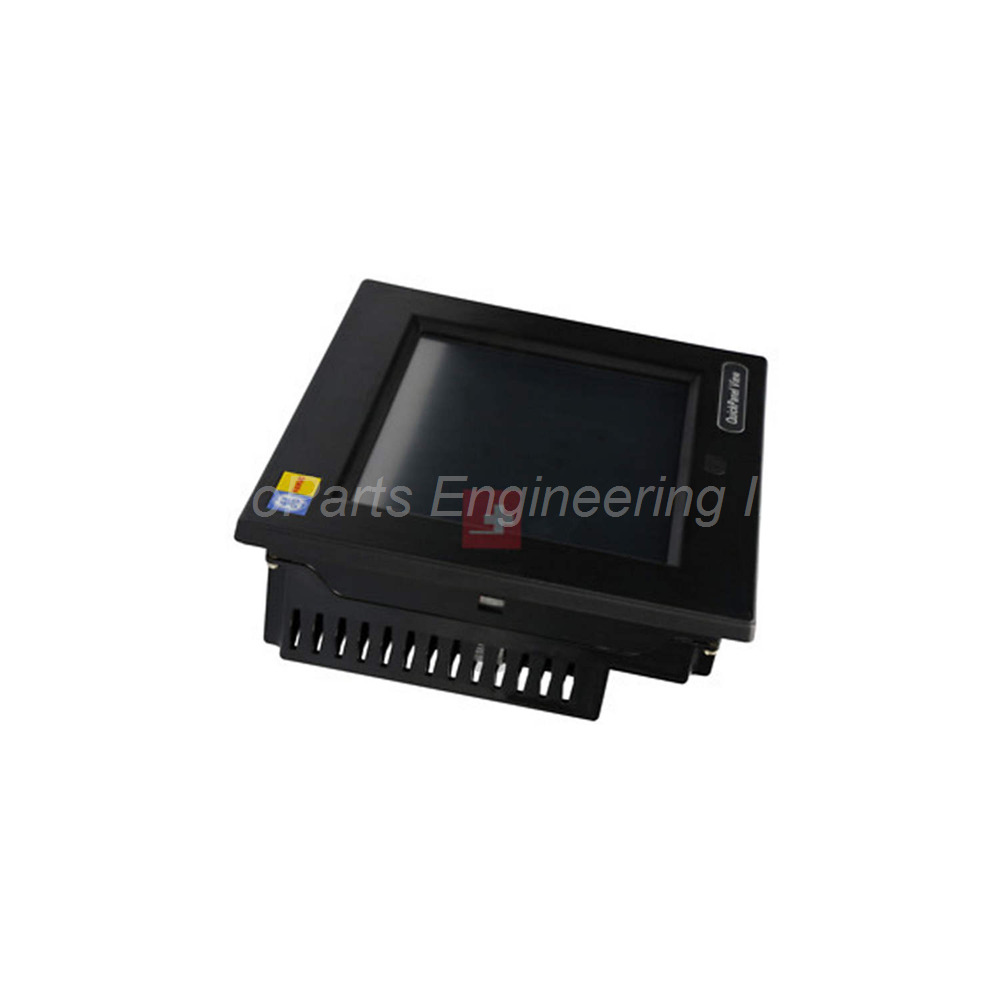
GE Fanuc IC754VGF08CTD 8-inch widescreen TFT touchscreen HMI. Windows Embedded Compact 7, 1GHz CPU, dual-touch, Ethernet, RS232.
 Customer Reviews
UBEST Automation – Trusted Global Automation Parts Supplier
We offer a wide range of in-stock industrial automation spare parts. All products come with a 12-month warranty and a 30-day refund for quality issues.
Product Attributes:
Notice: For real-time prices and inventory, please click the button below to contact us.
IC754VGF08CTD 8-Inch Widescreen Multi-Touch HMI
This IC754VGF08CTD terminal features a modern widescreen display. The IC754VGF08CTD belongs to the GE Fanuc QuickPanel View Loaded series. It runs on Microsoft Windows Embedded Compact 7 operating system. This unit offers a projected capacitive touchscreen with two-point touch support. Operators can use pinch and zoom gestures on the screen.
Technical Specifications
The IC754VGF08CTD uses an 8-inch widescreen TFT LCD. Display resolution reaches WVGA at 800 x 480 pixels. The screen uses LED backlighting for better energy efficiency. Input type uses projected capacitive touch technology. This touchscreen supports two-point touch features. Bezel material meets IP65 and JEM1030 enclosure ratings.
Processor and Memory:
-
Processor: Freescale i.MX535 1 GHz ARM Cortex A8
-
ROM: 256 MB SLC NAND
-
SDRAM: 512 MB DDR2
-
SRAM: 512 KB (battery-backed)
-
Memory Card Slot: 1 SD/SDHC slot
Communication Ports:
-
Ethernet: 1 port, 10/100 Base-T
-
Serial: 1 RS-232 port
-
USB Device: 1 mini Type-B USB 2.0 port
-
USB Host: 2 Type A USB 2.0 host ports
-
Audio Input: 1 mic in mono port
-
Audio Output: 1 line out stereo port
Power and Environment:
-
Rated Voltage: 24V DC at ±20%
-
Maximum Voltage: 30V DC
-
Power Connector: 3-pin connector
-
Operating Temperature: 0 to 50 °C
-
Storage Temperature: -20 to 70 °C
-
Relative Humidity: 85% maximum (non-condensing)
-
Cooling Method: Natural convection
Physical Dimensions:
-
Approximate Size: 7.56 x 5.39 x 1.42 inches
-
Mounting Types: Panel mount or VESA mount
The IC754VGF08CTD uses a 3-pin connector for DC power. Cooling happens through natural convection without fans. This design reduces maintenance needs over time. The unit supports both panel mounting and VESA mounting options. Use the recommended HMI-CABC93 communication cable for serial connections.
Installation Guide
Follow these steps to install the IC754VGF08CTD properly. Choose either panel mount or VESA mount for your application. Cut the panel opening according to the supplied template. Insert the unit into the panel opening. Secure it using the provided mounting clips. For VESA mount, attach the bracket to the rear of the unit. Connect 24V DC power using the 3-pin connector. Do not exceed 30V DC maximum input. Attach your controller using the RS-232 serial port. Use the HMI-CABC93 cable for reliable serial communication. Connect Ethernet for network access and data transfer. Plug USB devices into the Type A host ports as needed. Power on the unit and wait for Windows Embedded Compact 7 to load. Calibrate the two-point touchscreen through the system menu.
What’s in the Box
Please check the package contents upon delivery.
-
IC754VGF08CTD HMI terminal (1 unit)
-
Panel mounting gasket (1 piece)
-
Mounting clips with screws (1 set)
-
3-pin DC power connector plug (1 piece)
-
VESA mount adapter plate (1 piece)
-
Quick start installation guide (1 booklet)
Common FAQs
1. What operating system does the IC754VGF08CTD use?
This unit runs on Microsoft Windows Embedded Compact 7. This OS supports modern touch gestures and web-based applications.
2. Does this HMI support multi-touch gestures?
Yes, the IC754VGF08CTD features a projected capacitive touchscreen. It supports two-point touch features like pinch and zoom.
3. What power supply do I need for this terminal?
The unit requires 24V DC at ±20% tolerance. The maximum allowable input is 30V DC. Use a regulated DC power supply with a 3-pin connector.
4. Which communication cable works with this model?
You should use the HMI-CABC93 communication cable. This cable connects to the RS-232 serial port for reliable data transfer.
5. Can I mount this HMI outdoors or in wet areas?
The IC754VGF08CTD has an IP65 rated front bezel. This rating protects against dust and water jets. However, keep the unit within 0 to 50 °C operating temperature.