Product Overview
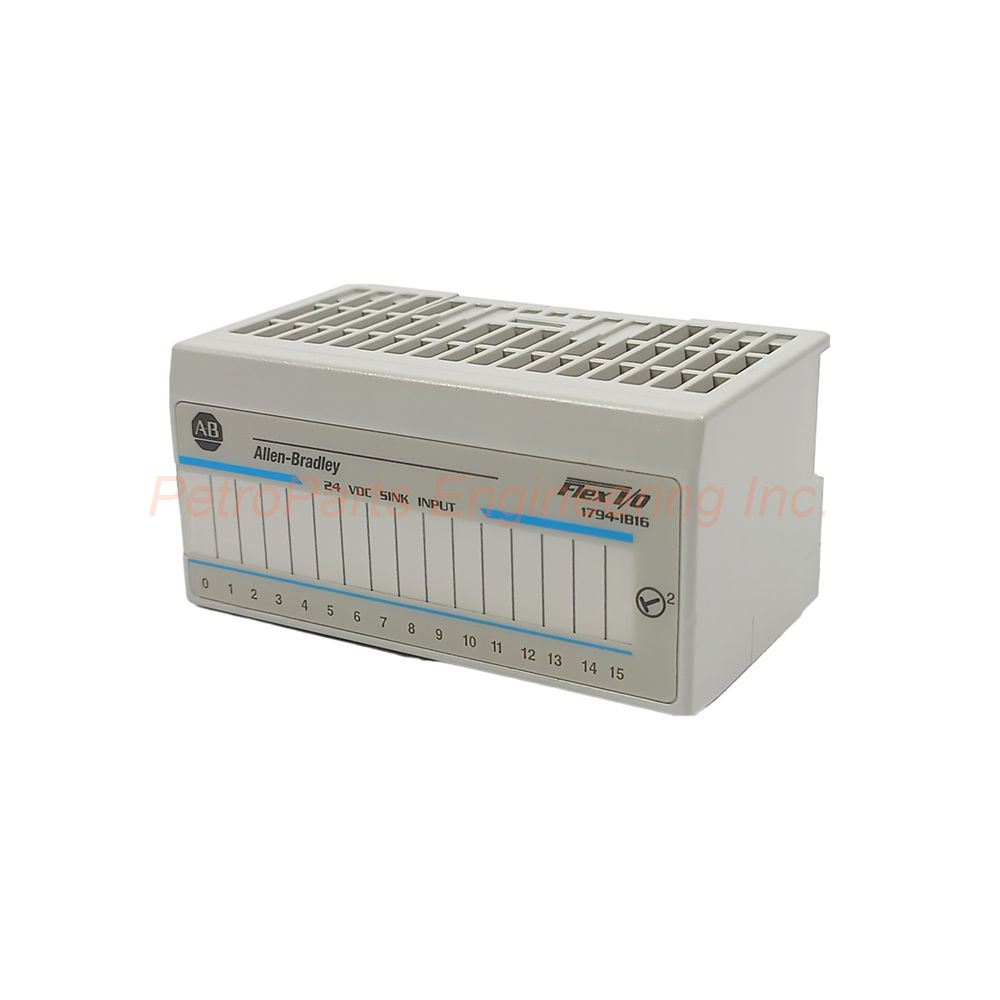
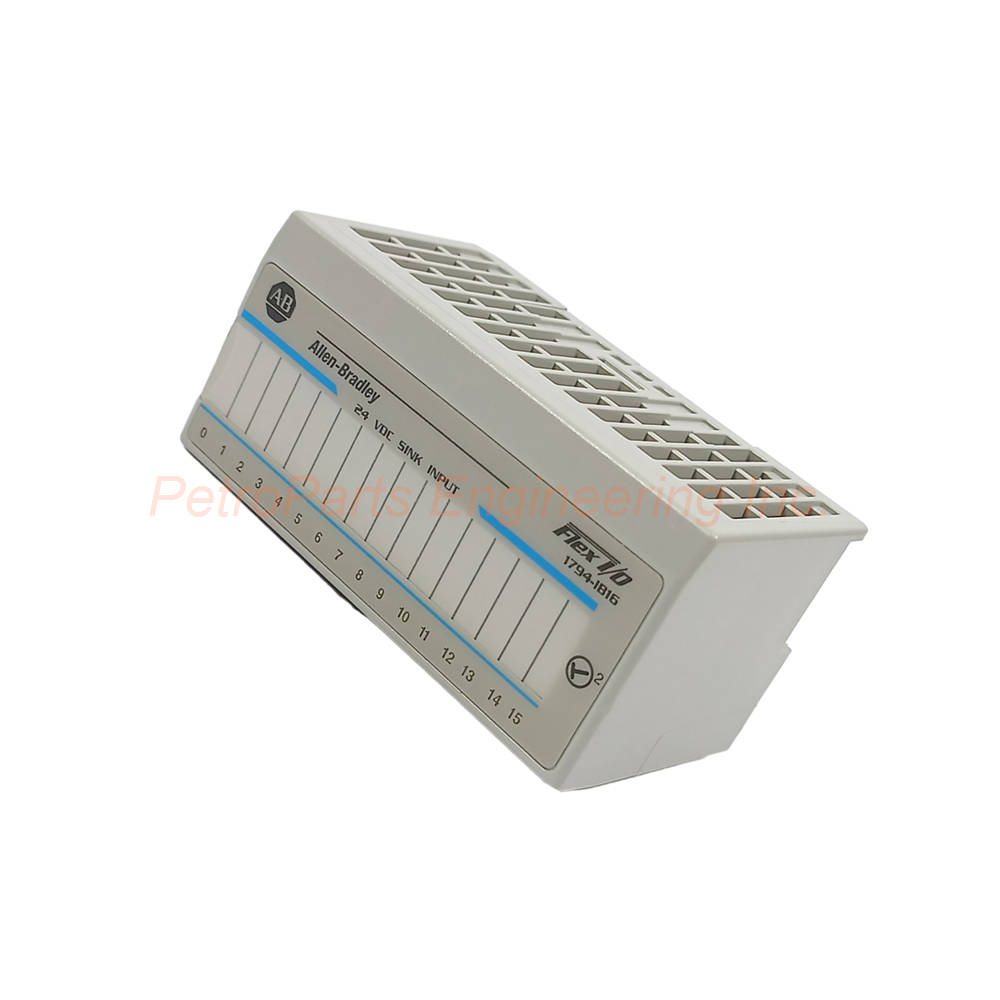
The 1794-IB16 mounts near sensors or field devices to reduce wiring costs. This distributed I/O approach simplifies maintenance and increases system uptime. The module supports standard DIN rail or direct panel mounting. You must use it with a compatible terminal base for signal wiring. A communication adapter transfers I/O data to the controller or scanner.
Technical Specifications
The 1794-IB16 delivers reliable performance with precise electrical characteristics.
Manufacturer: Rockwell Automation / Allen-Brandley
Part Number: 1794-IB16
Number of Inputs: 16 sinking channels
Nominal Input Voltage: 24 VDC
On-state Voltage Range: 10 to 31.2 VDC
On-state Current Range: 2.0 to 12.0 mA
Off-state Voltage Maximum: 5 VDC
Off-state Current Maximum: 1.5 mA
Nominal Input Impedance: 4.6 kΩ
Power and Thermal Data
Flexbus Current: 30 mA at 5 VDC
Power Dissipation: 6.1 W maximum at 31.2 VDC
Thermal Dissipation: 11.9 BTU/hr at 31.2 VDC
Environmental Ratings
Operating Temperature: 0 to 55 °C (32 to 131 °F)
Storage Temperature: -40 to 85 °C (-40 to 185 °F)
Relative Humidity: 5 to 95% non-condensing
Vibration Resistance: 5G at 10 to 500 Hz
Operating Shock: 30G
Physical and Status Features
Status Indicators: 16 yellow LEDs, one per channel
Mounting Type: DIN rail or direct panel
Wire Size: Determined by the installed terminal base
Enclosure Type: Open style for use in a cabinet
Compatible Components
The 1794-IB16 requires a terminal base and a communication adapter.
Compatible Terminal Bases:
1794-TB3
1794-TB3S
1794-TB3K
1794-TB3SK
1794-TBKD
1794-TB37DS
Compatible Communication Adapters:
Installation Guidance
Follow these steps to install the 1794-IB16 correctly.
Mount the Terminal Base: Secure the base unit onto a DIN rail or panel.
Wire Field Devices: Terminate all sensor wires to the base's removable terminals.
Install the Module: Press the 1794-IB16 firmly into the terminal base.
Attach the Adapter: Connect a compatible communication adapter to the left side.
Apply Power: Verify the 24VDC supply meets the module's requirements.
Check LEDs: Observe the yellow status indicators for each channel.
The 1794-IB16 supports both standard and XT versions for extreme environments. The D version adds diagnostic capabilities for easier troubleshooting.
Package Contents
Frequently Asked Questions (FAQ)
1. What is the input type of the 1794-IB16 module?
The 1794-IB16 has sixteen sinking input channels for 24VDC signals. This wiring configuration is standard for many sensors and switches.
2. Which terminal bases work with the 1794-IB16?
Compatible bases include 1794-TB3, 1794-TB3S, 1794-TB3K, 1794-TB3SK, 1794-TBKD, and 1794-TB37DS. Choose based on your wiring needs.
3. Can the 1794-IB16 operate without a communication adapter?
No, the 1794-IB16 requires a communication adapter like the 1794-AENT for Ethernet. The adapter handles data transfer to the main controller.
4. What is the maximum power dissipation of the 1794-IB16?
The 1794-IB16 dissipates up to 6.1 Watts at 31.2 VDC. This rating helps you calculate your system's total heat load.
5. How do I know if an input channel is active on the 1794-IB16?
Each of the sixteen channels on the 1794-IB16 has a yellow status LED. The LED turns on when the input voltage is within the On-state range.

 Customer Reviews