
170PNT71000C Communication Adapter by Schneider Electric SUB-D 9 Pin
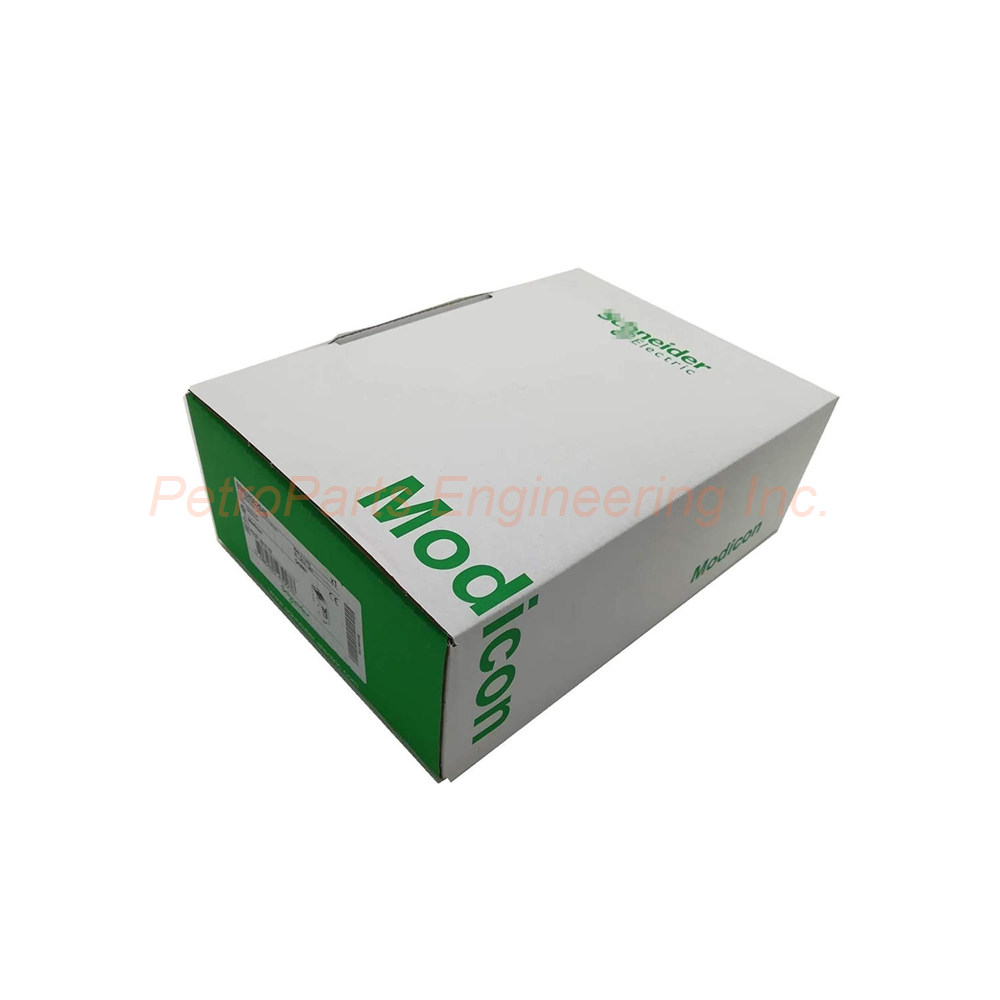

Introduction:
The 170PNT71000C is a Modbus communication adapter for Modicon Momentum. It supports 1 Mbit/s data rate and connects up to 31 devices per segment.
 Customer Reviews
UBEST Automation – Trusted Global Automation Parts Supplier
We offer a wide range of in-stock industrial automation spare parts. All products come with a 12-month warranty and a 30-day refund for quality issues.
Product Attributes:
Notice: For real-time prices and inventory, please click the button below to contact us.
Product Overview
The Schneider Electric 170PNT71000C is a communication adapter for the Modicon Momentum series. This adapter uses the Modbus protocol for reliable data transmission. The 170PNT71000C supports a data rate of 1 Mbit/s for efficient communication. It uses a daisy-chain topology for simple network wiring. A SUB-D port with 9 pins provides the physical connection. The 170PNT71000C connects up to 31 devices in a single segment. Cable length can extend up to 5 kilometers for large facilities.
Technical Specifications
The 170PNT71000C delivers robust Modbus communication for Momentum systems. Below are its core technical parameters.
Manufacturer: Schneider Electric
Product Line: Modicon Momentum
Part Number: 170PNT71000C
Product Type: Communication Adapter
Communication Protocol: Modbus
Data Rate: 1 Mbit/s
Topology: Daisy-Chain
Port Type: SUB-D
Number of Pins: 9
Devices Per Segment: Up to 31
Cable Length: Up to 5 km
Network Capacity and Topology
The 170PNT71000C supports large network installations. Its key network features include:
Daisy-Chain Topology: Simple wiring from device to device
31 Devices Per Segment: Connect many adapters on one network
5 km Maximum Cable Length: Cover entire factory floors
Modbus Protocol: Industry-standard communication
The daisy-chain topology on the 170PNT71000C reduces wiring complexity. You do not need special hubs or switches. Just connect each device to the next one in line.
Port and Connectivity
The 170PNT71000C uses a standard SUB-D connector. Its port specifications include:
Port Type: SUB-D
Number of Pins: 9
Connector Type: Female or male depending on cable
The 9-pin SUB-D port on the 170PNT71000C matches standard Modbus serial connections. This makes cabling easy with off-the-shelf components.
Environmental Specifications
The 170PNT71000C operates in standard industrial environments. Its key environmental ratings include:
Maximum Ambient Temperature: 40 degrees Celsius
Minimum Ambient Temperature: 0 degrees Celsius
Maximum Operating Humidity: 80% (non-condensing)
Maximum Storage Humidity: 80% (non-condensing)
Maximum Operating Altitude: 1000 meters above sea level
The temperature range on the 170PNT71000C suits indoor control rooms and sheltered factory areas. Do not install this adapter in direct sunlight or near heat sources. The altitude limit of 1000 meters means it works in most lowland industrial sites.
Application Scenarios
The 170PNT71000C fits many industrial communication needs. Typical applications include:
PLC to PLC communication over Modbus
SCADA data collection from remote I/O points
Legacy system integration with Modbus networks
Distributed control systems covering large areas
The 5 km cable length on the 170PNT71000C is especially useful. You can connect devices across a large factory or between separate buildings.
Installation Guide
Installing the Schneider Electric 170PNT71000C requires attention to termination and grounding. Follow these steps for a proper setup.
Power Down the System: Turn off all power to the Momentum rack and network.
Insert the Adapter: Mount the 170PNT71000C into the correct Momentum slot.
Connect the SUB-D Cable: Attach the 9-pin cable to the port.
Set the Node Address: Configure the Modbus address for each 170PNT71000C.
Terminate the Line: Install termination resistors at both ends of the daisy-chain.
Power Up: Restore power and verify the adapter status.
Test Communication: Send Modbus requests to confirm each 170PNT71000C responds.
Always terminate both ends of a Modbus daisy-chain network. Use 120-ohm resistors for proper signal quality on the 170PNT71000C network. Keep the total cable length under 5 km for reliable operation.
Network Planning Tips
When designing a network with the 170PNT71000C, follow these guidelines:
Do not exceed 31 devices per segment
Keep the total cable length at or below 5 km
Use shielded twisted pair cable for noise immunity
Ground the shield at one point only to avoid ground loops
Keep Modbus cables away from high-power electrical lines
Package List
Your package contains the following items for the 170PNT71000C:
1 x Schneider Electric 170PNT71000C Modbus communication adapter
1 x quick start installation guide
Frequently Asked Questions (FAQ)
Q1: What is the maximum number of devices per segment for the 170PNT71000C?
A1: The 170PNT71000C supports up to 31 devices per daisy-chain segment. This includes the master and all slave adapters on that network.
Q2: What type of connector does the 170PNT71000C use?
A2: The 170PNT71000C uses a 9-pin SUB-D connector. This is the standard connector for RS-485 Modbus serial networks.
Q3: What is the maximum cable length for this Modbus adapter?
A3: The 170PNT71000C allows cable lengths up to 5 kilometers. This long distance supports large factories and distributed facilities.
Q4: What is the data rate of the 170PNT71000C?
A4: The 170PNT71000C operates at 1 Mbit/s. This is the standard high speed for Modbus serial communication.
Q5: What is the operating temperature range of this communication adapter?
A5: The 170PNT71000C operates from 0 to 40 degrees Celsius. Store it at the same humidity range of 80% non-condensing.