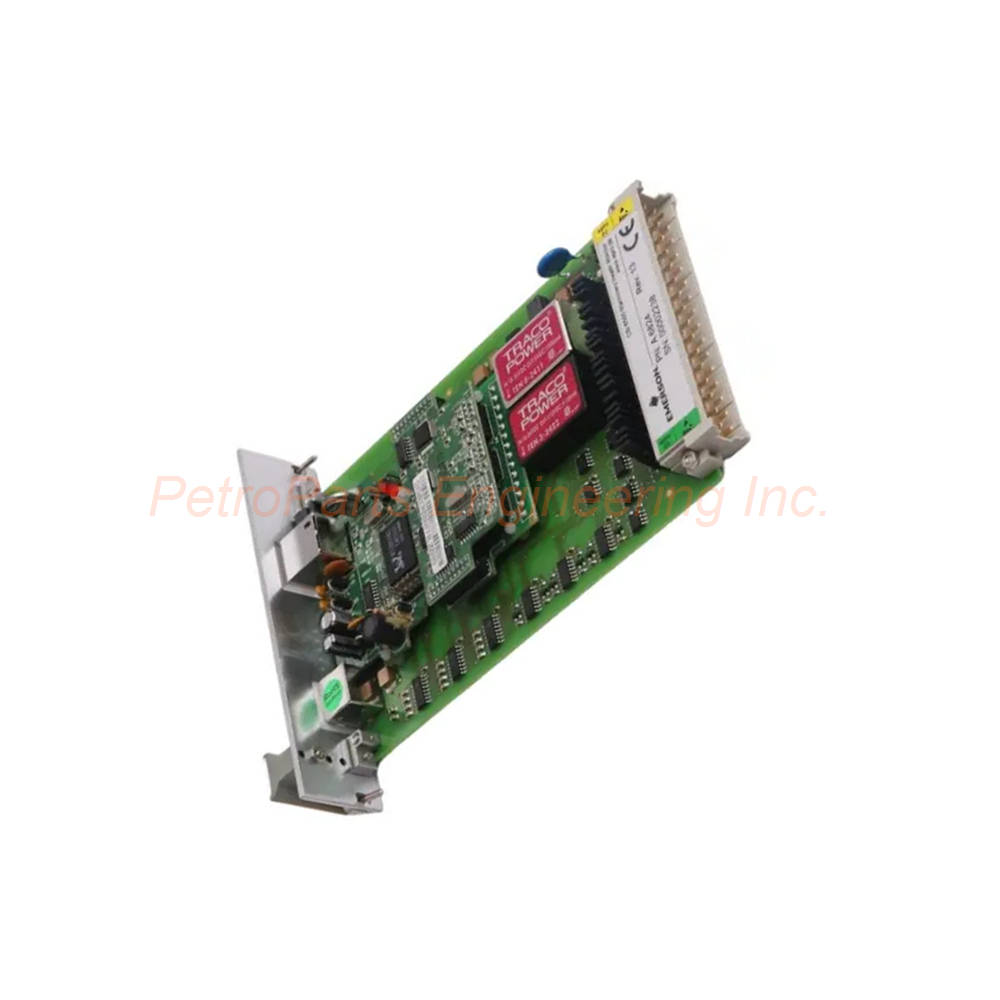
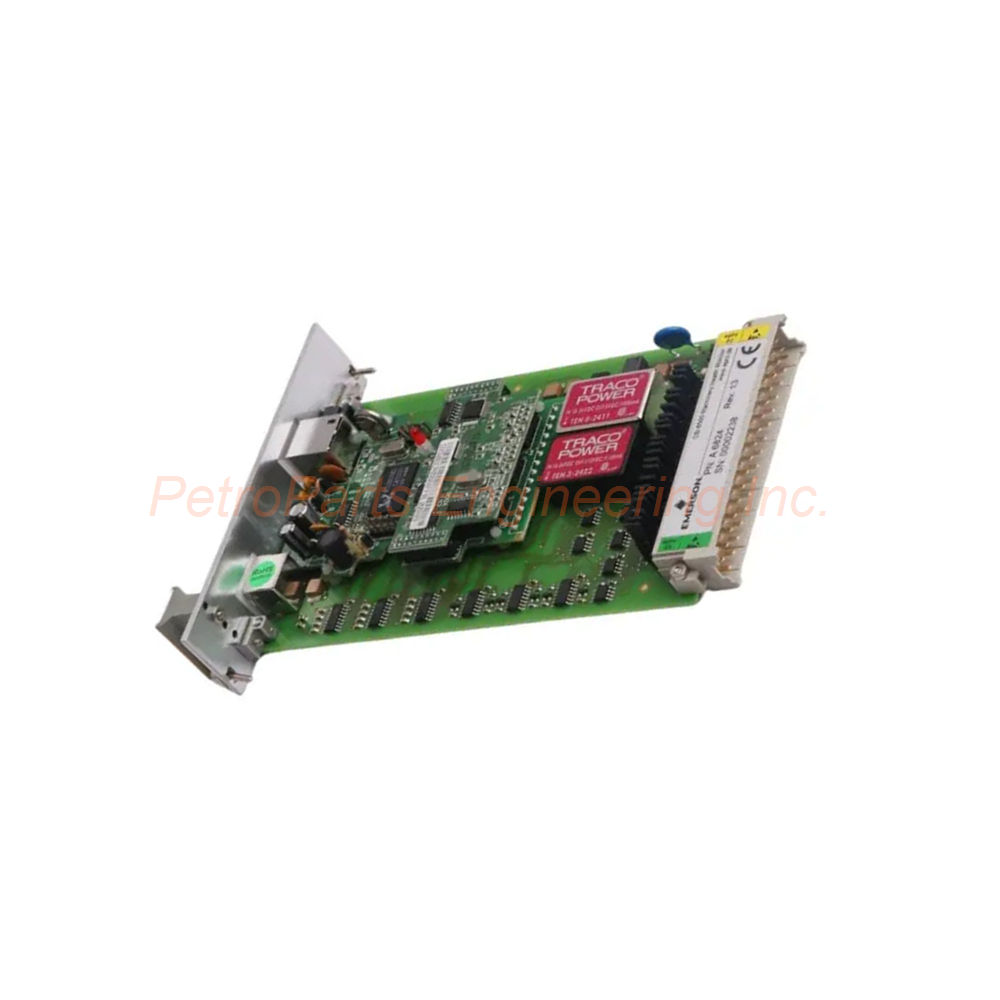
The Emerson A6824 is a high-reliability ModBus and Rack Interface Module. Specifically, this device belongs to the AMS 6500 machinery protection series. It reads parameters from all AMS 6500 monitoring modules. Consequently, the module outputs these parameters via ModBus TCP/IP or ModBus RTU. This 1-slot monitor works with other AMS 6500 monitors. As a result, they build a complete API 670 machinery protection system. For instance, applications include steam turbines, gas turbines, and compressors. Furthermore, this module also supports hydro turbo machinery.
Communication Protocols and Data Output
The Emerson A6824 supports ModBus RTU serial communication at 19.2 kbaud. In addition, it supports ModBus TCP/IP over Ethernet. Therefore, you can configure either protocol for your system. For redundant communication paths, use both protocols simultaneously. Specifically, the default IP address is 192.168.255.1. Moreover, the subnet mask is 255.255.255.0.
Serial Settings and Ethernet Details
For ModBus RTU, the data bits are set to 8. Likewise, parity is configured as Even. The stop bit is set to 1. Consequently, these settings ensure proper serial communication. The ModBus Ethernet port uses an RJ45 socket. Furthermore, it supports 10BaseT network connections. Thus, integration into your plant network becomes very easy.
Status Indication and Data Types
A green LED indicates that the power supply is OK. Therefore, you get a quick visual status check. The handle allows easy removal of the card from the rack. In addition, it provides a plate for module and sensor identification. The A6824 outputs many machinery health parameters. For example, these include speed, vibration measurements, and gap values. Specifically, vibration data includes 1/2x, 1x, and other harmonics. The module also outputs alarm states and channel OK status. Phase measurements are available for advanced diagnostics.
Environmental and Physical Specifications
The module has an IP 00 rating per DIN 40050. However, the front plate has a higher IP 21 rating. Climate class is KTF per DIN 40040. Operating temperature ranges from 0° to 65°C (32° to 149°F). In contrast, the storage temperature ranges from -30° to 85°C (-22° to 185°F). Relative humidity operates from 5 to 95 percent non-condensing.
Vibration, Shock, and Power
Vibration testing follows IEC 68-2 part 6 standards. For instance, at 10 to 55 Hz, amplitude is 0.15 mm. At 55 to 150 Hz, acceleration is 19.6 mm/s². Likewise, shock testing follows IEC 68-2 part 29 standards. Peak shock is 98 m/s² for 16 ms duration. EMC resistance meets EN50081-1 and EN50082-2 standards. As a result, maximum power consumption is only 5 watts. Therefore, this low power makes the module very efficient.
Dimensions and Space Requirements
The Emerson A6824 follows PCB or EURO card format per DIN 41494. Specifically, the board measures 100 x 160 mm (3.937 x 6.300 inches). Width is 30 mm (1.181 inches) which equals 6 TE. Height is 128.4 mm (5.055 inches) which equals 3 HE. Length is 160 mm (6.300 inches). The A6824 requires only 1 slot in the rack. Consequently, up to 14 modules fit into each 19-inch rack. The 3U size, 1-slot design reduces cabinet space by half. Thus, traditional 6U cards need much more space.
Software Integration and Plant Connectivity
The AMS 6500 is an integral part of PlantWeb and AMS software. Specifically, PlantWeb provides integrated machinery health for operations. It combines with Ovation and DeltaV process control systems. Furthermore, AMS software gives maintenance personnel advanced predictive tools. These tools include performance diagnostics for early fault detection. Consequently, operators get machinery health parameters in the control environment. The module powers local graphical displays at the protection rack. Therefore, this allows machine readout right at the rack without a separate computer.
Installation Guide for the Emerson A6824
Follow these steps for a correct setup of Emerson A6824.
-
First, insert the module into an empty 1-slot position in your 19-inch rack.
-
Next, ensure the rack has IMR 6000/10, IMR 6000/20, or IMR 6000/30 backplane.
-
Then, connect the Ethernet cable to the RJ45 socket for ModBus TCP/IP.
-
For serial communication, wire the ModBus RTU connection to the terminal block.
-
After that, apply power to the rack and verify the green LED turns on.
-
Subsequently, configure the IP address using the password protected user configuration.
-
Set the ModBus protocol to TCP/IP, RTU, or both for redundancy.
-
Finally, add the module to your AMS software for data collection.
Packaging List for A6824 Module
The original box includes the following items.
-
One Emerson A6824 ModBus and Rack Interface Module
-
One front plate with module identification label
-
One handle assembly for easy card removal
-
One quick start guide with wiring diagrams
-
One anti-static bag for safe storage
Ordering Information
Use these model numbers when ordering the A6824 series.
Common FAQs About This Emerson Module
What is the default IP address of the A6824 module?
The Emerson A6824 has a default IP address of 192.168.255.1. Consequently, the subnet mask is 255.255.255.0.
Is this module compliant with API 670 standards?
Yes, the A6824 is fully API 670 compliant. Therefore, it works with other AMS 6500 monitors for complete machinery protection.
Can I use ModBus TCP/IP and RTU at the same time?
Yes, you can configure both protocols simultaneously. As a result, this provides redundant communication paths for critical applications.
What types of machinery can this module monitor?
The A6824 supports steam turbines, gas turbines, and compressors. Furthermore, it also works with hydro turbo machinery.
Is the A6824 module hot swappable?
Yes, the Emerson A6824 supports hot swapping. Consequently, you can remove and insert the module without powering down the rack.
How many A6824 modules fit in one 19-inch rack?
Up to 14 modules fit into each 19-inch rack. Specifically, the A6824 uses only 1 slot per module.
What software integrates with this interface module?
The A6824 works with PlantWeb and AMS software. In addition, it integrates with Ovation and DeltaV process control systems.

 Customer Reviews