Mitsubishi Electric GT27-ROUT-Z RGB Output Unit for GOT2000 Series
Product Overview
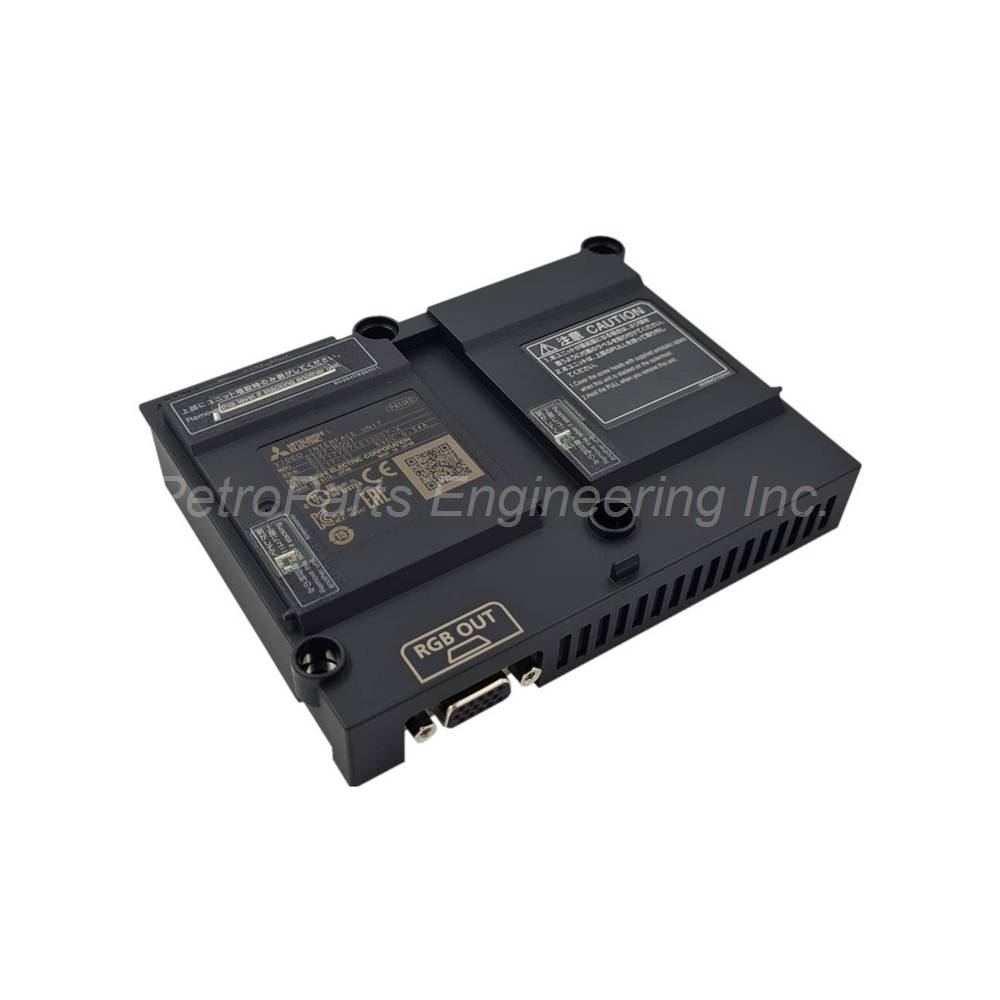
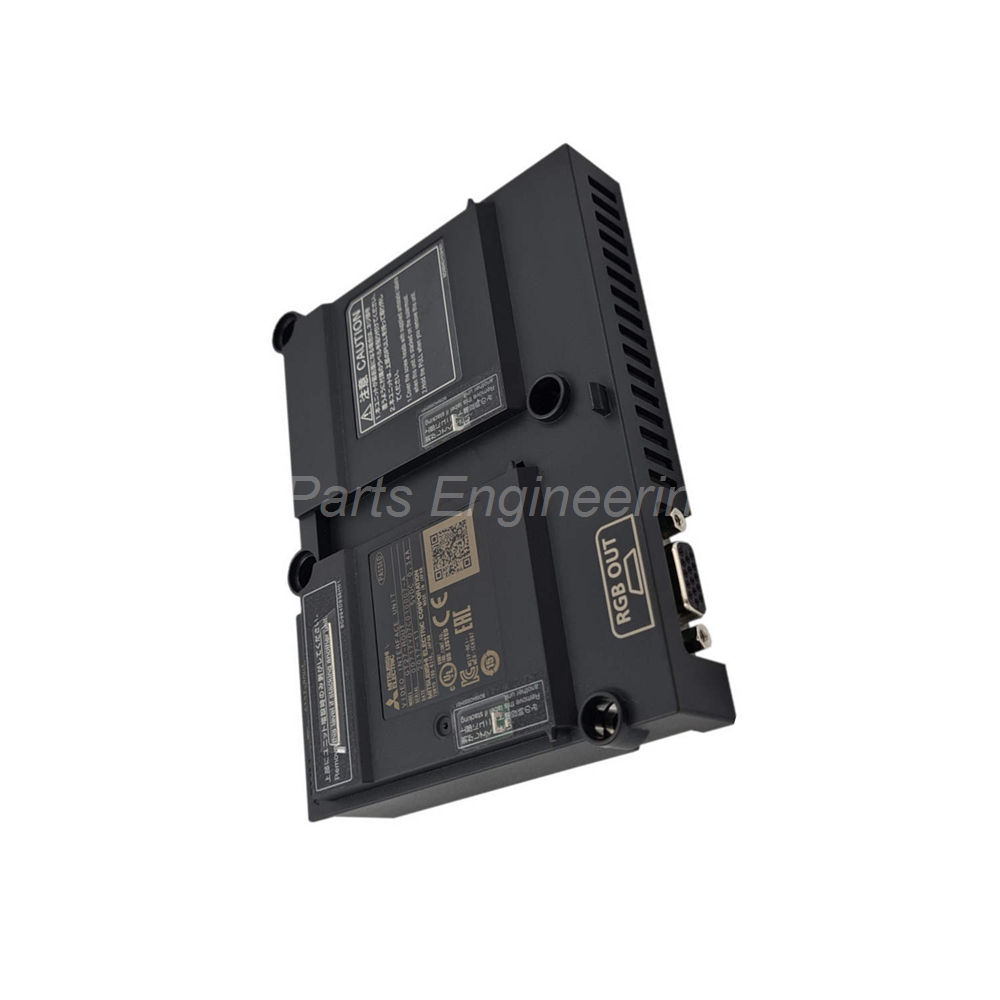
The GT27-ROUT-Z is a dedicated RGB output unit from Mitsubishi Electric. This device belongs to the advanced GOT2000 Series of HMI accessories. It works exclusively with the GT27 model of graphic operation terminals. The unit provides one analog RGB output channel for external display screens. Engineers use this module to mirror HMI screens on large monitors. It also helps in connecting projectors for training or monitoring. The GT27-ROUT-Z delivers clear and precise visual output for industrial environments.
Technical Specifications
Manufacturer: Mitsubishi Electric.
Series Compatibility: GOT2000 Series.
Applicable Model: GT27 only.
Device Type: Analog RGB output unit.
Output Channels: 1 channel.
Connector Type: D-Sub 15-pin female.
Current Consumption: 0.34 A at 5.0 V DC.
Vertical Scanning Frequency: 60 Hz (all resolutions).
Supported Resolutions and Dot Clock Frequencies:
-
XGA: 1024 x 768 pixels at 65.000 MHz dot clock.
-
SVGA: 800 x 600 pixels at 40.000 MHz dot clock.
-
VGA: 640 x 480 pixels at 25.175 MHz dot clock.
Horizontal Scanning Frequencies:
-
XGA: 48.4 kHz.
-
SVGA: 37.9 kHz.
-
VGA: 31.5 kHz.
The GT27-ROUT-Z offers excellent resolution support for various display sizes. Its frequency response remains stable at 60 Hz vertical refresh. The unit also shows strong environmental tolerance against industrial electrical noise. Linearity across the output signal remains high for accurate color reproduction.
Installation Guide
Follow these steps to install the GT27-ROUT-Z correctly.
-
Power Down: Turn off the GT27 HMI unit completely.
-
Locate Slot: Find the dedicated expansion interface on the GT27 rear panel.
-
Align Unit: Match the GT27-ROUT-Z connector with the HMI slot.
-
Insert Firmly: Push the unit straight in until it clicks into place.
-
Secure Screws: Tighten the two mounting screws on each side.
-
Connect Cable: Plug a D-Sub 15-pin male cable into the female connector.
-
Power On: Restart the GT27 HMI and configure the RGB output settings.
Do not force the GT27-ROUT-Z into the slot. Check alignment first. Use shielded cables for the RGB connection to reduce signal interference.
Key Features & Benefits
-
Single Channel Output: Drives one external monitor or projector.
-
Multiple Resolutions: Supports XGA, SVGA, and VGA modes.
-
Low Power Draw: Consumes only 0.34 A at 5.0 V DC.
-
Easy Connection: Uses a standard D-Sub 15-pin female port.
-
Plug-and-Play Design: No additional drivers needed for basic function.
The GT27-ROUT-Z improves operator visibility in control rooms. It allows remote viewing of HMI screens without extra software. This module also reduces the need for dedicated PC-based display systems.
Package Contents
Frequently Asked Questions (FAQ)
1. Can the GT27-ROUT-Z work with GT25 or GT21 models?
No, the GT27-ROUT-Z works only with the GT27 model. The GOT2000 series has different internal buses. Other GT models require their own specific RGB units.
2. What is the maximum cable length for this RGB output unit?
The GT27-ROUT-Z supports standard VGA cables up to 15 meters. Longer cables may cause signal degradation. Use an active VGA extender for longer distances.
3. Does this unit support touch panel feedback on external displays?
No, the GT27-ROUT-Z provides video output only. The external display shows the HMI screen. Touch input remains on the GT27 main panel only.
4. How do I switch between resolutions on the GT27-ROUT-Z?
Access the GT27 utility menu. Navigate to Display Settings then RGB Output. Select XGA, SVGA, or VGA from the resolution list. The GT27-ROUT-Z applies the change immediately.
5. What happens if I hot-plug the GT27-ROUT-Z into a powered GT27?
Hot-plugging may damage the GT27-ROUT-Z or the HMI. Always power down the GT27 before installation. Static discharge can also harm the sensitive RGB circuits.

 Customer Reviews