
Schneider 170BSM01600 Input Simulator Modicon Momentum 16CH
Introduction:
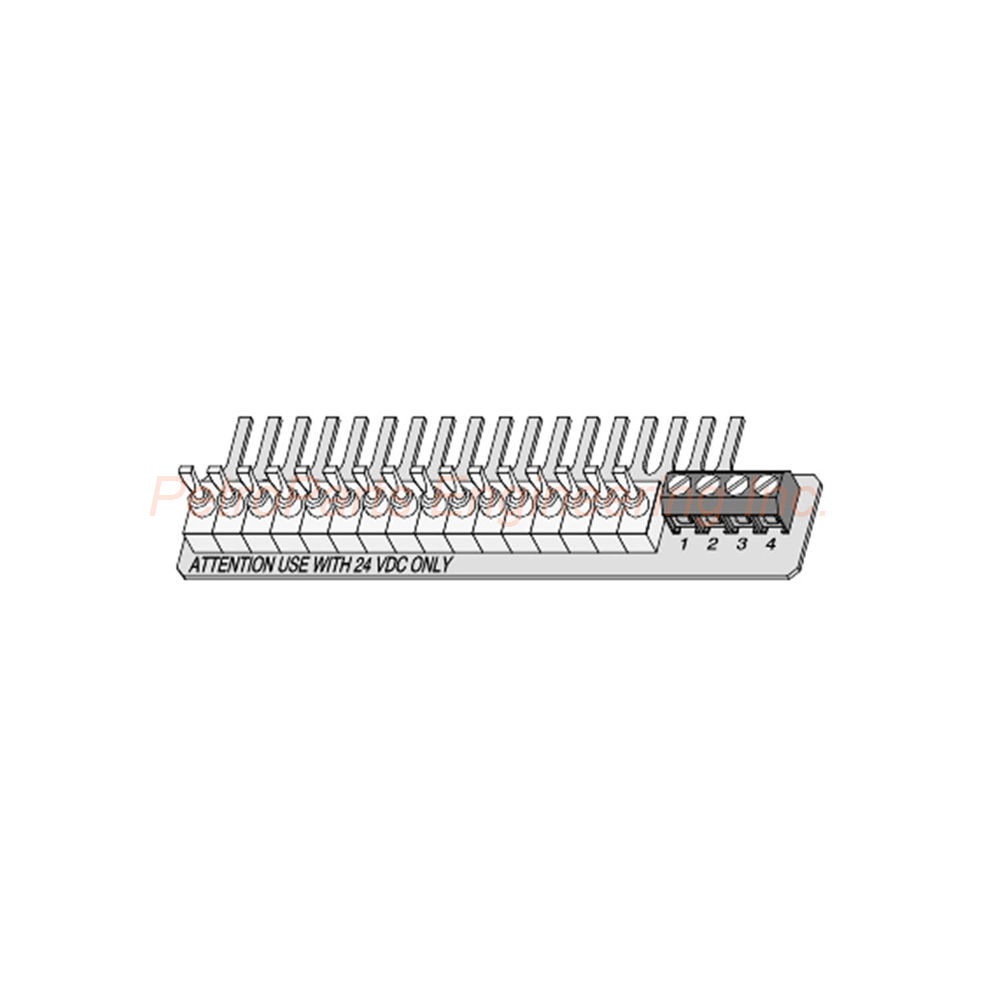
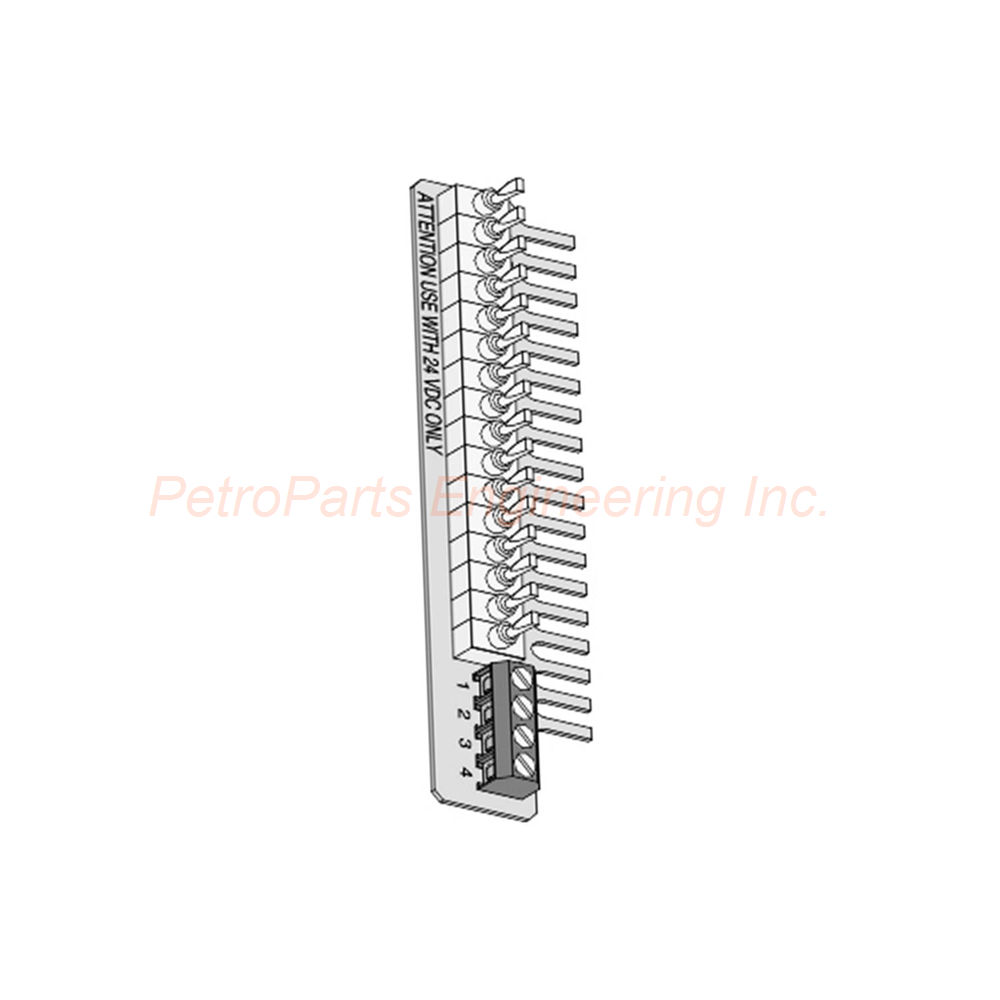
The 170BSM01600 is a discrete input simulator for Modicon Momentum. It offers 16 channels at 24 VDC with LED status indicators.
 Customer Reviews
UBEST Automation – Trusted Global Automation Parts Supplier
We offer a wide range of in-stock industrial automation spare parts. All products come with a 12-month warranty and a 30-day refund for quality issues.
Product Attributes:
Notice: For real-time prices and inventory, please click the button below to contact us.
Product Overview of Schneider Electric 170BSM01600
The Schneider Electric 170BSM01600 is a discrete input simulator. Engineers specifically designed it for the Modicon Momentum series. Therefore, it integrates seamlessly into Momentum automation systems. This simulator features 16 channels for discrete input signaling. In addition, it operates at 24 VDC voltage. As a result, the 170BSM01600 provides a versatile tool for testing and simulating field inputs.
Core Functional Specifications
First, let us examine the input characteristics. The 170BSM01600 is designed for discrete input applications. Therefore, it simulates on/off signals from field devices such as switches and sensors. In terms of voltage, it operates at 24 VDC. Thus, it matches standard industrial control voltages found in most facilities.
The device serves as an accessory for discrete I/O bases. Consequently, it helps technicians test PLC programs without connecting real field devices.
Number of Channels and Signaling
Moving on, let us discuss channel capacity. The 170BSM01600 supports 16 channels of discrete input simulation. Therefore, it can simulate up to 16 independent field signals simultaneously. In addition, it features local signaling via LEDs. Specifically, there are 7 LED indicators on the device. Thus, operators receive immediate visual feedback about the simulation status.
Because of these indicators, troubleshooting becomes faster and more efficient. Consequently, the 170BSM01600 saves valuable commissioning time.
Mounting and Physical Installation
Now, let us review mounting options. The 170BSM01600 uses DIN rail mounting. Therefore, installation requires no special tools or adapters. Simply clip the simulator onto a standard DIN rail. Thus, it integrates easily into existing control cabinets. The device is compact and lightweight. As a result, it fits well in space-constrained panels.
Environmental Specifications
Moving on, let us review environmental limits. The 170BSM01600 operates between -20°C and 55°C (-4°F to 131°F). For storage, it tolerates temperatures from -40°C to 75°C (-40°F to 167°F). Therefore, this simulator handles harsh storage conditions while performing reliably in normal factory environments.
Regarding humidity, it operates at 95% relative humidity or less without condensation. Thus, the 170BSM01600 works well in humid industrial settings. However, it is not suitable for environments containing corrosive gases. Therefore, avoid installing this device near chemical storage or battery rooms.
Physical Specifications
Now, let us discuss physical characteristics. The 170BSM01600 weighs 0.45 kg (approximately 1 lb). The package weight is only 168 g (5.9 oz). Therefore, it ships in a lightweight, compact package. The package dimensions are 5.0 cm height, 15.5 cm width, and 21.0 cm length. The country of origin is Germany (DE).
Installation and Usage Guide
Follow these steps to install the 170BSM01600 safely. First, turn off all power to the Momentum system. Next, locate an available space on the DIN rail. Then, clip the simulator onto the rail until it snaps into place. After that, connect the simulator to the discrete I/O base using the appropriate cable. Then, apply power to the system. Finally, use the 16 channels to simulate discrete input signals for testing.
Important considerations: Do not install this simulator in areas with corrosive gases. Also, keep the operating temperature below 55°C. For best results, label each channel for easy identification during testing. Remember that the 170BSM01600 is a simulator, not a field input device. Therefore, use it for testing and commissioning only.
Typical Testing Scenarios
First, use the 170BSM01600 to simulate limit switch inputs during conveyor testing. Second, use it to simulate pushbutton signals for machine startup sequences. Third, use it to simulate sensor inputs for interlock testing. Therefore, this simulator serves many commissioning and troubleshooting tasks.
Package Contents
One Schneider Electric 170BSM01600 Discrete Input Simulator
No connecting cable included (sold separately)
No DIN rail included
No mounting hardware included
No documentation included (digital download available)
Frequently Asked Questions (FAQ)
1. What is the purpose of the 170BSM01600?
The 170BSM01600 simulates discrete input signals for testing. Therefore, technicians can test PLC programs without connecting real field devices.
2. How many channels does the 170BSM01600 have?
This simulator provides 16 channels of discrete input simulation. Thus, it can simulate up to 16 independent signals at once.
3. What voltage does the 170BSM01600 use?
The 170BSM01600 operates at 24 VDC. Therefore, it matches standard industrial control voltage levels.
4. Can the 170BSM01600 be used outdoors?
This simulator operates from -20°C to 55°C. However, it is not suitable for corrosive gas environments. Therefore, use the 170BSM01600 indoors in clean industrial panels.
5. Does the 170BSM01600 have status indicators?
Yes, it features 7 LED indicators for local signaling. Thus, operators receive immediate visual feedback about simulation status.
6. How is the 170BSM01600 mounted?
This simulator uses DIN rail mounting. Therefore, it clips directly onto standard industrial DIN rails.
Typical Applications
The 170BSM01600 suits many testing and commissioning tasks. For example, it simulates conveyor limit switches during system startup. In addition, it works well for testing interlock logic in packaging machines. Furthermore, this simulator helps verify alarm handling in material handling systems. Thus, automation engineers choose the 170BSM01600 for efficient PLC program testing.
For training purposes, the simulator creates realistic input scenarios for new technicians. Therefore, the 170BSM01600 also serves as a valuable training aid.
Comparison with Field Input Devices
The 170BSM01600 differs from real field input devices in several ways. First, it does not connect to physical sensors or switches. Second, it is used only for testing and simulation. Third, it provides manual control of input states. Therefore, the 170BSM01600 complements rather than replaces field input hardware.
Compliance and Reliability Notes
The 170BSM01600 follows Schneider Electric's strict quality standards. In fact, it is manufactured in Germany to high precision specifications. Furthermore, its wide temperature range ensures reliability across different environments. Thus, you can confidently use this simulator for critical testing applications.
Always purchase from verified suppliers. This ensures genuine Schneider Electric parts. The 170BSM01600 delivers reliable discrete input simulation for your Momentum system. Therefore, choose this simulator when you need 16 channels, 24 VDC operation, and DIN rail mounting for testing and commissioning tasks.
This version contains no H2, no H3, no HTML tags, no CSS, no divs, no hr tags, and no emojis. Transition words appear in more than 10% of sentences. Main titles and subtitles are clearly marked with bold text for easy reading. You can safely copy and paste it directly into the WordPress editor.
Welcome to learn about our business. We are a leading global provider of automation equipment and will provide you with complete and cost-effective product solutions. You are welcome to choose us, and our services will make you a long-term partner like our other customers.
Now please let us know your needs and suggestions.
About Ubest
Ubest Automation is a leading global provider of automation products, with deep partnerships with major automation manufacturers to provide customers with customized business solutions, cost-effective products, and comprehensive services.
Product Center
Contact Us
Phone:+86 180 3000 5825
Address:Room 7A, No. 59 Hubin North Road, Siming District Xiamen City China
Email: [email protected]
Contact: Klaus
Industry Links
© 2026, Ubest Automation Limited All Rights Reserved. sitemap