
1794-APB | Allen-Bradley Flex I/O Adapter Module
Introduction:
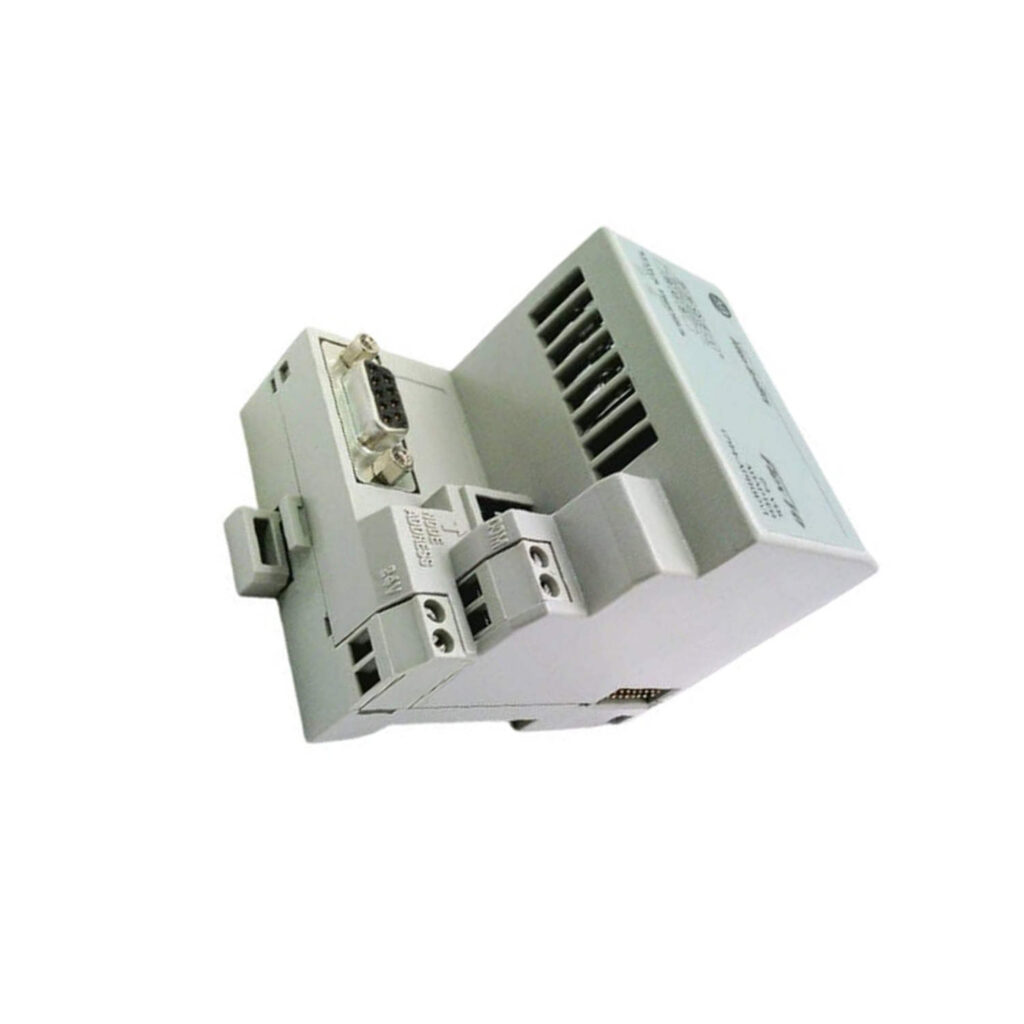
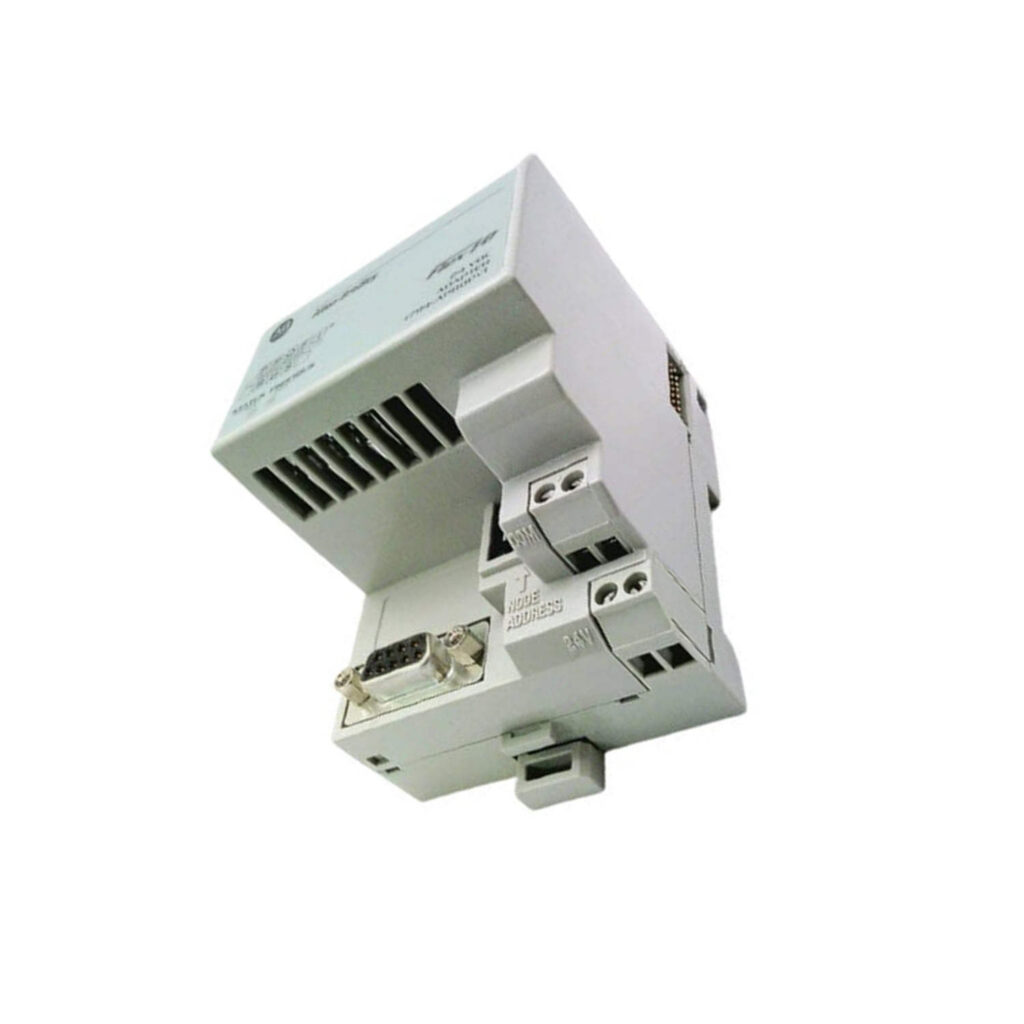
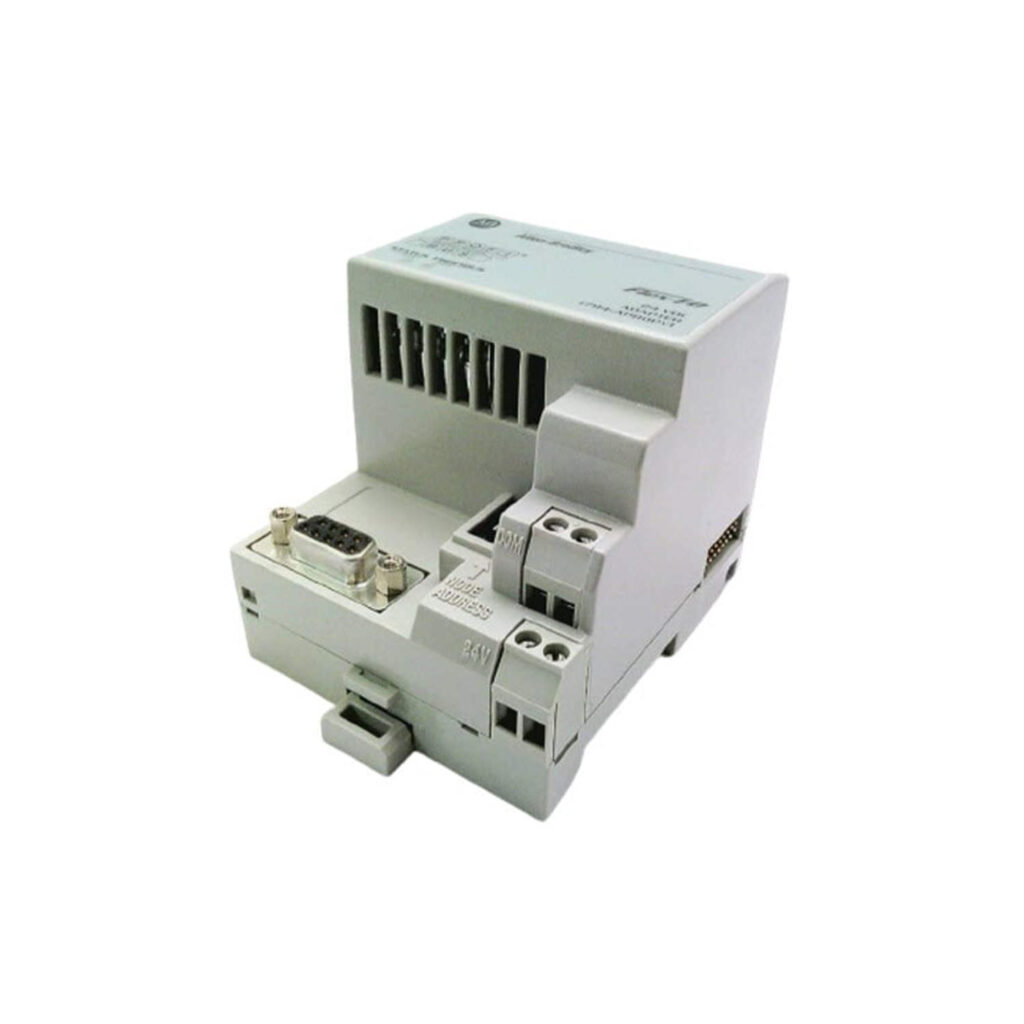
Allen-Bradley 1794-APB Flex I/O DeviceNet Adapter Module. New original in stock. Supports up to 8 I/O modules. 24V DC power. 12-month warranty.
 Customer Reviews
UBEST Automation – Trusted Global Automation Parts Supplier
We offer a wide range of in-stock industrial automation spare parts. All products come with a 12-month warranty and a 30-day refund for quality issues.
Product Attributes:
Notice: For real-time prices and inventory, please click the button below to contact us.
Product Overview
The 1794-APB is a Flex I/O adapter module from Allen-Bradley. It connects Flex I/O modules to a DeviceNet network. This module acts as a communication interface. It allows data exchange between I/O modules and a controller. The module supports multiple I/O configurations.
It is a key component for distributed automation systems. The adapter can handle up to 8 I/O modules. It provides a single network connection point. This simplifies wiring and reduces installation costs. The module is designed for industrial environments.
Application Scenarios
This adapter is used in manufacturing plants. It is ideal for material handling systems. The module works in packaging machinery applications. It is suitable for assembly line control. The adapter is used in conveyor system monitoring.
It is also applied in process control environments. The module supports remote I/O installations. It is common in automotive production facilities. The adapter is used in food and beverage processing. It can be deployed in warehouse automation systems.
Technical Specifications
- Network type: DeviceNet
- Number of I/O modules supported: Up to 8
- Power supply voltage: 24V DC
- Current consumption: 350 mA at 24V DC
- Operating temperature: 0 to 60 degrees Celsius
- Storage temperature: -40 to 85 degrees Celsius
- Relative humidity: 5 to 95 percent non-condensing
- Enclosure type: Open style
- Dimensions: 94 x 94 x 69 mm
- Weight: 0.5 kg
Installation & Maintenance Guide
Installation Steps
Mount the adapter on a DIN rail. Connect the DeviceNet cable to the adapter. Attach Flex I/O modules to the right side. Apply 24V DC power to the adapter. Set the node address using rotary switches. Configure the baud rate using the DIP switch. Verify network communication with the controller.
Maintenance Tips
Inspect the module for dust buildup. Clean with a dry cloth. Check cable connections for tightness. Verify power supply voltage regularly. Replace the module if fault indicators show errors. Keep the module in a dry environment. Avoid exposure to extreme temperatures.
Frequently Asked Questions (FAQ)
What is the primary function of 1794-APB?
The 1794-APB is a Flex I/O adapter module. It connects I/O modules to a DeviceNet network. It acts as a communication gateway for data transfer.
How many I/O modules can 1794-APB support?
The adapter supports up to 8 Flex I/O modules. This allows for flexible system expansion. It is suitable for medium-scale distributed I/O applications.
What is the operating temperature range for 1794-APB?
The operating temperature range is 0 to 60 degrees Celsius. This makes it suitable for industrial environments. The module can handle typical factory floor conditions.
What type of network does 1794-APB use?
The adapter uses the DeviceNet network protocol. DeviceNet is a common industrial network. It allows for reliable communication between devices.
Does 1794-APB require an external power supply?
Yes, the module requires a 24V DC external power supply. The power is used for module operation. It also powers the connected I/O modules.