
ABB CI630 AF100 Comm Interface | 3BSE011000R1 Coaxial
Introduction:
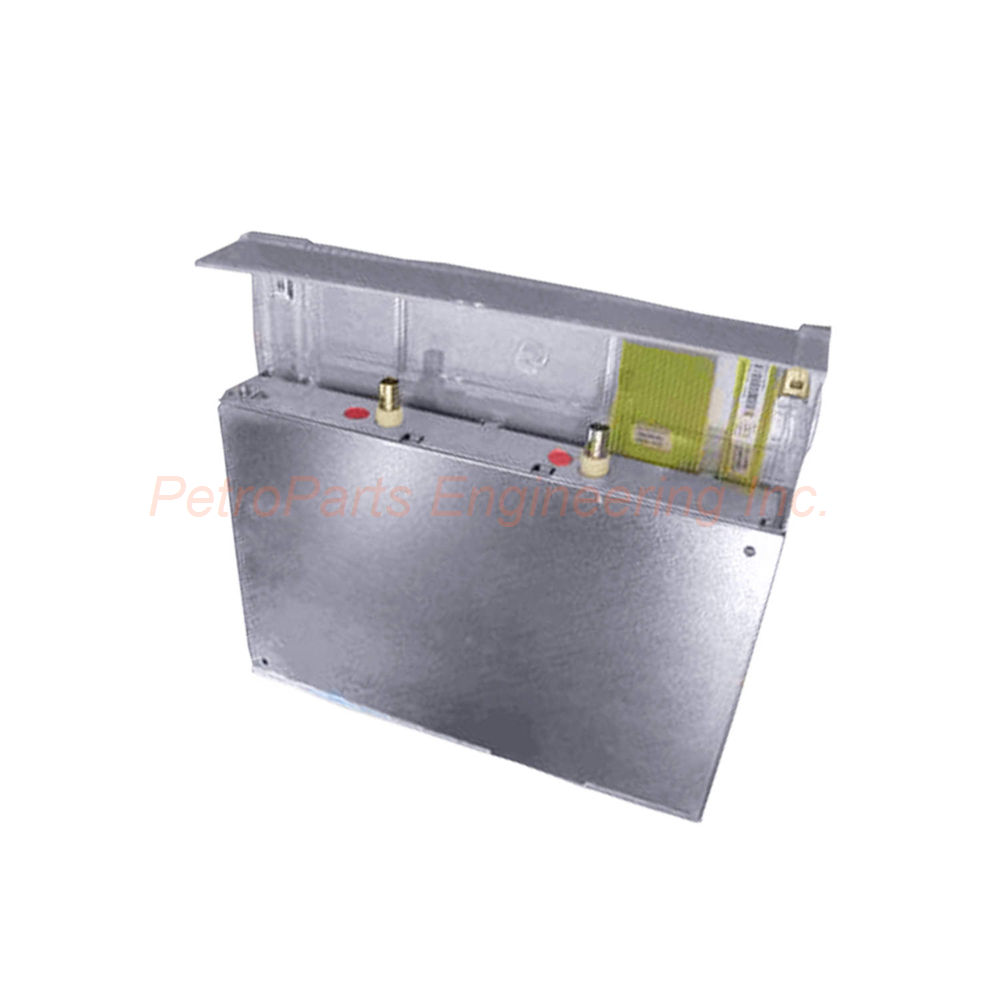
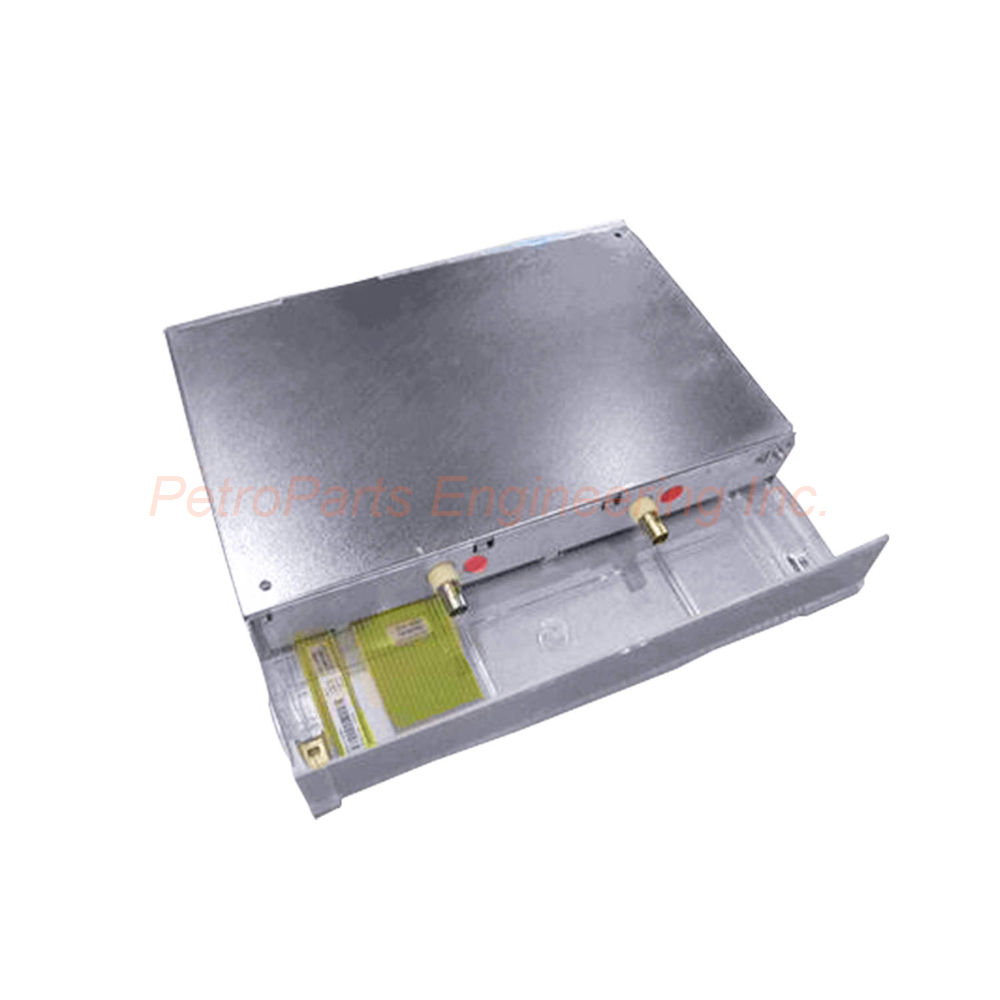
The ABB CI630 provides AF100 communication with coaxial connectors. It features an integrated modem for Advant Master process control systems.
 Customer Reviews
UBEST Automation – Trusted Global Automation Parts Supplier
We offer a wide range of in-stock industrial automation spare parts. All products come with a 12-month warranty and a 30-day refund for quality issues.
Product Attributes:
Notice: For real-time prices and inventory, please click the button below to contact us.
ABB CI630 3BSE011000R1 AF100 Communication Interface
The ABB CI630 3BSE011000R1 is an AF100 communication interface module. This unit belongs to the ABB Advant Master process control system family. The ABB CI630 features coaxial connectors for network connections. It also includes an integrated modem for direct communication. Engineers use this module to connect Advant Master systems to AF100 networks.
Product Overview and System Integration
The ABB CI630 3BSE011000R1 serves as a dedicated communication interface. It enables data exchange between Advant Master controllers and field devices. The AF100 protocol provides reliable and deterministic communication. Coaxial connectors offer robust physical layer connections. The integrated modem simplifies network integration without extra components.
Technical Information and Design
The ABB CI630 comes with coaxial connectors for network attachment. An integrated modem resides inside the module. This design reduces external hardware requirements significantly. The exchange number for this product is EXC3BSE011000R1. Use this number when requesting replacement units from ABB.
Physical Dimensions and Weight
The product net depth measures 252 mm from front to back. Net height reaches 273 mm for the module body. Net width stands at 40 mm for slim panel mounting. The ABB CI630 weighs 1.42 kg total. These dimensions fit standard Advant Master rack systems.
RoHS Exemption Information
Please note that the ABB CI630 3BSE011000R1 is exempt from RoHS. This part falls outside the scope of 2011/65/EU (RoHS) directive. The exemption follows Article 2(4)(c), (e), (f), and (j) provisions. Reference document 3BSE088609 provides the EU Declaration of Conformity. This exemption applies specifically to ABB Advant Master Process Control System components.
Environmental Compliance
The ABB CI630 complies with EU Directive 2011/65/EU requirements where applicable. The WEEE category falls under number 5 for Small Equipment. No external dimension exceeds 50 cm on this module. The unit contains 0 batteries inside its housing. The SCIP number for Sweden is 49171402-7fce-4636-b843-f3fe06cb80f9. This registration helps with waste management tracking.
Communication Features
The AF100 communication protocol offers robust industrial networking. Coaxial connections provide good noise immunity for factory environments. The integrated modem handles signal conditioning and line driving. Data transmission remains stable over longer cable runs. This interface supports the high availability requirements of process control.
Step-by-Step Installation Guide
Follow these steps to install your ABB CI630 3BSE011000R1 correctly.
Step 1: Verify System Compatibility
Ensure your Advant Master system supports AF100 communication. Check that the firmware version matches the module requirements. Also, confirm available slot space for the ABB CI630.
Step 2: Prepare the Coaxial Cables
Use proper 75 ohm coaxial cable for AF100 networks. Strip the cable ends according to connector specifications. Attach the correct BNC connectors to both cable ends. Test each cable for continuity before installation.
Step 3: Mount the Module
Insert the ABB CI630 into the designated Advant Master rack slot. Push firmly until the module seats completely in the backplane. Secure the module with the retaining screws provided. The width of 40 mm allows multiple modules side by side.
Step 4: Connect the Coaxial Network
Attach the coaxial cables to the module connectors. Tighten the BNC connectors by hand until snug. Do not overtighten or use tools on these connectors. Verify the cable routing does not stress the connections.
Step 5: Configure the Communication Parameters
Power up the Advant Master system with the ABB CI630 installed. Access the configuration software for the communication settings. Set the AF100 network address and baud rate. Configure any modem parameters required for your network.
Step 6: Test Communication
Verify the link status indicators on the ABB CI630. Send test messages between connected devices. Monitor for any communication errors or timeouts. Confirm data exchange with all network nodes.
Complete Package Contents
Your ABB CI630 3BSE011000R1 shipment includes the following items:
ABB CI630 3BSE011000R1 AF100 Communication Interface (1 unit)
Coaxial connector caps for unused ports
Product documentation and installation manual
Mounting screws for rack installation
Note: Shipping partners include FedEx, UPS, and DHL.
Frequently Asked Questions (FAQ)
Q1: What is the AF100 protocol used for on the ABB CI630?
The AF100 protocol provides deterministic communication for Advant Master systems. The ABB CI630 acts as a dedicated interface for this network. It connects controllers to field devices and other automation components.
Q2: Is the ABB CI630 RoHS compliant?
No, the ABB CI630 3BSE011000R1 is exempt from RoHS compliance. This exemption follows Article 2(4)(c), (e), (f), and (j) of the directive. The exemption applies specifically to Advant Master system components.
Q3: What type of cable does the CI630 require?
The ABB CI630 requires 75 ohm coaxial cable with BNC connectors. Use high quality coaxial cable for reliable AF100 communication. Poor quality cable may cause signal reflections and data errors.
Q4: Can I replace a failed CI630 with the EXC version?
Yes, the exchange number EXC3BSE011000R1 replaces the original ABB CI630. This exchange part maintains the same functionality and connections. Always verify firmware compatibility before installation.
Q5: What is the SCIP number and why do I need it?
The SCIP number is 49171402-7fce-4636-b843-f3fe06cb80f9 for Sweden. This number helps with waste tracking under EU regulations. Use this number when disposing of the ABB CI630 through proper channels.
Welcome to learn about our business. We are a leading global provider of automation equipment and will provide you with complete and cost-effective product solutions. You are welcome to choose us, and our services will make you a long-term partner like our other customers.
Now please let us know your needs and suggestions.
About Ubest
Ubest Automation is a leading global provider of automation products, with deep partnerships with major automation manufacturers to provide customers with customized business solutions, cost-effective products, and comprehensive services.
Product Center
Contact Us
Phone:+86 180 3000 5825
Address:Room 7A, No. 59 Hubin North Road, Siming District Xiamen City China
Email: [email protected]
Contact: Klaus
Industry Links
© 2026, Ubest Automation Limited All Rights Reserved. sitemap