
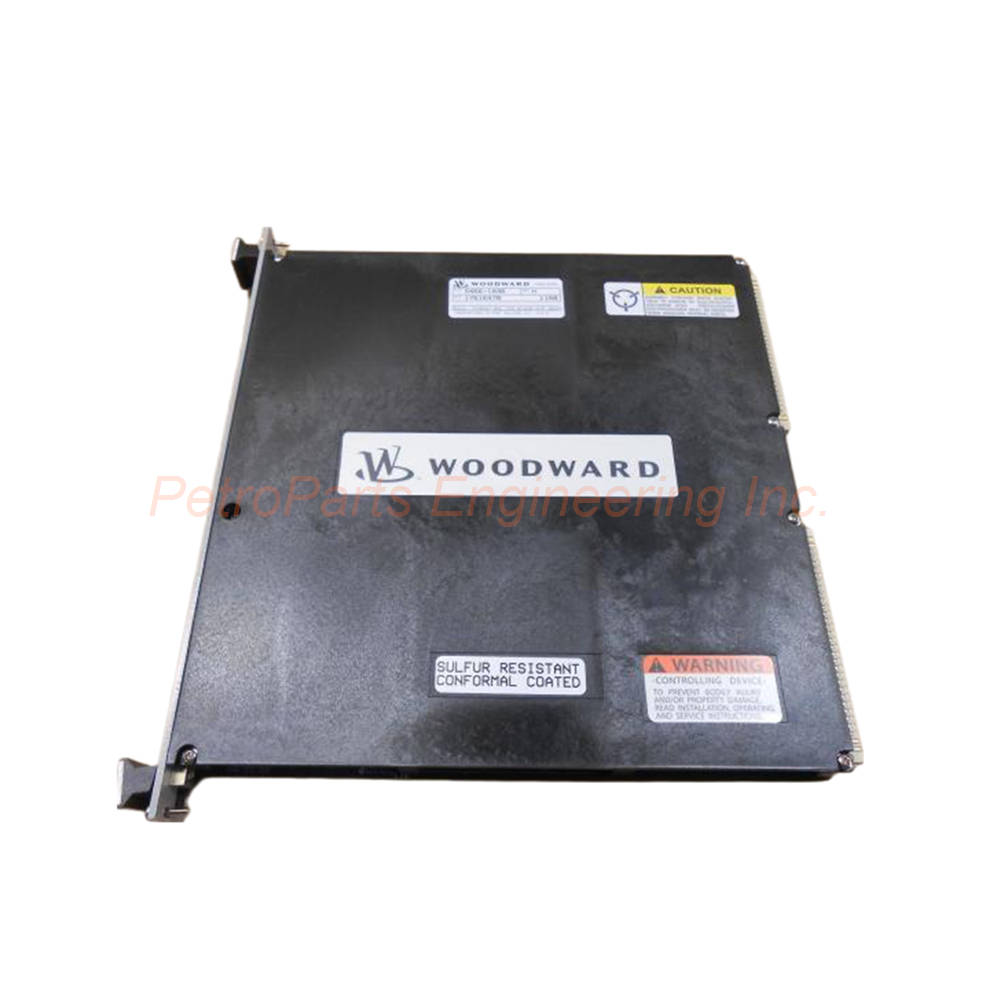
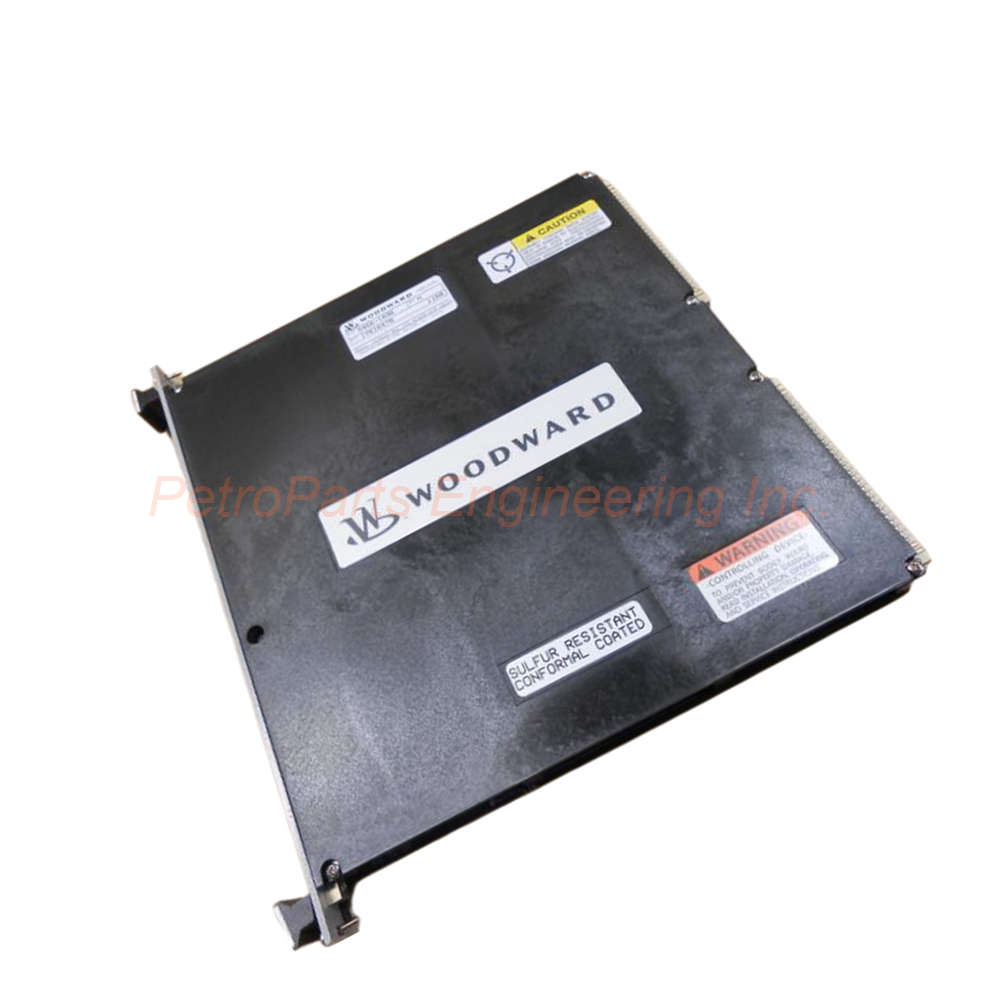
Woodward 5464-643 Discrete Input Module 48 Channels 24VDC
Introduction:
The Woodward 5464-643 is a 48-channel discrete input module for MicroNet systems. It features optical isolation and VME interface.
 Customer Reviews
UBEST Automation – Trusted Global Automation Parts Supplier
We offer a wide range of in-stock industrial automation spare parts. All products come with a 12-month warranty and a 30-day refund for quality issues.
Product Attributes:
Notice: For real-time prices and inventory, please click the button below to contact us.
Woodward 5464-643 Discrete Input Module Overview
The Woodward 5464-643 is a discrete input module developed for MicroNet control systems. This module provides 48 optically isolated discrete input channels for field devices. The Woodward 5464-643 accepts data from field switches and relays connected to its inputs. Field wiring is isolated from the MicroNet circuitry by optical isolators in each channel. The state of each discrete input passes to the buffers via an optoisolator. Data for each channel is then obtained by the CPU via the VME interface. The Woodward 5464-643 is manufactured in the United States (USA). This module features a red fault indicator on the front panel for diagnostics.
Technical Specifications
General Specifications
Part Number: 5464-643.
Manufacturer: Woodward.
Product Type: Discrete Input Module.
Number of Channels: 48 channels.
Input Type: Optically isolated discrete input.
Input Current: 3 mA.
Country of Manufacture: United States (USA).
Fault Indicator: Red FAULT LED.
Interface: Dual port VME.
Input Configuration
Channels 1-24: Connected via FTM on J1 connector.
Channels 25-48: Connected via FTM on J2 connector.
Channel Labeling: Sequentially labeled to correspond with software locations (e.g., discrete input 1 on FTM = discrete input 1 in application software).
Compatible FTMs
The Woodward 5464-643 connects to two 24 Vdc FTMs via two low density discrete cables:
24 Vdc Discrete Input/Output FTMs
Discrete Input (With LEDs) FTMs
Physical Specifications
Mounting: Card guides in control chassis with motherboard connection.
Securing: Two screws (top and bottom of front panel).
Extraction: Two handles (top and bottom) toggled outward to disengage motherboard connectors.
Product Net Weight: 0.85 kg.
Gross Weight: 1.1 kg (with packaging).
Installation Guide
Follow these steps to install the Woodward 5464-643 correctly:
Turn off all power to the MicroNet chassis before installation.
Insert the Woodward 5464-643 into card guides in the control chassis.
Push the module firmly to connect to the motherboard.
Secure the module using two screws at top and bottom of front panel.
Connect the FTM for channels 1-24 to the J1 connector using low density cable.
Connect the FTM for channels 25-48 to the J2 connector using low density cable.
Wire field switches and relays to the appropriate FTM channels.
Apply 24 Vdc power and verify no red FAULT LED illuminates on Woodward 5464-643.
Packaging List
Woodward 5464-643 discrete input module (1 unit)
Anti-static protective bag (1 piece)
Installation instruction sheet (1 copy)
Product label with part number
Screw set for panel mounting (2 pieces)
Frequently Asked Questions (FAQ)
1. How many discrete input channels does the Woodward 5464-643 provide?
The Woodward 5464-643 provides 48 optically isolated discrete input channels.
2. What interface does this module use to communicate with the CPU?
Data for each channel is obtained by the CPU via the VME interface on the Woodward 5464-643.
3. How do I remove the module from the chassis?
Toggle the two handles at top and bottom outward to disengage the motherboard connectors, then pull the module out.
4. What does the red FAULT LED indicate on this module?
If all 48 DI modules in a chassis have Fault LEDs on during normal operation, check the chassis CPU module for failure.
5. Which FTMs are compatible with the Woodward 5464-643?
This module connects to 24 Vdc Discrete Input/Output FTMs or Discrete Input (With LEDs) FTMs via low density cables.