
GE Fanuc IC698CPE040 CPU | 1800 MHz 64 MB for RX7i PACSystem

Introduction:
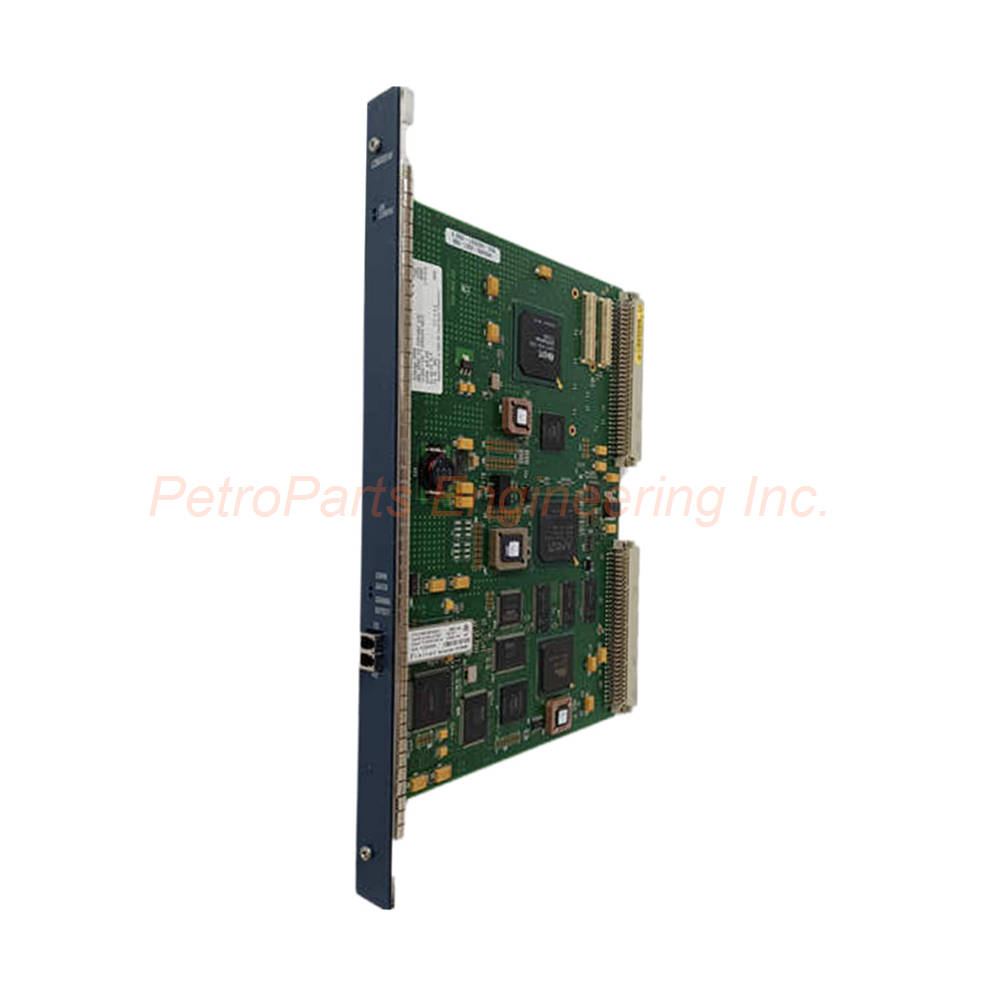
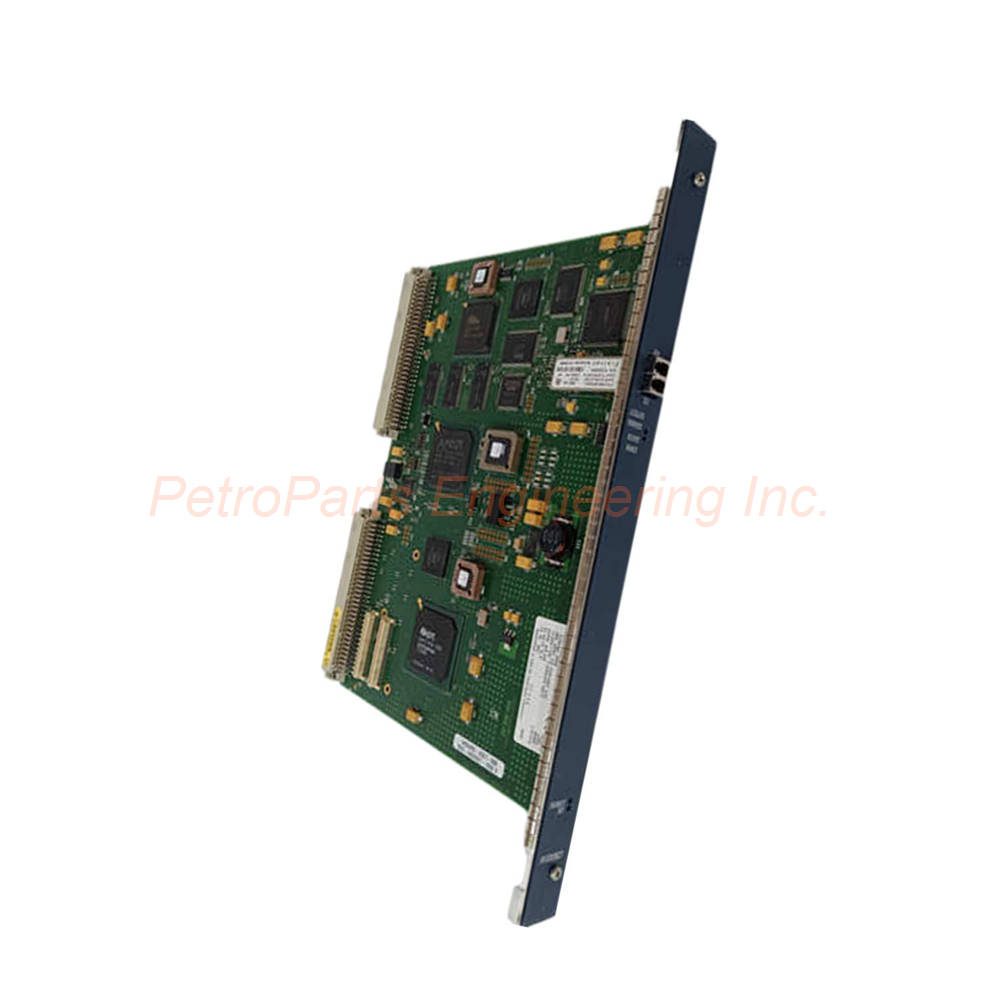
GE Fanuc IC698CPE040 CPU for RX7i PACSystem. 1800 MHz processor with 64 MB memory. Three isolated serial ports for communication.
 Customer Reviews
UBEST Automation – Trusted Global Automation Parts Supplier
We offer a wide range of in-stock industrial automation spare parts. All products come with a 12-month warranty and a 30-day refund for quality issues.
Product Attributes:
Notice: For real-time prices and inventory, please click the button below to contact us.
Product Overview
The GE Fanuc IC698CPE040 is a central processing unit for the RX7i PACSystem. This CPU features a powerful Pentium-M processor running at 1800 megahertz. It contains 64 MB of user memory for program and data storage. The GE Fanuc IC698CPE040 offers rapid program execution and fast application speeds. Users trust this CPU for demanding programmable logic controller applications.
Technical Specifications
The IC698CPE040 delivers high-performance processing with extensive memory. Below are the complete technical details.
General Specifications
Manufacturer: GE Fanuc for industrial automation reliability.
Series: RX7i PACSystem product line.
Part Number: IC698CPE040 for precise identification.
Product Type: Central Processing Unit (CPU).
Processor Type: Pentium-M CPU for industrial computing.
Processor Speed: 1800 Megahertz (1.8 GHz).
Memory Capacity: 64 MB of user memory.
Voltage and Power Requirements
Voltage Type: DC power input.
Voltage Ratings: -12, 5, and 12 Volts DC.
5V DC Load Requirement: 6.8 Amps.
12V DC Load Requirement: 0.003 Amps.
-12V DC Load Requirement: 0.003 Amps.
Operating Voltages: Supports 5V DC, 24V DC, or -24V DC.
Serial Ports
Number of Serial Ports: 3 independent and isolated ports.
Port Accessibility: All accessible from connectors on the front of the CPU.
Port Isolation: Fully isolated for noise immunity.
Firmware Port 1
Port Type: RS-232-compatible.
Indicator Light: Shows activity status of this port.
Primary Function: Firmware upgrades or serial interface with external devices.
Firmware Port 2
Port Type: RS-485-compatible.
Cable Requirement: Shielded cables required for connections.
Primary Function: Firmware upgrades or serial interface with external devices.
Station Management Port (Port 3)
Port Type: RS-232-compatible.
Primary Function: Station management port for the Ethernet interface.
Usage: Manages Ethernet communication settings.
Key Features
Rapid Execution Speed: Fast program and application execution.
Large Memory Capacity: 64 MB for extensive control logic.
Easy Upgradability: Accommodates upgrades for new technology.
Long Service Life: Designed to keep up with evolving requirements.
Ethernet Interface: Includes station management port for network oversight.
Installation Guide
Follow these steps to install the GE Fanuc IC698CPE040 correctly.
Power Down the System: Turn off all power to the RX7i rack assembly.
Locate CPU Slot: Find the designated slot for the CPU in the rack.
Insert the Module: Slide the IC698CPE040 into the slot carefully.
Secure the Module: Tighten the mounting screws to hold the CPU firmly.
Verify Backplane Connection: Ensure proper seating in the backplane.
Connect Power: The backplane provides 5V, 12V, and -12V DC power.
Verify Load Requirements: Ensure backplane can supply 6.8A at 5V DC.
Connect Serial Port 1: Use RS-232 cable for firmware or device connection.
Connect Serial Port 2: Use shielded cable for RS-485 connections.
Connect Serial Port 3: Use RS-232 cable for station management.
Apply Power: Turn on the system power to the RX7i rack.
Check Status Indicators: Verify CPU boots and port LEDs show activity.
Load Application: Download your control program to the 64 MB memory.
Test Communication: Verify all three serial ports function correctly.
Installation Notes
The CPU requires 6.8 Amps at 5 Volts DC from the backplane.
Use shielded cables for the RS-485 port to ensure signal integrity.
Two firmware ports support CPU upgrades without removing the module.
The station management port configures Ethernet parameters.
The CPU accommodates upgrades for future technology needs.
Packaging List
This unit ships as a new and original product.
GE Fanuc IC698CPE040 Central Processing Unit
Front panel connector covers
Product instruction manual with port pinouts
Anti-static factory packaging box
Frequently Asked Questions (FAQ)
1. What is the processor speed of the IC698CPE040 CPU?
The GE Fanuc IC698CPE040 has a processor speed of 1800 Megahertz (1.8 GHz). It uses a Pentium-M CPU architecture for industrial control.
2. How much memory does this CPU contain?
The IC698CPE040 contains 64 MB of user memory. This provides ample space for control programs and data storage.
3. How many serial ports does the IC698CPE040 have?
The GE Fanuc IC698CPE040 has three independent and isolated serial ports. Two ports support firmware upgrades. One port handles station management for Ethernet.
4. What are the load current requirements for this CPU?
The IC698CPE040 requires 6.8 Amps at 5 Volts DC. It also requires 0.003 Amps at both 12 Volts DC and -12 Volts DC from the backplane.
5. What type of cable is required for the RS-485 port?
The RS-485 port on GE Fanuc IC698CPE040 requires shielded cables for proper connections. This ensures reliable communication in industrial environments.
Welcome to learn about our business. We are a leading global provider of automation equipment and will provide you with complete and cost-effective product solutions. You are welcome to choose us, and our services will make you a long-term partner like our other customers.
Now please let us know your needs and suggestions.
About Ubest
Ubest Automation is a leading global provider of automation products, with deep partnerships with major automation manufacturers to provide customers with customized business solutions, cost-effective products, and comprehensive services.
Product Center
Contact Us
Phone:+86 180 3000 5825
Address:Room 7A, No. 59 Hubin North Road, Siming District Xiamen City China
Email: [email protected]
Contact: Klaus
Industry Links
© 2026, Ubest Automation Limited All Rights Reserved. sitemap